

From my experience with Backblaze, I found it excels at providing straightforward, unlimited cloud backup with minimal setup, making it ideal for users who want reliable data protection without complexity. The ability to back up external drives at no extra cost is a significant advantage for creatives and professionals with large files. However, the lack of a mobile app and limited file retention without additional fees are trade-offs to consider. Overall, if you need an affordable, easy-to-use backup solution for personal or business use, Backblaze delivers dependable performance and peace of mind.
Reliable Cloud Backup and Data Recovery Service for Personal and Business Use
Backblaze is a cloud backup service that automatically backs up unlimited data from your computer and external drives to the cloud, enabling easy recovery of lost files.
- Best for
- Personal Data Backup
- Key capability
- Unlimited Backup
Your actions
Save Backblaze, follow its updates and vote on it — everything stays in your account.
Sign in or create a free account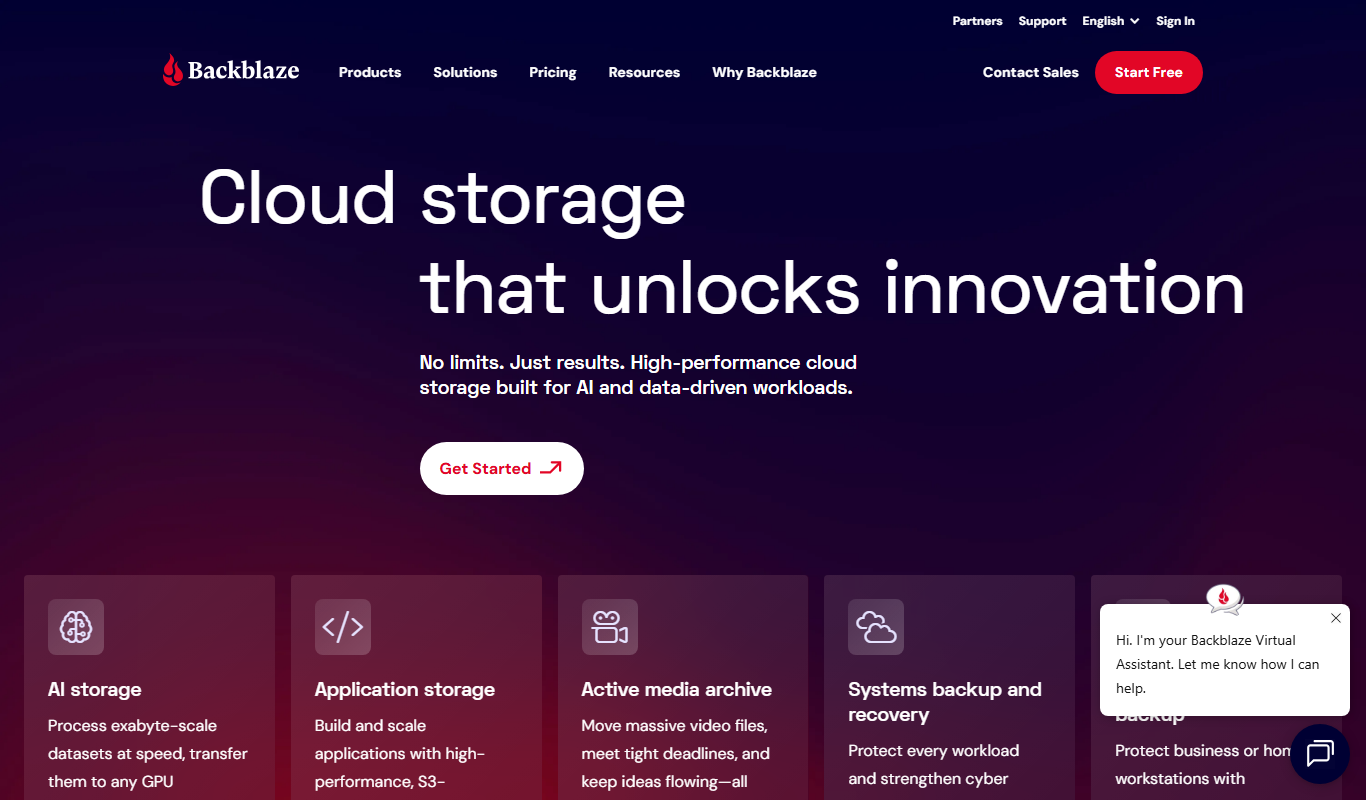
What is Backblaze?
Backblaze is a cloud backup service designed to automatically and securely back up data from personal computers and business devices to the cloud. It protects users from data loss caused by hardware failure, theft, or accidental deletion by continuously backing up files in the background.
Key features of Backblaze
Backblaze offers unlimited cloud backup for personal and business use, easy file recovery, external drive backup, and version history. Its simple setup and affordable pricing make it a popular choice for reliable data protection.
Unlimited Backup
Back up an unlimited amount of data from your computer for a fixed monthly fee.
External Drive Backup
Include external hard drives in your backup plan at no extra cost.
File Versioning and Retention
Keep previous versions of files and recover deleted files for up to 30 days (with options to extend).
Fast and Secure Recovery
Restore files quickly via web download or receive a USB drive shipped to your address.
Easy Setup and Management
User-friendly interface with automatic backup and minimal configuration required.
Pros and cons of Backblaze
Pros
- Unlimited data backup for a fixed price
- Supports external drive backups
- Simple and automatic setup
- Fast file recovery options
- Affordable pricing for personal and business use
Cons
- No mobile app for backup management
- Limited to backing up computers and connected drives only
- Retention period for deleted files is limited without extra cost
Key use cases for Backblaze
Personal Data Backup
Automatically back up personal files, photos, and documents to the cloud to protect against data loss.
Business Data Protection
Securely back up business-critical data from multiple devices to ensure continuity and disaster recovery.
Data Recovery
Easily restore lost or deleted files from cloud backups with simple recovery options.
External Drive Backup
Back up external hard drives and connected storage devices to the cloud for comprehensive data protection.
Version History and File Retention
Access previous versions of files and recover deleted files within a retention period.
How Backblaze works
- 1
Install the Software
Download and install the Backblaze client on your computer or business devices.
- 2
Automatic Backup
Backblaze continuously backs up your files in the background without manual intervention.
- 3
Access Your Files
Log in to your Backblaze account via web or app to view and restore files anytime.
- 4
Restore or Download
Recover lost files by downloading them or ordering a physical USB drive with your data.
Who is using Backblaze
Individual users seeking reliable personal backup
Small to medium businesses needing data protection
Freelancers and remote workers
IT administrators managing multiple devices
Photographers and creatives with large data files
Backblaze pricing
Personal Backup
$7/month
Unlimited backup for one computer with external drive support.
Business Backup
$70/computer/year
Advanced backup with centralized management for multiple business devices.
Plans and prices are as published by the vendor and can change. Check the official site before you buy. Open the pricing page (opens in a new tab)
Frequently asked questions about Backblaze
Yes, Backblaze backs up external drives connected to your computer at no additional cost.
Deleted files and previous versions are retained for 30 days by default, with options to extend retention.
Yes, you can restore your files from the cloud to a new device or order a USB recovery drive.
Backblaze offers a 15-day free trial to test the service before subscribing.
It depends on your specific needs and how you plan to use the tool. The official website and documentation are the best sources for the latest details.
It depends on your specific needs and how you plan to use the tool. The official website and documentation are the best sources for the latest details.
Yes, it can help with that use case depending on how you configure it and what features are available. You’ll get the best results with clear inputs and a defined goal.
Pricing depends on the plan and included features. For the most accurate and up-to-date details, check the official pricing page.
Sign in to review this tool.
Sign In to ReviewNo reviews yet
Be the first to share how this tool worked for you.
Ask about pricing, limits, or how it compares — or answer someone else.
Sign In to AskNo questions yet
Have a question about using or paying for this tool? Be the first to ask.
Featured on TiorAI



Alternative Tools
Explore similar AI tools that might fit your needs
Free Trial
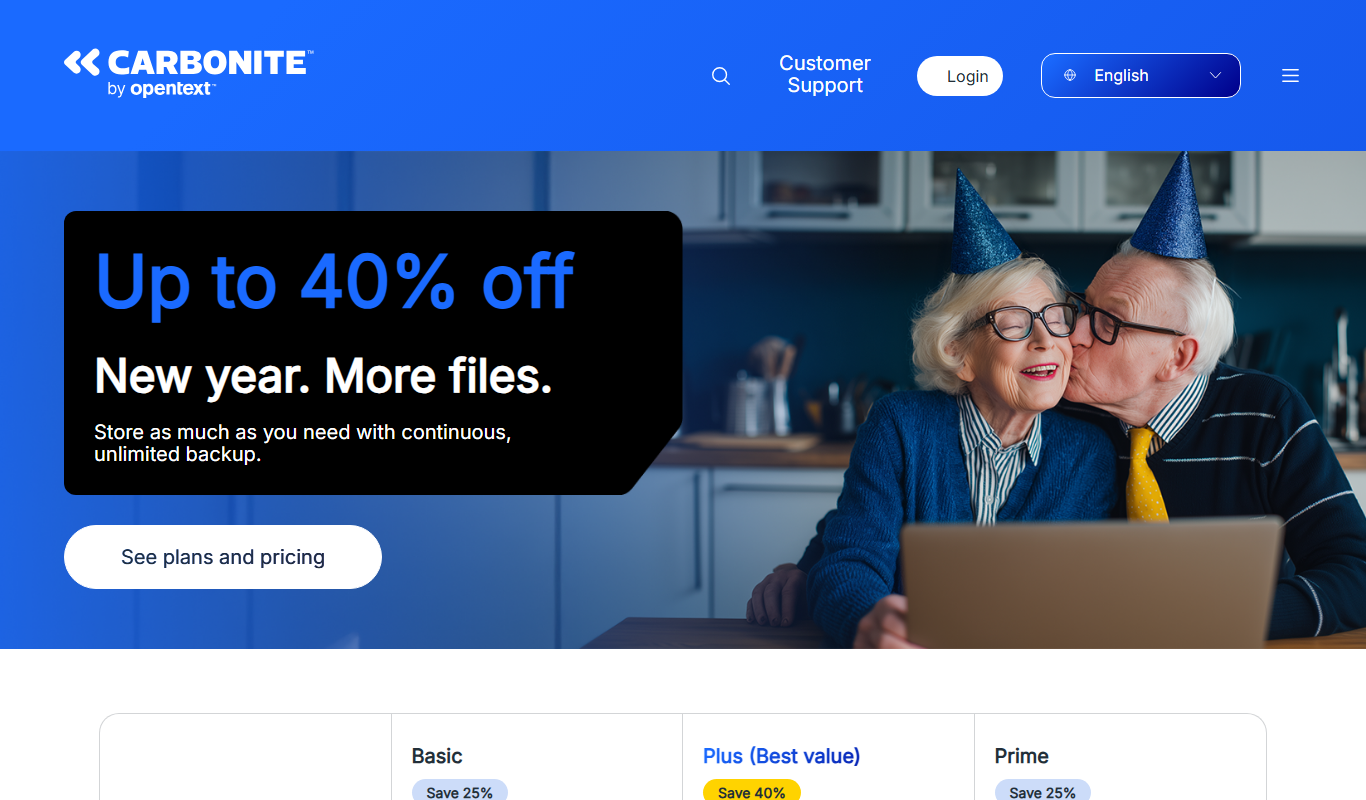
Carbonite
Carbonite is a cloud backup service that automatically protects your files by backing them up to secure cloud storage, offering ransomware protection and easy recovery options.
More Business Management tools
Other tools in the same category, for when this one is not quite the fit.
Custom Pricing
Turbonomic
Turbonomic is an AI-driven platform that automates application resource management to optimize performance and reduce costs across hybrid and multi-cloud environments.

Custom Pricing
CloudZero
CloudZero is a cloud and AI cost intelligence platform with quote-based pricing.

Custom Pricing
Replicant
Replicant is an AI-powered platform that automates voice-based customer service calls, improving call center efficiency by handling routine interactions with natural language understanding.
Subscription
CaseFleet
CaseFleet is a cloud-based legal case management platform designed to help lawyers organize case facts, evidence, and timelines to streamline litigation preparation and collaboration.

Custom Pricing
Litify
Litify is a cloud-based legal CRM and case management platform built on Salesforce, designed to help law firms automate client intake, manage cases, and streamline workflows.

Transaction fees
LaborX
LaborX is a blockchain-powered freelance platform that uses smart contracts and cryptocurrency payments to provide secure, transparent, and automated freelance job agreements and payments worldwide.

Commission-based
Braintrust
Braintrust is an AI-powered talent network for the enterprise, with AIR recruiter and Nexus.

Free Trial
BSC Designer
BSC Designer is a strategic performance management software that enables organizations to create balanced scorecards, manage KPIs, and generate performance reports to improve strategy execution.