

Nitro PDF Software for PDF Editing, Conversion, and Document Management
Nitro PDF is a versatile PDF software that allows users to edit, convert, collaborate on, and electronically sign PDF documents across Windows, Mac, and web platforms.
- Best for
- PDF Editing
- Key capability
- Advanced PDF Editing
Save Nitro PDF, follow its updates and vote on it — everything stays in your account.
Sign in or create a free account
What is Nitro PDF?
Nitro PDF is a comprehensive PDF software solution designed to create, edit, convert, and manage PDF documents efficiently. It caters to businesses and individuals who need robust tools for handling PDFs beyond simple viewing, including collaboration and e-signature capabilities.
Key features of Nitro PDF
Nitro PDF offers powerful editing tools, seamless file conversion, collaboration features, and integrated e-signature workflows, all accessible through an intuitive interface on desktop and web platforms.
Advanced PDF Editing
Modify text, images, and layout directly within PDFs without file conversion.
PDF Conversion Tools
Convert PDFs to editable Word, Excel, and PowerPoint files and vice versa.
Collaboration and Review
Enable team commenting, annotations, and shared review workflows.
E-signature Integration
Sign documents digitally and manage signature requests securely.
Batch Processing
Perform bulk actions like converting, compressing, or watermarking multiple PDFs.
Pros and cons of Nitro PDF
Pros
- Comprehensive PDF editing and conversion tools
- User-friendly interface suitable for beginners and professionals
- Strong collaboration and e-signature features
- Available on multiple platforms including Windows, Mac, and Web
Cons
- One-time purchase price might be high for casual users
- Plans are annual subscriptions; the only one-time option is Nitro PDF Classic, a 3 year license for Windows only
- Limited mobile app functionality compared to desktop
Key use cases for Nitro PDF
PDF Editing
Edit text, images, and pages within PDF documents easily without converting files.
PDF Conversion
Convert PDFs to and from Microsoft Office formats like Word, Excel, and PowerPoint.
Document Collaboration
Collaborate on PDFs with commenting, markup, and shared review workflows.
E-signatures
Sign documents electronically or request signatures from others securely.
PDF Creation and Optimization
Create PDFs from any printable file and optimize file size for sharing or archiving.
How Nitro PDF works
- 1
Download or Access Online
Install Nitro PDF on your Windows or Mac device, or use the web-based version for cloud access.
- 2
Open or Create a PDF
Open existing PDFs or create new ones from various file formats.
- 3
Edit and Annotate
Use editing tools to modify text, images, and pages or add comments and markups.
- 4
Collaborate and Share
Share documents for review and collect feedback through integrated collaboration features.
- 5
Sign or Request Signatures
Apply your electronic signature or send documents to others for secure signing.
Who is using Nitro PDF
Nitro PDF pricing
Free Trial
$0 for 14 days
Full access to Nitro PDF features for two weeks.
Individual
$159.99 one-time
One-time purchase for a single user with lifetime access to desktop software.
Business
Custom pricing
Subscription plans tailored for teams with additional collaboration and admin tools.
Standard
Annual subscription.
Plus
Annual subscription.
Plans and prices are as published by the vendor and can change. Check the official site before you buy. Open the pricing page (opens in a new tab)
Frequently asked questions about Nitro PDF
Yes, Nitro PDF includes OCR (Optical Character Recognition) to convert scanned PDFs into editable and searchable documents.
Yes, Nitro PDF offers a Mac version as well as a web-based platform accessible from any device.
Yes, Nitro PDF provides integrated e-signature capabilities for signing and sending documents securely.
Yes, Nitro offers a free 14-day trial with full access to all features.
It depends on your specific needs and how you plan to use the tool. The official website and documentation are the best sources for the latest details.
It depends on your specific needs and how you plan to use the tool. The official website and documentation are the best sources for the latest details.
Yes, it can help with that use case depending on how you configure it and what features are available. You’ll get the best results with clear inputs and a defined goal.
Conclusion
Editing happens directly inside the PDF, so text, images and layout change without converting the file first. Conversion also works in both directions between PDF and Word, Excel or PowerPoint, and OCR turns scanned PDFs into editable and searchable documents. For documents that need sign-off, team commenting and shared review lead into signing or sending documents to others for secure signing. Legal teams and business professionals are among the intended users, together with educators and students.
It installs on Windows or Mac devices, and an iOS version is also available. Standard and Plus are sold as annual subscriptions. The only one-time option is Nitro PDF Classic, a license that lasts 3 years and runs on Windows only.
Sources
Sign in to review this tool.
Sign In to ReviewNo reviews yet
Be the first to share how this tool worked for you.
Ask about pricing, limits, or how it compares — or answer someone else.
Sign In to AskNo questions yet
Have a question about using or paying for this tool? Be the first to ask.
Featured on TiorAI



Alternative Tools
Explore similar AI tools that might fit your needs

Foxit PDF Editor
Foxit PDF Editor is a professional PDF software that enables users to edit, annotate, convert, and secure PDF documents on Windows, Mac, web, and mobile platforms.
More Business Management tools
Other tools in the same category, for when this one is not quite the fit.

AutoRFP.ai
AutoRFP.ai is an AI-powered platform that automates RFP response creation, enabling sales teams to quickly generate tailored proposals and manage content efficiently.

WriteMyPRD
WriteMyPRD is an AI-driven tool that automates the creation of product requirement documents, helping teams save time and improve documentation quality.
Fluxx Grant Management
Fluxx Grant Management is a cloud-based platform that helps foundations and nonprofits manage the entire grant lifecycle, including application processing, collaboration, compliance tracking, and reporting.
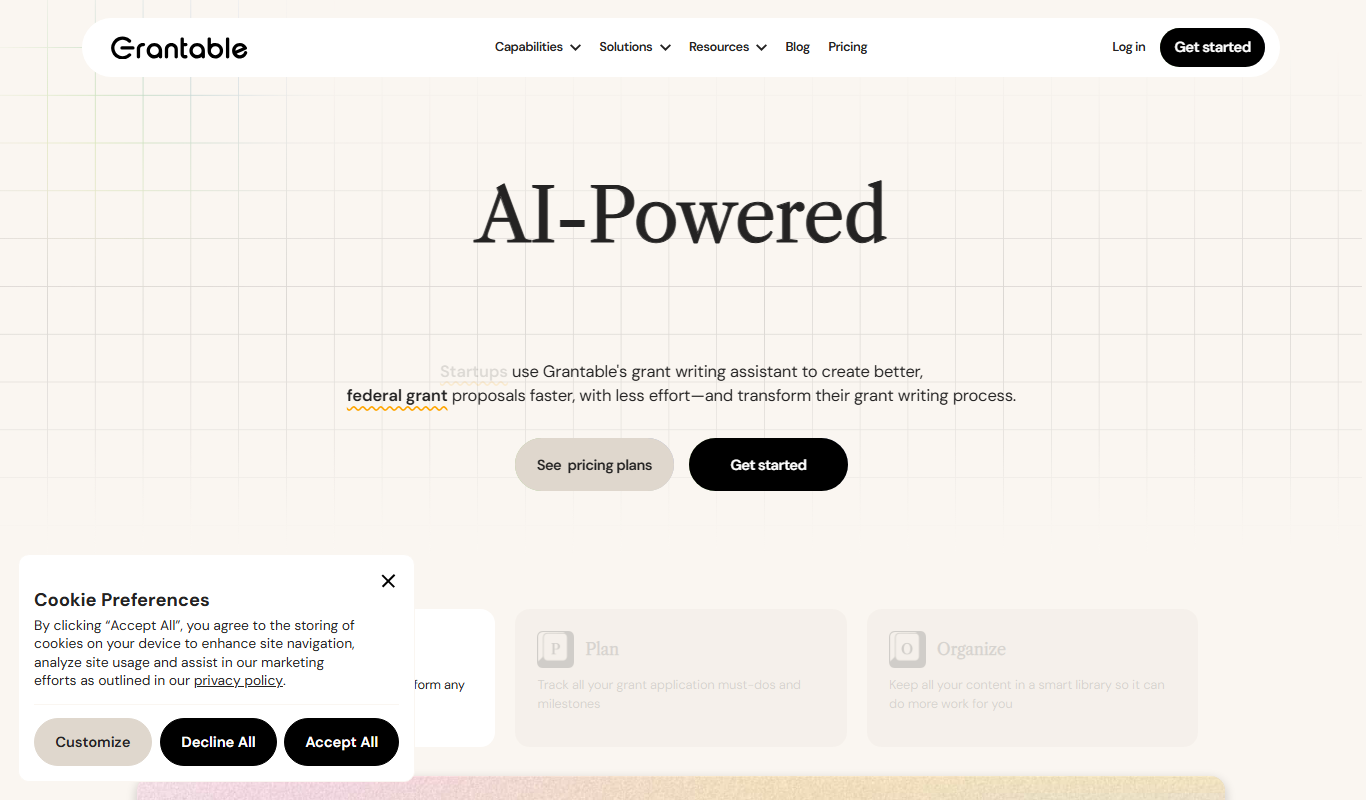
Grantable
Grantable is AI grant writing software for nonprofits and grant writers that finds aligned funders, drafts proposals in your voice and manages the full grant lifecycle.
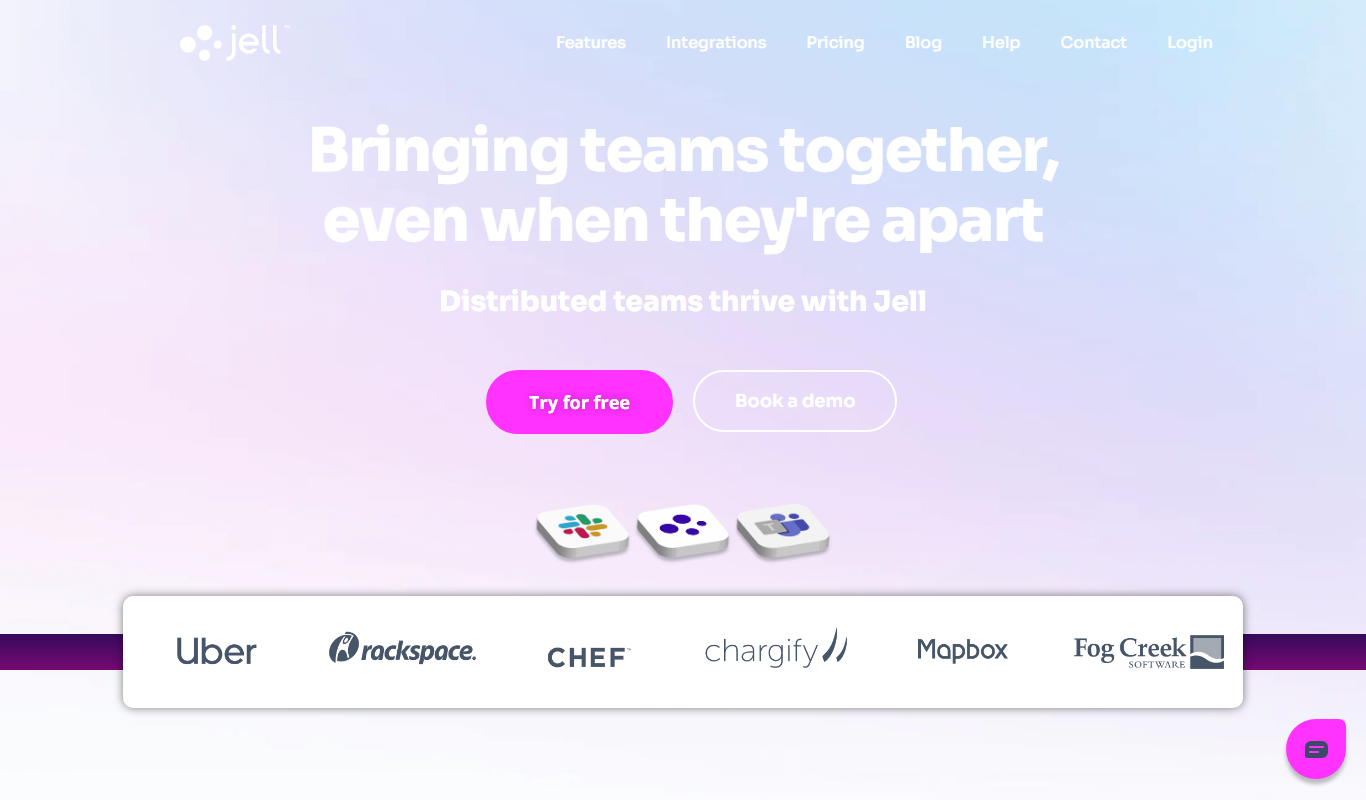
Jell
Jell is a team collaboration and project management tool that helps teams run daily standups, track OKRs, and improve alignment, especially for remote and agile teams.
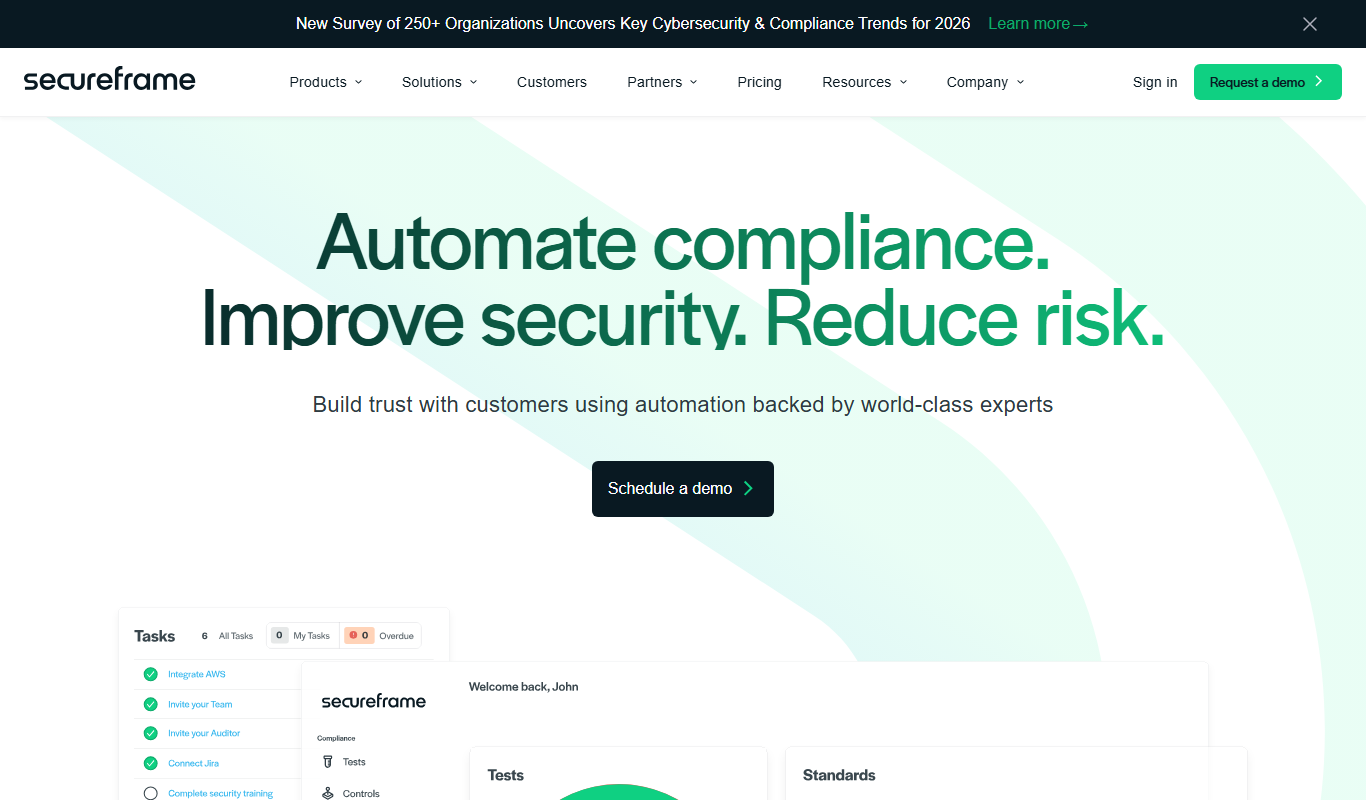
Secureframe
Secureframe is a compliance automation platform that helps businesses achieve and maintain cybersecurity certifications like SOC 2 and ISO 27001 by automating evidence collection, risk assessments, and audit preparation.

Vanta
Vanta is a compliance automation platform that helps businesses automate security monitoring, evidence collection, and audit preparation for standards like SOC 2, ISO 27001, HIPAA, and GDPR.
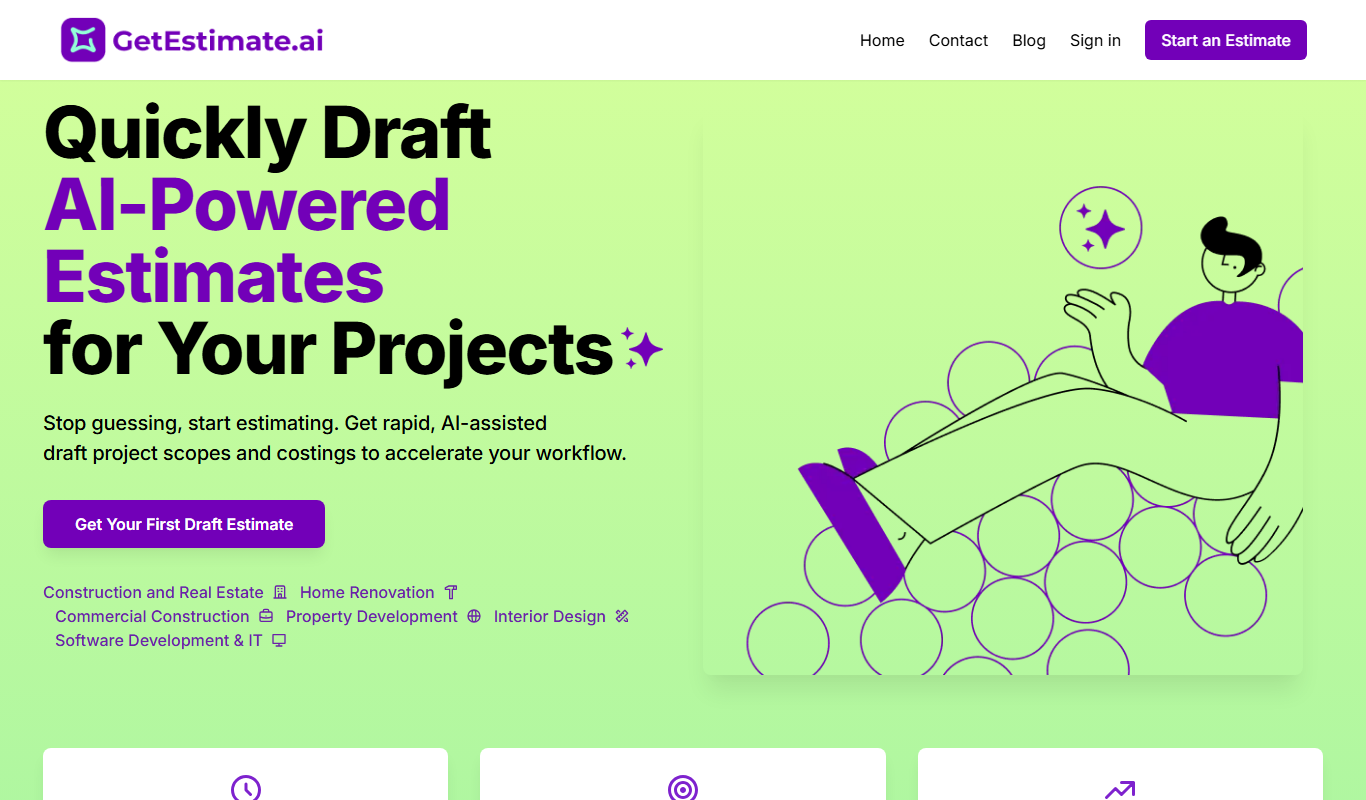
GetEstimate.ai
GetEstimate.ai is an AI agent that analyzes your project, asks targeted questions and generates detailed construction and software estimates, paid per estimate with no subscription.