

Foxit PDF Editor - Advanced PDF Editing Software for Professionals
Foxit PDF Editor is a professional PDF software that enables users to edit, annotate, convert, and secure PDF documents on Windows, Mac, web, and mobile platforms.
- Best for
- PDF Document Editing
- Key capability
- Advanced PDF Editing
Save Foxit PDF Editor, follow its updates and vote on it — everything stays in your account.
Sign in or create a free account
What is Foxit PDF Editor?
Foxit PDF Editor is a comprehensive PDF editing software designed for professionals and businesses. It allows users to create, edit, annotate, convert, and secure PDF documents across multiple platforms. The tool supports collaboration features and integrates with cloud storage services to streamline document workflows.
Key features of Foxit PDF Editor
Foxit PDF Editor offers advanced editing capabilities, form creation, OCR, document collaboration, and security features such as encryption and digital signatures. It supports multiple platforms including Windows, Mac, web browsers, and mobile devices.
Advanced PDF Editing
Modify text, images, and pages directly within PDF files with a user-friendly interface.
OCR Technology
Convert scanned documents into editable and searchable PDFs using optical character recognition.
Form Design and Filling
Create interactive PDF forms and fill out forms digitally with ease.
Collaboration Tools
Add comments, annotations, and share documents for team collaboration.
Security Features
Protect documents with passwords, encryption, redaction, and digital signatures.
Pros and cons of Foxit PDF Editor
Pros
- Robust editing and annotation tools
- Cross-platform availability including mobile and web
- Strong security features with encryption and digital signatures
- OCR support for scanned documents
- Flexible licensing options
Cons
- No permanent free version, only a trial
- Subscription pricing may be costly for casual users
- Some advanced features require learning curve
Key use cases for Foxit PDF Editor
PDF Document Editing
Edit text, images, and pages within PDF files with precision and ease.
PDF Annotation and Collaboration
Add comments, highlights, stamps, and collaborate with team members on PDFs.
PDF Conversion and Creation
Convert PDFs to Word, Excel, PowerPoint, and create PDFs from various file formats.
Form Creation and Filling
Design interactive PDF forms and fill out existing forms digitally.
Document Security
Apply password protection, encryption, and digital signatures to secure PDFs.
How Foxit PDF Editor works
- 1
Download and Install
Download the software for your platform or access the web version and install it.
- 2
Open or Create PDF
Open an existing PDF file or create a new PDF document from scratch or other file formats.
- 3
Edit and Annotate
Use the editing tools to modify text, images, and pages; add annotations and comments.
- 4
Secure and Share
Apply security settings like passwords or digital signatures and share the document.
Who is using Foxit PDF Editor
Foxit PDF Editor pricing
Free Trial
$0 for 14 days
Full-feature access for 14 days to evaluate the software.
Subscription
$10.99/month or $129.99/year
Monthly subscription with continuous updates and support.
PDF Editor 14 perpetual license
$209.99 one-time
One-time purchase for lifetime use with optional paid upgrades.
Editor+
$159.99/year
Create, edit, collaborate on and eSign PDFs in one place.
Plans and prices are as published by the vendor and can change. Check the official site before you buy. Open the pricing page (opens in a new tab)
Frequently asked questions about Foxit PDF Editor
Yes, Foxit PDF Editor includes OCR technology that converts scanned documents into editable PDFs.
Yes, it supports adding and validating digital signatures to secure your documents.
There is a free trial available for 14 days, but no permanent free version.
It supports Windows, Mac, web browsers, and mobile devices on iOS and Android.
It depends on your specific needs and how you plan to use the tool. The official website and documentation are the best sources for the latest details.
Yes, it can help with that use case depending on how you configure it and what features are available. You’ll get the best results with clear inputs and a defined goal.
Yes, it can help with that use case depending on how you configure it and what features are available. You’ll get the best results with clear inputs and a defined goal.
Conclusion
Scanned documents become editable and searchable PDFs through optical character recognition, and text, images and pages can be modified directly within the file. Beyond editing, the software converts PDFs to Word, Excel and PowerPoint, creates interactive forms and protects documents with passwords, encryption and digital signatures. It supports Windows, Mac, web browsers and mobile devices on iOS and Android.
Business professionals, legal teams and educators are among the groups it is aimed at. The subscription costs $10.99 per month or $129.99 per year, and the Editor+ tier is $159.99 per year. Buyers who prefer a one-time purchase can take the perpetual PDF Editor 14 license at $209.99.
Sources
Sign in to review this tool.
Sign In to ReviewNo reviews yet
Be the first to share how this tool worked for you.
Ask about pricing, limits, or how it compares — or answer someone else.
Sign In to AskNo questions yet
Have a question about using or paying for this tool? Be the first to ask.
Featured on TiorAI



More Business Management tools
Other tools in the same category, for when this one is not quite the fit.

Tandem GPT
Tandem GPT is an AI language partner for rehearsing real-life conversations in a foreign language, with ready-made or custom scenarios, text or voice practice and corrections.

Talentpair
Talentpair is an AI hiring platform where companies post jobs, receive candidates matched by AI and pre-screened, and pay a placement fee only if they make a hire.

BudgetSEO
BudgetSEO is an AI SEO article generator that goes from keywords to published blog content, with GPT-4 articles, generated images, WordPress posting and free blog tools.

Innovatiana
Innovatiana provides expert data labeling services for AI: image, video, text, audio and LLM annotation by trained, in-house annotators, delivered as production-grade training datasets.

Exitfund
Exitfund is an angel investor network that invests in pre-seed, seed and Series A startups and helps founders raise additional funding.
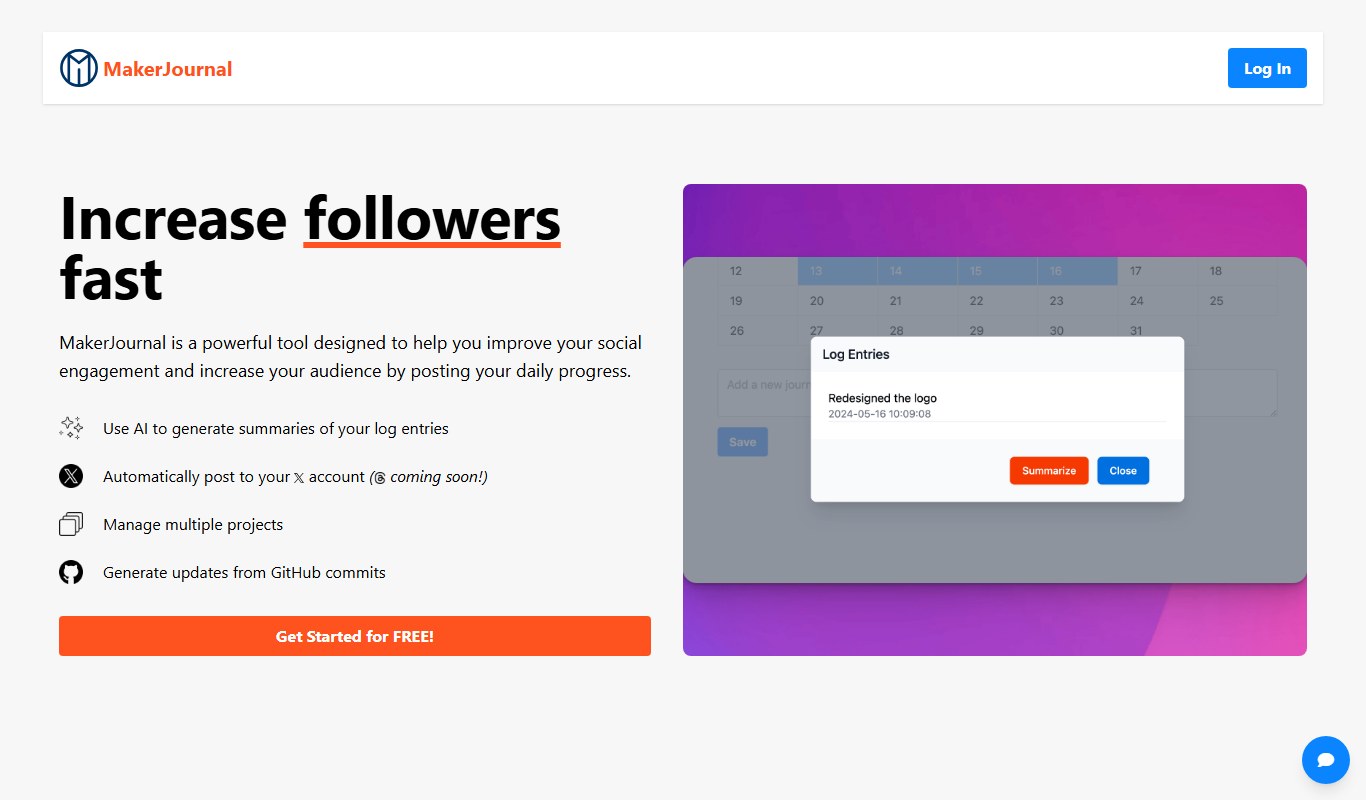
MakerJournal
MakerJournal uses AI to turn your progress logs and GitHub commits into summaries that indie makers and solo developers can post to their social accounts.

NoFOMO.AI
noFOMO OS is a free web calendar: add the venues you love and its scraper scans their websites every day, pulling every event into one calendar.
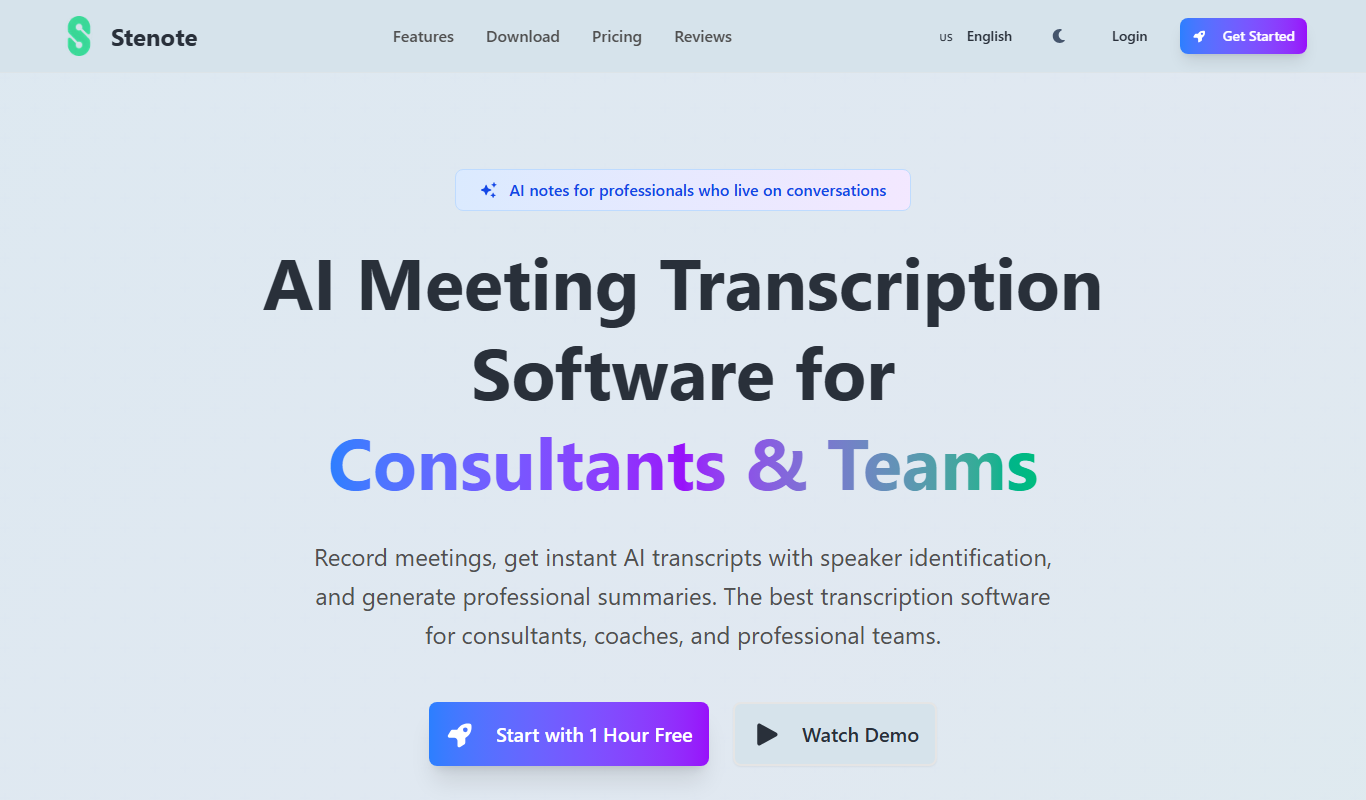
Stenote
Stenote is an AI meeting assistant that provides real-time transcription and AI-generated summaries to help teams capture and share meeting notes efficiently.