

From my experience with AfterShip, I found it excels at consolidating shipment tracking data from a vast number of carriers worldwide, which is crucial for e-commerce businesses managing diverse shipping partners. The platform’s automated notifications and branded tracking pages significantly improve the post-purchase customer experience by reducing uncertainty and support inquiries. However, the free tier limits shipment volume, and some advanced features like SMS notifications require paid plans, which may be a consideration for smaller businesses. Overall, if you want to streamline order tracking and enhance customer communication, AfterShip delivers a reliable and scalable solution.
AfterShip Shipment Tracking Software for E-commerce & Customer Experience
AfterShip is a shipment tracking platform that consolidates tracking information from over 900 carriers, automates delivery notifications, and provides branded tracking pages to improve e-commerce customer experience.
- Best for
- E-commerce Order Tracking
- Key capability
- Multi-Carrier Tracking
Your actions
Save AfterShip, follow its updates and vote on it — everything stays in your account.
Sign in or create a free account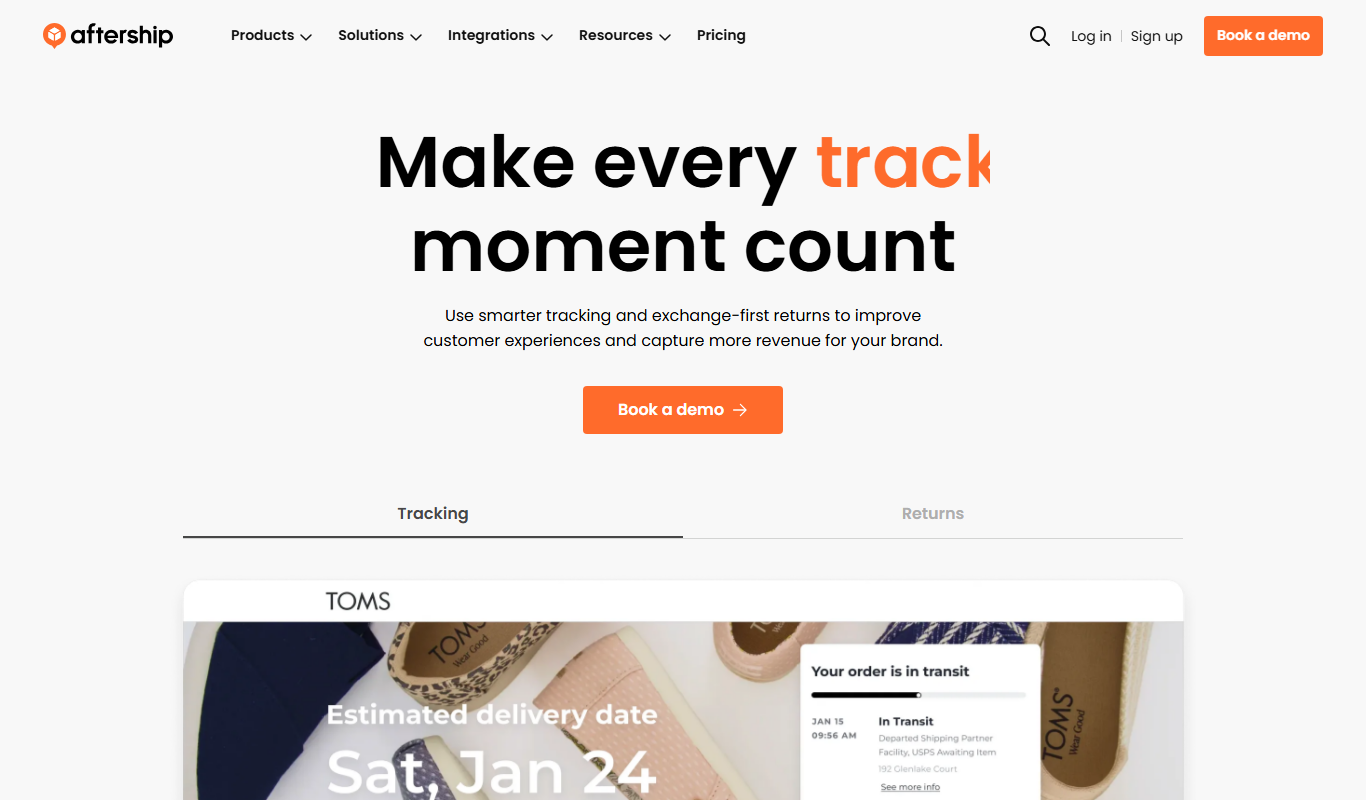
What is AfterShip?
AfterShip is a shipment tracking platform designed to help e-commerce businesses and logistics providers monitor and manage their deliveries. It aggregates tracking information from over 900 carriers worldwide, providing real-time updates and automated notifications to customers. This enhances transparency and improves the overall post-purchase experience by reducing uncertainty and customer support workload.
Key features of AfterShip
AfterShip offers multi-carrier tracking, branded tracking pages, automated delivery notifications via email and SMS, return management, and analytics dashboards. Its API and integrations with major e-commerce platforms enable seamless implementation and customization.
Multi-Carrier Tracking
Supports tracking from 900+ global carriers, consolidating shipment data in one place.
Branded Tracking Pages
Create customized tracking pages that match your brand identity to enhance customer trust.
Automated Delivery Notifications
Send proactive updates via email and SMS to reduce customer inquiries.
Return Management
Track and manage return shipments efficiently to improve customer satisfaction.
Analytics and Reporting
Gain insights into shipping performance and customer engagement to optimize logistics.
Pros and cons of AfterShip
Pros
- Supports a vast number of global carriers
- Easy integration with popular e-commerce platforms
- Automated notifications reduce customer support load
- Customizable branded tracking pages enhance customer experience
- Comprehensive analytics for shipment performance
Cons
- SMS notifications may incur additional costs
- Advanced features require paid plans
- Limited free tier shipment volume
Key use cases for AfterShip
E-commerce Order Tracking
Enable online stores to provide real-time shipment tracking updates to customers across multiple carriers worldwide.
Customer Experience Enhancement
Improve post-purchase experience by automating delivery notifications and reducing customer inquiries about order status.
Logistics Management
Centralize tracking information from various shipping carriers to streamline logistics operations and monitor delivery performance.
Return Management
Facilitate smooth return processes by tracking return shipments and updating customers accordingly.
Analytics and Reporting
Provide insights on delivery times, carrier performance, and customer engagement to optimize shipping strategies.
How AfterShip works
- 1
Integrate with Your Store
Connect AfterShip to your e-commerce platform or use its API to start tracking shipments automatically.
- 2
Add Tracking Numbers
Upload or sync tracking numbers from your orders to AfterShip’s system.
- 3
Automate Notifications
Set up customized email and SMS notifications to keep customers informed about their shipment status.
- 4
Monitor Deliveries
Use the dashboard to track shipments, analyze delivery performance, and manage returns.
Who is using AfterShip
E-commerce retailers
Logistics and shipping companies
Customer service teams
Small to large online businesses
Supply chain managers
AfterShip pricing
Free
$0/month
Basic tracking for up to 50 shipments per month with limited features.
Essential
$9/month
Up to 1000 shipments per month with email notifications and branded tracking pages.
Pro
$49/month
Up to 10,000 shipments per month, SMS notifications, return management, and analytics.
Enterprise
Custom pricing
Tailored solutions for high-volume shippers with dedicated support and advanced features.
Plans and prices are as published by the vendor and can change. Check the official site before you buy. Open the pricing page (opens in a new tab)
Frequently asked questions about AfterShip
AfterShip supports over 900 carriers worldwide, including USPS, FedEx, DHL, UPS, and many regional couriers.
Yes, AfterShip allows you to create branded tracking pages that reflect your company’s look and feel.
Yes, you can automate email and SMS notifications to keep customers updated on their shipment status.
AfterShip offers a robust API to integrate tracking functionality into your own systems or apps.
It depends on your specific needs and how you plan to use the tool. The official website and documentation are the best sources for the latest details.
Yes, it can help with that use case depending on how you configure it and what features are available. You’ll get the best results with clear inputs and a defined goal.
Integration support depends on the tool and its available connectors or API. Check the official documentation or integrations page to confirm what is supported.
Pricing depends on the plan and included features. For the most accurate and up-to-date details, check the official pricing page.
Sign in to review this tool.
Sign In to ReviewNo reviews yet
Be the first to share how this tool worked for you.
Ask about pricing, limits, or how it compares — or answer someone else.
Sign In to AskNo questions yet
Have a question about using or paying for this tool? Be the first to ask.
Featured on TiorAI



Alternative Tools
Explore similar AI tools that might fit your needs

Free Trial
ShipStation
ShipStation is a cloud-based shipping and order management software that helps e-commerce businesses automate shipping label creation, manage orders from multiple sales channels, and track shipments with multiple carriers.
Free
EasyPost
EasyPost is a shipping API platform that simplifies ecommerce and logistics shipping by providing multi-carrier label generation, tracking, and address verification through one API.
More AI Customer Service tools
Other tools in the same category, for when this one is not quite the fit.
Enterprise
CropX
CropX is an agtech platform combining wireless soil sensors with AI analytics to help farmers optimize irrigation and crop management for better yields and sustainability.

Custom Pricing
Taranis
Taranis is an AI-powered precision agriculture platform that uses aerial imagery and machine learning to monitor crop health, detect pests and diseases, and provide actionable insights for farmers.

Custom Pricing
Tata Consultancy Services
Tata Consultancy Services (TCS) is a global IT services and consulting company offering digital transformation, AI automation, cloud migration, and enterprise software solutions tailored for large businesses.

Custom Pricing
Personyze
Personyze is an AI-driven personalization platform that helps businesses deliver tailored website experiences and targeted marketing campaigns through real-time visitor segmentation and behavioral targeting.

Freemium
Sensibull
Sensibull is an AI-driven options trading platform focused on Indian markets, providing tools for strategy creation, market analysis, and risk management.

Custom Pricing
Starship Technologies
Starship Technologies offers autonomous delivery robots that navigate sidewalks to deliver food, groceries, and packages locally, providing contactless, efficient last-mile delivery solutions.
Free
ManyBot
ManyBot is a no-code platform that enables users to create and manage Telegram chatbots for marketing, customer support, and automation without programming skills.
Paid
The Muse Coaching
The Muse Coaching is an online platform connecting users with professional career and life coaches for personalized guidance through one-on-one sessions.