

From my experience with ShipStation, it stands out for its robust multi-carrier support and automation capabilities that significantly streamline e-commerce shipping workflows. The platform’s ability to integrate with numerous sales channels and automate repetitive tasks makes it a valuable tool for small to medium-sized online retailers. However, the pricing tiers may be a consideration for very small businesses or startups with low shipment volumes, and the lack of a dedicated mobile app could limit on-the-go management. Overall, if you need a centralized, efficient shipping solution that reduces manual effort and improves customer communication, ShipStation delivers reliable performance.
ShipStation AI Shipping Software for E-commerce Order Management
ShipStation is a cloud-based shipping and order management software that helps e-commerce businesses automate shipping label creation, manage orders from multiple sales channels, and track shipments with multiple carriers.
- Best for
- E-commerce Order Fulfillment
- Key capability
- Multi-Carrier Support
Your actions
Save ShipStation, follow its updates and vote on it — everything stays in your account.
Sign in or create a free account
What is ShipStation?
ShipStation is a cloud-based shipping software designed to simplify and automate the order fulfillment process for e-commerce businesses. It integrates with multiple sales channels and shipping carriers, enabling merchants to manage orders, print shipping labels, and track shipments from a centralized dashboard.
Key features of ShipStation
ShipStation offers multi-carrier shipping label creation, order management automation, real-time tracking, branded customer notifications, and comprehensive reporting tools to help e-commerce sellers optimize their shipping workflows.
Multi-Carrier Support
Access discounted rates and ship with major carriers like USPS, UPS, FedEx, DHL, and more.
Automation Rules
Create custom rules to automate shipping tasks such as carrier selection, package type, and notifications.
Branded Customer Communication
Send customized tracking emails and notifications to enhance customer experience.
Batch Label Printing
Print labels for multiple orders simultaneously to speed up fulfillment.
Reporting and Analytics
Gain insights into shipping costs, delivery performance, and order trends.
Pros and cons of ShipStation
Pros
- Supports multiple carriers and sales channels
- Powerful automation features reduce manual work
- User-friendly interface with batch processing
- Detailed reporting helps optimize shipping costs
- Branded tracking improves customer experience
Cons
- Pricing can be high for small businesses with low volume
- Limited support for non-English languages
- No dedicated mobile app, primarily web-based
Key use cases for ShipStation
E-commerce Order Fulfillment
Streamline and automate the shipping process for online stores by integrating multiple sales channels and carriers.
Multi-Carrier Shipping Management
Compare rates, print labels, and manage shipments across various carriers from a single platform.
Inventory and Order Tracking
Track orders from purchase to delivery and keep inventory data synchronized across sales channels.
Shipping Automation
Set up automation rules to handle repetitive shipping tasks, saving time and reducing errors.
Reporting and Analytics
Access detailed reports on shipping costs, delivery times, and order statuses to optimize logistics.
How ShipStation works
- 1
Connect Sales Channels
Integrate your online stores and marketplaces such as Shopify, Amazon, eBay, and others into ShipStation.
- 2
Import Orders
Automatically import orders from connected sales channels into the ShipStation dashboard.
- 3
Select Shipping Carrier and Service
Choose from multiple carriers and shipping services based on cost and delivery speed.
- 4
Print Shipping Labels
Generate and print shipping labels directly from the platform for all your orders.
- 5
Track Shipments
Monitor shipment status and send branded tracking notifications to customers.
Who is using ShipStation
Small to medium e-commerce businesses
Online retailers with multiple sales channels
Shipping and fulfillment teams
Dropshippers and wholesalers
Businesses seeking shipping automation
ShipStation pricing
Starter
$9/month
Up to 50 shipments per month with core features.
Basic
$29/month
Up to 500 shipments per month with additional automation and integrations.
Select
$59/month
Up to 1,500 shipments per month with advanced features and branded labels.
Elite
$159/month
Up to 3,000 shipments per month with priority support and premium features.
Enterprise
Custom pricing
For high-volume shippers with tailored solutions and dedicated support.
Plans and prices are as published by the vendor and can change. Check the official site before you buy. Open the pricing page (opens in a new tab)
Frequently asked questions about ShipStation
Yes, ShipStation supports integration with many popular e-commerce platforms including Shopify, WooCommerce, Amazon, eBay, and more.
Yes, ShipStation supports international shipping with multiple carriers and customs documentation.
ShipStation offers a 30-day free trial so you can test the platform before committing.
Yes, you can create automation rules to streamline carrier selection, label printing, and customer notifications.
This tool is designed to help users accomplish its core tasks more efficiently. It is typically used by individuals or teams looking to improve productivity and workflow.
It depends on your specific needs and how you plan to use the tool. The official website and documentation are the best sources for the latest details.
Yes, it can help with that use case depending on how you configure it and what features are available. You’ll get the best results with clear inputs and a defined goal.
Sign in to review this tool.
Sign In to ReviewNo reviews yet
Be the first to share how this tool worked for you.
Ask about pricing, limits, or how it compares — or answer someone else.
Sign In to AskNo questions yet
Have a question about using or paying for this tool? Be the first to ask.
Featured on TiorAI



Alternative Tools
Explore similar AI tools that might fit your needs
Free
Shippo
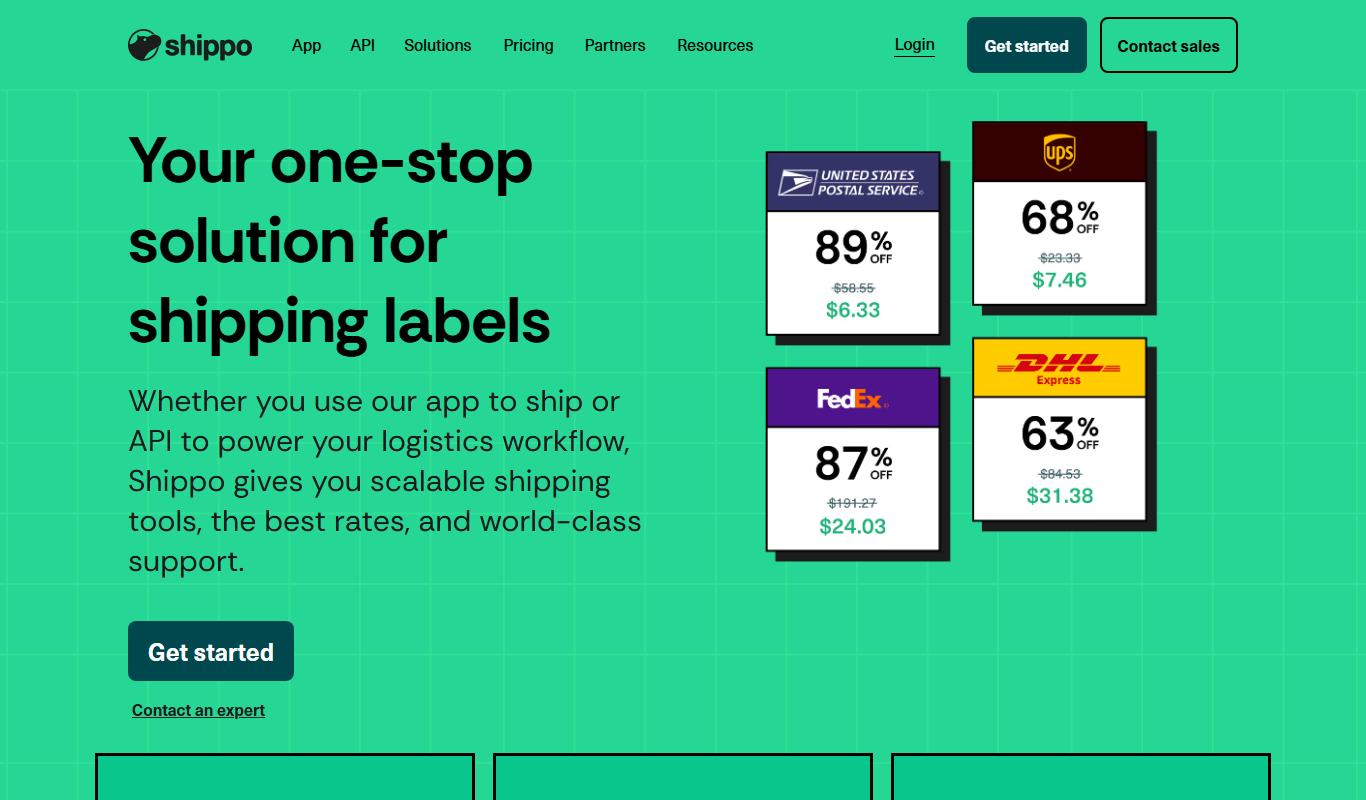
Shippo is a shipping API and software platform that enables e-commerce businesses to automate shipping label creation, compare rates from multiple carriers, track shipments in real-time, and manage returns efficiently through a single interface.

Freemium
Easyship
Easyship is a cloud-based shipping platform that helps e-commerce businesses automate shipping label creation, compare courier rates, generate customs forms, and track shipments globally.

Free
Pirate Ship
Pirate Ship is a free online shipping software that provides discounted USPS and UPS shipping labels, helping ecommerce sellers save on shipping costs without monthly fees.
More AI E-Commerce Tools tools
Other tools in the same category, for when this one is not quite the fit.

Free
Pixelcut
Pixelcut is an AI-driven photo editing tool that automates background removal and image enhancement, ideal for e-commerce and social media content creation.

Free Trial
Activazon
Activazon is an AI-powered Amazon product research tool that helps sellers discover profitable products, analyze competitors, and track sales trends to optimize their Amazon business.

Contact for pricing
V-retail
V-retail is a platform that enables businesses to build immersive 3D virtual stores accessible through web browsers and VR devices, enhancing online shopping experiences.

Free
glorifyapp.com
Glorify is a web-based design tool focused on helping e-commerce businesses create product mockups and marketing visuals easily using templates and drag-and-drop editing.

Custom Pricing
Grocliq
Grocliq is a grocery delivery software platform that enables retailers to create online grocery stores with features like inventory management, multi-vendor support, order processing, and delivery tracking.

Freemium
plugandpay.com
Plug&Pay is an online payment platform that enables businesses to manage subscription billing, process one-time payments, and customize checkout pages with multi-currency support and analytics.
Free
Compara.cat
Compara.cat is a free online platform that helps shoppers in Catalonia compare product prices across multiple local and online retailers to find the best deals.

Freemium
WooWell
WooWell is an AI-powered writing assistant that generates and optimizes product descriptions for WooCommerce stores, helping e-commerce owners save time and improve SEO.