

From my experience with WooWell, I found it excels at simplifying the tedious task of writing product descriptions for WooCommerce stores. The AI-generated content is generally well-structured and SEO-friendly, which can help improve product visibility and save significant time for store owners. However, the tool currently supports English only and the free plan has usage limits, which might restrict some users. Overall, if you manage a WooCommerce store and want to automate your product content creation without sacrificing quality, WooWell offers a practical and easy-to-use solution.
WooWell AI Writing Assistant for WooCommerce Product Descriptions
WooWell is an AI-powered writing assistant that generates and optimizes product descriptions for WooCommerce stores, helping e-commerce owners save time and improve SEO.
- Best for
- Product Description Generation
- Key capability
- AI-Powered Product Description Generator
Your actions
Save WooWell, follow its updates and vote on it — everything stays in your account.
Sign in or create a free account
What is WooWell?
WooWell is an AI-powered writing assistant designed specifically for WooCommerce store owners. It helps generate and optimize product descriptions quickly and efficiently, enabling e-commerce businesses to enhance their product listings with unique, engaging, and SEO-friendly content without manual effort.
Key features of WooWell
WooWell offers automated product description generation, content optimization, and seamless integration with WooCommerce. It leverages AI to create tailored product texts that improve customer engagement and boost search engine visibility.
AI-Powered Product Description Generator
Automatically creates unique and engaging product descriptions tailored to your products.
SEO Optimization
Generates content optimized for search engines to help improve product visibility.
WooCommerce Integration
Seamlessly integrates with WooCommerce for easy content management within your store dashboard.
Content Editing Tools
Allows manual editing and customization of AI-generated descriptions to fit brand voice.
Pros and cons of WooWell
Pros
- Saves time by automating product description writing
- Improves SEO with optimized content
- Easy WooCommerce integration
- Allows manual editing for customization
Cons
- Supports English language only
- Limited free plan usage
Key use cases for WooWell
Product Description Generation
Automatically generate unique, SEO-friendly product descriptions for WooCommerce stores to save time and improve sales.
Content Optimization
Enhance existing product descriptions with AI to improve readability, engagement, and search engine rankings.
E-commerce Store Management
Streamline content creation workflows for online store owners and managers by automating repetitive writing tasks.
How WooWell works
- 1
Install WooWell Plugin
Add the WooWell plugin to your WooCommerce store to enable AI-powered content generation.
- 2
Select Product
Choose the product for which you want to generate or optimize the description.
- 3
Generate Description
Use WooWell’s AI to create a unique, SEO-optimized product description automatically.
- 4
Review and Publish
Edit if needed, then publish the description directly to your WooCommerce product page.
Who is using WooWell
WooCommerce store owners
E-commerce marketers
Small to medium online retailers
Content managers for online shops
WooWell pricing
Free
$0/month
Basic access with limited product description generations per month.
Pro
$19/month
Unlimited product description generations and advanced features.
Plans and prices are as published by the vendor and can change. Check the official site before you buy. Open the pricing page (opens in a new tab)
Frequently asked questions about WooWell
Yes, WooWell works with any WooCommerce-compatible theme as it integrates directly with the WooCommerce platform.
Absolutely, you can edit and tailor the generated descriptions to match your brand’s tone and style.
Currently, WooWell supports English only.
It depends on your specific needs and how you plan to use the tool. The official website and documentation are the best sources for the latest details.
Some tools offer a free plan or trial with limited features. Availability can vary, so confirm on the official website.
Yes, it can help with that use case depending on how you configure it and what features are available. You’ll get the best results with clear inputs and a defined goal.
Sign in to review this tool.
Sign In to ReviewNo reviews yet
Be the first to share how this tool worked for you.
Ask about pricing, limits, or how it compares — or answer someone else.
Sign In to AskNo questions yet
Have a question about using or paying for this tool? Be the first to ask.
Featured on TiorAI



More AI Content Generation Tools tools
Other tools in the same category, for when this one is not quite the fit.

Free
AI Superior GPT
AiSuperiorGPT is a Custom LLM chatbot web application from AI Superior that ingests custom files as context and can be deployed on-premises or in a private cloud.
Freemium
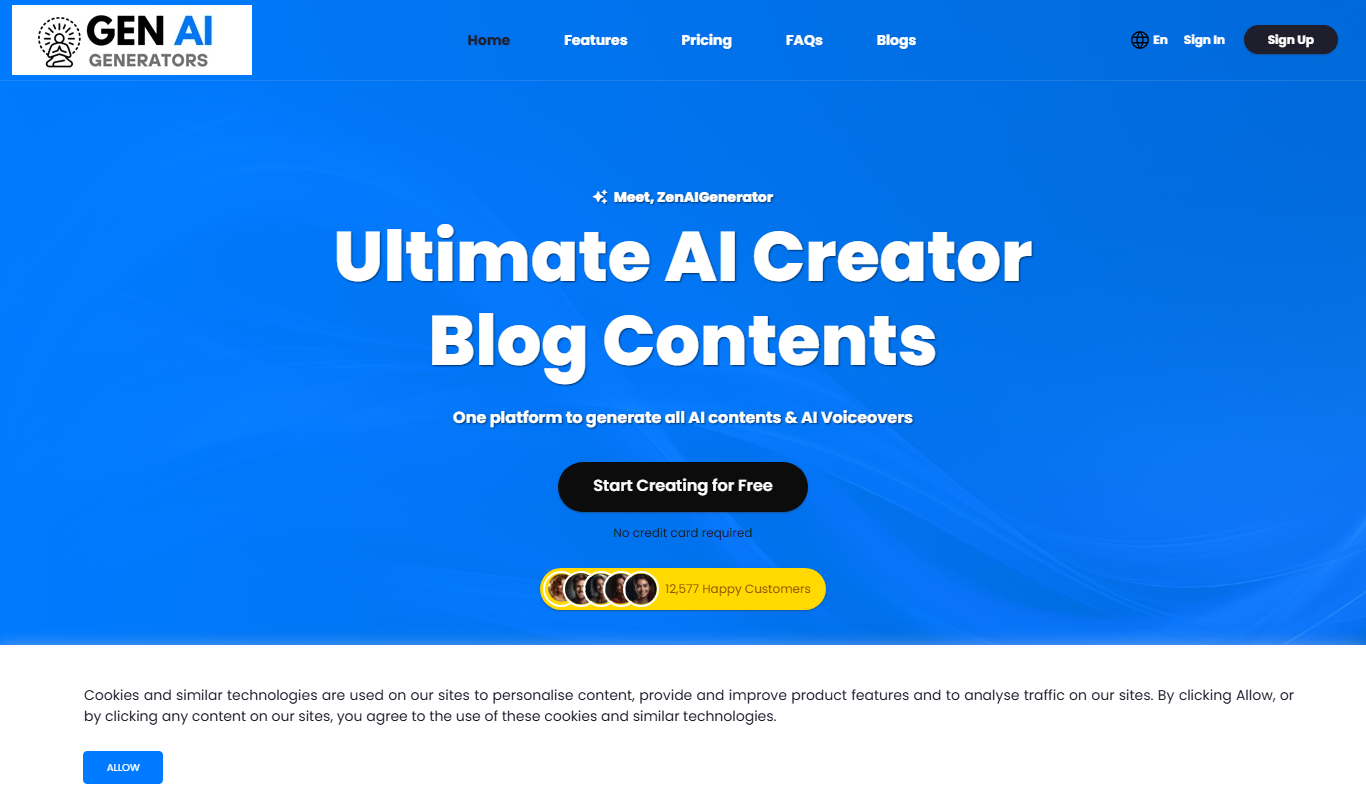
Zen AI Generator
Zen AI Generator is a web-based AI platform that generates blog posts, ads and other written content from templates, along with AI images, voiceovers and speech to text.
Freemium
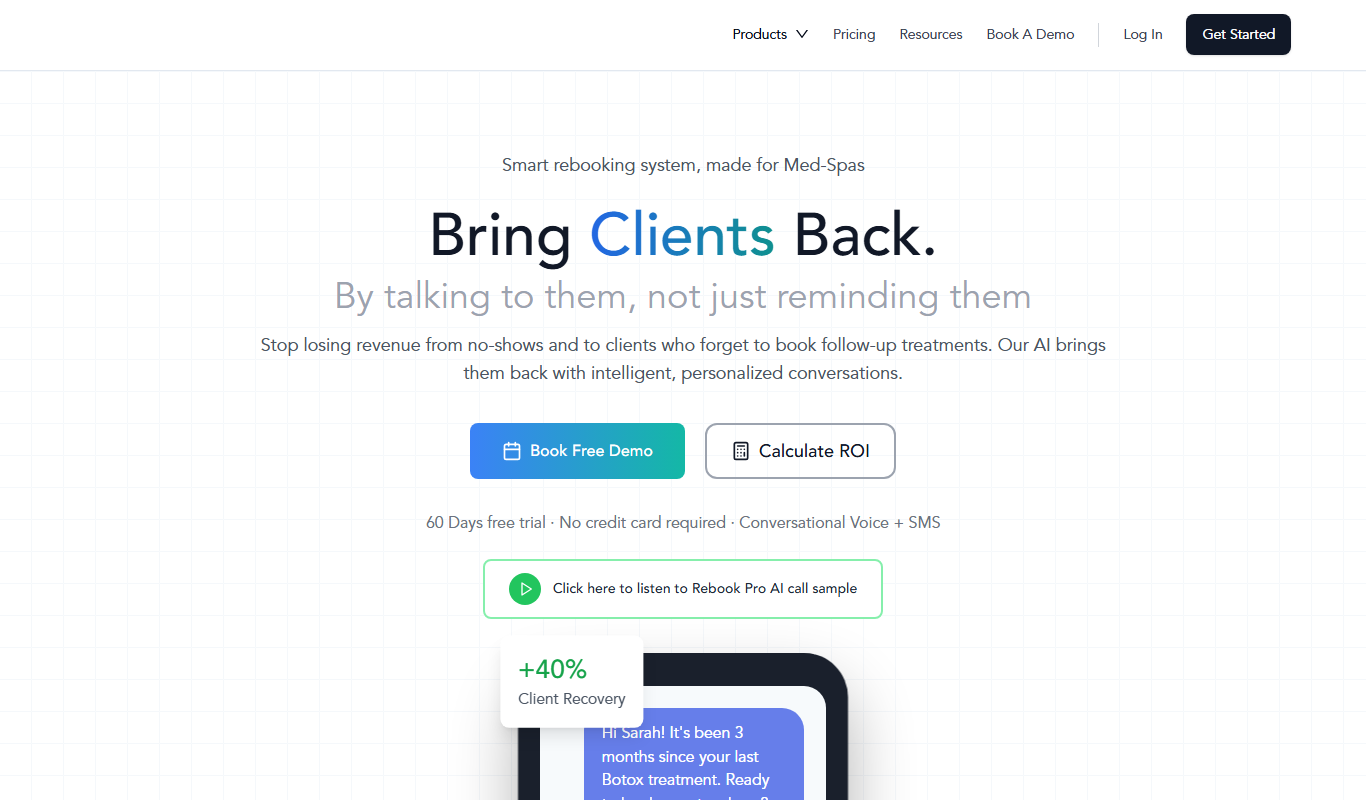
Azna AI
Azna AI turns ideas into personalized AI copilot apps in minutes with a no-code solution: choose a template, add your data and deploy the copilot.

Free Trial
Vuepak
Vuepak drives growth with AI-powered multichannel outreach and smart email delivery: share multimedia presentations and track engagement in real time.

Free Trial
PlanPost AI – Best AI Content Generator
PlanPost AI is an all-in-one AI marketing assistant that generates social media posts, ad copy, graphics, videos and SEO-optimized content, with ad campaign tools and post scheduling.

Free
Etereel
Etereel turns a written script into short-form videos with AI voice-over, clips and subtitles in under a minute, exported in Full HD without a watermark.

Free Trial
CreateThat
Createthat.ai is a royalty-free library of videos, images, music, sound effects and LUTs with plain-English AI search and a simple commercial license.
Free Trial
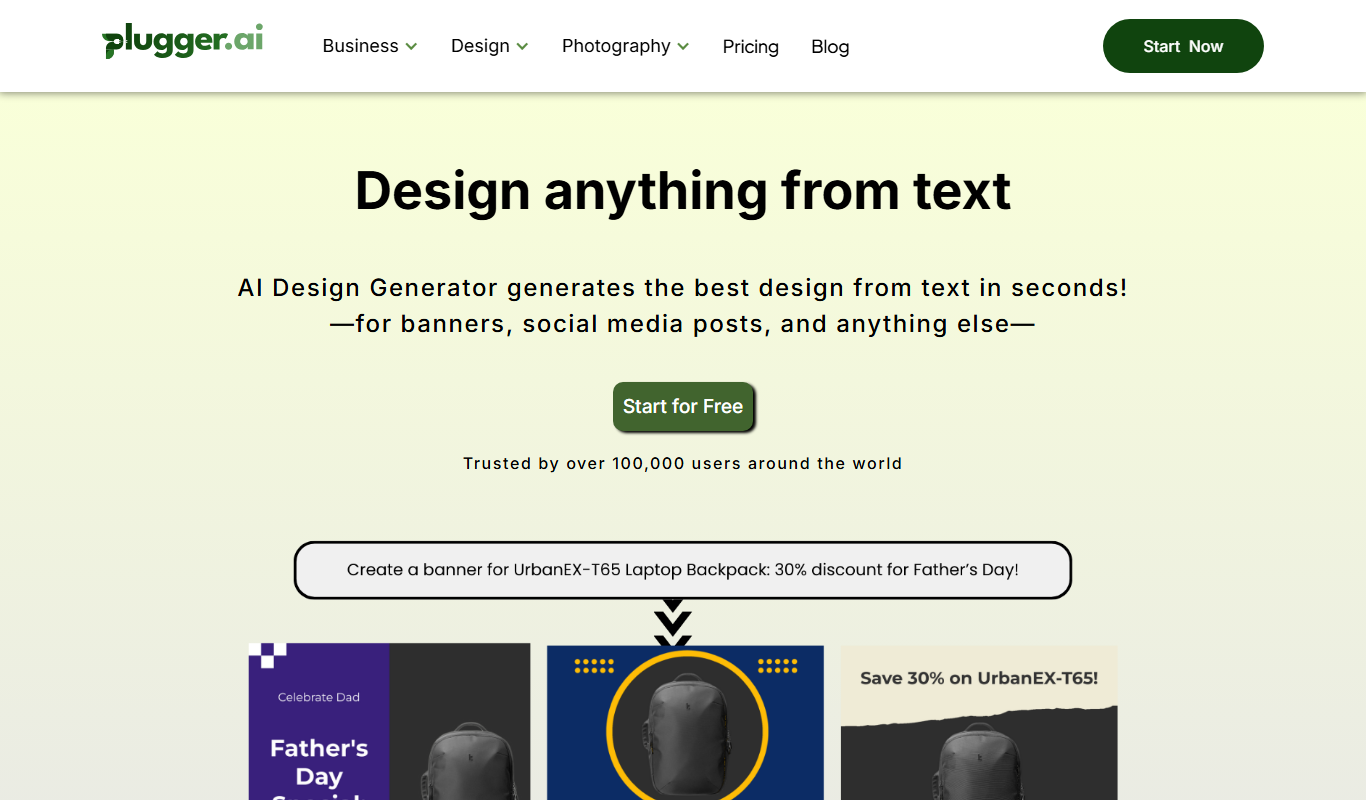
Plugger
Plugger is an AI design generator that creates social media posts, banners, logos, icons and illustrations from text in seconds.