

Second Opinion: AI fact-checker and bias detector for Chrome
Second Opinion is a free AI fact-checking Chrome extension that verifies highlighted text and detects bias, powered by your own Grok API key.
- Best for
- Checking news articles
- Key capability
- Fact-checks
Save Second Opinion, follow its updates and vote on it — everything stays in your account.
Sign in or create a free account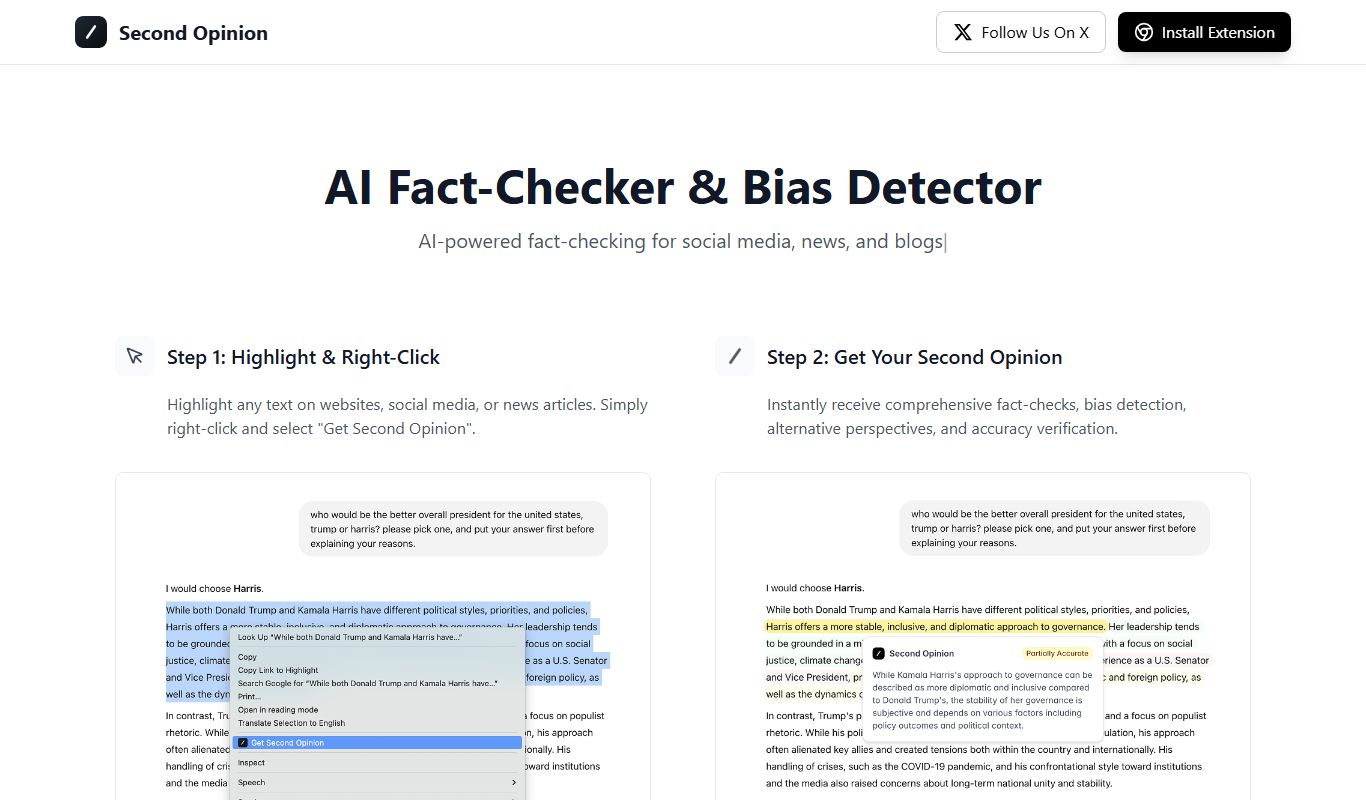

What is Second Opinion?
Second Opinion is an AI-powered fact-checking Chrome extension that helps you verify text online and get a second perspective. You highlight text on a website, social media post or news article, right-click, and get a fact-check, bias detection and alternative perspectives powered by Grok, using your own Grok API key.
Key features of Second Opinion
Second Opinion fact-checks highlighted text, detects bias, offers alternative perspectives and verifies accuracy, all from the right-click menu in Chrome and other Chromium browsers.
Fact-checks
Comprehensive fact-checks of highlighted text.
Bias detection
Detects bias in the text you select.
Alternative perspectives
Offers alternative perspectives on a claim.
Right-click workflow
Highlight any text and select Get Second Opinion from the right-click menu.
Pros and cons of Second Opinion
Pros
- Free to install and use
- Works in Chrome, Brave, Edge and other Chromium browsers
- No subscription fees
Cons
- Requires your own Grok API key and paying for token usage
- Not yet available for Firefox or Safari
Key use cases for Second Opinion
Checking news articles
Verify claims while reading articles.
Checking social media posts
Check accuracy and compare viewpoints while browsing social media.
Research
Avoid misinformation while researching topics.
Spotting bias
Detect bias and see alternative perspectives.
How Second Opinion works
- 1
Install the extension
Add the free Chrome extension and connect your own Grok API key.
- 2
Highlight text
Highlight any text on websites, social media or news articles.
- 3
Right-click
Select Get Second Opinion from the right-click menu.
- 4
Read the analysis
Receive fact-checks, bias detection, alternative perspectives and accuracy verification.
Who is using Second Opinion
Second Opinion pricing
Free extension
Free (Grok API token usage paid separately)
Free to install and use with your own Grok API key; no subscription fees.
Pro
$15/month
Unlimited reviews, advanced suggestions, and priority support.
Plans and prices are as published by the vendor and can change. Check the official site before you buy. Open the pricing page (opens in a new tab)
Frequently asked questions about Second Opinion
Highlight any text on websites, social media or news articles, right-click and get instant AI analysis powered by Grok.
Yes. The extension is free; you only pay for your own Grok API token usage.
Chrome and Chrome-based browsers including Brave and Edge.
It is designed to detect misinformation and bias, and the developer recommends cross-referencing important information with multiple reliable sources.
Some tools offer a free plan or trial with limited features. Availability can vary, so confirm on the official website.
Yes, it can help with that use case depending on how you configure it and what features are available. You’ll get the best results with clear inputs and a defined goal.
Conclusion
Reading an article or a social media post is the moment this extension is built for: you highlight the text, right-click and choose Get Second Opinion. Grok then returns a fact-check, bias detection, alternative perspectives and an accuracy verification for that passage.
The extension itself is free with no subscription fees, but it runs on your own Grok API key, so token usage is paid to that provider. It works in Chrome and Chromium browsers such as Brave and Edge, with Firefox and Safari not yet supported. The developer still recommends cross-checking important information with multiple reliable sources.
Sources
Sign in to review this tool.
Sign In to ReviewNo reviews yet
Be the first to share how this tool worked for you.
Ask about pricing, limits, or how it compares — or answer someone else.
Sign In to AskNo questions yet
Have a question about using or paying for this tool? Be the first to ask.
Featured on TiorAI



More AI Productivity Tools tools
Other tools in the same category, for when this one is not quite the fit.

Edit in PPT
Edit in PPT converts images, PDF pages and NotebookLM slide decks into editable PowerPoint files and refines them with plain-language AI edits.
Typli
Typli is an AI platform with 185+ specialized writing tools, chat with leading AI models, an image generator and estimates and invoices.

Toolsaday
Toolsaday is an AI content platform with Text Genie, a paraphrasing tool, email and story generators, Novel Studio, text to speech and an image generator.

Partly AI
Partly builds frontier AI for repair: Repair AI, an AI assistant for repair shops, and Interpreter, a language model for automotive parts and repair workflows.

History Timeline Generator
History Timeline Generator is an AI tool that turns a topic such as a person, nation, company or historical event into a customized history timeline.

Quilter
Quilter uses physics-driven AI to automate PCB placement and routing, returning review-ready layout candidates in hours for designs from Altium, Cadence and Xpedition.
MakerJournal
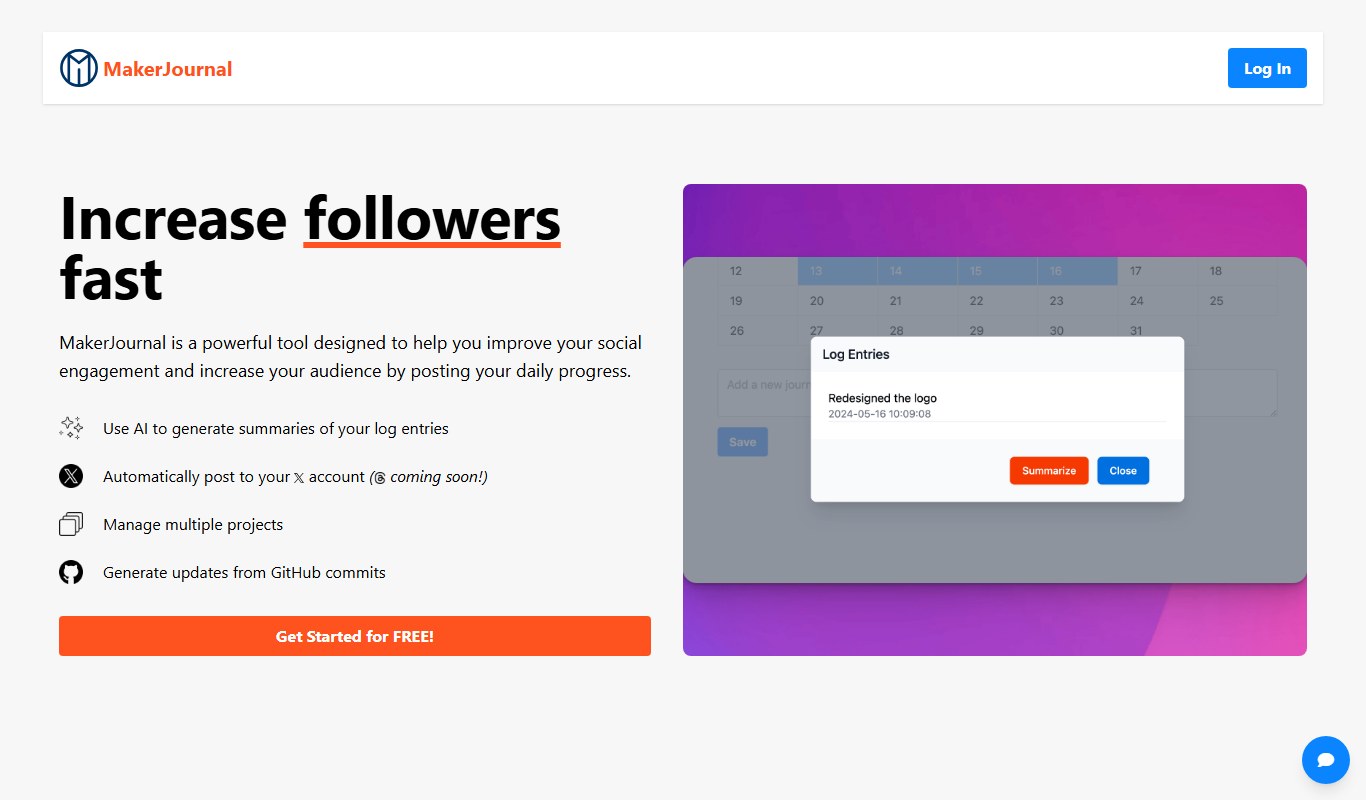
MakerJournal uses AI to turn your progress logs and GitHub commits into summaries that indie makers and solo developers can post to their social accounts.
MyMind
MyMind is an AI-powered digital brain tool that helps users save, organize, and retrieve ideas, notes, and web content with automatic tagging and smart search.