

From my experience with REOK.PRO, I found it excels at providing a focused CRM solution tailored specifically for real estate professionals. The platform’s ability to centralize leads, properties, and sales pipelines in one place helps agents and agencies streamline their workflows effectively. After spending time with the platform, I can say it’s particularly well-suited for small to medium-sized real estate teams looking for automation and reporting features. However, there is a trade-off: pricing details are not transparent upfront, which may require direct contact to evaluate costs. Overall, if you need a specialized CRM for real estate with solid management and automation capabilities, REOK.PRO delivers solid results.
REOK.PRO Real Estate CRM Software for Agents and Brokers
REOK.PRO is a cloud-based CRM platform tailored for real estate professionals to manage leads, properties, and sales pipelines with automation and reporting features.
- Best for
- Lead Management
- Key capability
- Lead and Contact Management
Your actions
Save REOK.PRO, follow its updates and vote on it — everything stays in your account.
Sign in or create a free account

What is REOK.PRO?
REOK.PRO is a cloud-based CRM platform designed specifically for real estate agents, brokers, and agencies. It helps manage leads, clients, property listings, and sales pipelines in one centralized system. The tool aims to improve productivity and sales efficiency by automating routine tasks and providing actionable insights.
Key features of REOK.PRO
REOK.PRO offers lead and client management, property listing organization, sales automation, communication tracking, and customizable reporting features tailored for real estate professionals.
Lead and Contact Management
Centralize all client and lead information with detailed profiles and communication history.
Property Listing Database
Organize property details, photos, and statuses for quick reference and sharing.
Sales Pipeline Automation
Automate task reminders, follow-ups, and deal tracking to increase sales efficiency.
Communication Tracking
Log calls, emails, and meetings to maintain a complete client interaction history.
Customizable Reporting
Create reports to monitor sales metrics, agent performance, and business growth.
Pros and cons of REOK.PRO
Pros
- Tailored specifically for real estate professionals
- Comprehensive lead and property management features
- Sales pipeline automation improves efficiency
- Accessible via web and mobile devices
- Customizable reporting tools
Cons
- Pricing details are not publicly listed and require contact
- Limited information on integrations with other software
- Primarily supports English and Russian languages
Key use cases for REOK.PRO
Lead Management
Organize and track real estate leads efficiently to improve conversion rates.
Client Relationship Management
Manage client interactions and communications to build stronger relationships.
Property Listing Management
Maintain and update property listings with detailed information and photos.
Sales Pipeline Automation
Automate sales processes to streamline deal tracking and closure.
Reporting and Analytics
Generate reports to analyze sales performance and business metrics.
How REOK.PRO works
- 1
Register an Account
Sign up on the REOK.PRO website to create your real estate CRM account.
- 2
Import or Add Leads
Import existing leads or add new contacts manually to start managing your pipeline.
- 3
Manage Properties
Add and update property listings with details and images for easy access.
- 4
Track Sales Progress
Use the sales pipeline tools to monitor deal stages and automate follow-ups.
- 5
Generate Reports
Analyze your sales data and team performance with built-in reporting tools.
Who is using REOK.PRO
Real estate agents
Brokerage firms
Property managers
Real estate agencies
Sales teams in real estate
REOK.PRO pricing
Basic
Contact for pricing
Entry-level plan with core CRM features suitable for small teams.
Professional
Contact for pricing
Advanced features including automation and reporting for growing agencies.
Enterprise
Contact for pricing
Full feature set with customization and dedicated support for large organizations.
Plans and prices are as published by the vendor and can change. Check the official site before you buy. Open the pricing page (opens in a new tab)
Frequently asked questions about REOK.PRO
Yes, REOK.PRO offers plans and features that cater to both individual agents and larger agencies.
Yes, the platform supports importing data to help you get started quickly.
Yes, REOK.PRO is accessible via web and mobile platforms for on-the-go management.
It depends on your specific needs and how you plan to use the tool. The official website and documentation are the best sources for the latest details.
It depends on your specific needs and how you plan to use the tool. The official website and documentation are the best sources for the latest details.
Sign in to review this tool.
Sign In to ReviewNo reviews yet
Be the first to share how this tool worked for you.
Ask about pricing, limits, or how it compares — or answer someone else.
Sign In to AskNo questions yet
Have a question about using or paying for this tool? Be the first to ask.
Featured on TiorAI


More AI Automation & Workflow Tools tools
Other tools in the same category, for when this one is not quite the fit.
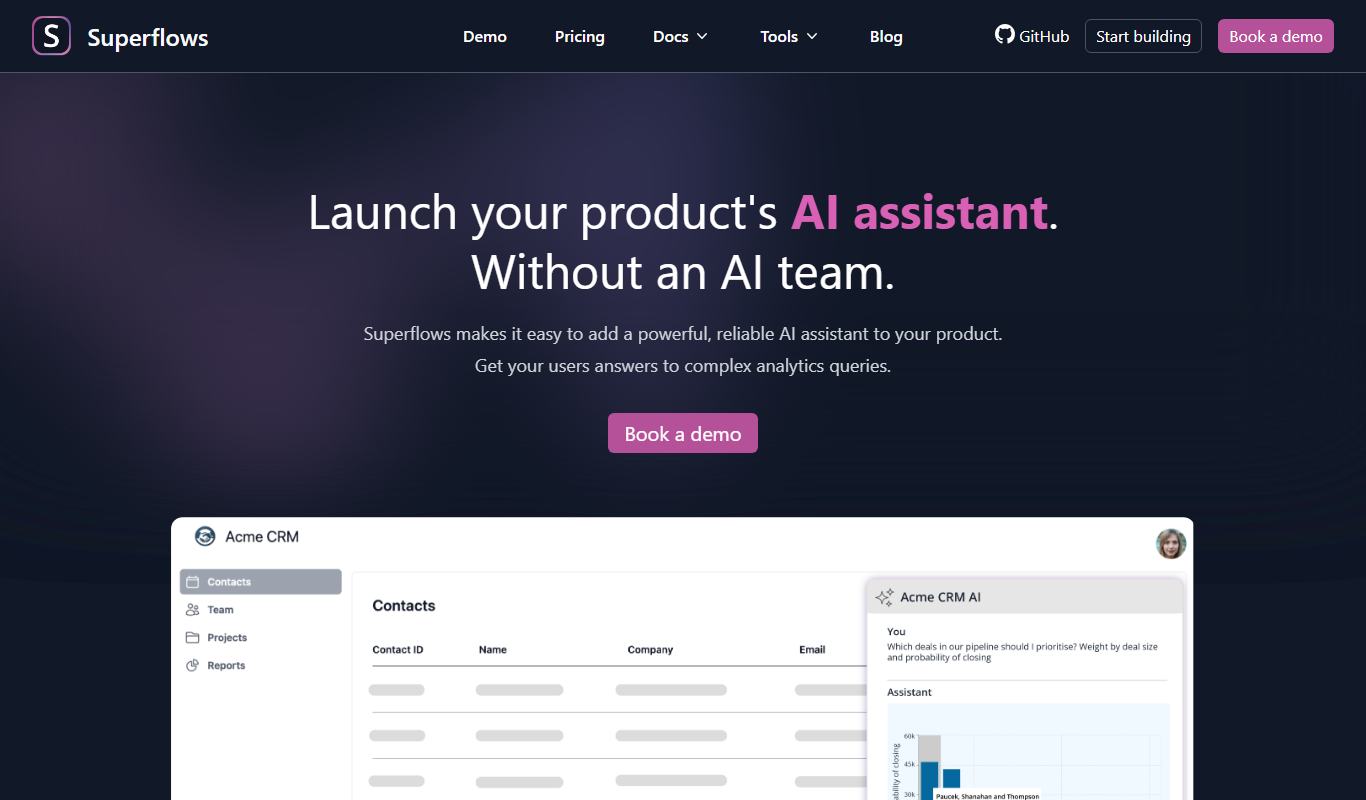
Freemium
Superflows
Superflows makes it easy to add an AI assistant to your software product that answers analytics queries, takes actions for your users and helps them get the most from your software.

Enterprise
Spine
Spine AI builds Canvas for cloud-based multi-agent work across 300+ models and Medley for local-first agent orchestration.

Enterprise
BuildShip
BuildShip is a visual AI workflow builder to automate complex backend tasks, develop tools for AI agents and spin up APIs, with no-code ease and full code access.

Free
HTTPie
HTTPie is an API testing client with an open-source command-line tool and a Web & Desktop app in public beta.

Enterprise
fastn
fastn is the embedded integration layer for SaaS: your customers connect any system inside your product, with no engineering and no code per customer.

Free
EasyFunctionCall
EasyFunctionCall is a SaaS service that converts OpenAPI and Swagger specs into AI model function call parameters, reducing complexity and saving tokens.
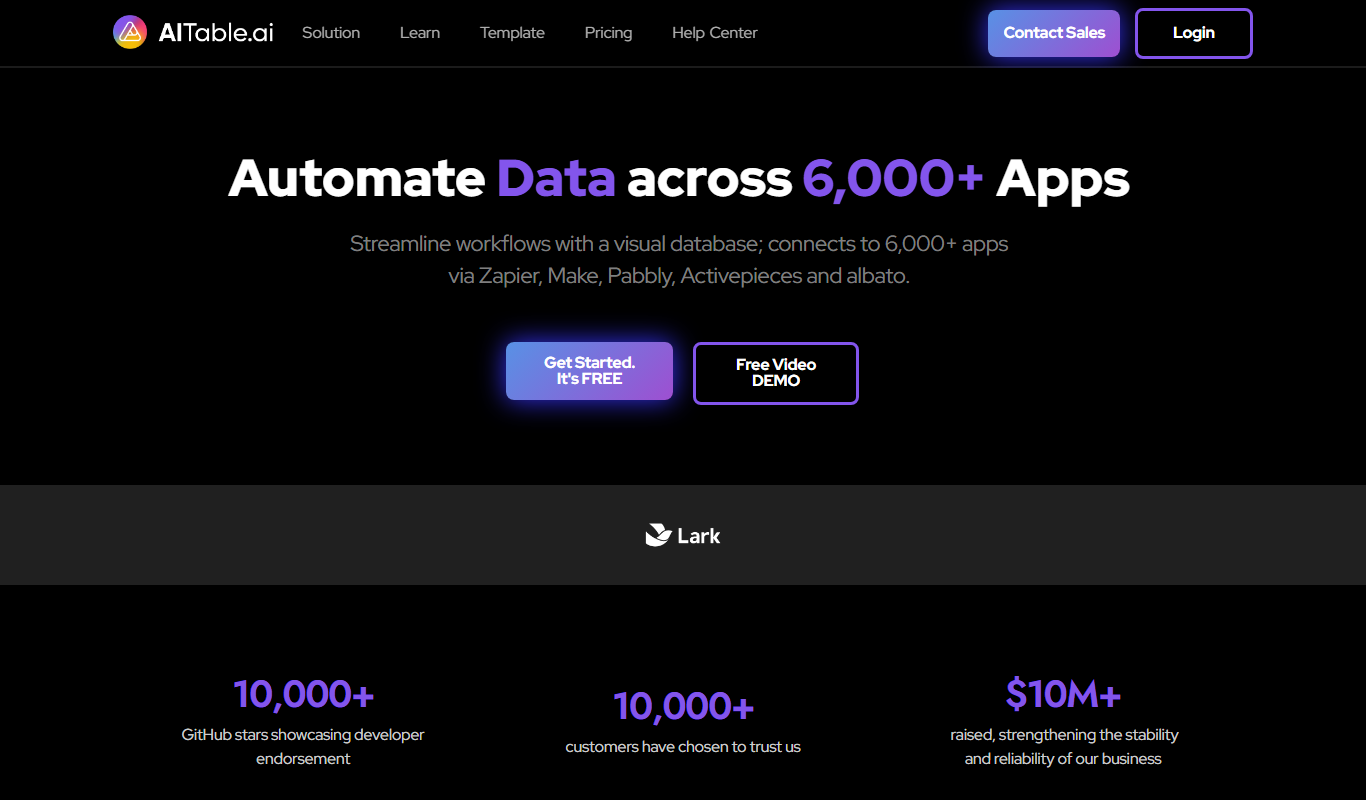
Freemium
AITable.ai: No-code AI Agents Builder
AITable.ai is a visual database for workflow automation that connects to 6,000+ apps and adds AI agents and chatbot building.

Enterprise
Cradl AI
Cradl AI is a document AI platform that extracts structured data from documents at scale, with confidence-based guardrails, human-in-the-loop review and integrations for Power Automate, n8n, Zapier and APIs.