

ReadMe API Documentation Platform for Developer Docs and Product Guides
ReadMe is a SaaS platform that enables companies to create, manage, and publish interactive API documentation and developer portals with features like API explorers, versioning, and user feedback collection.
- Best for
- API Documentation
- Key capability
- Interactive API Explorer
Save ReadMe, follow its updates and vote on it — everything stays in your account.
Sign in or create a free account
What is ReadMe?
ReadMe is a SaaS platform designed to simplify the creation and management of API documentation, developer portals, and product guides. It helps companies provide clear, interactive, and branded documentation that improves developer onboarding and engagement. The platform supports live API explorers, versioning, and integrates with various developer tools to streamline the documentation workflow.
Key features of ReadMe
ReadMe offers interactive API documentation, customizable developer portals, real-time API explorers, user feedback collection, and analytics to optimize developer experience and reduce support overhead.
Interactive API Explorer
Allows developers to test API endpoints directly within the documentation for hands-on learning.
OpenAPI/Swagger Support
Seamlessly import OpenAPI or Swagger files to auto-generate documentation.
Customizable Developer Portals
Create branded portals with flexible theming and layout options.
Versioning and Changelog
Manage multiple versions of your API documentation and communicate updates effectively.
User Feedback and Analytics
Collect feedback from users and analyze documentation engagement metrics.
Pros and cons of ReadMe
Pros
- User-friendly interface for creating and managing API docs
- Interactive API explorer enhances developer experience
- Supports OpenAPI/Swagger imports for quick setup
- Customizable branding and developer portals
- Built-in analytics and feedback collection
Cons
- Pricing can be high for small teams with advanced needs
- No offline documentation support
Key use cases for ReadMe
API Documentation
Create, manage, and publish interactive API documentation to help developers understand and use your APIs effectively.
Developer Portals
Build branded developer portals that provide a centralized hub for API references, tutorials, and product guides.
Product Guides
Develop comprehensive product guides and onboarding materials to improve user adoption and reduce support requests.
Interactive API Explorer
Enable developers to test API endpoints directly within the documentation using an interactive API explorer.
Feedback and Analytics
Collect user feedback and analyze documentation usage to continuously improve developer experience.
How ReadMe works
- 1
Sign Up and Create Project
Register on ReadMe and create a new project for your API or product documentation.
- 2
Import or Write Documentation
Import existing OpenAPI/Swagger specs or write custom documentation using the built-in editor.
- 3
Customize Developer Portal
Brand your portal with custom themes, logos, and layouts to match your company style.
- 4
Publish and Share
Publish your documentation online and share the link with your developer community.
- 5
Collect Feedback and Analyze
Use built-in tools to gather user feedback and monitor documentation usage to improve content.
Who is using ReadMe
ReadMe pricing
Starter
$0 /month
Free for everyone: custom domain, bi-directional sync, interactive API reference, usage metrics, Markdown editor and customizable themes.
Pro
$250 /month, billed annually
All Starter features plus invited teammates, multiplayer editing, branching and reviews, notifications, private docs, a landing page, changelog, recipes and forums, custom MDX components and reusable content.
Enterprise
Contact us, annual billing only
All Pro features plus multiple combined projects, aggregated doc metrics, no ReadMe branding, user roles and access control, audit logs, SSO and dedicated support.
Plans and prices are as published by the vendor and can change. Check the official site before you buy. Open the pricing page (opens in a new tab)
Frequently asked questions about ReadMe
Yes, ReadMe supports importing OpenAPI and Swagger specifications to generate documentation automatically.
Yes, the platform offers an intuitive editor and customizable templates that make it accessible for non-developers.
Yes, you can manage and publish multiple versions of your API documentation.
ReadMe includes built-in feedback tools to gather comments and suggestions from your users.
This tool is designed to help users accomplish its core tasks more efficiently. It is typically used by individuals or teams looking to improve productivity and workflow.
Integration support depends on the tool and its available connectors or API. Check the official documentation or integrations page to confirm what is supported.
Integration support depends on the tool and its available connectors or API. Check the official documentation or integrations page to confirm what is supported.
It depends on your specific needs and how you plan to use the tool. The official website and documentation are the best sources for the latest details.
Conclusion
Teams import an OpenAPI or Swagger specification, and ReadMe turns it into explorable documentation in which developers can test API endpoints directly. Guides are written in a WYSIWYG editor or synced both ways with GitHub and GitLab, and Git branches can be reviewed and merged inside ReadMe. Portals carry custom themes, logos and layouts, along with versioned references and a changelog.
The platform is built around the work of API providers, developer relations teams and technical writers. Newer AI tooling includes an MCP server, an LLMs.txt file and an AI linter that checks every page against a custom style guide. A free Starter plan covers one project and one published version, while teammates, branching and private docs start on the paid Pro plan. Ask AI is offered as an add-on.
Sources
Sign in to review this tool.
Sign In to ReviewNo reviews yet
Be the first to share how this tool worked for you.
Ask about pricing, limits, or how it compares — or answer someone else.
Sign In to AskNo questions yet
Have a question about using or paying for this tool? Be the first to ask.
Featured on TiorAI



Alternative Tools
Explore similar AI tools that might fit your needs
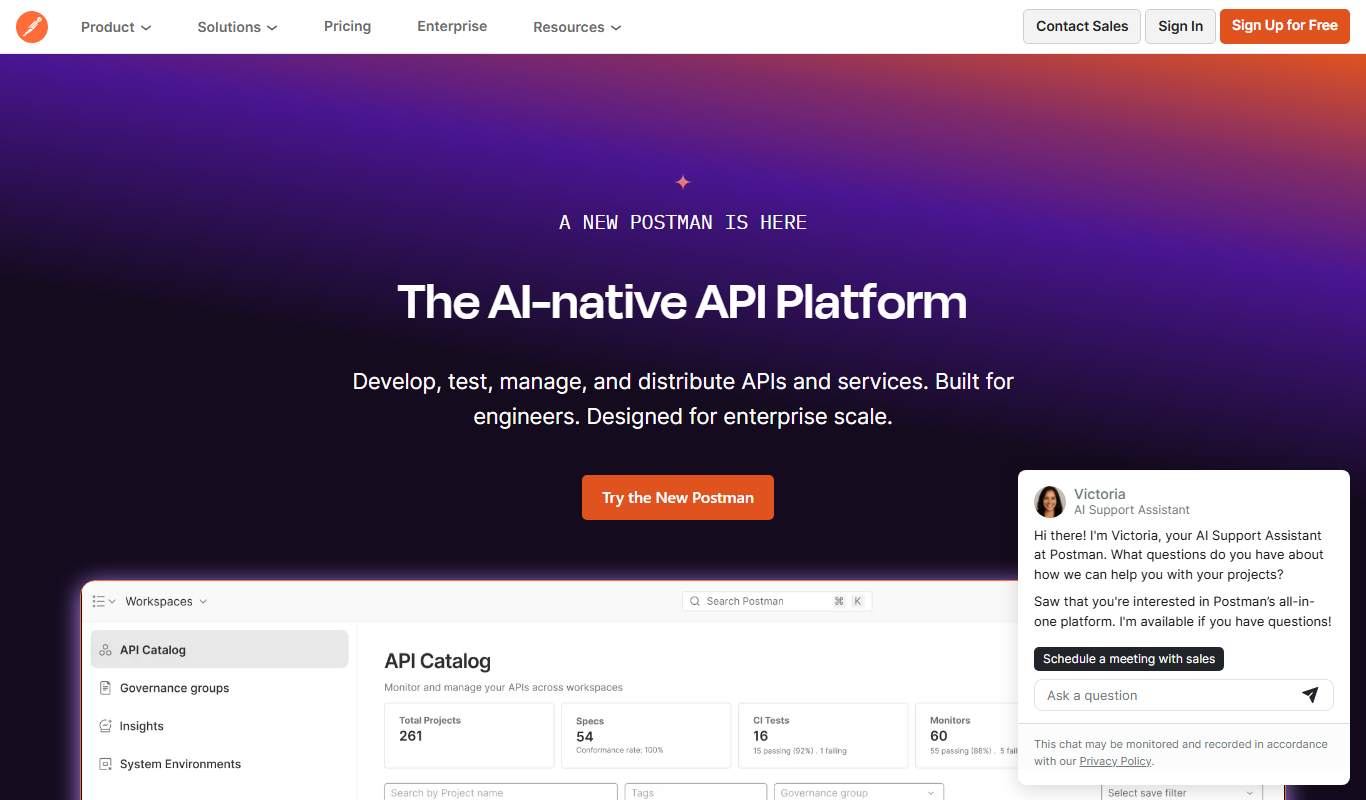
Postman
Postman is a comprehensive API platform that helps developers design, test, automate, document, and monitor APIs efficiently with collaboration tools.

Stoplight
Stoplight is an API design and development platform that provides visual editing, interactive documentation, mocking, and governance tools to help teams build and manage APIs efficiently.
More AI Developer Docs tools
Other tools in the same category, for when this one is not quite the fit.

Docusaurus
Docusaurus is an open source static site generator built with React that helps developers create, version, and maintain documentation websites easily.

Sphinx
Sphinx is an open-source documentation generator primarily for Python projects that converts reStructuredText and docstrings into multi-format technical documentation.
MkDocs
MkDocs is an open-source static site generator written in Python that converts Markdown files into fast, easy-to-navigate documentation websites.
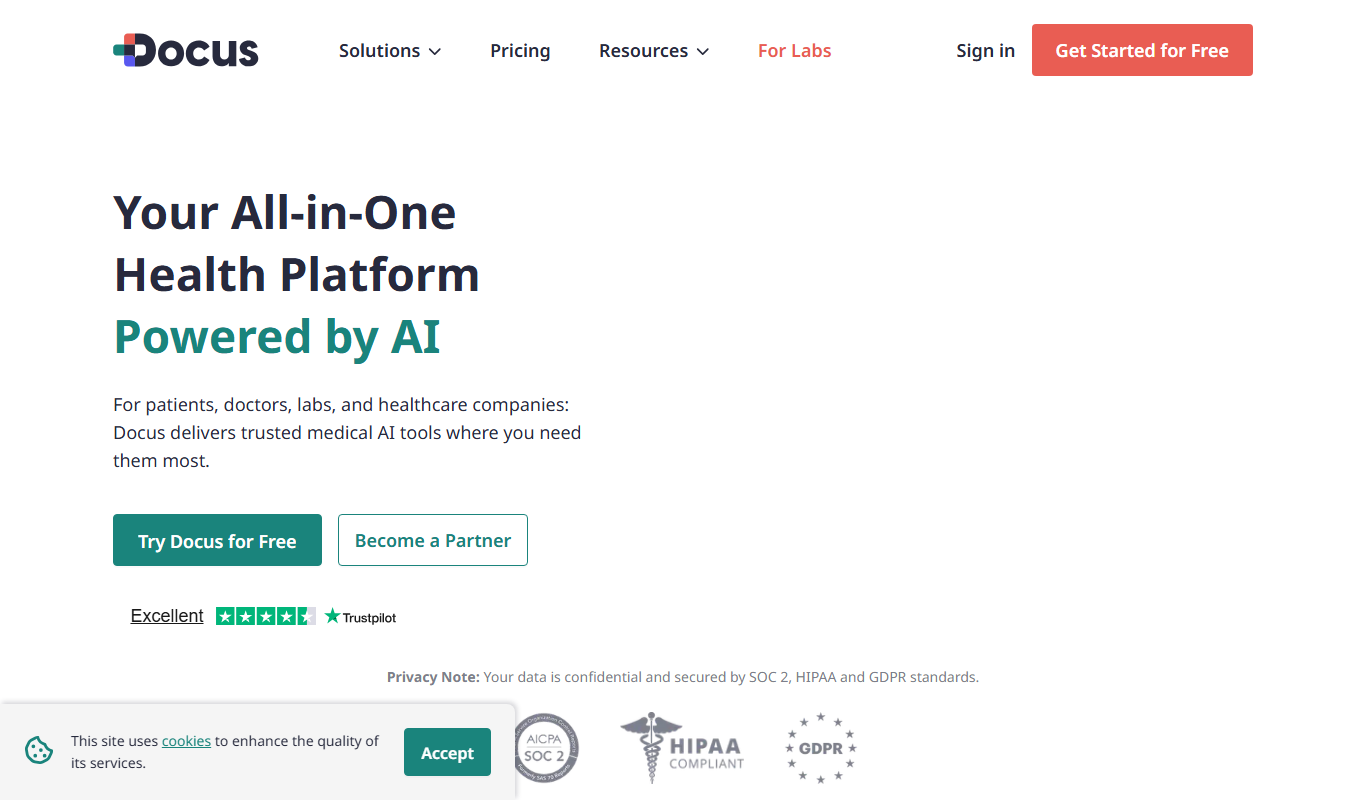
Docus.ai
Docus.ai is an AI-powered platform that automates document processing by extracting key data, managing contracts, and optimizing workflows to save time and reduce errors.

Mintlify
Mintlify is an AI-powered documentation platform that assists developers and technical writers in creating, managing, and publishing technical documentation with features like AI writing assistance, real-time collaboration, and automatic formatting.
MyPaste
MyPaste is a free online pastebin tool that allows users to quickly create and share code snippets or text anonymously with syntax highlighting and optional expiration times.

Raster
Raster is a collaborative design and prototyping tool that enables teams to work together in real-time, create interactive prototypes, and manage feedback efficiently.

Pieces for Developers
Pieces for Developers is a code snippet manager that helps developers organize, store, and reuse code snippets across projects with features like syntax highlighting, tagging, team sharing, and cross-platform access.