

From my experience with MyPaste, I found it excels at providing a fast, no-frills way to share code snippets and text anonymously. The platform’s simplicity and lack of registration barriers make it ideal for quick collaboration or troubleshooting sessions. However, the trade-off is limited features beyond basic pasting, such as no user accounts or paste management. Overall, if you need a straightforward, free pastebin with syntax highlighting and expiration options, MyPaste delivers a clean and efficient solution.
MyPaste - Secure and Simple Online Pastebin for Code and Text Sharing
MyPaste is a free online pastebin tool that allows users to quickly create and share code snippets or text anonymously with syntax highlighting and optional expiration times.
- Best for
- Code Snippet Sharing
- Key capability
- Anonymous Paste Creation
Your actions
Save MyPaste, follow its updates and vote on it — everything stays in your account.
Sign in or create a free accountWhat is MyPaste?
MyPaste is a minimalist online pastebin service designed for quick, anonymous sharing of code snippets and text. It allows users to create, store, and share pastes without the need for registration or complicated setups. The platform focuses on simplicity, privacy, and ease of use, making it ideal for developers and anyone needing to share textual data temporarily.
Key features of MyPaste
MyPaste offers a clean interface for creating pastes with syntax highlighting for various programming languages, anonymous usage without accounts, and instant generation of shareable links. It supports expiration settings for pastes and ensures a distraction-free experience.
Anonymous Paste Creation
No account or sign-up required to create and share pastes.
Syntax Highlighting
Supports multiple programming languages for clear code presentation.
Paste Expiration
Users can set expiration times to automatically delete pastes after a period.
Clean and Minimal Interface
Focuses on simplicity and ease of use without distractions.
Instant Shareable Links
Generates short URLs for quick sharing via chat, email, or forums.
Pros and cons of MyPaste
Pros
- No registration required for quick paste creation
- Supports syntax highlighting for many languages
- Simple and distraction-free user interface
- Allows setting paste expiration times
- Instant generation of shareable links
Cons
- No advanced collaboration features like comments or versioning
- Limited to web platform only
- No user accounts means no paste management or history
Key use cases for MyPaste
Code Snippet Sharing
Easily share code snippets with teammates or communities without requiring accounts.
Temporary Text Storage
Store and share text or logs temporarily for troubleshooting or collaboration.
Anonymous Paste Creation
Create and share pastes anonymously without sign-up, preserving privacy.
Quick Link Sharing
Generate short URLs for pastes to quickly distribute information via chat or email.
How MyPaste works
- 1
Create a Paste
Enter your text or code snippet into the input area on the homepage.
- 2
Select Syntax Highlighting
Optionally choose the programming language for better readability.
- 3
Set Expiration (Optional)
Choose how long the paste should remain available before automatic deletion.
- 4
Generate and Share Link
Click the button to create the paste and receive a unique URL to share.
Who is using MyPaste
Software developers
IT support professionals
Students and educators
Technical writers
Anyone needing quick text sharing
MyPaste pricing
Free
$0
Full access to all features with no cost or registration.
Plans and prices are as published by the vendor and can change. Check the official site before you buy. Open the pricing page (opens in a new tab)
Frequently asked questions about MyPaste
No, MyPaste allows you to create and share pastes anonymously without any registration.
Yes, you can choose an expiration time for your paste, after which it will be automatically deleted.
While MyPaste does not require accounts, it is recommended to avoid sharing highly sensitive data as pastes are accessible via URL.
MyPaste supports a variety of popular programming languages to enhance code readability.
It depends on your specific needs and how you plan to use the tool. The official website and documentation are the best sources for the latest details.
Some tools offer a free plan or trial with limited features. Availability can vary, so confirm on the official website.
Yes, it can help with that use case depending on how you configure it and what features are available. You’ll get the best results with clear inputs and a defined goal.
It depends on your specific needs and how you plan to use the tool. The official website and documentation are the best sources for the latest details.
Sign in to review this tool.
Sign In to ReviewNo reviews yet
Be the first to share how this tool worked for you.
Ask about pricing, limits, or how it compares — or answer someone else.
Sign In to AskNo questions yet
Have a question about using or paying for this tool? Be the first to ask.
Featured on TiorAI



More AI Collaboration & Team Tools tools
Other tools in the same category, for when this one is not quite the fit.

Free
Alian hub – Project Management System
AlianHub is an open-source, self-hosted project management platform with boards, sprints, time tracking, chat and AI, free with unlimited users or hosted in the Cloud.

Free
Walling AI
Walling AI is a visual project management and idea organization platform that uses AI to help users organize tasks, notes, and files on flexible boards, supporting collaboration across web and mobile devices.

Freemium
MeetingCulture.ai from Decisions
MeetingCulture.ai by Decisions is an AI-powered platform that enhances meeting productivity by providing analytics, automated summaries, decision tracking, and integrations with Microsoft Teams, Outlook, and Slack.

Free
Miro
Miro is a cloud-based collaborative whiteboard platform that enables teams to brainstorm, plan, and collaborate visually in real time with an infinite canvas, templates, and integrations.

Free Trial
shufflrr.com
Shufflrr is a presentation management tool that centralizes PowerPoint slides, enabling teams to organize, collaborate, and deliver presentations efficiently with version control and analytics.

Free
Swift Board
Swift Board is a free, anonymous whiteboard for sprint retrospectives and team brainstorming that needs no sign-up and adds an instant AI-generated summary.
Free
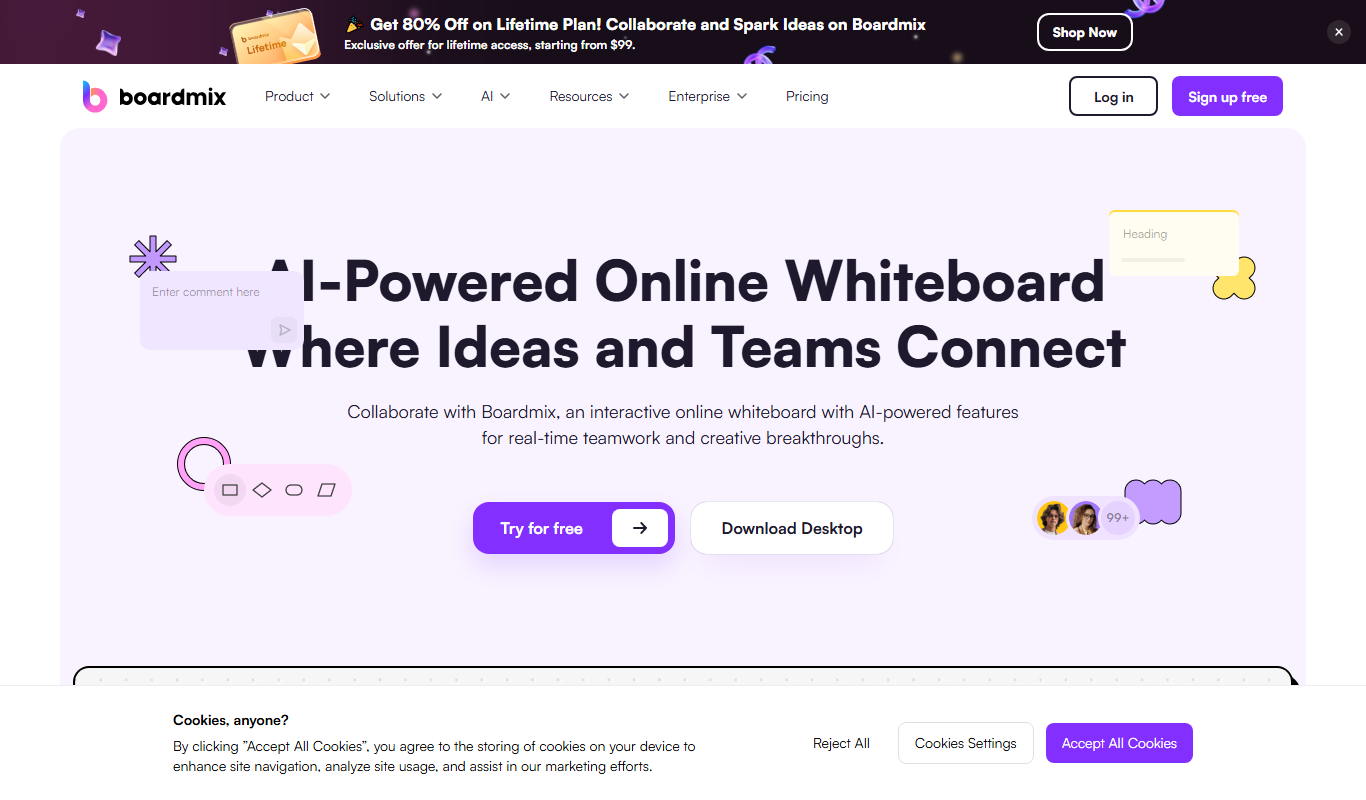
Boardmix online whiteboard
Boardmix is an online whiteboard tool designed for real-time team collaboration, brainstorming, and project planning accessible via web and mobile platforms.
Free Trial
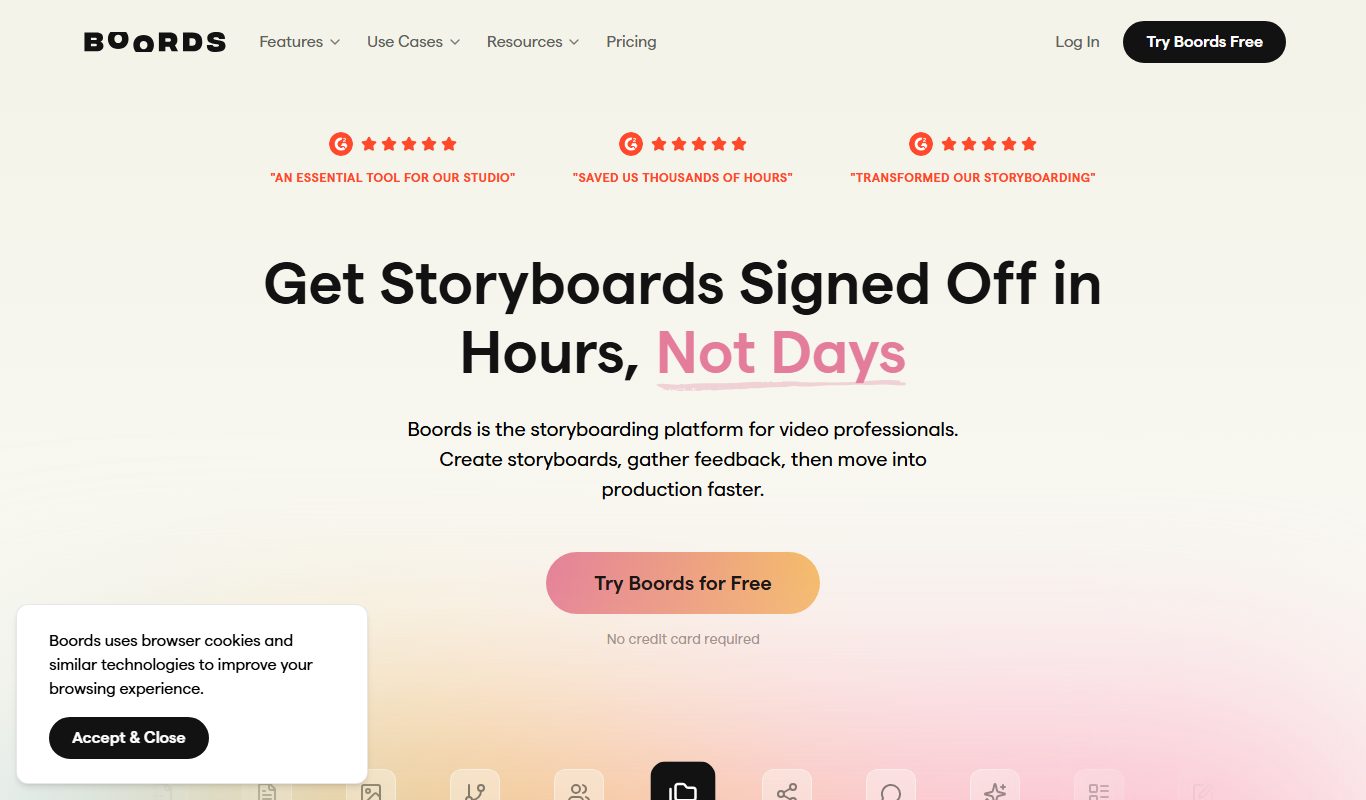
Boords
Boords is an online storyboarding software that helps video and animation teams create, collaborate on, and export detailed storyboards to streamline pre-production workflows.