

From my experience with Docus.ai, I found it excels at simplifying complex document workflows through AI-powered automation. The platform’s ability to accurately extract key contract data and automate approvals significantly reduces manual workload, making it ideal for legal teams and contract managers. However, the lack of mobile apps and limited integrations on lower-tier plans may restrict flexibility for some users. Overall, if your goal is to streamline document processing and improve compliance with minimal technical overhead, Docus.ai offers a practical and efficient solution.
Docus.ai AI Document Automation Platform for Efficient Workflow Management
Docus.ai is an AI-powered platform that automates document processing by extracting key data, managing contracts, and optimizing workflows to save time and reduce errors.
- Best for
- Contract Review Automation
- Key capability
- AI-Powered Data Extraction

Do you recommend this tool?
What is Docus.ai?
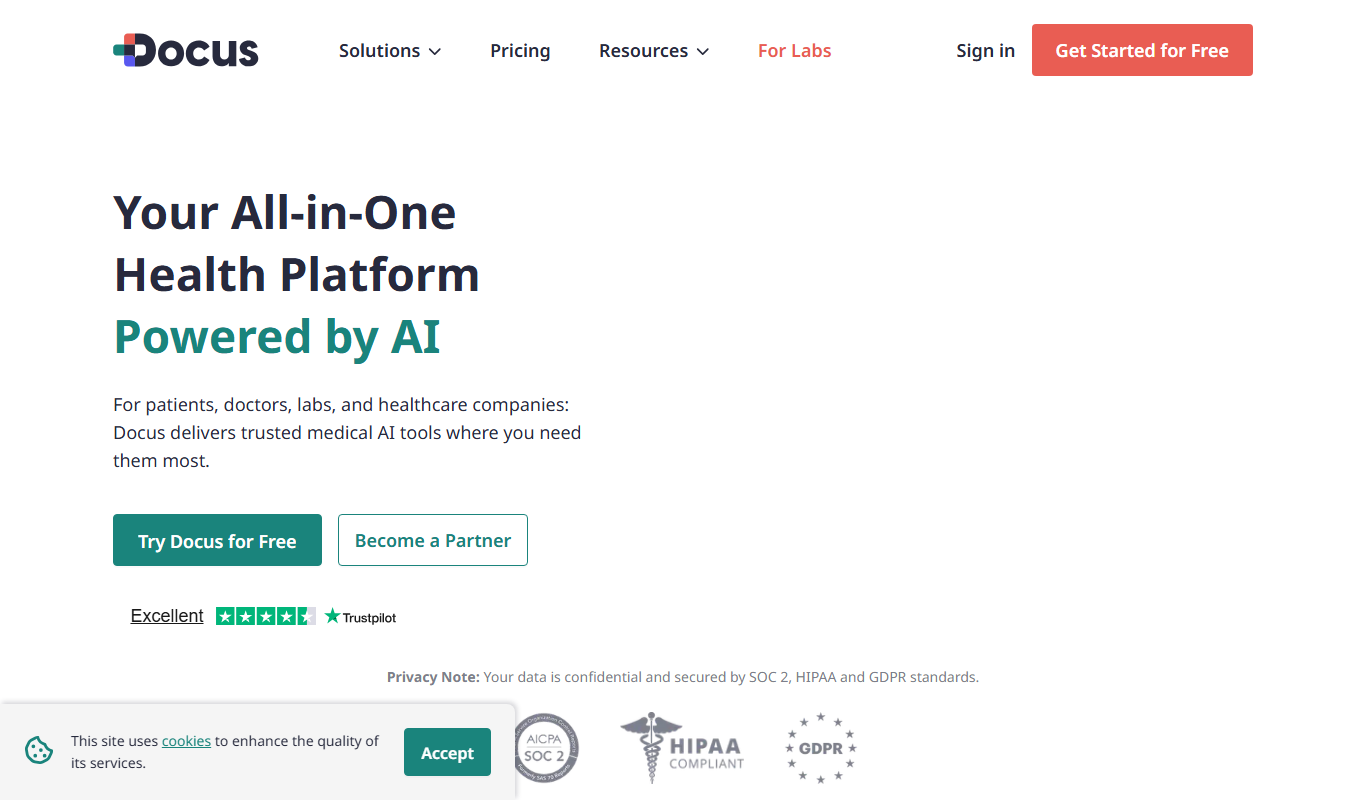
Docus.ai is an AI-powered document automation platform designed to simplify and accelerate the processing, analysis, and management of business documents. It leverages artificial intelligence to extract key data, automate workflows, and reduce manual effort in handling contracts, agreements, and other document types.
Key features of Docus.ai
The platform offers intelligent document parsing, automated data extraction, contract lifecycle management, compliance checks, and collaborative tools to enhance productivity and accuracy in document handling.
AI-Powered Data Extraction
Automatically identify and extract critical information from complex documents.
Contract Lifecycle Management
Manage contract creation, review, approval, and renewal processes efficiently.
Custom Workflow Automation
Design and implement workflows tailored to your organization's document processes.
Compliance and Risk Detection
Automatically flag potential compliance issues and risks within documents.
Collaboration Tools
Enable multiple users to work together on documents with version control and commenting.
Pros and cons of Docus.ai
Pros
- Automates time-consuming document review tasks
- Improves accuracy with AI-driven data extraction
- Supports collaboration and workflow customization
- Offers a free plan to test core features
Cons
- Limited integrations on lower-tier plans
- Primarily web-based, no mobile app available
Key use cases for Docus.ai
Contract Review Automation
Automatically analyze and extract key information from contracts to speed up review processes.
Document Data Extraction
Extract structured data from unstructured documents for easier management and integration.
Workflow Optimization
Streamline document-centric workflows by automating repetitive tasks and approvals.
Compliance Monitoring
Ensure documents meet compliance standards by automatically flagging inconsistencies or missing elements.
Collaboration and Sharing
Facilitate team collaboration on documents with real-time updates and sharing capabilities.
How Docus.ai works
- 1
Upload Documents
Users upload contracts or other documents to the Docus.ai platform via a simple web interface.
- 2
AI Analysis
The AI engine processes the documents, extracting key clauses, dates, and data points automatically.
- 3
Review and Edit
Users review the extracted information, make any necessary edits, and approve the data.
- 4
Automate Workflows
Set up automated workflows for approvals, notifications, and compliance checks based on extracted data.
- 5
Collaborate and Share
Teams can collaborate on documents in real-time and share insights securely within the platform.
Who is using Docus.ai
Legal teams
Contract managers
Small to medium businesses
Compliance officers
Procurement departments
Docus.ai pricing
Free
$0/month
Basic document uploads and limited AI extraction features.
Pro
$49/month
Advanced AI features, workflow automation, and increased document limits.
Enterprise
Custom pricing
Tailored solutions with dedicated support, integrations, and unlimited usage.
Plans and prices are as published by the vendor and can change. Check the official site before you buy. Open the pricing page (opens in a new tab)
Frequently asked questions about Docus.ai
Docus.ai supports contracts, agreements, invoices, and other business documents in common formats like PDF and Word.
Yes, Docus.ai uses industry-standard encryption and security protocols to protect your documents and data.
Enterprise plans offer API access and integrations with popular business tools.
No, the platform is designed for ease of use with an intuitive interface suitable for non-technical users.
It depends on your specific needs and how you plan to use the tool. The official website and documentation are the best sources for the latest details.
Yes, it can help with that use case depending on how you configure it and what features are available. You’ll get the best results with clear inputs and a defined goal.
Data handling and security practices vary by provider. Review the official privacy policy to understand how your data is stored and used.
Sign in to review this tool.
Sign In to ReviewNo reviews yet
Be the first to share how this tool worked for you.
Ask about pricing, limits, or how it compares — or answer someone else.
Sign In to AskNo questions yet
Have a question about using or paying for this tool? Be the first to ask.
Featured on TiorAI



Alternative Tools
Explore similar AI tools that might fit your needs

Free Trial
DocuSign
DocuSign is a cloud-based electronic signature platform that enables secure, legally binding digital signing and management of documents, streamlining workflows and ensuring compliance.
Free
PandaDoc
PandaDoc is a cloud-based platform that automates document creation, approval workflows, and electronic signatures to help businesses streamline proposals, contracts, and payments.

Custom Pricing
ContractPodAi
ContractPodAi is an AI-driven contract management software that automates contract creation, negotiation, approval, and compliance monitoring to streamline legal workflows.
More AI Artificial Intelligence Tools tools
Other tools in the same category, for when this one is not quite the fit.

Freemium
EasyTrip AI
EasyTrip AI is an AI-driven travel planner that generates customized trip itineraries based on your travel dates, destinations, and preferences, helping you organize your trip efficiently.

Freemium
Travel Itinerary AI
Travel Itinerary AI is an AI-powered web tool that creates personalized travel itineraries based on your preferences, helping you plan and manage trips efficiently.

Free
NilgAI Travel
NilgAI Travel is an AI-driven travel planning tool that creates personalized itineraries based on your preferences, travel dates, and budget, helping you efficiently plan trips worldwide.

Custom Pricing
sentiance.com
Sentiance is an AI-powered platform that transforms sensor and contextual data into actionable behavioral insights, enabling businesses to understand user behavior and deliver personalized experiences in real-time.

Contact for pricing
ODESIS
ODESIS is an AI-driven analytics platform that helps businesses transform data into actionable insights through machine learning, visualization, and predictive analytics.

Contact for pricing
QUINETICS
Quinetics is an AI platform that provides businesses with advanced data analytics, workflow automation, and custom machine learning model development to optimize operations and decision-making.

Free
aigclist
AIGCList is a free online directory that aggregates and categorizes AI tools, providing detailed information, user reviews, and AI industry news to help users discover and compare AI solutions.

Free
AI Tool Center
AI Tool Center is a free online directory that helps users discover, compare, and review AI tools across various categories and industries.