

From my experience with Raster, I found it excels at enabling seamless real-time collaboration among design teams, which significantly reduces feedback loops and miscommunication. The integrated prototyping and version control features make it a practical choice for teams looking to iterate quickly and keep everyone aligned. However, its offline capabilities are limited, which might be a drawback for users needing constant access without internet. Overall, Raster is well-suited for small to medium design teams and freelancers who prioritize collaborative workflows and interactive prototyping.
Raster App for Collaborative Design and Prototyping with Real-Time Feedback
Raster is a collaborative design and prototyping tool that enables teams to work together in real-time, create interactive prototypes, and manage feedback efficiently.
- Best for
- Collaborative Design
- Key capability
- Real-Time Collaboration

Do you recommend this tool?
What is Raster?
Raster is a collaborative design and prototyping platform that enables teams to create, share, and iterate on design projects in real-time. It combines design tools with communication features to streamline feedback and improve team workflows.
Key features of Raster
Raster offers real-time collaboration, interactive prototyping, integrated feedback tools, and version control to help design teams work efficiently and stay aligned throughout the project lifecycle.
Real-Time Collaboration
Multiple users can edit and comment on designs simultaneously, enhancing teamwork.
Interactive Prototyping
Create clickable prototypes to demonstrate user flows and interactions.
Integrated Feedback System
Stakeholders can leave comments directly on designs, making feedback clear and actionable.
Version Control
Maintain a history of changes to easily revert or compare design iterations.
Cross-Platform Access
Access Raster via web or desktop applications for flexibility.
Pros and cons of Raster
Pros
- Intuitive real-time collaboration interface
- Integrated feedback and commenting system
- Supports interactive prototyping
- Version control for design iterations
- Cross-platform availability
Cons
- Limited offline functionality
- Smaller user base compared to established design tools
- Pricing may be restrictive for larger teams
Key use cases for Raster
Collaborative Design
Teams can work together in real-time on design projects, sharing feedback instantly.
Prototyping
Create interactive prototypes to visualize user flows and design concepts.
Design Feedback
Gather and manage feedback from stakeholders directly on design files.
Team Communication
Facilitate communication between designers, developers, and clients within the platform.
Version Control
Track changes and maintain version history of design projects.
How Raster works
- 1
Create an Account
Sign up on Raster’s website to start using the platform.
- 2
Start a Project
Create a new design project or import existing files to begin.
- 3
Collaborate in Real-Time
Invite team members to work together, share feedback, and make edits simultaneously.
- 4
Prototype and Share
Build interactive prototypes and share them with stakeholders for review.
- 5
Manage Feedback and Versions
Collect comments directly on designs and track changes with version history.
Who is using Raster
Design teams
Product managers
UX/UI designers
Marketing agencies
Freelance designers
Raster pricing
Free
$0/month
Basic features with limited projects and collaborators.
Pro
$15/month
Advanced collaboration tools, unlimited projects, and priority support.
Plans and prices are as published by the vendor and can change. Check the official site before you buy. Open the pricing page (opens in a new tab)
Frequently asked questions about Raster
Yes, Raster offers a free plan with basic features suitable for small teams or individual users.
Raster primarily operates online, but the desktop app allows some offline access with syncing when reconnected.
Raster supports importing files from popular design tools to facilitate seamless workflows.
This tool is designed to help users accomplish its core tasks more efficiently. It is typically used by individuals or teams looking to improve productivity and workflow.
Yes, it can help with that use case depending on how you configure it and what features are available. You’ll get the best results with clear inputs and a defined goal.
Pricing depends on the plan and included features. For the most accurate and up-to-date details, check the official pricing page.
Yes, it can help with that use case depending on how you configure it and what features are available. You’ll get the best results with clear inputs and a defined goal.
Sign in to review this tool.
Sign In to ReviewNo reviews yet
Be the first to share how this tool worked for you.
Ask about pricing, limits, or how it compares — or answer someone else.
Sign In to AskNo questions yet
Have a question about using or paying for this tool? Be the first to ask.
Featured on TiorAI



Alternative Tools
Explore similar AI tools that might fit your needs
Free
Figma
Figma is a cloud-based design tool for creating user interfaces and prototypes collaboratively in real time, accessible via web and desktop apps.

Free
InVision
InVision is a digital product design platform that enables teams to create interactive prototypes, collaborate on designs, manage workflows, and hand off projects to developers efficiently.
More AI Developer Docs tools
Other tools in the same category, for when this one is not quite the fit.

Free
Sphinx
Sphinx is an open-source documentation generator primarily for Python projects that converts reStructuredText and docstrings into multi-format technical documentation.
Free
MkDocs
MkDocs is an open-source static site generator written in Python that converts Markdown files into fast, easy-to-navigate documentation websites.

Free
ReadMe
ReadMe is a SaaS platform that enables companies to create, manage, and publish interactive API documentation and developer portals with features like API explorers, versioning, and user feedback collection.

Free
Docusaurus
Docusaurus is an open source static site generator built with React that helps developers create, version, and maintain documentation websites easily.
Freemium
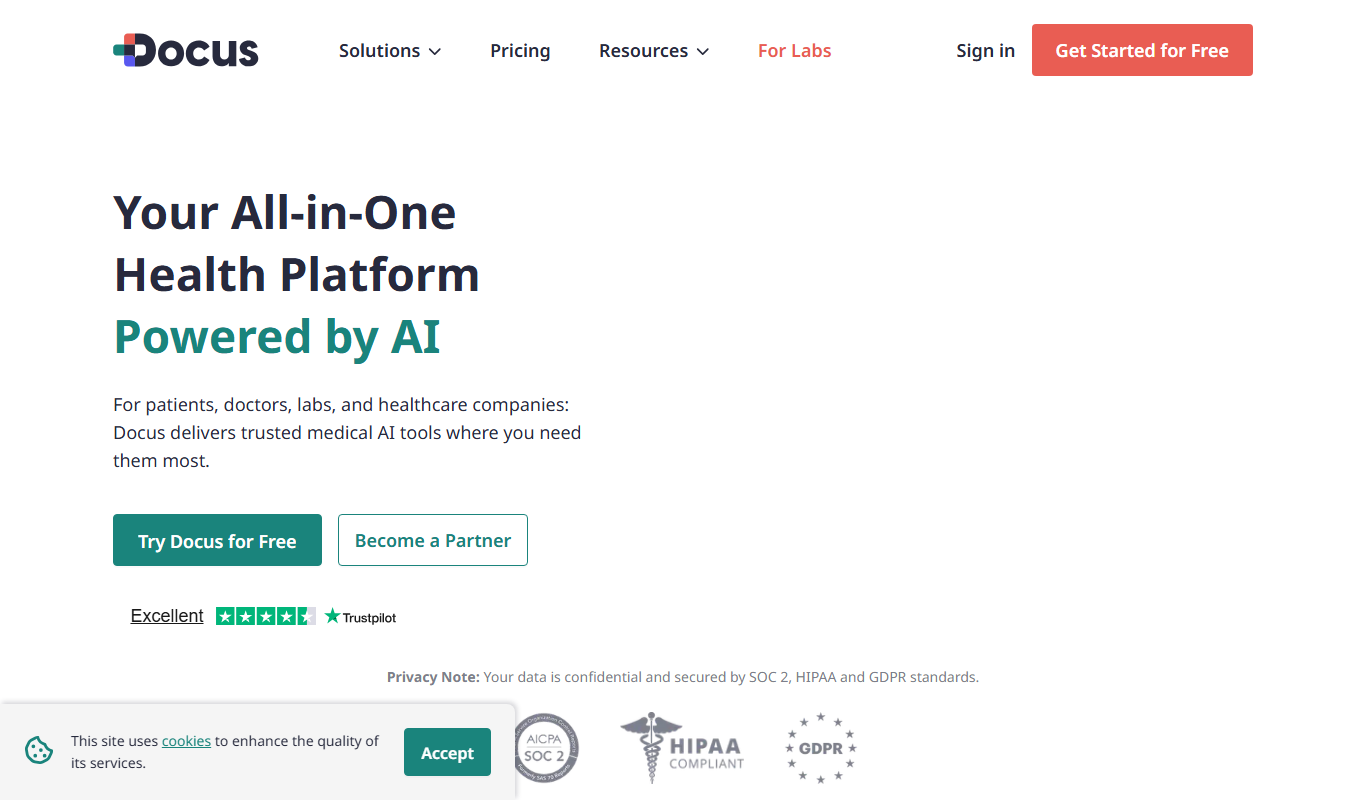
Docus.ai
Docus.ai is an AI-powered platform that automates document processing by extracting key data, managing contracts, and optimizing workflows to save time and reduce errors.
Free
Accesssgpts
Accesssgpts is a no-code AI platform that enables users to create, customize, and deploy their own GPT-powered chatbots for various applications such as customer support and content generation.

Free Trial
LastMile AI
LastMile AI is a platform that automates the deployment and management of machine learning models, enabling scalable, reliable production environments with monitoring and integration capabilities.

Free
Mintlify
Mintlify is an AI-powered documentation platform that assists developers and technical writers in creating, managing, and publishing technical documentation with features like AI writing assistance, real-time collaboration, and automatic formatting.