

From my experience with PaperClip, I found it excels at simplifying the writing process by providing clear, context-aware AI suggestions that help overcome writer’s block and speed up content creation. After spending time with the platform, I can say it’s particularly well-suited for content creators and marketing professionals who need quick drafts and tone flexibility without complex setups. However, there’s a trade-off: PaperClip currently supports only English and lacks a mobile app, which might limit accessibility for some users. Overall, if you need a straightforward AI writing assistant for diverse content types, PaperClip delivers solid results with an easy-to-use interface.
PaperClip AI Writing Assistant for Efficient Content Creation Online
PaperClip is an AI writing assistant that generates and improves written content across various formats, helping users write faster and with better quality.
- Best for
- Content Writing
- Key capability
- AI Text Generation
Your actions
Save PaperClip, follow its updates and vote on it — everything stays in your account.
Sign in or create a free account
What is PaperClip?
PaperClip is an AI-powered writing assistant designed to help users create, edit, and refine written content efficiently. It leverages advanced natural language processing to generate text suggestions, assist with brainstorming, and improve writing quality across various formats including articles, emails, social media posts, and creative writing.
Key features of PaperClip
PaperClip offers real-time AI text generation, contextual suggestions, tone adjustment, and editing tools that streamline the writing process. Its intuitive web interface allows users to quickly produce high-quality content with minimal effort.
AI Text Generation
Generate coherent and contextually relevant text based on user prompts.
Tone and Style Adjustment
Modify the writing tone to suit formal, casual, or creative needs.
Real-Time Suggestions
Receive instant content ideas and improvements as you write.
Multi-Format Support
Create diverse content types including articles, emails, social posts, and stories.
User-Friendly Interface
Simple and clean web-based editor optimized for productivity.
Pros and cons of PaperClip
Pros
- Easy-to-use interface suitable for beginners
- Supports multiple content formats
- Real-time AI suggestions improve writing speed
- Affordable pricing with a free tier
Cons
- Limited language support (English only)
- No dedicated mobile app currently
- Some advanced features require Pro subscription
Key use cases for PaperClip
Content Writing
Generate articles, blog posts, and marketing copy quickly with AI assistance.
Email Drafting
Create professional and personalized emails efficiently.
Creative Writing
Brainstorm ideas and develop stories or scripts using AI-generated suggestions.
Social Media Content
Produce engaging posts and captions tailored for various social platforms.
Editing and Refinement
Improve existing text by enhancing clarity, tone, and style.
How PaperClip works
- 1
Sign Up
Create a free account on the PaperClip website to access the AI writing assistant.
- 2
Select Writing Mode
Choose the type of content you want to create, such as article, email, or social media post.
- 3
Input Prompts or Text
Provide initial ideas, keywords, or partial text to guide the AI in generating content.
- 4
Review and Edit
Use the AI-generated suggestions to refine your writing, adjusting tone and style as needed.
- 5
Export or Publish
Copy the final content or export it for use in other applications.
Who is using PaperClip
Content creators
Marketing professionals
Small business owners
Freelance writers
Social media managers
PaperClip pricing
Free
$0/month
Access to basic AI writing features with daily usage limits.
Pro
$15/month
Unlimited usage, priority support, and advanced customization options.
Plans and prices are as published by the vendor and can change. Check the official site before you buy. Open the pricing page (opens in a new tab)
Frequently asked questions about PaperClip
Yes, PaperClip offers a free plan with limited daily usage. You can upgrade to Pro for unlimited access.
You can create articles, emails, social media posts, creative stories, and more.
Currently, PaperClip supports English only.
Yes, PaperClip allows you to modify the tone to be formal, casual, or creative.
It depends on your specific needs and how you plan to use the tool. The official website and documentation are the best sources for the latest details.
Yes, it can help with that use case depending on how you configure it and what features are available. You’ll get the best results with clear inputs and a defined goal.
Sign in to review this tool.
Sign In to ReviewNo reviews yet
Be the first to share how this tool worked for you.
Ask about pricing, limits, or how it compares — or answer someone else.
Sign In to AskNo questions yet
Have a question about using or paying for this tool? Be the first to ask.
Featured on TiorAI



More AI Code Assistant tools
Other tools in the same category, for when this one is not quite the fit.

Free
Cymath
Cymath is an AI-powered math solver that provides step-by-step solutions for algebra, calculus, and other math problems via web and mobile apps.

Free
Sphinx
Sphinx is an open-source documentation generator primarily for Python projects that converts reStructuredText and docstrings into multi-format technical documentation.

Free
The Odin Project
The Odin Project is a free, open-source online curriculum that teaches full-stack web development through project-based learning and community support.

Free
freeCodeCamp
freeCodeCamp is a free online platform offering interactive coding lessons, projects, and certifications to help beginners learn programming and web development.

Free
Codecademy
Codecademy is an online platform offering interactive coding courses and projects to help users learn programming languages and prepare for tech careers.

Free
Python-Future
Python-Future is a compatibility library that allows Python developers to write code that runs on both Python 2 and Python 3 interpreters without modification, easing migration and maintenance.
Free
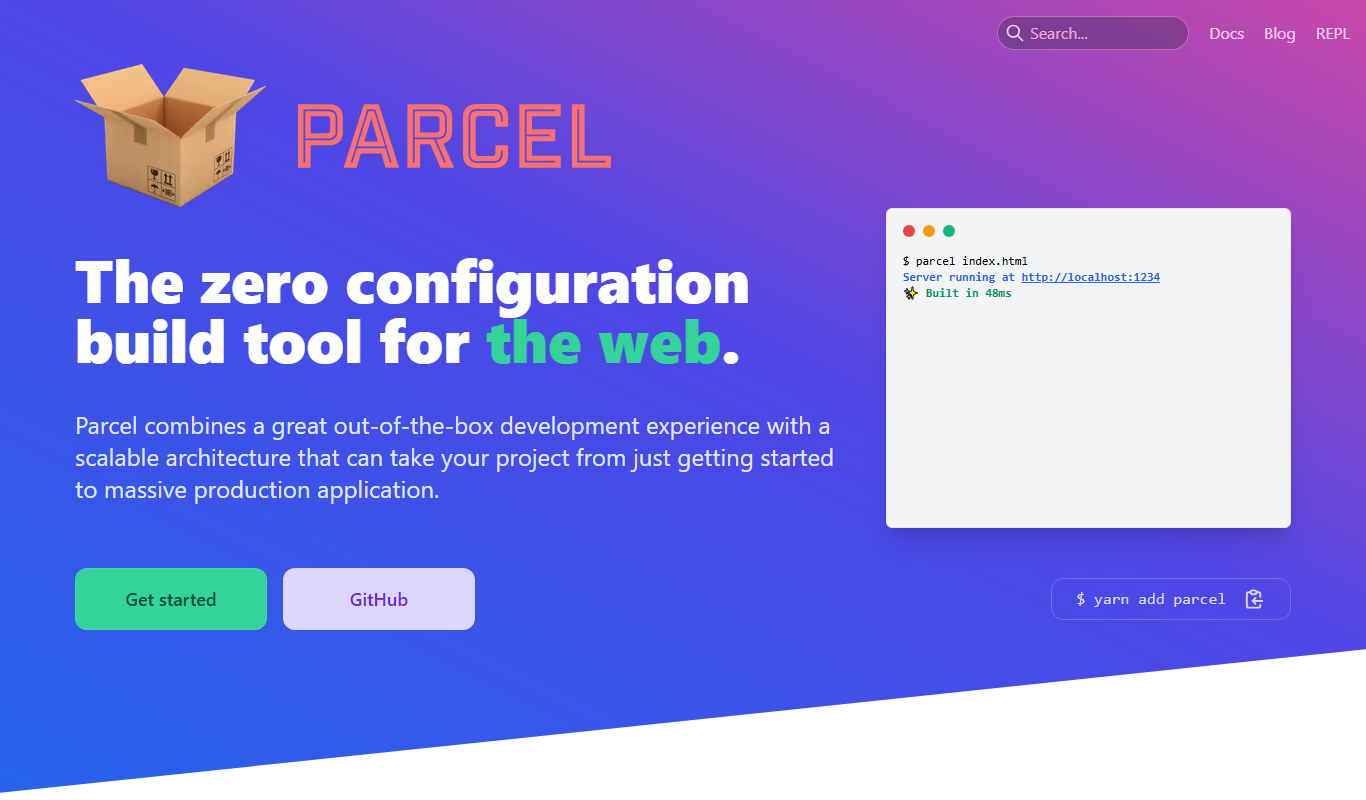
Parcel
ParcelJS is an open-source web bundler that offers zero configuration, fast multi-core builds, and automatic asset handling for modern web development.

Free
Kodable
Kodable is an educational platform that teaches young children coding basics through interactive games and visual programming, suitable for ages 4 to 10.