


Free
SiteBuilderReport
SiteBuilderReport is a free online platform offering detailed reviews and comparisons of website builders, hosting providers, and SEO tools to help users choose the best solutions for building and marketing their websites.
Every AI tool we track, with pricing, platform and category on each entry. Filter down to a shortlist, then open the ones worth a closer look.
Filter 8,929 AI tools by pricing, category, platform and language.
SiteBuilderReport is a free online platform offering detailed reviews and comparisons of website builders, hosting providers, and SEO tools to help users choose the best solutions for building and marketing their websites.

MetaMask is a free cryptocurrency wallet and browser extension that allows users to manage Ethereum and ERC-20 tokens, interact with decentralized applications, and perform blockchain transactions securely on web and mobile platforms.

Kuvera is a free Indian online investment platform specializing in direct mutual funds, goal-based financial planning, and portfolio management accessible via web and mobile apps.
DataHub is an open-source metadata platform that helps organizations discover, manage, and govern their data assets by providing a centralized catalog with rich metadata, lineage visualization, and access controls.

Gatsby is an open-source React-based static site generator that helps developers build fast, secure, and scalable websites by pre-rendering pages and integrating data from multiple sources using GraphQL.

Vite is a frontend build tool that uses native ES modules for fast development, and Vite 8 builds for production with Rolldown.
Octopus.do is a web app for creating visual sitemaps that help plan website architecture and improve UX design through an intuitive drag-and-drop interface and team collaboration.

Screaming Frog SEO Spider is a desktop SEO tool that crawls websites to identify technical SEO issues like broken links, duplicate content, and metadata problems, helping improve search engine rankings.

Startup Stash is a free, curated directory of startup tools and resources that helps entrepreneurs discover and select software solutions to build and grow their businesses.

Campsite.bio is a web-based link in bio tool that lets users create a personalized landing page to consolidate multiple links and content for social media profiles, enhancing branding and engagement.
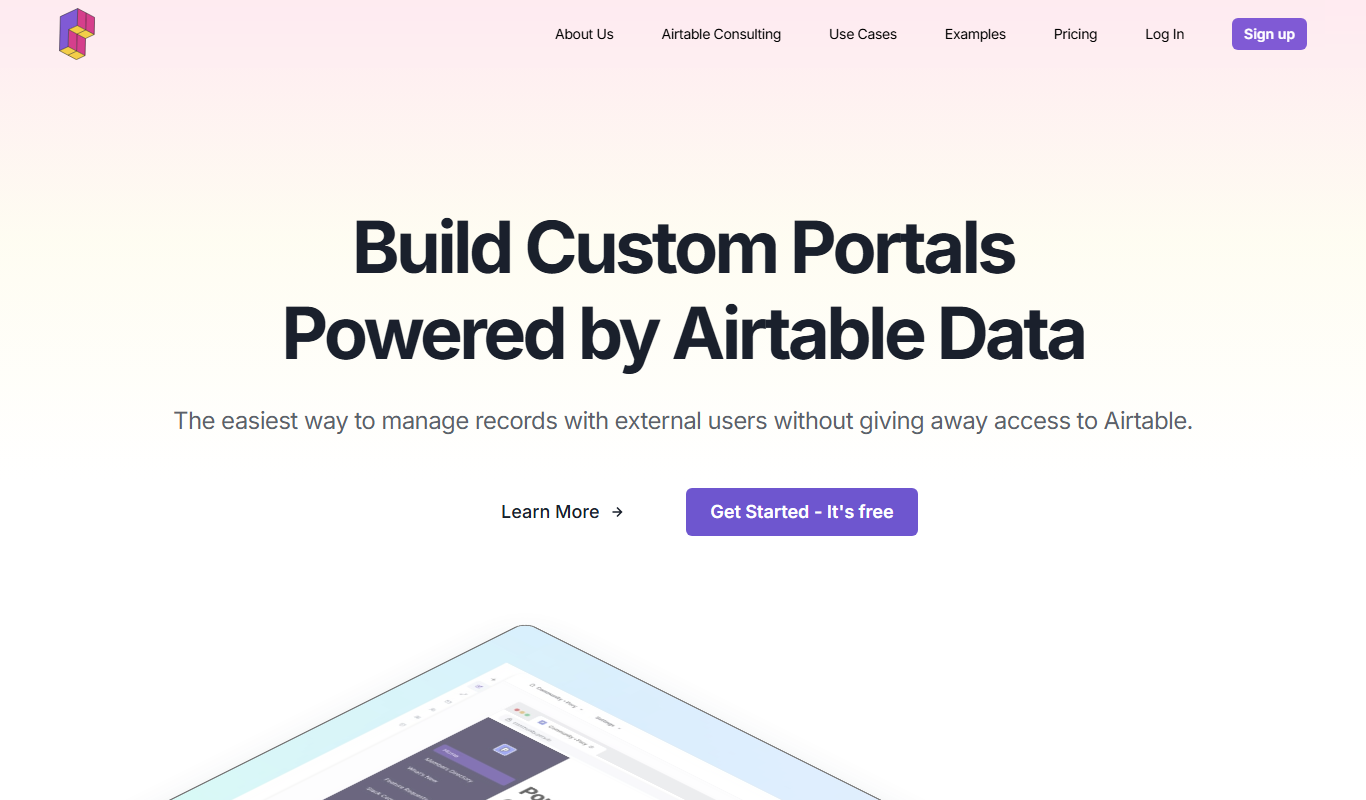
Pory.io is marketed as an AI Portal Builder for programs and communities.
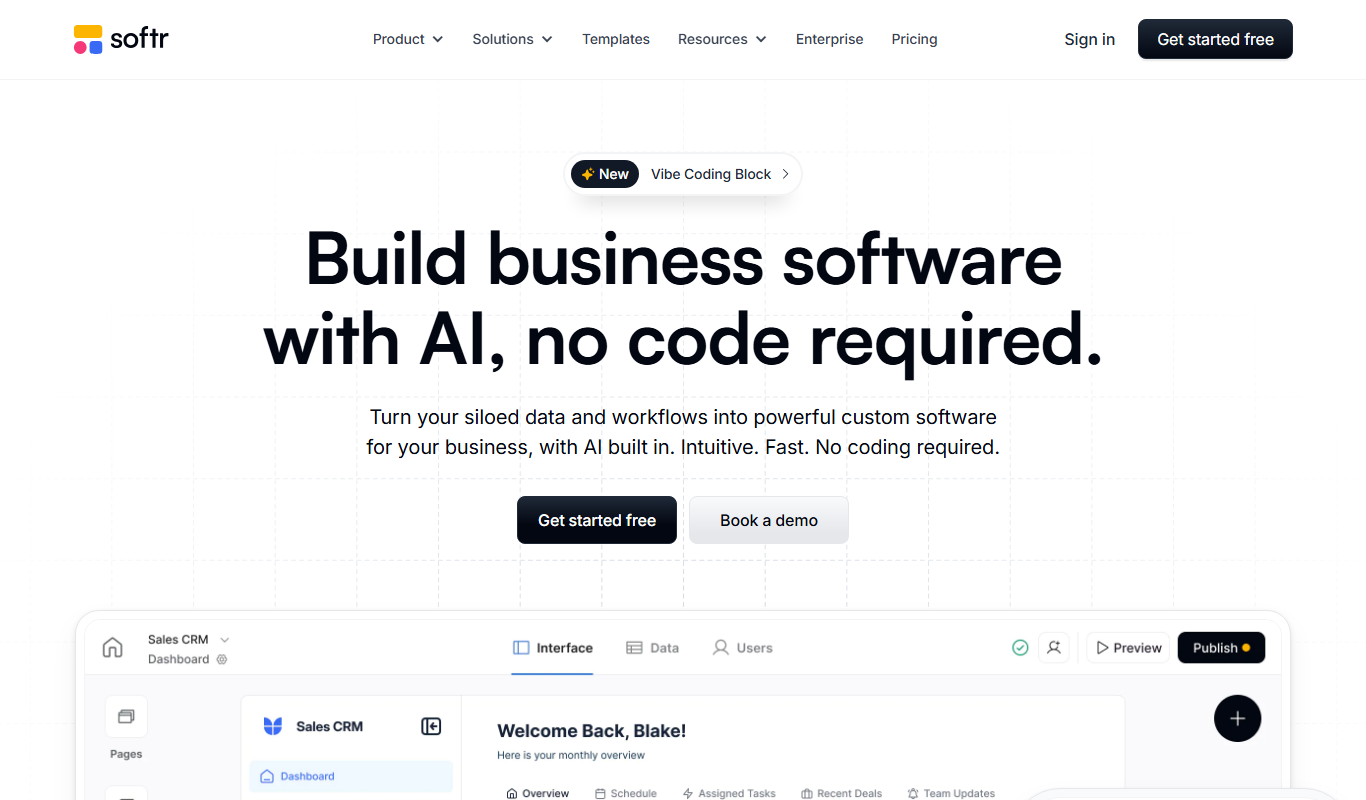
Softr is a no-code platform that allows users to build web applications, client portals, and membership sites easily by connecting to Airtable and using a drag-and-drop interface without coding.
Page 76 of 264
Ten tools per shortlist, ranked, for when a category is still too many results.
Still deciding
Pricing, supported platforms and what each one is actually good at, laid out in one table. 764 comparisons are written and ready.
Browse comparisonsComparable tools for the products people already use.
Every one of the 8,929 entries here carries the same fields: what the tool does, what it costs, which platforms it runs on, and which categories it belongs to. That is what makes filtering across the whole catalogue possible rather than decorative.
The catalogue is not the point on its own; competitors list the same tools. What is worth your time is what sits on top of it: comparisons that commit to a recommendation, alternative sets that are genuinely comparable, and entries that get corrected when a vendor changes its pricing.
Start from a category rather than the full list: the category index above jumps straight into the twelve largest ones. From there, use the pricing shortcuts to drop anything outside your budget, then open the three or four entries that look closest and compare them side by side.
Free means there is a usable tier at no cost with no time limit. Freemium means a free tier exists but the useful features sit behind a paid plan. Free trial means paid-only after a fixed evaluation window. Subscription means recurring billing with no free tier. Labels come from the vendor and are re-checked when a listing is updated.
Yes. Category, pricing, tech stack, language and platform stack together, and every combination has its own URL, so a filtered view can be bookmarked or shared. Active filters appear above the results and can be removed one at a time.
Around 8% of entries have no captured screenshot, usually because the tool sits behind a login or the site blocks automated capture. Those entries show the tool's initial instead. It is not a signal about the tool's quality.
Newest first, so the front of the directory reflects what has recently shipped. Switch the sort to Top Rated for the highest-scoring entries, or Most Popular to order by real visitor interest across views and outbound clicks.
An alternatives page answers "what else does this job?" and lists comparable tools for one product. A comparison page takes two named tools and works through pricing, capability and fit to reach a recommendation. Both are linked from every tool entry.