

Taskade AI is a collaborative productivity platform that combines task management, note-taking, and video conferencing with AI-powered assistance. It enables teams and individuals to organize projects, brainstorm ideas, and communicate seamlessly in real time. The AI features help automate workflows, generate content, and enhance productivity within a unified workspace accessible across devices.
Best Free & Paid Taskade AI Alternatives (2026 Guide)
8 tools compared against Taskade AI on pricing, platforms and what each one does differently.
- Alternatives
- 8
- Category
- AI Productivity
- Free
- $0/month
- With a free tier
- 7 of 8


What is Taskade AI?
Taskade AI
The tool you are replacing
Why Choose Taskade AI AI Alternatives?
People leave Taskade AI for different reasons, and each of the 8 AI Productivity tools on this page answers a different one. Here is what separates the shortlist, taken from what each tool actually stores rather than from a ranking.
-
A free way in
7 of the 8 tools below are free, freemium or open source, so you can try them before any card details are involved.
-
Different capabilities
Between them these tools are also filed under Agile Project Management, Art & Creative Design, Business Management — categories Taskade AI does not carry.
-
A different pricing shape
The shortlist spans Free, Free Trial, Freemium, Subscription, so the choice is not only which tool but which commercial model suits how you work.
-
Wider platform coverage
Tools on this shortlist additionally list API among their platforms, which Taskade AI does not.
-
More than one vendor
These come from 8 different companies, so you are choosing a supplier as well as a product.
Best Taskade AI AI Alternatives in 2026
Every row links to that tool’s full entry further down the page.
| Tool | Best for | Pricing | Free tier | Platforms |
|---|---|---|---|---|
|
Taskade AI
Current tool | Team Collaboration |
| Yes | Android, Desktop, iOS |
 Notion AI
| Content Creation |
| Yes | Android, Desktop, iOS |
 ClickUp AI
| Task Automation |
| Yes | Android, Desktop, iOS |
 Monday.com AI
| Project Management |
| No | Android, Desktop, iOS |
 Asana AI
| Project Planning and Tracking |
| Yes | Android, iOS, Web |
 Zapier AI
| Automate Repetitive Tasks |
| Yes | API, Web |
| Maket | Automated Marketing Content Generation |
| Yes | Web |
 ChatGPT
| Content Writing |
| Yes | Android, API, iOS |
 Claude
| Long Document Analysis |
| Yes | Android, API, iOS |
Top Taskade AI AI Alternatives for 2026

Number 1: Notion AI

Notion AI is an integrated artificial intelligence assistant embedded within the Notion productivity platform. It enhances note-taking, writing, and collaboration by providing AI-driven content generation, editing suggestions, and summarization directly inside users' workspaces. Designed to boost productivity for individuals and teams, Notion AI helps users create, organize, and manage content more efficiently.
Best for Content Creation
Key features of Notion AI
-
AI Writing Assistant
Generate, expand, or rewrite text to improve clarity, tone, and style.
-
Content Summarization
Automatically create concise summaries of long documents or notes.
-
Idea Generation
Brainstorm topics, outlines, or creative prompts to overcome writer’s block.
-
Grammar and Style Suggestions
Receive real-time corrections and enhancements for grammar, punctuation, and tone.
-
Seamless Integration
Works natively within Notion’s workspace without needing external tools.
Pros and cons of Notion AI
Pros
- Integrated directly within Notion workspace for seamless use
- Supports a wide range of writing and productivity tasks
- Collaborative features enhance team workflows
- User-friendly interface with minimal learning curve
Cons
- Limited language support beyond English
- Usage limits on AI features in free and lower-tier plans
- AI suggestions may require manual review for accuracy
Best use cases for Notion AI
-
Team Collaboration
Collaborate on documents and projects with real-time editing and AI suggestions to improve clarity and productivity.
-
Note-Taking and Organization
Use AI to summarize notes, create outlines, and organize information efficiently within a flexible workspace.
-
Task and Project Management
Manage tasks and workflows with integrated AI assistance to streamline project planning and execution.
-
-
Number 2: ClickUp AI
ClickUp AI is an integrated artificial intelligence assistant built into the ClickUp productivity platform. It enhances task and project management by automating routine tasks, generating content, and optimizing workflows. Designed to streamline team collaboration and increase efficiency, ClickUp AI leverages natural language processing and machine learning to assist users in managing projects smarter and faster.
Best for Task Automation
vs Taskade AI Also covers Agile Project Management, Art & Creative Design
Key features of ClickUp AI
-
AI Task Creation
Generate detailed tasks and subtasks from simple prompts or meeting discussions.
-
Automated Meeting Notes
Automatically transcribe and summarize meetings into actionable items.
-
Smart Scheduling
AI-assisted scheduling that considers team availability and project deadlines.
-
Workflow Recommendations
Receive AI insights to improve project workflows and team productivity.
-
Content Generation
Create project documentation, reports, and updates with AI-generated text.
Pros and cons of ClickUp AI
Pros
- Seamlessly integrated into a robust project management platform
- Automates repetitive tasks saving time
- AI-generated content improves documentation speed
- Supports team collaboration across devices
Cons
- AI features currently limited to English language
- Some advanced AI capabilities require higher-tier plans
- Learning curve for new users unfamiliar with AI tools
Best use cases for ClickUp AI
-
Content Generation
Generate task descriptions, meeting notes, and project documentation quickly with AI assistance.
-
Workflow Optimization
Use AI to analyze workflows and suggest improvements for better team productivity.
-
Customer Support Assistance
Leverage AI to draft responses and manage customer queries within project workflows.
-
-
Number 3: Monday.com AI

monday.com AI is an AI-enhanced work operating system designed to help teams manage projects, workflows, and everyday work more efficiently. It integrates AI capabilities to automate routine tasks, provide intelligent insights, and improve collaboration across departments.
Best for Project Management
vs Taskade AI Paid only, with no free tier, also covers Agile Project Management, Art & Creative Design
Key features of Monday.com AI
-
AI Workflow Automation
Automate repetitive tasks such as status updates, notifications, and data entry.
-
Customizable Dashboards
Visualize project data and KPIs with tailored dashboards and reports.
-
AI-Powered Insights
Receive predictive analytics and recommendations to improve project outcomes.
-
Collaboration Tools
Built-in chat, file sharing, and commenting to enhance team communication.
-
Integrations
Connect with popular tools like Slack, Microsoft Teams, Google Workspace, and more.
Pros and cons of Monday.com AI
Pros
- Highly customizable workflows and boards
- Robust AI automation capabilities
- Strong integration ecosystem
- User-friendly interface
Cons
- Pricing can be high for larger teams
- Steep learning curve for advanced features
- Some AI features require higher-tier plans
Best use cases for Monday.com AI
-
Workflow Automation
Automate repetitive tasks and processes to increase team productivity and reduce manual work.
-
Team Collaboration
Facilitate communication and collaboration among team members with integrated AI tools.
-
Customer Service Management
Use AI to streamline customer support workflows and improve response times.
-
-
Number 4: Asana AI
Asana AI is an intelligent extension of the Asana project management platform that leverages artificial intelligence to enhance productivity and streamline workflows. It integrates AI capabilities directly into task and project management processes, enabling teams to automate routine activities, gain actionable insights, and improve collaboration efficiency.
Best for Project Planning and Tracking
vs Taskade AI Also covers Agile Project Management, Art & Creative Design
Key features of Asana AI
-
AI Task Creation
Convert natural language inputs into actionable tasks automatically.
-
Workflow Automation
Automate repetitive project management tasks to save time and reduce errors.
-
Meeting Summaries
Generate concise summaries and action items from meeting notes and conversations.
-
Predictive Project Analytics
Forecast project completion dates and identify potential bottlenecks using AI.
-
Smart Notifications
Receive AI-curated notifications to focus on high-priority tasks and deadlines.
Pros and cons of Asana AI
Pros
- Seamless integration with existing Asana workflows
- Automates repetitive project management tasks
- Provides actionable AI-driven insights
- Improves team collaboration and communication
Cons
- Limited language support beyond English
- Advanced AI features require paid subscription
- May have a learning curve for new users
Best use cases for Asana AI
-
Workflow Automation
Automate repetitive tasks and streamline workflows using AI-powered suggestions and triggers.
-
Team Collaboration
Enhance team communication and coordination with AI-generated insights and task recommendations.
-
Meeting Summaries and Action Items
Automatically generate meeting summaries and actionable tasks from conversations and notes.
-
-
Number 5: Zapier AI
Zapier AI is an AI-powered automation platform that enables users to connect their favorite apps and automate workflows with intelligent capabilities. It extends Zapier’s traditional no-code automation by integrating AI features such as natural language understanding, data extraction, and AI-driven decision-making to streamline business processes and daily tasks.
Best for Automate Repetitive Tasks
vs Taskade AI Also covers AI API, AI API Design
Key features of Zapier AI
-
AI-Enhanced Automation
Integrate AI capabilities like natural language processing into your workflows for smarter automation.
-
Extensive App Integrations
Connect thousands of popular apps to create versatile and powerful automations.
-
No-Code Workflow Builder
Design complex workflows easily using a drag-and-drop interface without programming knowledge.
-
Customizable Triggers and Actions
Set up tailored triggers and actions powered by AI to meet specific business needs.
-
Real-Time Automation
Automations run instantly or on schedules to keep your processes efficient and timely.
Pros and cons of Zapier AI
Pros
- Easy-to-use no-code automation builder
- Supports thousands of app integrations
- AI features enhance workflow intelligence
- Scalable plans for individuals and teams
Cons
- AI capabilities are still evolving and may have limitations
- Pricing can be high for advanced plans
- Some complex automations require learning curve
Best use cases for Zapier AI
-
Integrate AI into Workflows
Users can embed AI capabilities such as natural language processing and data extraction into their existing automation workflows.
-
Enhance Productivity
By automating complex multi-step processes, Zapier AI increases operational efficiency for businesses and individuals.
-
Custom Workflow Creation
Users can create custom workflows tailored to their specific business needs using Zapier’s no-code interface combined with AI features.
-
Number 6: Maket
Maket AI is a web-based marketing automation platform that leverages artificial intelligence to help businesses create, optimize, and manage marketing content efficiently. It automates the generation of marketing copy, enabling marketers to save time and improve campaign effectiveness.
Best for Automated Marketing Content Generation
vs Taskade AI Also covers AI Ai Tools, AI Automation & Workflow Tools
Key features of Maket
-
AI-Powered Content Generation
Automatically create marketing copy for ads, emails, and social media posts.
-
Content Optimization Tools
Analyze and improve existing marketing content for better performance.
-
Multi-Channel Support
Generate content customized for different marketing platforms.
-
User-Friendly Interface
Intuitive web platform designed for marketers with varying technical skills.
Pros and cons of Maket
Pros
- Automates time-consuming marketing content creation
- User-friendly interface suitable for non-technical users
- Supports multiple marketing channels
- Offers a free plan to test basic features
Cons
- Limited language support (English only)
- No mobile app available, web-only platform
Best use cases for Maket
-
Content Optimization
Optimize existing marketing content for better engagement and conversion rates.
-
Campaign Planning Assistance
Assist marketers in planning and structuring marketing campaigns with AI-driven suggestions.
-
Multi-Channel Marketing Support
Create tailored content for different marketing channels including social media, email, and ads.
-
-
Number 7: ChatGPT

ChatGPT is a large language model developed by OpenAI, launched in November 2022. Built on GPT-4o, it engages in natural human-like conversations and handles writing, coding, analysis, and automation through a simple chat interface. With over 5.7 billion monthly visits it is the most popular AI tool in the world.GPT-4o supports text, image, and voice inputs in paid tiers and integrates with web browsing, code execution, DALL-E image generation, and custom GPTs built by the community.
Best for Content Writing
vs Taskade AI Also covers AI Chatbot, AI Content Generator
Key features of ChatGPT
-
GPT-4o Multimodal AI
Process and generate text, images, and voice in a single conversation.
-
Custom GPTs
Build and share custom AI assistants tailored to specific workflows or domains.
-
Code Interpreter
Execute Python code, analyze datasets, and create visualizations inside the chat.
-
Real-Time Web Browsing
Search the web for up-to-date information beyond the training cutoff.
-
Voice Mode
Have natural spoken conversations with the AI using mobile or desktop apps.
-
API Access
Integrate ChatGPT into your own products with OpenAI's developer API.
Pros and cons of ChatGPT
Pros
- Most widely used AI tool with massive community support
- GPT-4o delivers top-tier multimodal capabilities
- Extensive plugin and Custom GPT ecosystem
- Constantly updated with new features
Cons
- Free tier has significant usage limitations
- Can produce outdated info without web browsing enabled
- Occasional hallucinations on complex factual queries
- Privacy concerns for sensitive data without Enterprise plan
Best use cases for ChatGPT
-
Code Generation
Generate, debug, and explain code in Python, JavaScript, SQL, and 20+ languages.
-
Research & Summarization
Summarize long documents, research papers, and articles into key insights.
-
Customer Support
Build AI-powered chatbots and automate customer support responses at scale.
-
-
Number 8: Claude

Claude is an AI assistant developed by Anthropic, an AI safety company founded in 2021 by former OpenAI researchers including Dario Amodei. Claude is built using Constitutional AI — a training method designed to make the model helpful, harmless, and honest.Claude 3.5 Sonnet supports a 200K token context window, enabling processing of entire books or large codebases in a single conversation. With 290M+ monthly visits and 8.14% growth, Claude is one of the fastest-growing AI assistants globally.
Best for Long Document Analysis
vs Taskade AI Also covers AI Chatbot, AI Content Generator
Key features of Claude
-
200K Token Context Window
Process entire books, large codebases, or extensive reports in a single conversation without losing context.
-
Constitutional AI Safety
Trained using Anthropic's Constitutional AI method for safer, more balanced responses.
-
Advanced Code Generation
Write, debug, and explain code across Python, JavaScript, TypeScript, SQL, and more.
-
Document Analysis
Upload and analyze PDFs, spreadsheets, and documents with deep comprehension.
-
Projects Feature
Organize related conversations and maintain persistent context across sessions.
-
Claude API
Build AI-powered applications using the Anthropic API with per-token pricing.
Pros and cons of Claude
Pros
- Best-in-class 200K token context window
- Constitutional AI produces safer, balanced responses
- Excellent at nuanced analysis and complex reasoning
- Strong coding capabilities with detailed explanations
Cons
- Fewer integrations and plugins compared to ChatGPT
- No built-in image generation
- Lower free tier usage limits than some competitors
- Less real-time data access compared to Perplexity AI
Best use cases for Claude
-
Content Writing
Draft high-quality blog posts, emails, reports, and marketing copy with nuanced tone control.
-
Code Generation
Generate, review, and debug code with detailed explanations of logic and best practices.
-
Research
Summarize complex topics and synthesize research from multiple documents.
-





No alternatives match that pricing model.
Which Taskade AI alternative is right for you?
Each tool below lists this as the first thing it is built for, in its own words.
- Content Creation
Generate, edit, and brainstorm ideas for articles, blog posts, and reports using AI-powered writing tools.
- Task Automation
Automate repetitive project management tasks using AI to save time and reduce manual work.
- Project Management
Organize, track, and manage projects with AI-powered automation and visual workflows.
- Project Planning and Tracking
Use AI to automate task creation, assign priorities, and track project progress efficiently.
- Automate Repetitive Tasks
Zapier AI helps users automate repetitive workflows by connecting multiple apps and services, reducing manual effort.
- Automated Marketing Content Generation
Generate marketing copy such as ads, social media posts, and email content automatically using AI.
Compare Taskade AI head to head
Published pages that put Taskade AI against one other tool, side by side on pricing, features and use cases.

Taskade AI Free vs Paid: Free vs Paid Compared
Compare the free and paid tiers of Taskade AI Free and Paid — features, usage limits, and which plan is worth paying for.
-
Taskade AI vs Asana AI: Features, AI Capabilities & Pricing
Taskade AI vs Asana AI — compare AI features, task management depth, automation tools, and pricing for teams.
- Taskade AI: $10/month Starts at Asana AI: $13.49/user/month
- Taskade AI: 4 Platforms Asana AI: 3
-
Taskade AI vs Chatgpt: Task Management, Automations & Integrations
Compare Taskade AI and ChatGPT on task management depth, workflow automation, integrations, and pricing.
- Taskade AI: $10/month Starts at ChatGPT: $20/month
- Taskade AI: 4 Platforms ChatGPT: 4
-
Taskade AI vs Clickup AI: Which Has Better AI Writing & Research?
Taskade AI or ClickUp AI for AI-assisted work? Compare writing assistance, research tools, task automation, and pricing.
- Taskade AI: $10/month Starts at ClickUp AI: $7/user/month
- Taskade AI: 4 Platforms ClickUp AI: 4
-
Taskade AI vs monday.com AI: Which Boosts Team Productivity More?
We compared Taskade AI and Monday.com AI for real team workflows — compare AI features, collaboration tools, and pricing.
- Taskade AI: $10/month Starts at Monday.com AI: $9/seat/month
- Taskade AI: 4 Platforms Monday.com AI: 4
-
Taskade AI vs Notion AI: Workflow Automation, Reporting & Cost
Compare Taskade AI and Notion AI on workflow automation depth, reporting features, customization, and pricing.
- Taskade AI: $10/month Starts at Notion AI: $10/month (+$8/member for AI)
- Taskade AI: 4 Platforms Notion AI: 4
More AI Productivity tools
Other tools filed under AI Productivity that are not already on this page.
 Free
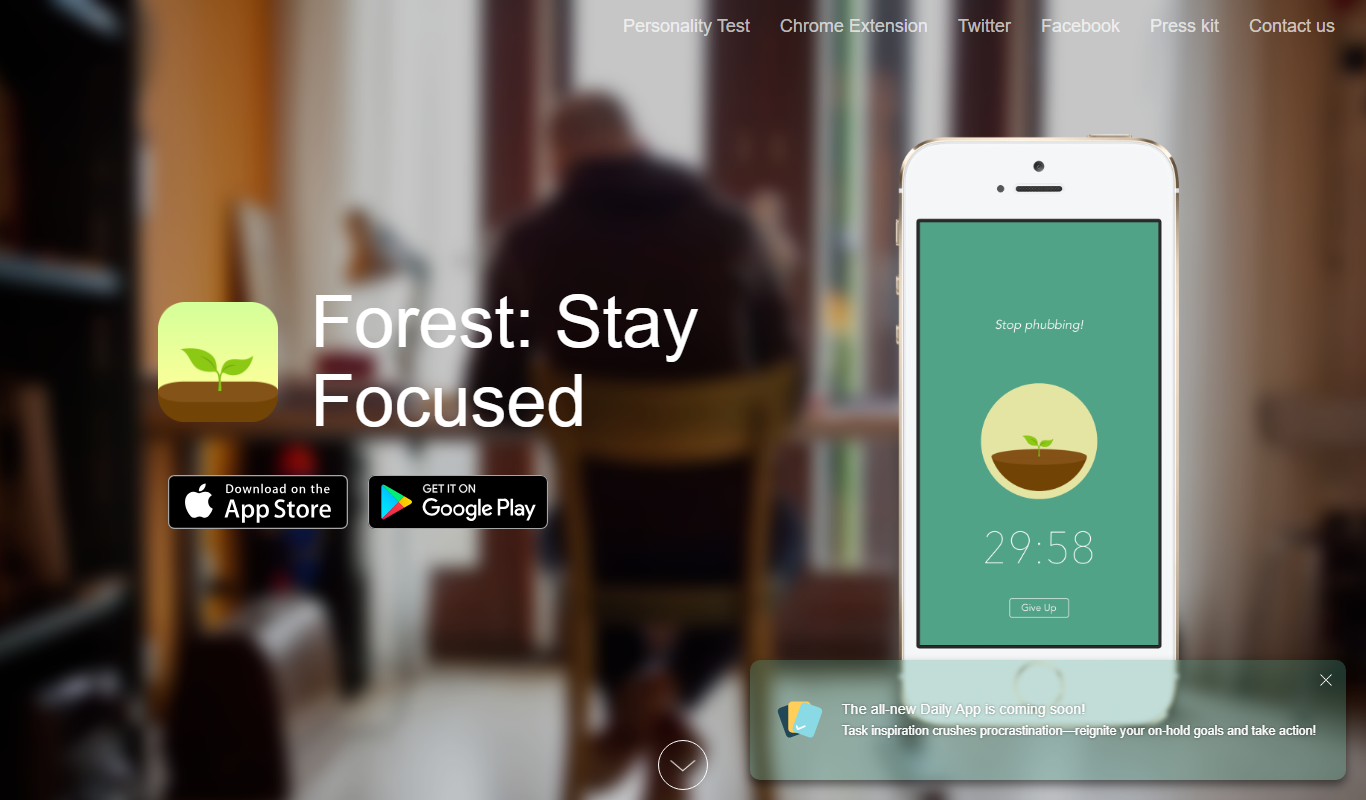
FreeForest
Forest is a productivity app that uses a gamified focus timer to help users stay concentrated by growing virtual trees during timed sessions, discouraging phone distractions.
- Free
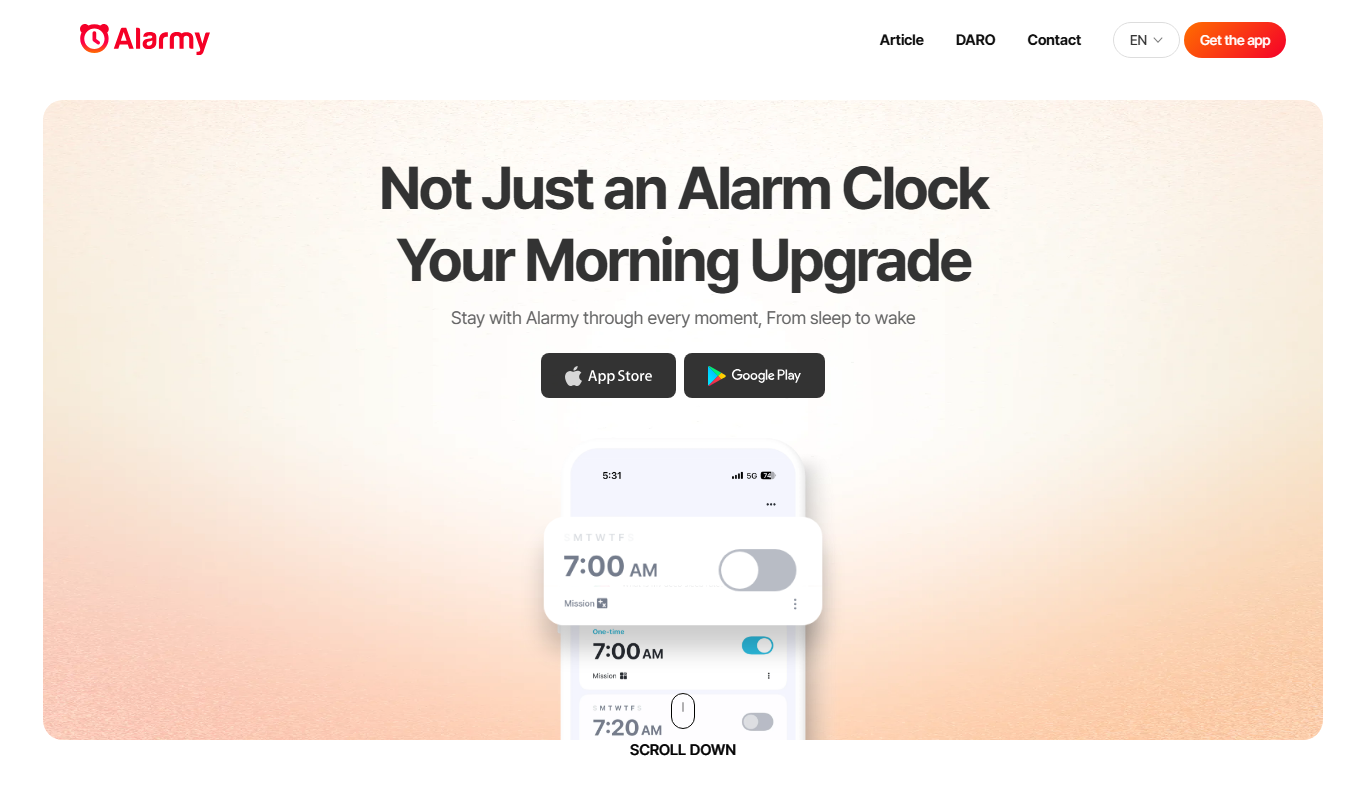
Alarmy
Alarmy is a smart alarm clock app that wakes users by requiring them to complete tasks like solving puzzles or taking photos, making it effective for heavy sleepers.
- Free
Anki
Anki is an open-source spaced repetition flashcard program that helps users memorize information efficiently by scheduling reviews at optimal intervals to enhance long-term retention.
- Free
Reedy
Reedy is a speed reading tool that uses rapid serial visual presentation to help users read faster, available as an Android app and a Chrome extension.
- Free
Notedex
Notedex is an AI-powered note-taking app that helps users organize notes with smart tagging, manage tasks, and access content across web and mobile platforms.


More Office & Productivity alternatives
Other alternatives guides whose subject shares a category with this one.
- Alternatives to Gemini & Gemini Advanced
10 Best Gemini & Gemini Advanced Alternatives in 2026 (Free & Paid)
Looking for the best Gemini & Gemini Advanced alternatives in 2026? We compared the top options to find the right ai assistant tool for your needs.
ChatGPT, Claude, Perplexity AI and 6 more - Alternatives to DeepSeek
10 Best DeepSeek Alternatives in 2026 (Free & Paid)
Looking for the best DeepSeek alternatives in 2026? We compared the top options to find the right ai model / chatbot tool for your needs.
ChatGPT, Claude, Gemini & Gemini Advanced and 6 more - Alternatives to GitHub Copilot
10 Best GitHub Copilot Alternatives in 2026 (Free & Paid)
Looking for the best GitHub Copilot alternatives in 2026? We compared the top options to find the right ai coding tool for your needs.
Cursor AI, Tabnine - Alternatives to Microsoft Copilot
10 Best Microsoft Copilot Alternatives in 2026 (Free & Paid)
Looking for the best Microsoft Copilot alternatives in 2026? We compared the top options to find the right ai productivity tool for your needs.
ChatGPT, Claude, Gemini & Gemini Advanced and 4 more - Alternatives to Grammarly
10 Best Grammarly Alternatives in 2026 (Free & Paid)
Looking for the best Grammarly alternatives in 2026? We compared the top options to find the right ai writing assistant tool for your needs.
ProWritingAid, Wordtune, QuillBot and 4 more - Alternatives to Notion AI
10 Best Notion AI Alternatives in 2026 (Free & Paid)
Looking for the best Notion AI alternatives in 2026? We compared the top options to find the right ai productivity tool for your needs.
Obsidian, ClickUp AI, Confluence and 3 more





Browse alternatives by category
Every category with more than one alternatives guide in it.