

From my experience with Taskade AI, I found it excels at combining real-time collaboration with AI-powered task automation, making team workflows smoother and more efficient. The platform’s intuitive interface and integrated video chat simplify remote teamwork, while the AI assistant helps reduce manual planning efforts. However, the AI features require a paid subscription, and offline capabilities are limited, which might affect users with unstable internet. Overall, if you need a versatile productivity tool that blends collaboration and AI assistance, Taskade AI delivers solid results for both individuals and teams.
Taskade AI Review: Collaborative AI Task Management and Productivity Tool
Taskade AI is a collaborative productivity platform that integrates task management, note-taking, and video chat with AI-powered automation to enhance team workflows and individual productivity.
- Best for
- Team Collaboration
- Key capability
- AI-Powered Task Automation
Your actions
Save Taskade AI, follow its updates and vote on it — everything stays in your account.
Sign in or create a free account

What is Taskade AI?
Taskade AI is a collaborative productivity platform that combines task management, note-taking, and video conferencing with AI-powered assistance. It enables teams and individuals to organize projects, brainstorm ideas, and communicate seamlessly in real time. The AI features help automate workflows, generate content, and enhance productivity within a unified workspace accessible across devices.
Key features of Taskade AI
Taskade AI offers real-time collaboration, AI-powered task automation, customizable templates, video chat integration, and multi-platform support. Its AI assistant helps generate task lists, meeting notes, and project outlines to accelerate team productivity and reduce manual effort.
AI-Powered Task Automation
Automates task creation, prioritization, and reminders using AI to boost efficiency.
Real-Time Collaboration
Enables multiple users to edit documents, manage tasks, and communicate simultaneously.
Integrated Video Chat
Built-in video conferencing to facilitate meetings without leaving the workspace.
Customizable Templates
Offers a variety of templates for project planning, meeting agendas, and workflows.
Cross-Platform Accessibility
Available on web, desktop, and mobile apps for seamless access anywhere.
Pros and cons of Taskade AI
Pros
- Intuitive interface with minimal learning curve
- Strong AI features to automate task management
- Robust real-time collaboration and video chat
- Cross-device synchronization
- Flexible templates for various workflows
Cons
- Limited offline functionality
- AI features require paid subscription
- Some integrations are basic compared to competitors
Key use cases for Taskade AI
Team Collaboration
Facilitates real-time collaboration with shared task lists, notes, and video chat to keep teams aligned.
Project Management
Organizes projects with task hierarchies, deadlines, and progress tracking enhanced by AI suggestions.
Remote Work Productivity
Supports distributed teams with cloud-based workspaces and AI-powered automation to streamline workflows.
Meeting Notes and Agendas
Creates structured meeting agendas and captures notes automatically with AI assistance.
Personal Task Planning
Helps individuals plan daily tasks and goals using AI-generated reminders and prioritization.
How Taskade AI works
- 1
Create an Account
Sign up on Taskade’s website or app to start using the platform.
- 2
Set Up Workspace
Create or join a workspace to collaborate with your team or organize personal projects.
- 3
Use AI Assistant
Leverage AI to generate task lists, notes, and automate workflows within your projects.
- 4
Collaborate in Real-Time
Work simultaneously with team members using shared documents, chat, and video calls.
- 5
Track Progress
Monitor task completion and project milestones with built-in tracking tools.
Who is using Taskade AI
Remote teams
Project managers
Freelancers and consultants
Small to medium businesses
Productivity enthusiasts
Taskade AI pricing
Free
$0/month
Basic features with limited storage and collaborators.
Starter
$10/month
Advanced features including unlimited projects, AI assistant access, and priority support.
Plus
$19/month
Team-focused plan with enhanced collaboration tools and admin controls.
Pro
$49/month
Plans and prices are as published by the vendor and can change. Check the official site before you buy. Open the pricing page (opens in a new tab)
Compare similar tools
How Taskade AI lines up against the tools people weigh it against.
Taskade AI
Trello
Taskade AI vs Trello: For Small Teams vs Enterprise Use
Taskade AI ChatGPT
Taskade AI vs Chatgpt: Task Management, Automations & Integrations
Taskade AI Monday.com AI
Taskade AI vs monday.com AI: Which Boosts Team Productivity More?
Taskade AI Asana AI
Taskade AI vs Asana AI: Features, AI Capabilities & Pricing
Taskade AI ClickUp AI
Taskade AI vs Clickup AI: Which Has Better AI Writing & Research?
Taskade AI Notion AI
Taskade AI vs Notion AI: Workflow Automation, Reporting & Cost
Frequently asked questions about Taskade AI
Taskade primarily works online, but some features are available offline and sync when reconnected.
Yes, Taskade supports integrations with popular apps like Slack, Google Calendar, and Zapier.
The Free plan limits collaborators, while Pro and Business plans allow unlimited team members.
This tool is designed to help users accomplish its core tasks more efficiently. It is typically used by individuals or teams looking to improve productivity and workflow.
It depends on your specific needs and how you plan to use the tool. The official website and documentation are the best sources for the latest details.
Some tools offer a free plan or trial with limited features. Availability can vary, so confirm on the official website.
Yes, it can help with that use case depending on how you configure it and what features are available. You’ll get the best results with clear inputs and a defined goal.
Sign in to review this tool.
Sign In to ReviewNo reviews yet
Be the first to share how this tool worked for you.
Ask about pricing, limits, or how it compares — or answer someone else.
Sign In to AskNo questions yet
Have a question about using or paying for this tool? Be the first to ask.
Featured on TiorAI



Alternative Tools
Explore similar AI tools that might fit your needs

Freemium
Notion AI
Notion AI is an AI-powered assistant embedded in the Notion workspace that helps users generate, edit, and summarize content to boost productivity and collaboration.

Freemium
ClickUp AI
ClickUp AI is an AI assistant integrated into the ClickUp platform that automates project management tasks, generates content, and optimizes workflows to enhance team productivity.

Free Trial
Monday.com AI
monday.com AI is a work operating system that uses AI to automate workflows, enhance project management, and improve team collaboration across platforms.

Freemium
Asana AI
Asana AI is an AI-powered extension of the Asana platform that automates task creation, workflow management, and provides predictive analytics to improve project efficiency.

Free
Zapier AI
Zapier AI is an AI-powered automation tool that connects apps and automates workflows using natural language processing and intelligent triggers to improve productivity.

Freemium
Maket
Maket AI is a web platform that uses artificial intelligence to automate the creation and optimization of marketing content across multiple channels, helping marketers save time and improve campaign results.

Freemium
ChatGPT
ChatGPT is an AI chatbot by OpenAI powered by GPT-4o. It handles writing, coding, research, data analysis, and natural conversation. Free tier available, Plus at $20/month.

Freemium
Claude
Claude is an AI assistant by Anthropic with a 200K token context window built on Constitutional AI for safer responses. Free tier available, Pro at $20/month.
More AI Productivity tools
Other tools in the same category, for when this one is not quite the fit.
Free
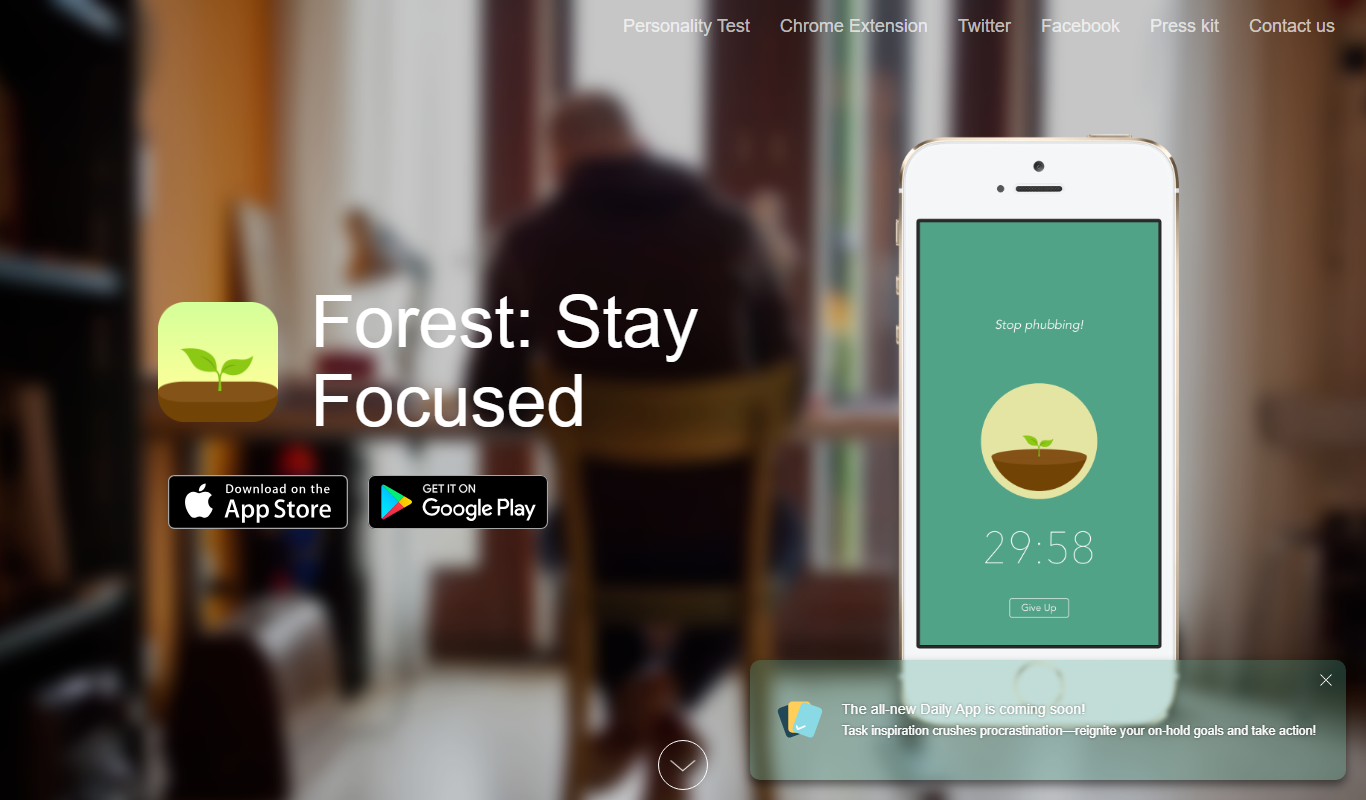
Forest
Forest is a productivity app that uses a gamified focus timer to help users stay concentrated by growing virtual trees during timed sessions, discouraging phone distractions.
Free
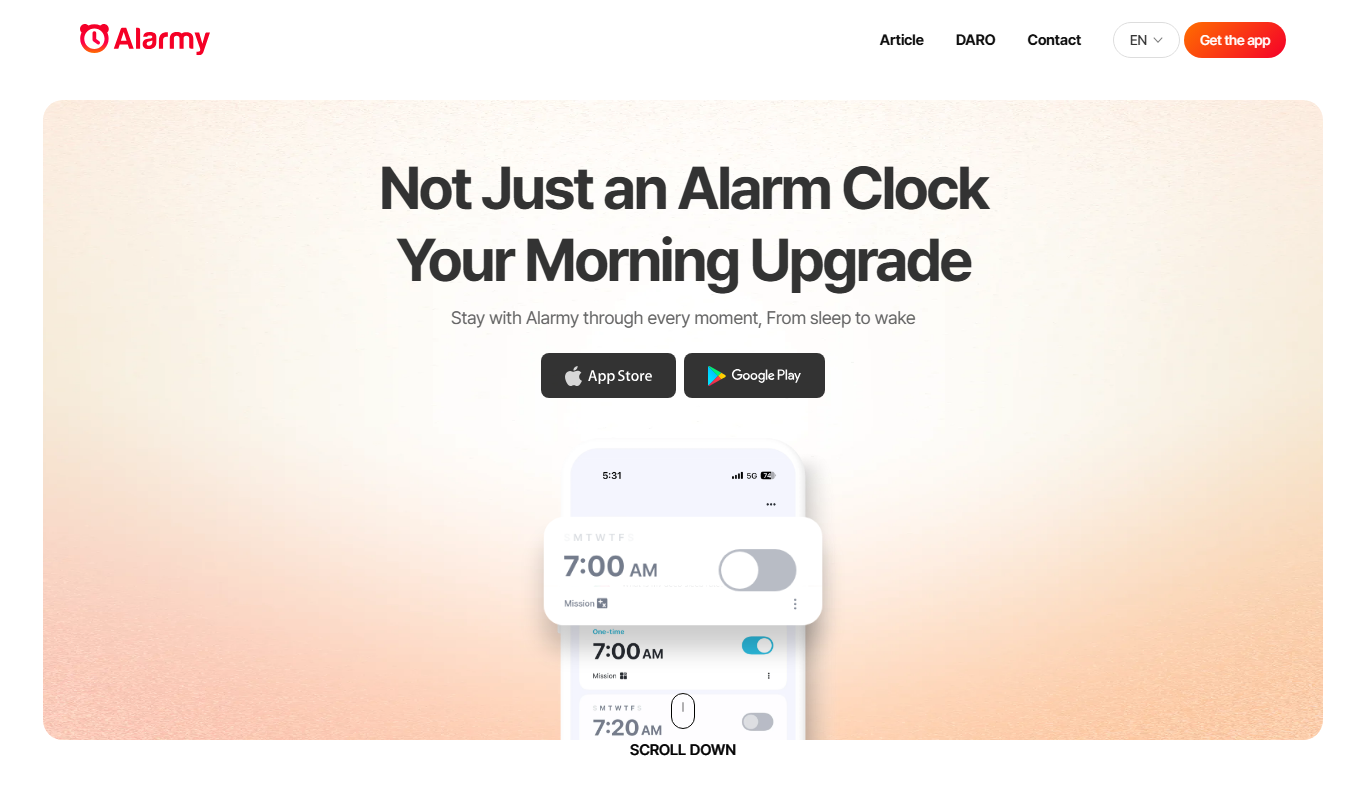
Alarmy
Alarmy is a smart alarm clock app that wakes users by requiring them to complete tasks like solving puzzles or taking photos, making it effective for heavy sleepers.

Free
Anki
Anki is an open-source spaced repetition flashcard program that helps users memorize information efficiently by scheduling reviews at optimal intervals to enhance long-term retention.
Free
Reedy
Reedy is a speed reading tool that uses rapid serial visual presentation to help users read faster, available as an Android app and a Chrome extension.

Free
Notedex
Notedex is an AI-powered note-taking app that helps users organize notes with smart tagging, manage tasks, and access content across web and mobile platforms.