

From my experience with Forest, I found its gamified approach to focus management uniquely effective. Watching a virtual tree grow during focused work sessions creates a tangible incentive to avoid distractions, which is especially helpful for those struggling with phone addiction. The app’s simplicity and cross-platform support make it accessible for students, remote workers, and teams alike. However, it does not block apps outright, so users seeking strict app blocking might need additional tools. Overall, Forest delivers a creative and engaging way to improve concentration and build productive habits.
Forest App Review – Focus Timer and Productivity Tool for Time Management
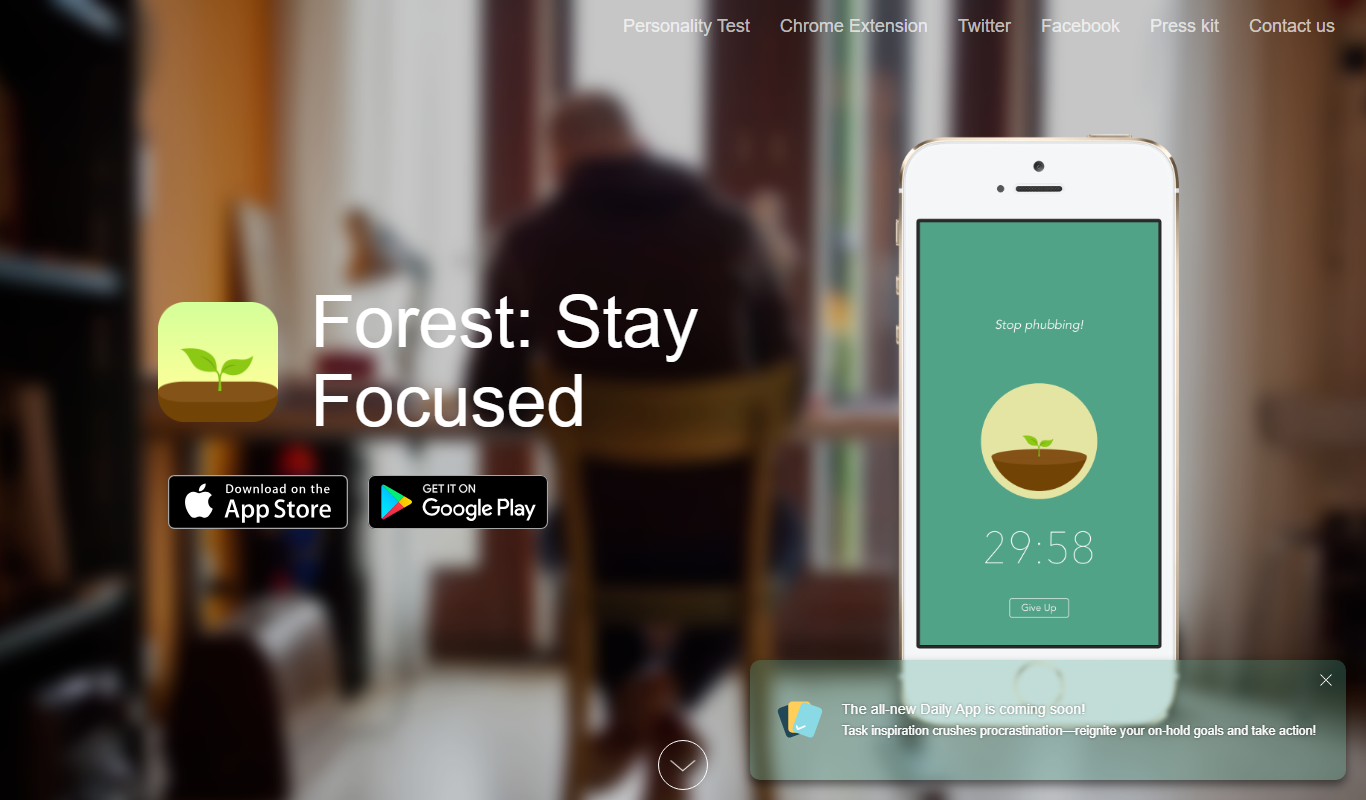
Forest is a productivity app that uses a gamified focus timer to help users stay concentrated by growing virtual trees during timed sessions, discouraging phone distractions.
- Best for
- Improve Focus and Concentration
- Key capability
- Pomodoro-style Focus Timer
Do you recommend this tool?
What is Forest?
Forest is a productivity app designed to help users stay focused and manage their time effectively by planting virtual trees during focus sessions. When users start a timer, a tree grows in the app, symbolizing their focused work period. If the user leaves the app to use their phone, the tree dies, providing a visual incentive to avoid distractions. This gamified approach encourages better concentration and reduces phone addiction.
Key features of Forest
Forest offers a simple yet engaging focus timer, a virtual tree planting system to visualize productivity, a distraction blocker, and team collaboration features. It integrates with mobile devices and browsers to help users maintain focus across platforms.
Pomodoro-style Focus Timer
Customizable timer to structure work and break intervals.
Virtual Tree Planting
Visual representation of focused time through growing trees and forests.
Distraction Blocking
Prevents phone usage during focus sessions to maintain concentration.
Team Mode
Allows groups to collaborate and motivate each other by growing shared forests.
Statistics and Insights
Tracks focus time and provides reports to help users analyze productivity trends.
Pros and cons of Forest
Pros
- Engaging gamification motivates focus
- Simple and intuitive user interface
- Cross-platform availability
- Supports team collaboration
- Provides productivity insights
Cons
- Limited app blocking capabilities
- Premium features require purchase
- No native desktop app beyond browser extension
Key use cases for Forest
Improve Focus and Concentration
Forest helps users stay focused by encouraging them to avoid phone distractions and work in timed sessions.
Time Management
Users can manage their work or study time effectively using the Pomodoro-inspired timer to boost productivity.
Habit Building
The app motivates users to build better habits by visualizing their focused time as growing virtual trees.
Reduce Phone Addiction
Forest discourages phone usage during focus sessions by penalizing interruptions, helping reduce screen time.
Team Productivity
Forest offers a team feature where groups can collectively grow virtual forests, encouraging group focus and accountability.
How Forest works
- 1
Set Focus Time
Choose a duration for your focus session using the timer.
- 2
Start Growing a Tree
Begin the timer and watch a virtual tree grow as you stay focused.
- 3
Avoid Distractions
If you leave the app to use your phone, the tree will wither and die.
- 4
Build a Forest
Complete multiple sessions to grow a forest representing your productivity.
Who is using Forest
Students needing focus during study sessions
Remote workers managing distractions
Professionals improving time management
Teams seeking collaborative productivity tools
Individuals aiming to reduce phone addiction
Forest pricing
Free
$0
Basic focus timer and tree planting with limited tree species.
Premium
$1.99 one-time purchase (mobile), $4.99/year (web)
Access to all tree species, detailed statistics, and team features.
Plans and prices are as published by the vendor and can change. Check the official site before you buy. Open the pricing page (opens in a new tab)
Frequently asked questions about Forest
Forest encourages focus by penalizing phone usage during sessions but does not block apps outright.
Forest is available as a Chrome extension for desktop users.
Yes, Forest offers a team mode where groups can grow virtual forests together.
Forest supports iOS, Android, and Chrome browsers.
It depends on your specific needs and how you plan to use the tool. The official website and documentation are the best sources for the latest details.
Some tools offer a free plan or trial with limited features. Availability can vary, so confirm on the official website.
Yes, it can help with that use case depending on how you configure it and what features are available. You’ll get the best results with clear inputs and a defined goal.
Yes, it can help with that use case depending on how you configure it and what features are available. You’ll get the best results with clear inputs and a defined goal.
Sign in to review this tool.
Sign In to ReviewNo reviews yet
Be the first to share how this tool worked for you.
Ask about pricing, limits, or how it compares — or answer someone else.
Sign In to AskNo questions yet
Have a question about using or paying for this tool? Be the first to ask.
Featured on TiorAI



Alternative Tools
Explore similar AI tools that might fit your needs

Free
Pomodone
Pomodone is a productivity tool that applies the Pomodoro technique to help users manage tasks and track time by integrating with popular task management apps and providing detailed reports.
More AI Productivity tools
Other tools in the same category, for when this one is not quite the fit.

Free
Taskade AI
Taskade AI is a collaborative productivity platform that integrates task management, note-taking, and video chat with AI-powered automation to enhance team workflows and individual productivity.

Freemium
Notion AI
Notion AI is an AI-powered assistant embedded in the Notion workspace that helps users generate, edit, and summarize content to boost productivity and collaboration.

Free
Notedex
Notedex is an AI-powered note-taking app that helps users organize notes with smart tagging, manage tasks, and access content across web and mobile platforms.
Free
Alarmy
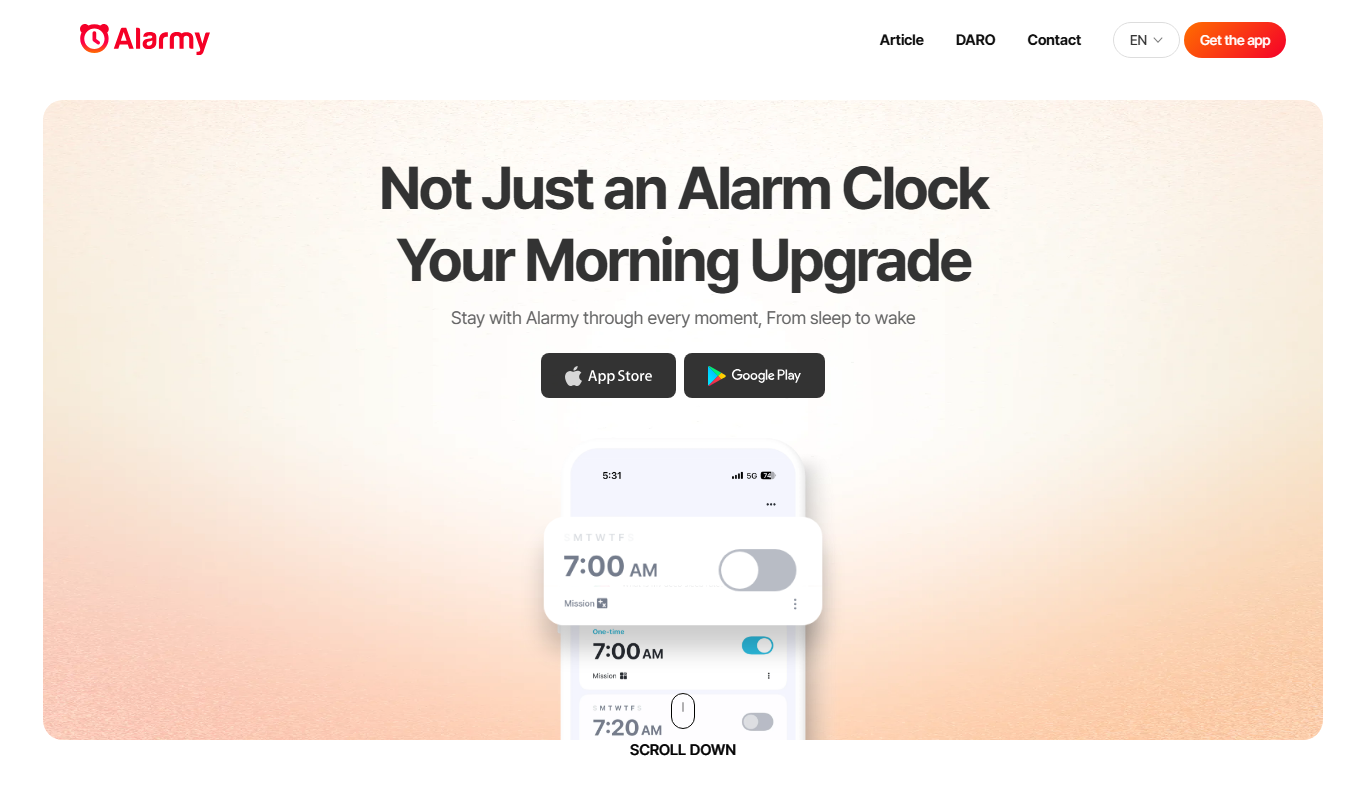
Alarmy is a smart alarm clock app that wakes users by requiring them to complete tasks like solving puzzles or taking photos, making it effective for heavy sleepers.

Free
Anki
Anki is an open-source spaced repetition flashcard program that helps users memorize information efficiently by scheduling reviews at optimal intervals to enhance long-term retention.
Free
Reedy
Reedy is an AI reading assistant that uses rapid serial visual presentation to help users read faster and comprehend text more efficiently, available as a web app and Chrome extension.