

Notion AI is an integrated artificial intelligence assistant embedded within the Notion productivity platform. It enhances note-taking, writing, and collaboration by providing AI-driven content generation, editing suggestions, and summarization directly inside users' workspaces. Designed to boost productivity for individuals and teams, Notion AI helps users create, organize, and manage content more efficiently.
10 Best Notion AI Alternatives in 2026 (Free & Paid)
6 tools compared against Notion AI on pricing, platforms and what each one does differently.
- Alternatives
- 6
- Category
- AI Productivity
- Free
- $0/month
- With a free tier
- 5 of 6


What is Notion AI?
Why Choose Notion AI AI Alternatives?
People leave Notion AI for different reasons, and each of the 6 AI Productivity tools on this page answers a different one. Here is what separates the shortlist, taken from what each tool actually stores rather than from a ranking.
-
A free way in
5 of the 6 tools below are free, freemium or open source, so you can try them before any card details are involved.
-
Different capabilities
Between them these tools are also filed under Business Management, Coding & Development, Writing & Editing — categories Notion AI does not carry.
-
A different pricing shape
The shortlist spans Free, Free Trial, Freemium, Paid, so the choice is not only which tool but which commercial model suits how you work.
-
Wider platform coverage
Tools on this shortlist additionally list Mobile, Desktop (Mac, Windows among their platforms, which Notion AI does not.
-
More than one vendor
These come from 6 different companies, so you are choosing a supplier as well as a product.
Best Notion AI AI Alternatives in 2026
Every row links to that tool’s full entry further down the page.
| Tool | Best for | Pricing | Free tier | Platforms |
|---|---|---|---|---|
|
Notion AI
Current tool | Content Creation |
| Yes | Android, Desktop, iOS |
| Obsidian | Personal Knowledge Management |
| Yes | Desktop, Mobile, Web |
 ClickUp AI
| Task Automation |
| Yes | Android, Desktop, iOS |
| Confluence | Team Collaboration |
| Yes | Desktop, Mobile, Web |
| Mem.ai | Personal Knowledge Management |
| Yes | Android, Desktop, iOS |
| Roam Research | Personal Knowledge Management |
| No | Desktop (Mac, Web, Windows |
 Taskade AI
| Team Collaboration |
| Yes | Android, Desktop, iOS |
Top Notion AI AI Alternatives for 2026
Number 1: Obsidian

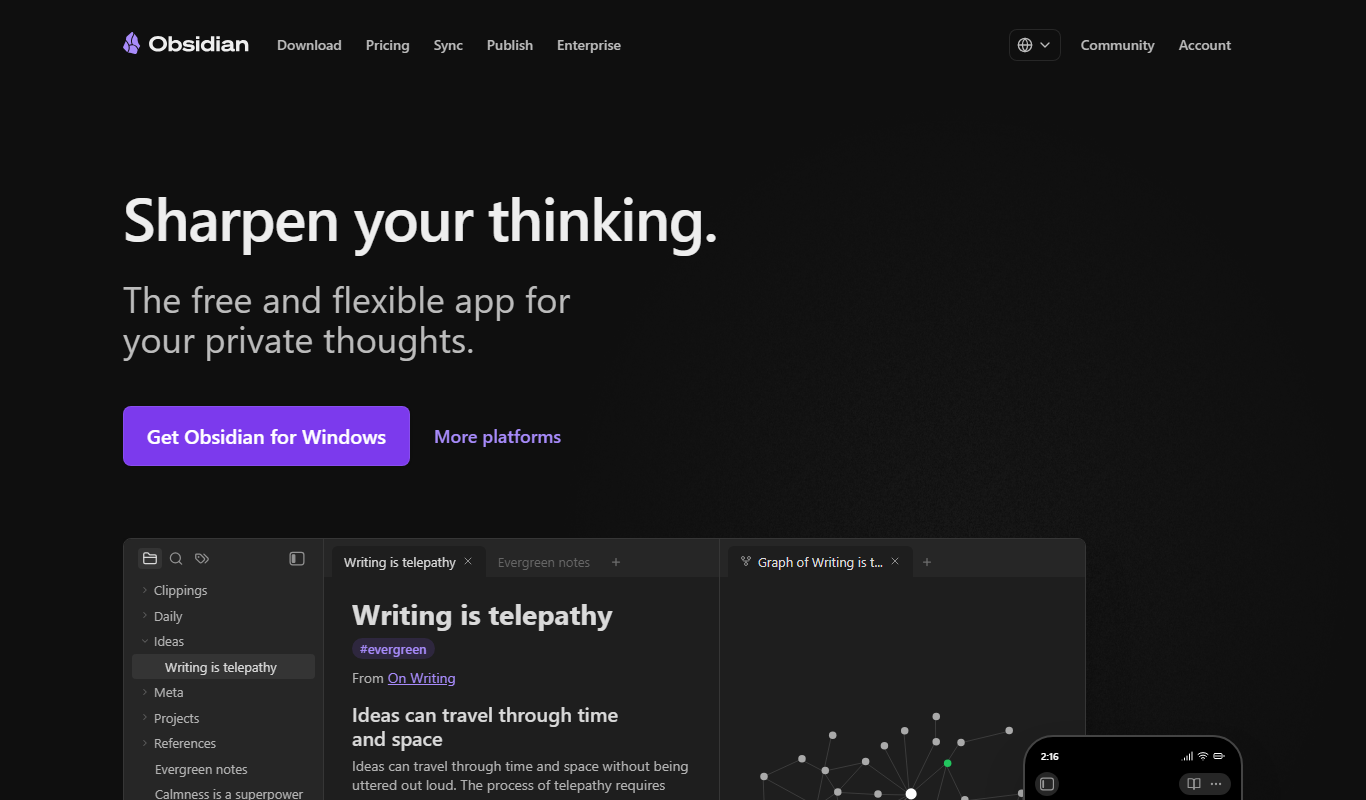
Obsidian is a powerful knowledge base and note-taking application that uses markdown files stored locally on your device. It allows users to create a network of linked notes, enabling a non-linear way of organizing information often referred to as a personal wiki or digital garden. Obsidian emphasizes privacy and ownership by keeping all data on the user's device, while offering extensive customization through plugins and themes.
Best for Personal Knowledge Management
vs Notion AI Also covers Business Management, Coding & Development
Key features of Obsidian
-
Bidirectional Linking
Create links between notes that automatically generate backlinks, enabling easy navigation.
-
Graph View
Visualize the network of your notes as an interactive graph to discover connections.
-
Markdown Support
Write notes using markdown syntax for easy formatting and compatibility.
-
Plugins and Themes
Customize Obsidian with a wide range of community-developed plugins and themes.
-
Local Storage and Privacy
All notes are stored locally on your device, ensuring full control over your data.
-
Cross-Platform Sync
Optional sync service to keep notes updated across devices securely.
Pros and cons of Obsidian
Pros
- Complete ownership of notes with local markdown files
- Powerful linking and graph visualization features
- Highly customizable with plugins and themes
- Works offline and cross-platform
Cons
- Steeper learning curve for new users
- No native collaborative editing features
- Some advanced features require paid subscriptions
Best use cases for Obsidian
-
Academic Research
Take detailed research notes, link ideas, and manage citations efficiently.
-
Writing and Content Creation
Draft articles, books, or blog posts using markdown with easy navigation between ideas.
-
Project Management
Track tasks, ideas, and project documentation in a flexible, linked note environment.
-

Number 2: ClickUp AI
ClickUp AI is an integrated artificial intelligence assistant built into the ClickUp productivity platform. It enhances task and project management by automating routine tasks, generating content, and optimizing workflows. Designed to streamline team collaboration and increase efficiency, ClickUp AI leverages natural language processing and machine learning to assist users in managing projects smarter and faster.
Best for Task Automation
vs Notion AI Also covers Agile Project Management, Art & Creative Design
Key features of ClickUp AI
-
AI Task Creation
Generate detailed tasks and subtasks from simple prompts or meeting discussions.
-
Automated Meeting Notes
Automatically transcribe and summarize meetings into actionable items.
-
Smart Scheduling
AI-assisted scheduling that considers team availability and project deadlines.
-
Workflow Recommendations
Receive AI insights to improve project workflows and team productivity.
-
Content Generation
Create project documentation, reports, and updates with AI-generated text.
Pros and cons of ClickUp AI
Pros
- Seamlessly integrated into a robust project management platform
- Automates repetitive tasks saving time
- AI-generated content improves documentation speed
- Supports team collaboration across devices
Cons
- AI features currently limited to English language
- Some advanced AI capabilities require higher-tier plans
- Learning curve for new users unfamiliar with AI tools
Best use cases for ClickUp AI
-
Content Generation
Generate task descriptions, meeting notes, and project documentation quickly with AI assistance.
-
Workflow Optimization
Use AI to analyze workflows and suggest improvements for better team productivity.
-
Customer Support Assistance
Leverage AI to draft responses and manage customer queries within project workflows.
-
Number 3: Confluence
Confluence is a web-based collaboration and knowledge management software developed by Atlassian. It enables teams to create, share, and manage content in a centralized platform designed to improve communication and documentation across organizations. Confluence acts as a company wiki, project documentation hub, and collaborative workspace that integrates with other tools to streamline workflows.
Best for Team Collaboration
vs Notion AI Also covers Business Management, Coding & Development
Key features of Confluence
-
Collaborative Editing
Multiple users can edit pages simultaneously with live updates.
-
Content Organization
Spaces and pages allow hierarchical structuring of information.
-
Powerful Search
Search across all content with filters to quickly find relevant information.
-
Templates and Macros
Use customizable templates and macros to standardize content and add dynamic elements.
-
Access Controls
Granular permissions to control who can view or edit content.
-
Integrations
Seamless integration with Jira, Trello, Slack, and other tools.
Pros and cons of Confluence
Pros
- Robust collaboration features with real-time editing
- Strong integration with Atlassian ecosystem
- Flexible content organization and templates
- Powerful search functionality
Cons
- Can be complex for new users to learn
- Pricing can be expensive for large teams
- Limited offline access capabilities
Best use cases for Confluence
-
Knowledge Management
Centralizes company knowledge and documentation in a searchable wiki format to improve information accessibility.
-
Project Documentation
Supports project teams in documenting requirements, meeting notes, and decisions to keep everyone aligned.
-
Content Organization
Organizes content hierarchically with spaces and pages to maintain structured and easy-to-navigate documentation.
-
Number 4: Mem.ai
Mem.ai is an AI-powered note-taking and knowledge management platform designed to help individuals and teams capture, organize, and retrieve information effortlessly. It leverages artificial intelligence to automatically link related notes, suggest relevant content, and provide a seamless search experience, enabling users to build a dynamic and interconnected knowledge base.
Best for Personal Knowledge Management
vs Notion AI Also covers AI Knowledge Base Tools, AI Meeting Assistant
Key features of Mem.ai
-
AI-Driven Note Linking
Automatically connects related notes and content to build a dynamic knowledge graph.
-
Smart Search
Find relevant information quickly with AI-enhanced search that understands context.
-
Real-Time Collaboration
Work together with team members on notes and documents simultaneously.
-
Multi-Platform Access
Access your notes on web, desktop, iOS, and Android devices seamlessly.
-
Automatic Organization
Mem.ai categorizes and tags notes automatically to reduce manual effort.
Pros and cons of Mem.ai
Pros
- Intuitive AI-powered note linking enhances knowledge discovery
- Cross-platform availability ensures access anytime, anywhere
- Real-time collaboration boosts team productivity
Cons
- Limited offline functionality
- Some advanced features require paid subscription
Best use cases for Mem.ai
-
Team Collaboration
Share and collaborate on notes and documents with team members in real-time, enhancing collective knowledge.
-
Meeting Notes and Summaries
Automatically capture meeting notes and generate summaries to keep teams aligned and informed.
-
Project Documentation
Maintain up-to-date project documentation with easy linking and AI suggestions to improve clarity and accessibility.
-
Number 5: Roam Research
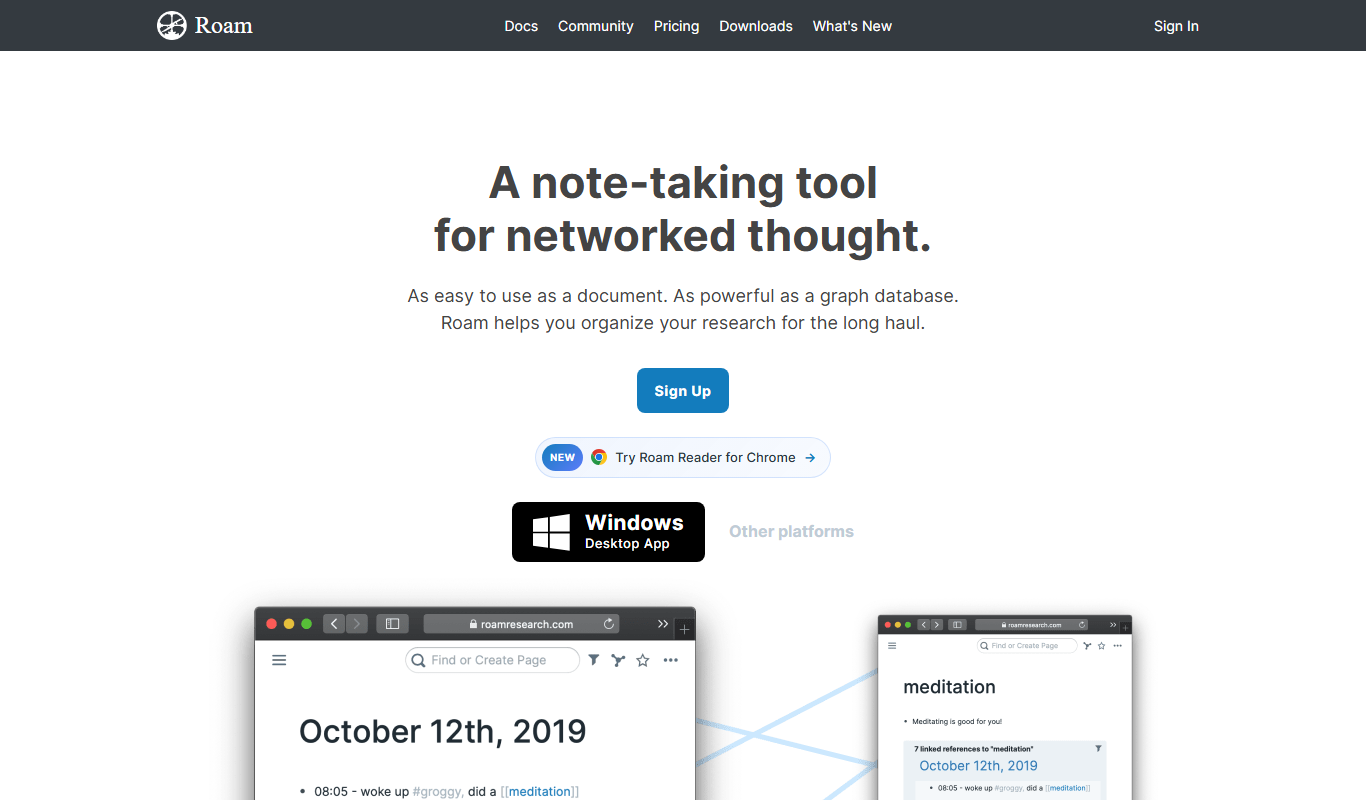
Roam Research is a note-taking and knowledge management application designed around the concept of networked thought. It allows users to create notes that are interlinked bidirectionally, enabling a web-like structure of information rather than traditional hierarchical folders. This approach helps users capture ideas, research, and projects in a flexible, connected way that mirrors how human memory and cognition work.
Best for Personal Knowledge Management
vs Notion AI Paid only, with no free tier, also covers AI Workflow, Business Management
Key features of Roam Research
-
Bidirectional Linking
Automatically creates two-way links between notes to maintain context and relationships.
-
Graph Overview
Visual map of all notes and their connections to help users navigate and discover insights.
-
Daily Notes
A dedicated page for each day to capture thoughts, tasks, and ideas in a chronological flow.
-
Hierarchical Outlining
Organize information in nested bullet points for clarity and structure.
-
Markdown Support
Format notes easily with markdown syntax for headings, lists, links, and more.
-
Real-Time Collaboration
Multiple users can edit and contribute to the same knowledge base simultaneously.
Pros and cons of Roam Research
Pros
- Powerful bidirectional linking for deep knowledge connections
- Visual graph to understand relationships between notes
- Flexible outlining and markdown support
- Real-time collaboration for teams
Cons
- Steeper learning curve compared to traditional note apps
- Primarily web-based with limited offline functionality
- Subscription pricing may be high for casual users
Best use cases for Roam Research
-
Academic Research
Manage research notes, references, and ideas with bidirectional linking for easy retrieval.
-
Project Planning
Outline projects and tasks with hierarchical and linked notes to track progress and dependencies.
-
Writing and Brainstorming
Capture ideas, draft content, and connect concepts seamlessly to enhance creativity.
-
-
Number 6: Taskade AI
Taskade AI is a collaborative productivity platform that combines task management, note-taking, and video conferencing with AI-powered assistance. It enables teams and individuals to organize projects, brainstorm ideas, and communicate seamlessly in real time. The AI features help automate workflows, generate content, and enhance productivity within a unified workspace accessible across devices.
Best for Team Collaboration
Key features of Taskade AI
-
AI-Powered Task Automation
Automates task creation, prioritization, and reminders using AI to boost efficiency.
-
Real-Time Collaboration
Enables multiple users to edit documents, manage tasks, and communicate simultaneously.
-
Integrated Video Chat
Built-in video conferencing to facilitate meetings without leaving the workspace.
-
Customizable Templates
Offers a variety of templates for project planning, meeting agendas, and workflows.
-
Cross-Platform Accessibility
Available on web, desktop, and mobile apps for seamless access anywhere.
Pros and cons of Taskade AI
Pros
- Intuitive interface with minimal learning curve
- Strong AI features to automate task management
- Robust real-time collaboration and video chat
- Cross-device synchronization
Cons
- Limited offline functionality
- AI features require paid subscription
- Some integrations are basic compared to competitors
Best use cases for Taskade AI
-
Project Management
Organizes projects with task hierarchies, deadlines, and progress tracking enhanced by AI suggestions.
-
Remote Work Productivity
Supports distributed teams with cloud-based workspaces and AI-powered automation to streamline workflows.
-
Meeting Notes and Agendas
Creates structured meeting agendas and captures notes automatically with AI assistance.
-




No alternatives match that pricing model.
Which Notion AI alternative is right for you?
Each tool below lists this as the first thing it is built for, in its own words.
- Personal Knowledge Management
Organize and interlink notes to build a personal knowledge base or digital garden.
- Task Automation
Automate repetitive project management tasks using AI to save time and reduce manual work.
- Team Collaboration
Facilitates real-time collaboration among team members by allowing them to create, share, and edit documents together.
Compare Notion AI head to head
Published pages that put Notion AI against one other tool, side by side on pricing, features and use cases.

Notion AI vs ChatGPT: Which AI Assistant Fits Your Workflow?
Not sure between Notion AI and ChatGPT? Compare features, pricing, strengths, and the tasks each handles best.
- Notion AI: $10/month (+$8/member for AI) Starts at ChatGPT: $20/month
- Notion AI: 4 Platforms ChatGPT: 4
-
Notion AI vs ClickUp AI: Task Management, AI & Team Features
How do Notion AI and ClickUp AI compare for teams? Task management, AI tools, integrations, and pricing.
- Notion AI: $10/month (+$8/member for AI) Starts at ClickUp AI: $7/user/month
- Notion AI: 4 Platforms ClickUp AI: 4
-
Notion AI vs Coda: Which Boosts Productivity More?
Compare Notion AI and Coda on AI writing, task management, collaboration features, and pricing.
-
Notion AI vs Google Docs AI: Best AI Productivity Tool in 2026?
Notion AI or Google Docs AI? Compare automation features, collaboration tools, AI capabilities, and pricing.
-
Notion AI vs Mem.ai: Productivity Features, AI & Pricing
Notion AI vs Mem.ai — compare AI features, workflow automation, collaboration tools, and pricing for teams.
- Notion AI: $10/month (+$8/member for AI) Starts at Mem.ai: $12/month
- Notion AI: 4 Platforms Mem.ai: 4
-
Notion AI vs Microsoft 365 Copilot: Context Window, Speed & Pricing
Compare Notion AI and Microsoft 365 Copilot on context window size, response speed, pricing tiers, and long-task handling.

More AI Productivity tools
Other tools filed under AI Productivity that are not already on this page.
 Free
FreeForest
Forest is a productivity app that uses a gamified focus timer to help users stay concentrated by growing virtual trees during timed sessions, discouraging phone distractions.
- Free
Alarmy
Alarmy is a smart alarm clock app that wakes users by requiring them to complete tasks like solving puzzles or taking photos, making it effective for heavy sleepers.
- Free
Anki
Anki is an open-source spaced repetition flashcard program that helps users memorize information efficiently by scheduling reviews at optimal intervals to enhance long-term retention.
- Free
Reedy
Reedy is a speed reading tool that uses rapid serial visual presentation to help users read faster, available as an Android app and a Chrome extension.
- Free
Notedex
Notedex is an AI-powered note-taking app that helps users organize notes with smart tagging, manage tasks, and access content across web and mobile platforms.




AI tool lists that include Notion AI
Round-ups an editor has placed Notion AI in, ranked here by how many of this page's tools they share.
Best Notion AI Alternatives 2026 (Tested & Ranked)
We tested and ranked the top notion ai alternatives to save you hours of research — here's what actually works in 2026.
Notion AI, Gemini & Gemini Advanced, Anthropic Claude and 5 more

More Office & Productivity alternatives
Other alternatives guides whose subject shares a category with this one.
- Alternatives to Gemini & Gemini Advanced
10 Best Gemini & Gemini Advanced Alternatives in 2026 (Free & Paid)
Looking for the best Gemini & Gemini Advanced alternatives in 2026? We compared the top options to find the right ai assistant tool for your needs.
ChatGPT, Claude, Perplexity AI and 6 more - Alternatives to DeepSeek
10 Best DeepSeek Alternatives in 2026 (Free & Paid)
Looking for the best DeepSeek alternatives in 2026? We compared the top options to find the right ai model / chatbot tool for your needs.
ChatGPT, Claude, Gemini & Gemini Advanced and 6 more - Alternatives to GitHub Copilot
10 Best GitHub Copilot Alternatives in 2026 (Free & Paid)
Looking for the best GitHub Copilot alternatives in 2026? We compared the top options to find the right ai coding tool for your needs.
Cursor AI, Tabnine - Alternatives to Microsoft Copilot
10 Best Microsoft Copilot Alternatives in 2026 (Free & Paid)
Looking for the best Microsoft Copilot alternatives in 2026? We compared the top options to find the right ai productivity tool for your needs.
ChatGPT, Claude, Gemini & Gemini Advanced and 4 more - Alternatives to Grammarly
10 Best Grammarly Alternatives in 2026 (Free & Paid)
Looking for the best Grammarly alternatives in 2026? We compared the top options to find the right ai writing assistant tool for your needs.
ProWritingAid, Wordtune, QuillBot and 4 more - Alternatives to Fireflies.ai
10 Best Fireflies.ai Alternatives You Should Try in 2026
Switching from Fireflies.ai? Compare the top alternatives by features, pricing, and use case to find the best ai meeting assistant tool for you.
Fathom, Avoma – AI Meeting Assistant, Notta and 3 more







Browse alternatives by category
Every category with more than one alternatives guide in it.