

MetaMask Wallet for Ethereum and Crypto Asset Management on Web & Mobile
MetaMask is a free cryptocurrency wallet and browser extension that allows users to manage Ethereum and ERC-20 tokens, interact with decentralized applications, and perform blockchain transactions securely on web and mobile platforms.
- Best for
- Cryptocurrency Wallet
- Key capability
- Secure Key Management
Save MetaMask, follow its updates and vote on it — everything stays in your account.
Sign in or create a free account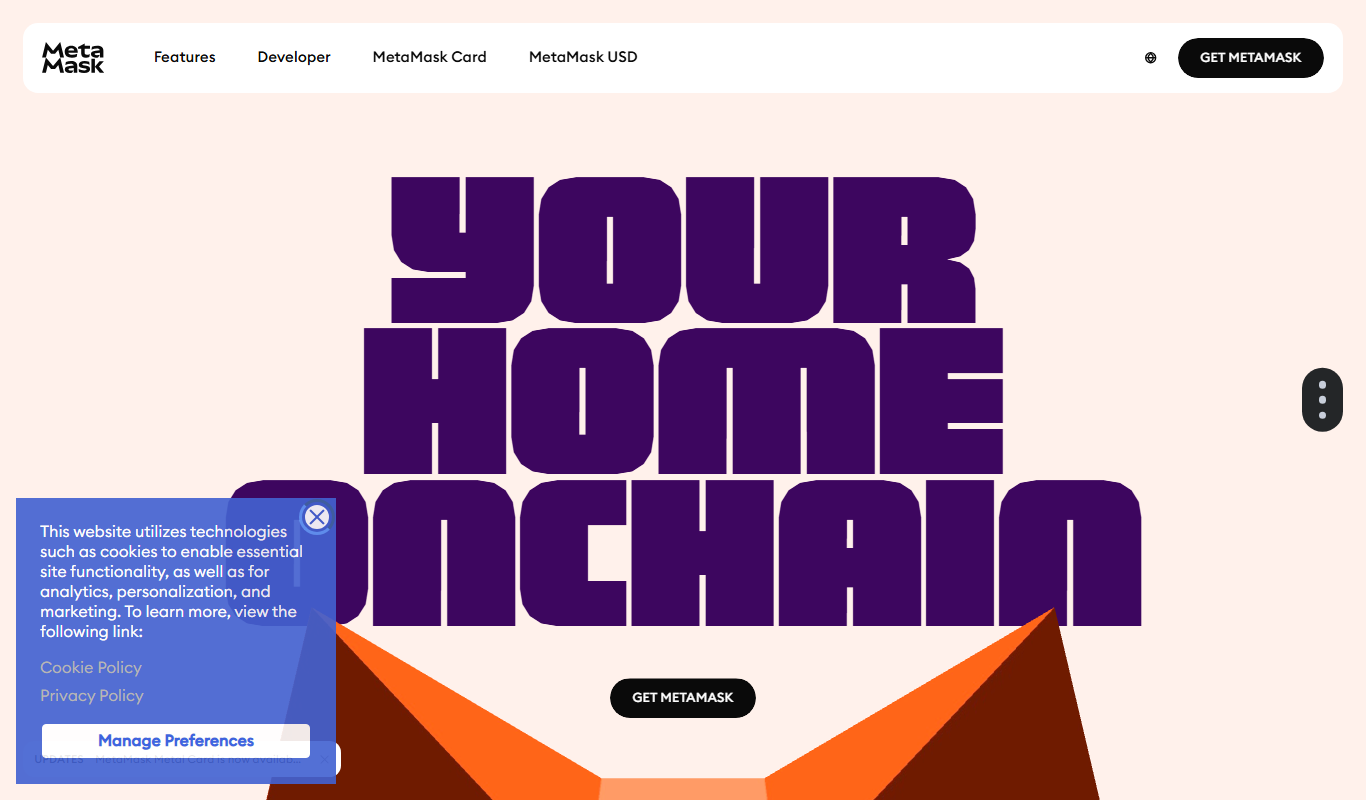
What is MetaMask?
MetaMask is a cryptocurrency wallet and gateway to blockchain apps, primarily supporting Ethereum and compatible networks. It functions as a browser extension and mobile app that allows users to manage crypto assets, interact with decentralized applications (dApps), and perform blockchain transactions securely without running a full Ethereum node.
Key features of MetaMask
MetaMask offers a user-friendly interface for managing Ethereum-based assets, supports token swaps, enables dApp interactions, and provides secure key management with private keys stored locally. It supports multiple networks and integrates with popular browsers and mobile platforms.
Secure Key Management
Private keys and seed phrases are encrypted and stored locally on the user’s device.
Multi-Network Support
Supports Ethereum mainnet, testnets, and custom networks like Binance Smart Chain.
Built-in Token Swap
Swap tokens directly within the wallet using aggregated decentralized exchange liquidity.
dApp Browser Integration
Seamlessly connect and interact with decentralized applications.
NFT Support
View and manage non-fungible tokens within the wallet interface.
Pros and cons of MetaMask
Pros
- User-friendly interface for beginners and experts
- Supports multiple Ethereum-compatible networks
- Enables direct interaction with decentralized applications
- Built-in token swap feature
- Strong community and frequent updates
Cons
- Users must manage their own private keys securely
- No customer support for lost seed phrases
- Transaction fees depend on network congestion
Key use cases for MetaMask
Cryptocurrency Wallet
Securely store, send, and receive Ethereum and ERC-20 tokens.
Decentralized Application (dApp) Access
Interact seamlessly with decentralized applications on Ethereum blockchain.
DeFi Transactions
Manage decentralized finance activities such as lending, borrowing, and staking.
NFT Management
Store and manage non-fungible tokens (NFTs) within the wallet interface.
Token Swapping
Swap between different cryptocurrencies directly within the wallet.
How MetaMask works
- 1
Install MetaMask
Add the MetaMask extension to your browser or download the mobile app.
- 2
Create or Import Wallet
Set up a new wallet with a secure seed phrase or import an existing one.
- 3
Add Funds
Deposit Ethereum or tokens into your wallet address.
- 4
Connect to dApps
Authorize MetaMask to interact with decentralized applications.
- 5
Manage Transactions
Send, receive, swap tokens, and monitor transaction status.
Who is using MetaMask
MetaMask pricing
Free
$0
Full access to wallet features without any subscription fees.
Plans and prices are as published by the vendor and can change. Check the official site before you buy. Open the pricing page (opens in a new tab)
Frequently asked questions about MetaMask
Yes, MetaMask is completely free to download and use. However, blockchain transaction fees apply.
MetaMask stores private keys locally and encrypts them. Users must keep their seed phrase safe to maintain security.
Yes, MetaMask offers mobile apps for both iOS and Android platforms.
MetaMask supports Ethereum and compatible networks, including ERC-20 tokens and some other blockchains like Binance Smart Chain.
It depends on your specific needs and how you plan to use the tool. The official website and documentation are the best sources for the latest details.
It depends on your specific needs and how you plan to use the tool. The official website and documentation are the best sources for the latest details.
Yes, it can help with that use case depending on how you configure it and what features are available. You’ll get the best results with clear inputs and a defined goal.
This tool is designed to help users accomplish its core tasks more efficiently. It is typically used by individuals or teams looking to improve productivity and workflow.
Conclusion
MetaMask is added to a browser as an extension or downloaded as a mobile app for iOS and Android. Setup means creating a new wallet with a secure seed phrase or importing an existing one, and private keys are encrypted and stored locally on the user’s device. From there, users send, receive and swap tokens, connect to decentralized applications and view NFTs within the wallet interface. Supported networks include Ethereum mainnet, testnets and custom networks like Binance Smart Chain.
Its users range from cryptocurrency investors and traders to DeFi users, NFT collectors and developers building dApps. The wallet is free to download and use, although blockchain transaction fees apply and depend on network congestion. Users manage their own private keys and need to keep the seed phrase safe, as there is no customer support for lost seed phrases.
Sources
Sign in to review this tool.
Sign In to ReviewNo reviews yet
Be the first to share how this tool worked for you.
Ask about pricing, limits, or how it compares — or answer someone else.
Sign In to AskNo questions yet
Have a question about using or paying for this tool? Be the first to ask.
Featured on TiorAI



More AI Developer Tools tools
Other tools in the same category, for when this one is not quite the fit.

Appium
Appium is a free, open source mobile automation tool that enables cross-platform testing of native, hybrid, and mobile web applications on iOS and Android devices using multiple programming languages.

EdgeX Foundry
EdgeX Foundry is an open source platform that enables developers to build and deploy edge computing solutions for IoT by connecting devices, processing data locally, and integrating with cloud services.

HaasOnline
HaasOnline is a cryptocurrency trading bot platform that automates trading strategies across multiple exchanges using customizable bots, backtesting, and risk management tools.

SlowMist
SlowMist is a blockchain security company providing smart contract audits, threat intelligence, and security consulting to protect blockchain projects from vulnerabilities and attacks.

Udacity Intro to AI
Udacity Intro to AI is an online beginner-level course teaching fundamental artificial intelligence concepts through video lessons and hands-on projects, designed for flexible self-paced learning.

Skydio Autonomy
Skydio Autonomy is an AI-driven flight control system that enables drones to fly fully autonomously by using real-time computer vision to navigate and avoid obstacles, designed for industrial, safety, and creative use cases.
Bugzilla
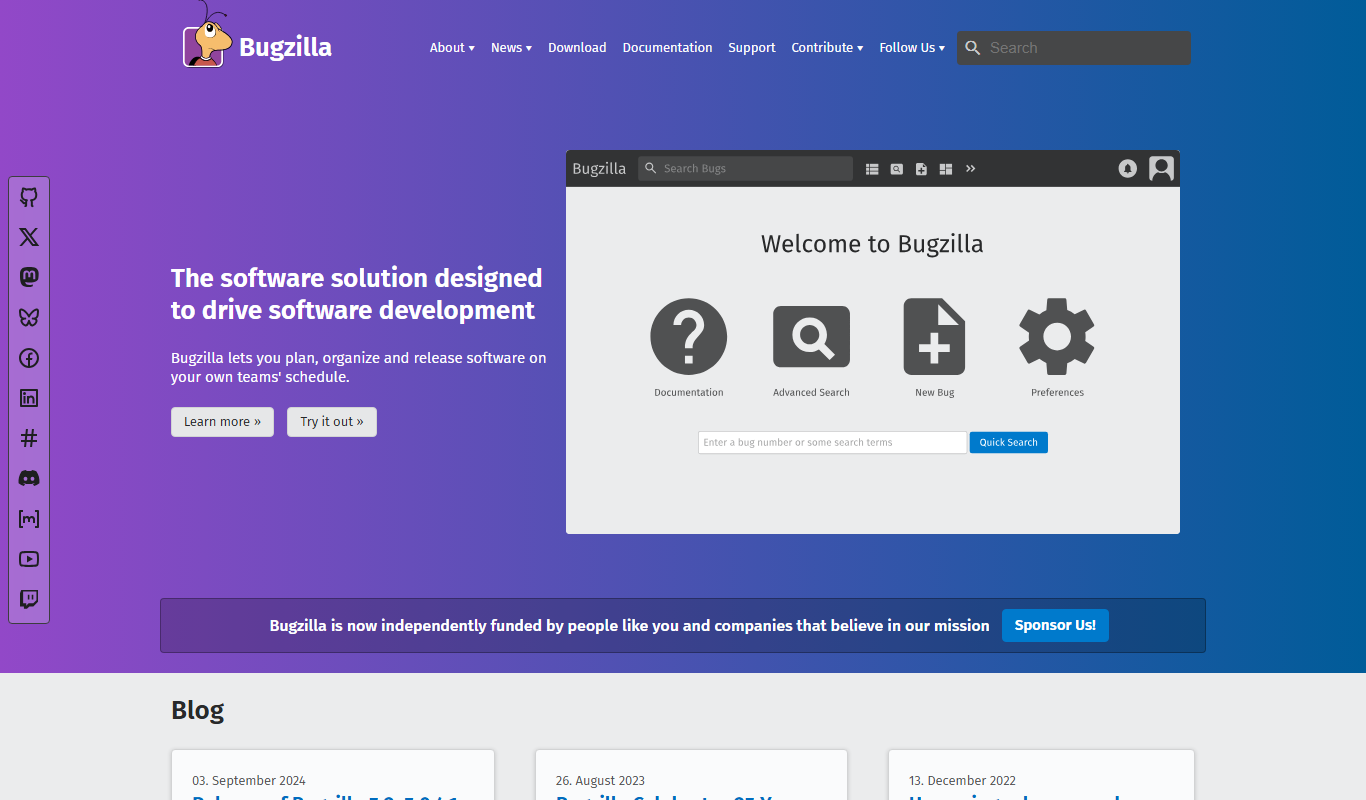
Bugzilla is an open-source bug tracking system developed by the Mozilla Foundation that helps software teams report, track, and manage bugs efficiently through a customizable web interface.

Opstra
Opstra is a web-based options trading analytics platform that helps traders build, analyze, and backtest options strategies using real-time Indian market data.