


Free Trial
Tray.ai
Tray.ai, formerly Tray.io, is an AI-ready iPaaS that helps businesses connect APIs and automate workflows with low-code tools.
Every AI tool we track, with pricing, platform and category on each entry. Filter down to a shortlist, then open the ones worth a closer look.
Filter 8,929 AI tools by pricing, category, platform and language.
Tray.ai, formerly Tray.io, is an AI-ready iPaaS that helps businesses connect APIs and automate workflows with low-code tools.
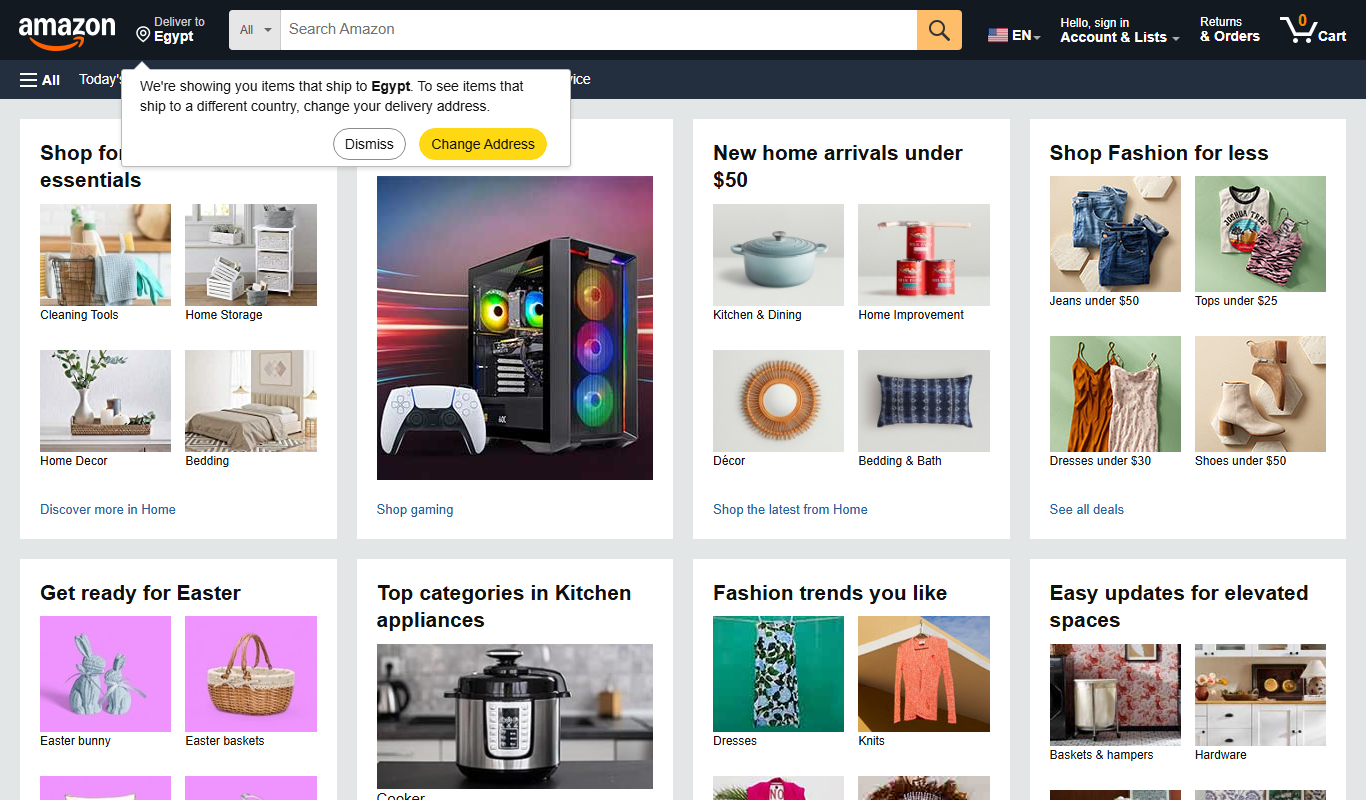
Amazon is a global e-commerce platform offering online shopping, seller services, digital content, and cloud computing through AWS.

Keyboard Maestro is a macOS automation software that enables users to create macros triggered by hotkeys or events to automate repetitive tasks and improve workflow efficiency.

LaunchBar is a macOS productivity app that speeds up launching applications, managing files, clipboard history, and automating workflows using keyboard shortcuts and custom scripts.
ElasticSearch is a distributed, RESTful search and analytics engine designed for real-time data indexing, full-text search, and scalable analytics across large datasets.
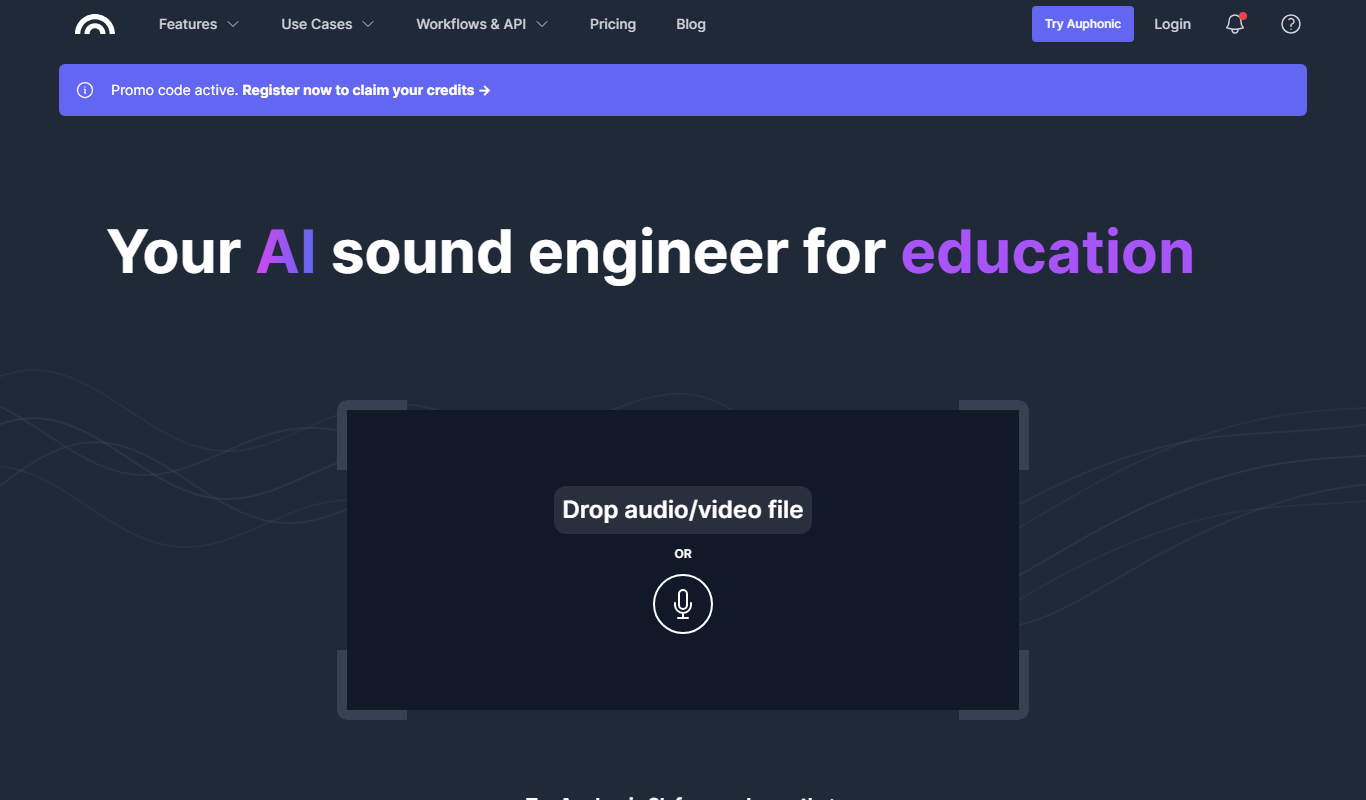
Auphonic is an AI-driven audio post-production tool that automates leveling, noise reduction, loudness normalization, and metadata tagging to produce professional-quality audio for podcasts and broadcasts.

OpenMined is an open-source platform that enables developers and researchers to build privacy-preserving AI models using federated learning, differential privacy, and encrypted computation techniques.
Price2Spy is a web-based software that helps e-commerce businesses monitor competitor prices, automate pricing adjustments, and analyze market trends to optimize sales and margins.

Snyk is a security platform designed for developers to find, fix, and monitor vulnerabilities in open source dependencies, container images, and infrastructure as code, integrating directly into developer workflows and CI/CD pipelines.

Botpress is the enterprise-grade AI agent platform for customer support, with no technical ceiling and no per-seat cost.

Botanalytics is a conversational analytics platform that helps businesses monitor and optimize chatbot and voice assistant interactions through detailed user engagement metrics and conversation flow analysis.
Emoji Maker is an AI emoji generator: type an idea or upload a photo, pick from 48 art styles, and get a transparent PNG emoji.
Page 241 of 745
Ten tools per shortlist, ranked, for when a category is still too many results.
Still deciding
Pricing, supported platforms and what each one is actually good at, laid out in one table. 764 comparisons are written and ready.
Browse comparisonsComparable tools for the products people already use.
Every one of the 8,929 entries here carries the same fields: what the tool does, what it costs, which platforms it runs on, and which categories it belongs to. That is what makes filtering across the whole catalogue possible rather than decorative.
The catalogue is not the point on its own; competitors list the same tools. What is worth your time is what sits on top of it: comparisons that commit to a recommendation, alternative sets that are genuinely comparable, and entries that get corrected when a vendor changes its pricing.
Start from a category rather than the full list: the category index above jumps straight into the twelve largest ones. From there, use the pricing shortcuts to drop anything outside your budget, then open the three or four entries that look closest and compare them side by side.
Free means there is a usable tier at no cost with no time limit. Freemium means a free tier exists but the useful features sit behind a paid plan. Free trial means paid-only after a fixed evaluation window. Subscription means recurring billing with no free tier. Labels come from the vendor and are re-checked when a listing is updated.
Yes. Category, pricing, tech stack, language and platform stack together, and every combination has its own URL, so a filtered view can be bookmarked or shared. Active filters appear above the results and can be removed one at a time.
Around 8% of entries have no captured screenshot, usually because the tool sits behind a login or the site blocks automated capture. Those entries show the tool's initial instead. It is not a signal about the tool's quality.
Newest first, so the front of the directory reflects what has recently shipped. Switch the sort to Top Rated for the highest-scoring entries, or Most Popular to order by real visitor interest across views and outbound clicks.
An alternatives page answers "what else does this job?" and lists comparable tools for one product. A comparison page takes two named tools and works through pricing, capability and fit to reach a recommendation. Both are linked from every tool entry.