

From my experience with Snyk, it stands out as a developer-friendly security platform that integrates seamlessly into existing workflows without disrupting productivity. Its strength lies in providing actionable remediation and automated fixes, which helps developers address vulnerabilities quickly. I found it particularly well-suited for teams adopting DevOps practices who want continuous security embedded in their CI/CD pipelines. However, some advanced features require paid plans, and there can be a learning curve for complex enterprise environments. Overall, if you need comprehensive vulnerability management across open source, containers, and infrastructure as code, Snyk delivers effective and practical solutions.
Snyk Security Platform for Developer-Friendly Vulnerability Management
Snyk is a security platform designed for developers to find, fix, and monitor vulnerabilities in open source dependencies, container images, and infrastructure as code, integrating directly into developer workflows and CI/CD pipelines.
- Best for
- Open Source Vulnerability Scanning
- Key capability
- Open Source Vulnerability Detection
Your actions
Save Snyk, follow its updates and vote on it — everything stays in your account.
Sign in or create a free account
What is Snyk?
Snyk is a developer-first security platform that helps organizations find, fix, and monitor vulnerabilities in their open source dependencies, container images, and infrastructure as code configurations. It integrates seamlessly into developer workflows and CI/CD pipelines, enabling continuous security without slowing down development.
Key features of Snyk
Snyk offers automated vulnerability scanning, real-time monitoring, actionable remediation advice, and extensive integrations with popular developer tools and platforms. It supports open source libraries, containers, and infrastructure as code, providing comprehensive security coverage.
Open Source Vulnerability Detection
Identify known security issues in open source libraries used in your projects.
Container Image Scanning
Scan container images to detect vulnerabilities and compliance risks before deployment.
Infrastructure as Code Security
Analyze IaC templates to find misconfigurations and security flaws.
Developer-Centric Fixes
Automated fix pull requests and clear remediation guidance tailored for developers.
CI/CD Pipeline Integration
Embed security checks into build and deployment pipelines for continuous protection.
Pros and cons of Snyk
Pros
- Developer-friendly interface and workflows
- Comprehensive coverage of open source, containers, and IaC
- Strong CI/CD integration capabilities
- Automated fix pull requests save developer time
Cons
- Advanced features require paid plans
- Learning curve for complex enterprise setups
Key use cases for Snyk
Open Source Vulnerability Scanning
Automatically scan open source dependencies in projects to identify and fix known vulnerabilities.
Container Security
Analyze container images for security risks and compliance issues before deployment.
Infrastructure as Code (IaC) Security
Detect misconfigurations and security issues in IaC templates such as Terraform and Kubernetes manifests.
Continuous Integration/Continuous Deployment (CI/CD) Integration
Embed security testing into CI/CD pipelines to catch vulnerabilities early in the development lifecycle.
Developer-Friendly Security Fixes
Provide actionable remediation advice and automated fix pull requests to help developers resolve issues quickly.
How Snyk works
- 1
Connect Your Project
Link your code repositories or container registries to Snyk for automated scanning.
- 2
Scan for Vulnerabilities
Snyk analyzes your dependencies, containers, or IaC files to detect security issues.
- 3
Review and Fix
Receive detailed reports with remediation advice and automated fix pull requests.
- 4
Monitor Continuously
Snyk continuously monitors your projects for new vulnerabilities and alerts you proactively.
Who is using Snyk
Software developers
DevOps engineers
Security teams
Startups and enterprises
Open source project maintainers
Snyk pricing
Free
$0/month
Basic vulnerability scanning and monitoring for open source projects with limited usage.
Pro
Custom pricing
Advanced features including container and IaC scanning, unlimited tests, and team collaboration.
Plans and prices are as published by the vendor and can change. Check the official site before you buy. Open the pricing page (opens in a new tab)
Frequently asked questions about Snyk
Snyk detects vulnerabilities in open source dependencies, container images, and infrastructure as code configurations.
Yes, Snyk offers integrations with popular CI/CD tools like Jenkins, GitHub Actions, GitLab, and others.
Yes, Snyk provides a free tier with basic scanning and monitoring capabilities.
Yes, Snyk can generate automated pull requests with fixes for detected vulnerabilities.
Integration support depends on the tool and its available connectors or API. Check the official documentation or integrations page to confirm what is supported.
Yes, it can help with that use case depending on how you configure it and what features are available. You’ll get the best results with clear inputs and a defined goal.
Some tools offer a free plan or trial with limited features. Availability can vary, so confirm on the official website.
Yes, it can help with that use case depending on how you configure it and what features are available. You’ll get the best results with clear inputs and a defined goal.
Sign in to review this tool.
Sign In to ReviewNo reviews yet
Be the first to share how this tool worked for you.
Ask about pricing, limits, or how it compares — or answer someone else.
Sign In to AskNo questions yet
Have a question about using or paying for this tool? Be the first to ask.
Featured on TiorAI



Alternative Tools
Explore similar AI tools that might fit your needs

Enterprise
Veracode
Veracode is a cloud-based application security platform that provides static and dynamic code analysis, software composition analysis, and integrates with DevSecOps pipelines to help organizations identify and remediate software vulnerabilities efficiently.
More AI Developer Tools tools
Other tools in the same category, for when this one is not quite the fit.

Freemium
Amadeus Travel API
Amadeus Travel API is a developer platform offering RESTful APIs to access global flight, hotel, and travel data for building travel booking and itinerary management applications.

Freemium
Zyte
Zyte is a web scraping platform that enables businesses and developers to extract structured data from websites using smart crawlers, proxy rotation, and API integration to automate data collection at scale.

Free
UnoCSS
UnoCSS is an open-source, utility-first atomic CSS engine that generates CSS on-demand based on the classes used in your code, optimizing performance by minimizing CSS bundle size.

Enterprise
CockroachDB
CockroachDB is a distributed SQL database designed for cloud-native applications that require strong consistency, high availability, and horizontal scalability across multiple regions.
Free
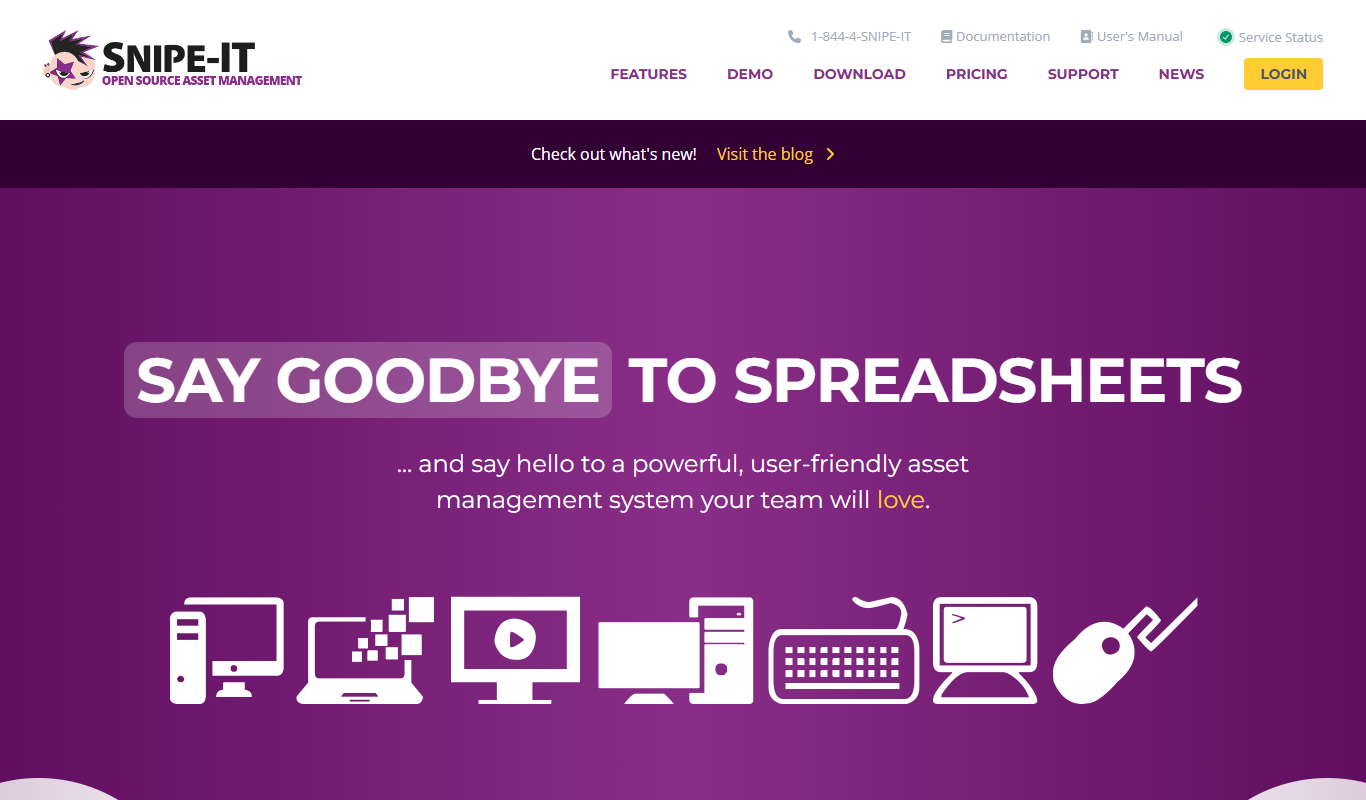
Snipe-IT
Snipe-IT is an open source IT asset management tool that helps organizations track hardware assets, software licenses, and manage inventory through a web-based platform with self-hosted and cloud options.

Free
RandomUser.me
RandomUser.me is a free API service that generates realistic fake user profiles including names, emails, addresses, and pictures for developers to use in testing and development.

Free
Rectangle
Rectangle is an AI code assistant that generates, explains, and helps debug code using natural language inputs, designed to accelerate software development.

Cloud Subscription
Typesense
Typesense is an open source search engine designed for instant, typo-tolerant search results, suitable for websites, e-commerce, and applications with flexible deployment options.