

Freemium
Metafy
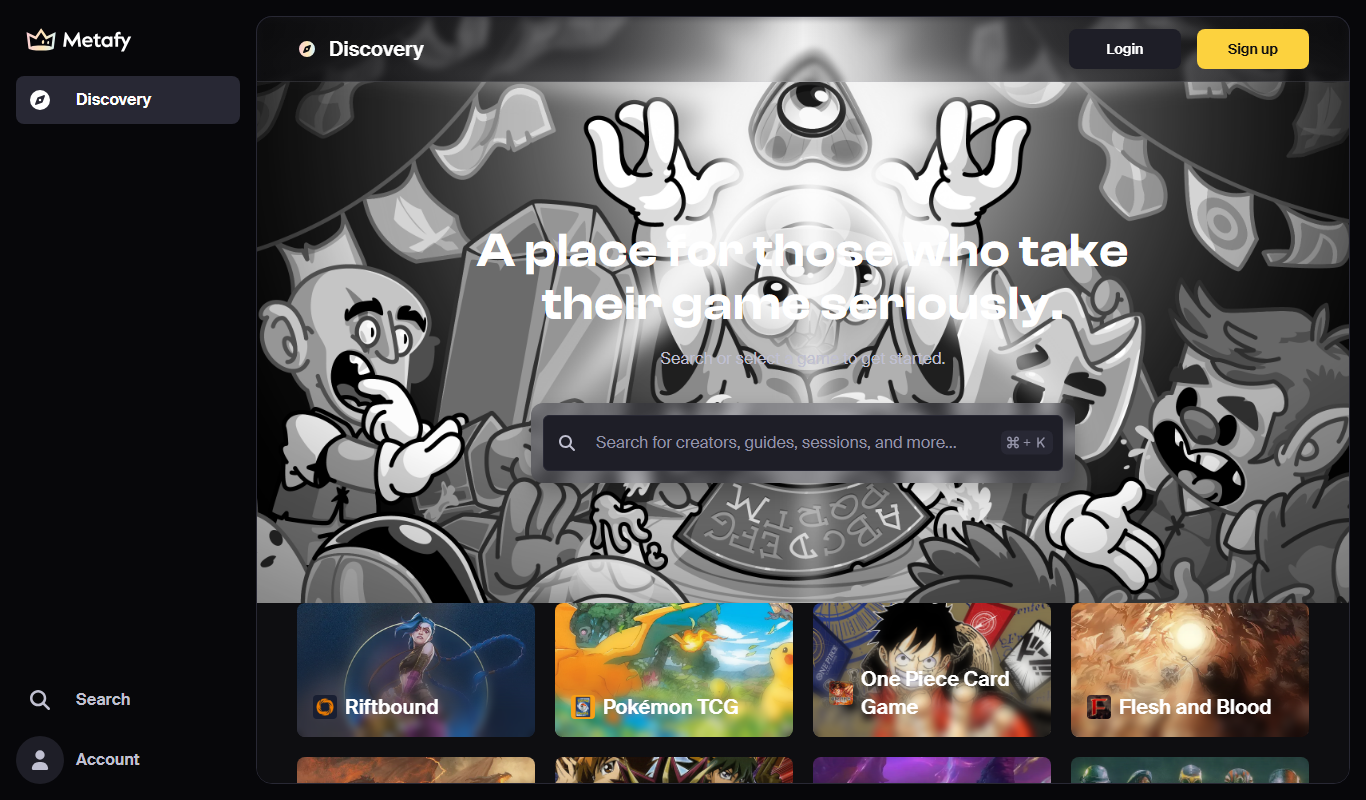
Metafy is an online platform offering personalized esports coaching by professional gamers to help players improve skills in competitive video games.
Every AI tool we track, with pricing, platform and category on each entry. Filter down to a shortlist, then open the ones worth a closer look.
Filter 8,929 AI tools by pricing, category, platform and language.
Metafy is an online platform offering personalized esports coaching by professional gamers to help players improve skills in competitive video games.
ImgPlay is a mobile and web app that converts videos and photos into animated GIFs with editing tools like text, stickers, and filters for social media sharing.

StepBet is a fitness app that motivates users to meet daily step goals by placing monetary bets on their success in multi-week challenges, combining financial incentives with social accountability.
Sweatcoin is a fitness app that tracks your outdoor steps and converts them into a digital currency called Sweatcoins, which you can redeem for rewards like products, services, or donations.

Kavout is an AI-driven investment platform providing quantitative stock analysis, predictive analytics, and portfolio optimization tools to help investors make data-backed decisions.
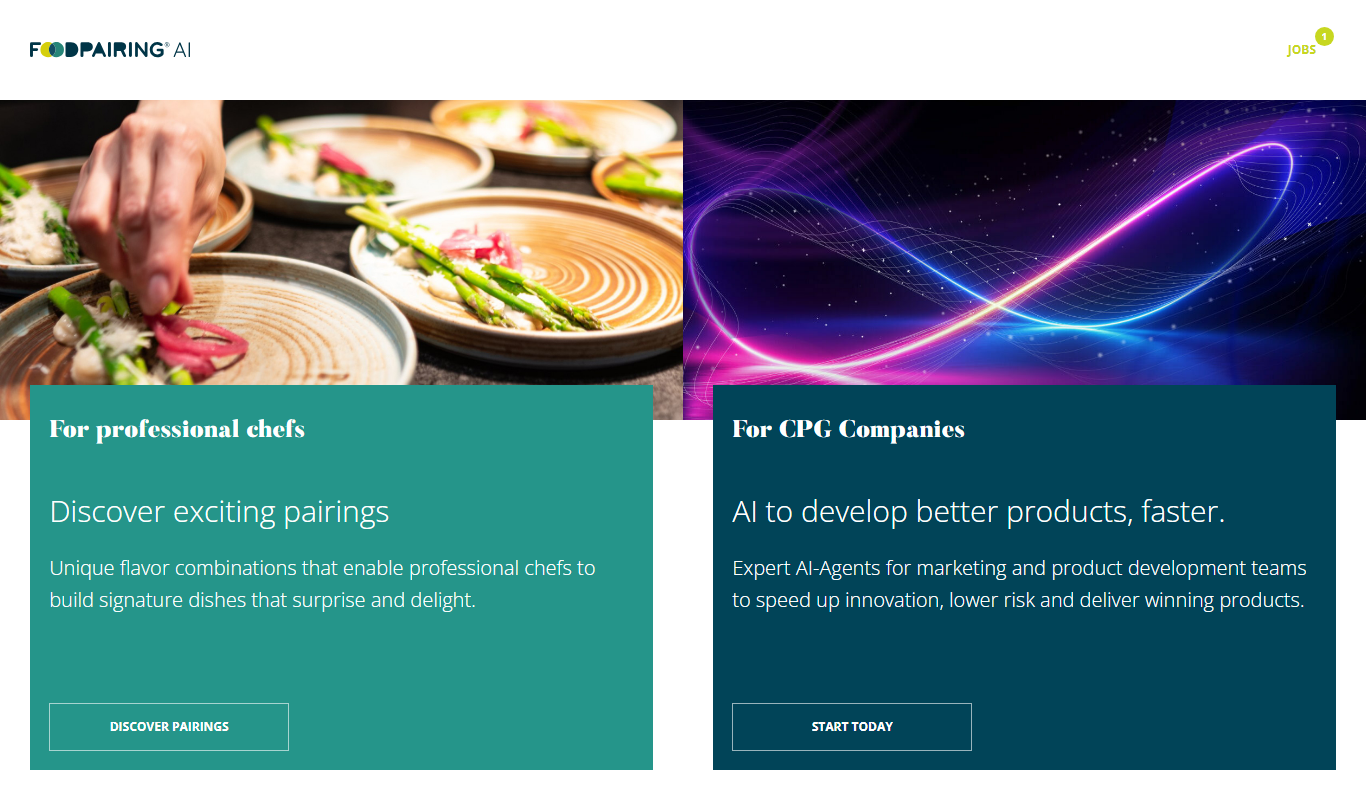
Foodpairing is a platform that uses chemical analysis to suggest compatible ingredient combinations for recipe development and food innovation.

Spotify is a digital music and podcast streaming service that provides access to millions of tracks and personalized playlists across multiple devices, with both free and premium subscription options.

SkinVision is an AI-powered mobile app that analyzes photos of skin spots to assess the risk of skin cancer, helping users detect melanoma early and monitor skin health over time.

Contacts+ AI is an AI-powered contact management tool that helps users organize, enrich, and maintain contacts across devices with features like deduplication, communication tracking, and team collaboration.
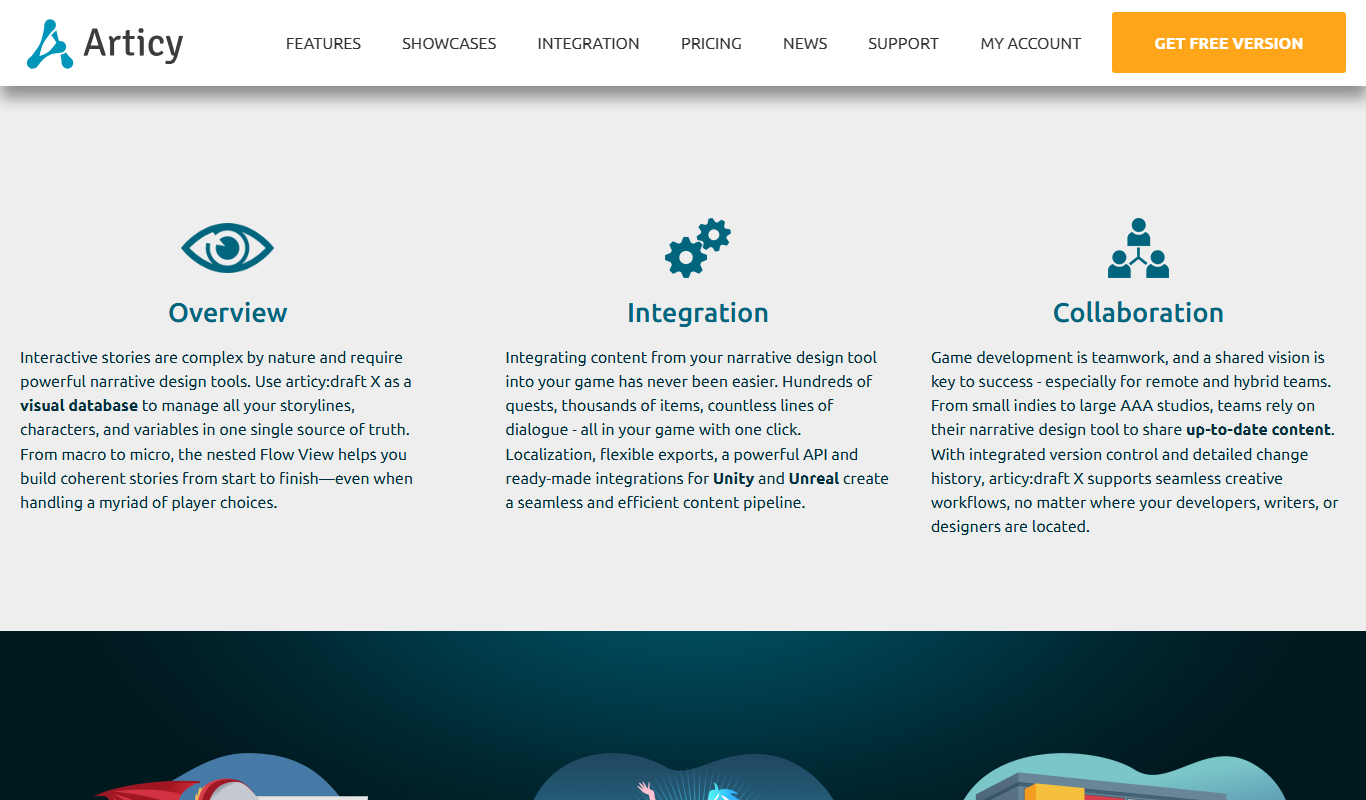
Articy Draft is software for Windows and macOS for designing branching narratives, dialogues, and quests for video games, with visual flowcharts and export to game engines like Unity and Unreal.
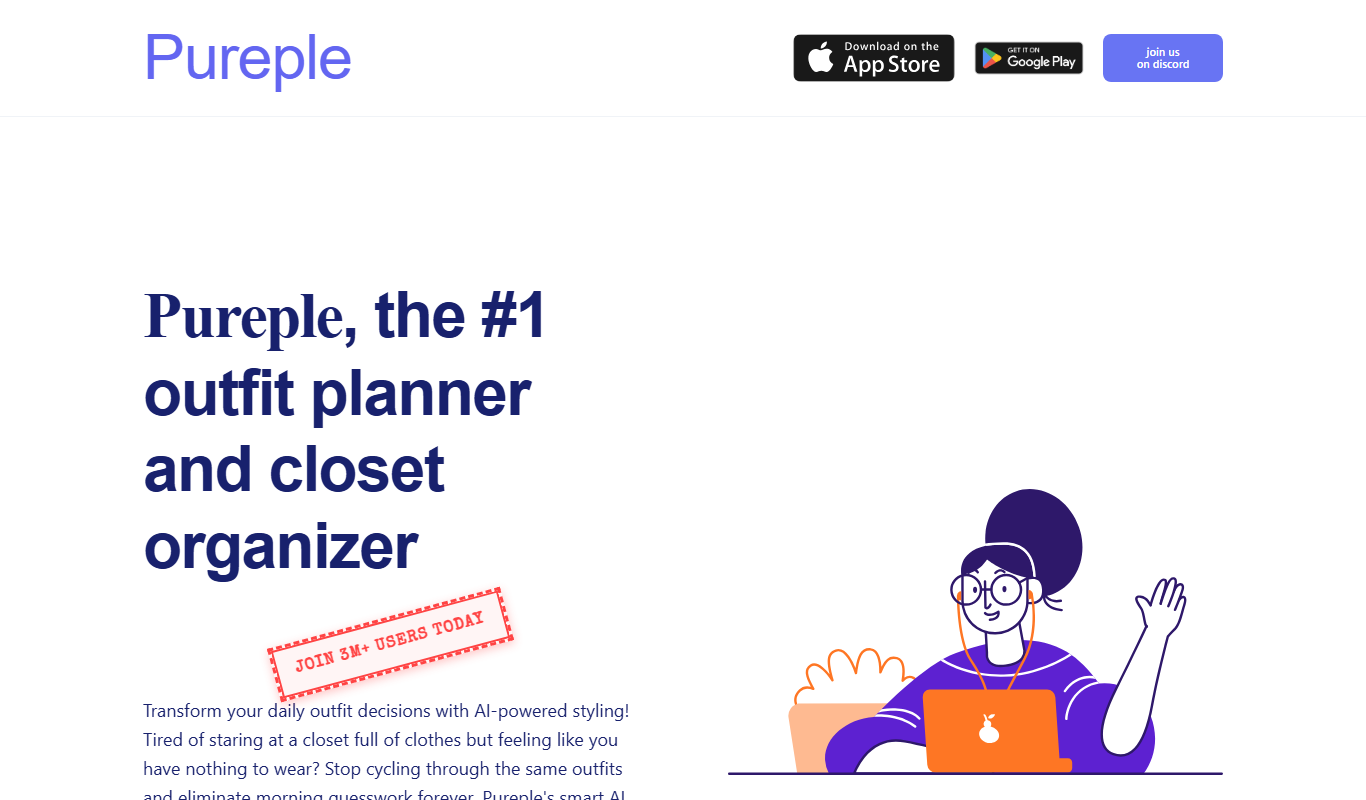
Pureple is a digital closet organizer and outfit planning app that helps users manage their wardrobe, create outfits, and plan packing lists across web and mobile platforms.

TrueLayer is an open banking platform providing APIs that allow developers to access bank account data and initiate payments securely, primarily in the UK and Europe under PSD2 regulations.
Page 23 of 223
Ten tools per shortlist, ranked, for when a category is still too many results.
Still deciding
Pricing, supported platforms and what each one is actually good at, laid out in one table. 764 comparisons are written and ready.
Browse comparisonsComparable tools for the products people already use.
Every one of the 8,929 entries here carries the same fields: what the tool does, what it costs, which platforms it runs on, and which categories it belongs to. That is what makes filtering across the whole catalogue possible rather than decorative.
The catalogue is not the point on its own; competitors list the same tools. What is worth your time is what sits on top of it: comparisons that commit to a recommendation, alternative sets that are genuinely comparable, and entries that get corrected when a vendor changes its pricing.
Start from a category rather than the full list: the category index above jumps straight into the twelve largest ones. From there, use the pricing shortcuts to drop anything outside your budget, then open the three or four entries that look closest and compare them side by side.
Free means there is a usable tier at no cost with no time limit. Freemium means a free tier exists but the useful features sit behind a paid plan. Free trial means paid-only after a fixed evaluation window. Subscription means recurring billing with no free tier. Labels come from the vendor and are re-checked when a listing is updated.
Yes. Category, pricing, tech stack, language and platform stack together, and every combination has its own URL, so a filtered view can be bookmarked or shared. Active filters appear above the results and can be removed one at a time.
Around 8% of entries have no captured screenshot, usually because the tool sits behind a login or the site blocks automated capture. Those entries show the tool's initial instead. It is not a signal about the tool's quality.
Newest first, so the front of the directory reflects what has recently shipped. Switch the sort to Top Rated for the highest-scoring entries, or Most Popular to order by real visitor interest across views and outbound clicks.
An alternatives page answers "what else does this job?" and lists comparable tools for one product. A comparison page takes two named tools and works through pricing, capability and fit to reach a recommendation. Both are linked from every tool entry.