

Articy Draft Game Narrative Design Software for Interactive Storytelling
Articy Draft is software for Windows and macOS for designing branching narratives, dialogues, and quests for video games, with visual flowcharts and export to game engines like Unity and Unreal.
- Best for
- Game Narrative Design
- Key capability
- Visual Flowchart Editor
Save Articy Draft, follow its updates and vote on it — everything stays in your account.
Sign in or create a free account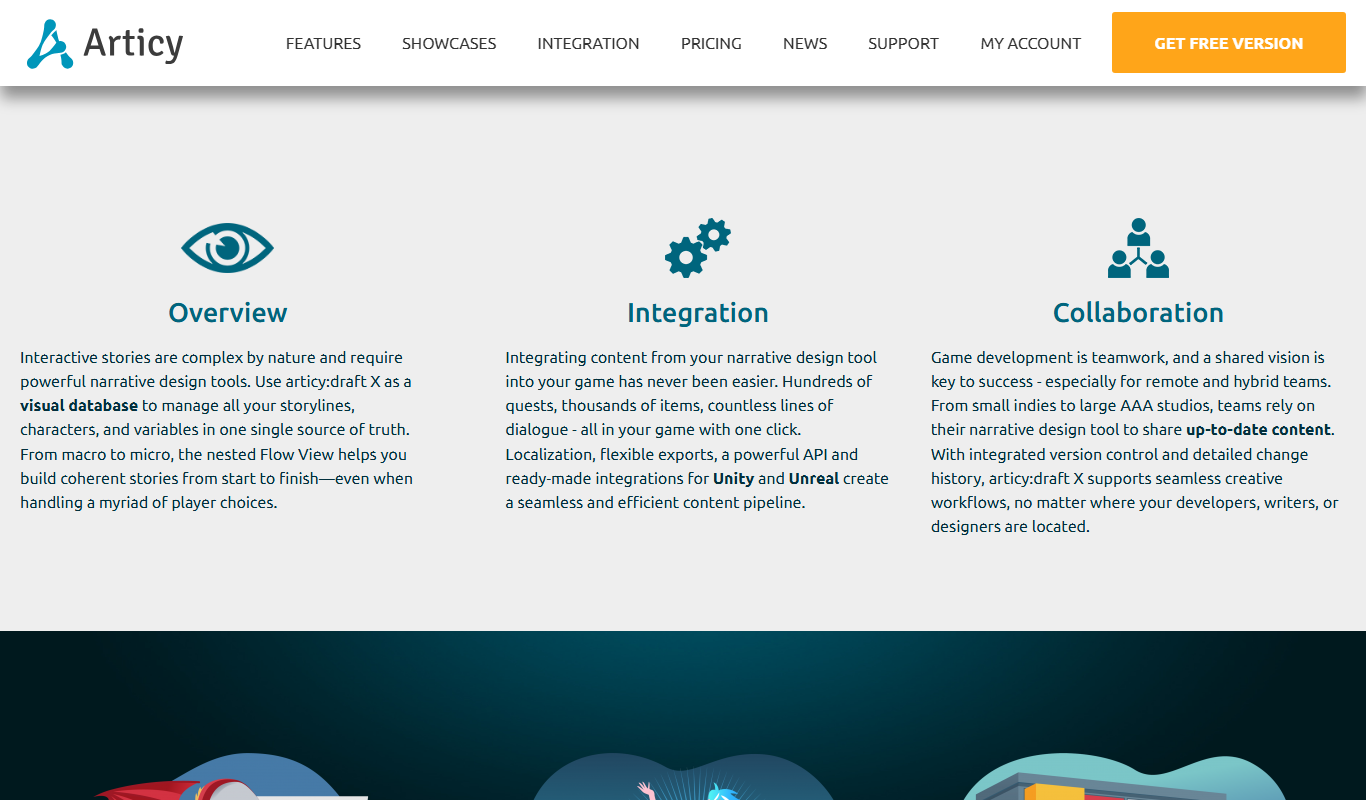
What is Articy Draft?
Articy Draft is a professional narrative design and game writing software tailored for video game developers and interactive storytellers. It provides a visual environment to create, organize, and manage complex branching storylines, dialogues, characters, and game logic. The tool helps narrative designers and game writers prototype and export their content seamlessly into game engines, streamlining the storytelling process in game development.
Key features of Articy Draft
Articy Draft offers visual flowchart editing, modular content management, branching dialogue trees, quest and character management, and integration with popular game engines. It supports collaboration among creative teams and provides export options to streamline game production workflows.
Visual Flowchart Editor
Create and visualize complex branching narratives and dialogue trees with an intuitive drag-and-drop interface.
Modular Content Management
Organize story elements such as characters, items, and locations in reusable modules.
Quest and Dialogue System
Build detailed quests and dialogue interactions with conditional logic and variables.
Game Engine Integration
Export narrative content directly to popular game engines including Unity and Unreal Engine.
Collaboration Tools
Support multi-user workflows with version control and project sharing features.
Pros and cons of Articy Draft
Pros
- Powerful visual tools for complex narrative design
- Seamless integration with major game engines
- Supports collaboration among creative teams
- Modular content management simplifies organization
Cons
- Pricing may be high for indie developers
- Steep learning curve for beginners
Key use cases for Articy Draft
Game Narrative Design
Create complex branching storylines, dialogues, and quests for video games with visual scripting tools.
Interactive Storytelling
Design interactive stories with flowcharts and modular content blocks to manage narrative complexity.
Game Development Collaboration
Facilitate collaboration between writers, designers, and developers by providing a unified narrative design platform.
Dialogue and Quest Management
Build and organize dialogue trees, character interactions, and quest structures efficiently.
Prototyping and Exporting
Prototype narrative elements and export them to various game engines like Unity and Unreal Engine.
How Articy Draft works
- 1
Install and Launch
Download and install Articy Draft on Windows or macOS and launch the application.
- 2
Create Project
Start a new narrative project or open an existing one to begin designing your story elements.
- 3
Design Narrative Flow
Use visual flowcharts to map out branching storylines, dialogues, and quests.
- 4
Manage Content
Organize characters, items, locations, and dialogue snippets in modular content blocks.
- 5
Collaborate and Export
Share your project with team members and export narrative data to game engines like Unity or Unreal.
Who is using Articy Draft
Articy Draft pricing
Free
Free (700 objects)
Free version limited to 700 objects.
Subscription
EUR 6.99/month or EUR 69.99/year
Subscription at EUR 6.99/month or EUR 69.99/year.
Team bundles
From EUR 56/month
Team bundles start from EUR 56/month.
Plans and prices are as published by the vendor and can change. Check the official site before you buy. Open the pricing page (opens in a new tab)
Frequently asked questions about Articy Draft
Articy Draft is available for Windows and macOS.
Yes, Articy Draft supports exporting narrative data to Unity, Unreal Engine, and other engines.
Yes, it includes features for multi-user collaboration and version control.
There is a Free version limited to 700 objects.
This tool is designed to help users accomplish its core tasks more efficiently. It is typically used by individuals or teams looking to improve productivity and workflow.
Yes, it can help with that use case depending on how you configure it and what features are available. You’ll get the best results with clear inputs and a defined goal.
It depends on your specific needs and how you plan to use the tool. The official website and documentation are the best sources for the latest details.
Yes, it can help with that use case depending on how you configure it and what features are available. You’ll get the best results with clear inputs and a defined goal.
Conclusion
Branching stories are laid out in a visual flowchart editor, where storylines, dialogues and quests are mapped with drag-and-drop. Characters, items and locations live in reusable modules, and quests and dialogue interactions can carry conditional logic and variables. Narrative content then exports directly to game engines including Unity and Unreal Engine. Multi-user collaboration and version control are included for teams.
It targets game narrative designers, game writers and game studios. The software runs on Windows and macOS. A Free version covers up to 700 objects, a subscription costs EUR 6.99/month or EUR 69.99/year, and Team bundles start from EUR 56/month.
Sources
Sign in to review this tool.
Sign In to ReviewNo reviews yet
Be the first to share how this tool worked for you.
Ask about pricing, limits, or how it compares — or answer someone else.
Sign In to AskNo questions yet
Have a question about using or paying for this tool? Be the first to ask.
Featured on TiorAI



Alternative Tools
Explore similar AI tools that might fit your needs
Inklewriter
Inklewriter is a free web-based tool that enables writers to create interactive, branching stories without programming skills, ideal for educational and creative storytelling.
More AI Dialogue Generator tools
Other tools in the same category, for when this one is not quite the fit.
c.ai
c.ai is an AI chat generator platform that allows users to create and interact with customizable AI characters capable of realistic, multi-turn conversations for entertainment, creative writing, and learning.

Hosted Games
Hosted Games is a platform for playing and creating interactive fiction games featuring branching storylines and player choices, accessible via web and mobile.

Choice of Games
Choice of Games offers interactive choice-driven text adventures and a scripting language called ChoiceScript for creating custom interactive stories.

Ren’Py
Ren'Py is a free, open-source engine designed for creating visual novels and interactive storytelling games, supporting multiple platforms and Python scripting.
Kialo
Kialo is a free web-based platform that enables users to create and participate in structured debates using visual argument maps, promoting critical thinking and collaborative discussion.
WriterDuet
WriterDuet is a cloud-based screenwriting software that enables multiple writers to collaborate in real time with automatic script formatting and offline capabilities.

Celtx
Celtx is a cloud-based software platform designed for scriptwriting and media pre-production, providing tools for writing scripts, creating storyboards, scheduling production, and collaborating with teams.
Puppet Pals
Puppet Pals is an iOS app that enables users, especially children and educators, to create animated stories and puppet shows by selecting characters, backgrounds, and recording dialogue with a simple drag-and-drop interface.