

Kialo Debate Platform for Structured Discussions and Critical Thinking
Kialo is a free web-based platform that enables users to create and participate in structured debates using visual argument maps, promoting critical thinking and collaborative discussion.
- Best for
- Educational Debates
- Key capability
- Argument Mapping
Save Kialo, follow its updates and vote on it — everything stays in your account.
Sign in or create a free accountWhat is Kialo?
Kialo is a web-based platform designed to facilitate structured debates and discussions. It allows users to create, share, and explore argument maps that visually organize pros and cons around a central thesis. The tool promotes critical thinking and collaborative reasoning by breaking down complex topics into clear, manageable components.
Key features of Kialo
Kialo offers an intuitive interface for mapping arguments, supports collaborative input from multiple users, and provides tools for voting and filtering arguments. It emphasizes clarity, neutrality, and transparency in discussions, making it ideal for educational, professional, and public discourse.
Argument Mapping
Visualizes debates as a clear tree of pros and cons for easy navigation.
Collaborative Editing
Multiple users can add and refine arguments in real time.
Voting System
Participants can upvote arguments to highlight the most persuasive points.
Privacy Controls
Debates can be public or private, with customizable access settings.
Export Options
Export debates as PDFs or shareable links for offline review or presentation.
Pros and cons of Kialo
Pros
- Clear visual structure for complex debates
- Encourages critical thinking and respectful dialogue
- Free to use with no hidden costs
- Supports collaborative and educational use cases
Cons
- Limited to English language interface
- No dedicated mobile app; web-only platform
- Lacks AI-powered argument suggestions or summaries
Key use cases for Kialo
Educational Debates
Facilitates classroom and academic debates by structuring arguments logically and clearly.
Collaborative Decision Making
Supports teams and organizations in making well-reasoned decisions through transparent argument mapping.
Critical Thinking Development
Helps individuals improve reasoning skills by visually breaking down complex issues into pros and cons.
Public Policy Discussions
Enables public forums and policy makers to explore multiple viewpoints in a balanced and organized manner.
Online Community Engagement
Provides a platform for communities to engage in respectful and structured dialogue on various topics.
How Kialo works
- 1
Create a Debate
Start by defining a central question or thesis to debate.
- 2
Add Arguments
Contribute supporting or opposing arguments structured in a tree format.
- 3
Invite Participants
Share the debate link to allow others to join and contribute.
- 4
Discuss and Vote
Engage in discussion, vote on arguments, and explore different viewpoints.
Who is using Kialo
Kialo pricing
Free
$0/month
Full access to debate creation, participation, and collaboration features.
Plans and prices are as published by the vendor and can change. Check the official site before you buy. Open the pricing page (opens in a new tab)
Frequently asked questions about Kialo
Yes, Kialo offers free access to all its core debate and collaboration features.
Yes, you can set debates to private and control who can view or contribute.
Yes, multiple users can contribute and edit arguments simultaneously.
Yes, debates can be exported as PDFs or shared via direct links.
It depends on your specific needs and how you plan to use the tool. The official website and documentation are the best sources for the latest details.
Yes, it can help with that use case depending on how you configure it and what features are available. You’ll get the best results with clear inputs and a defined goal.
Yes, it can help with that use case depending on how you configure it and what features are available. You’ll get the best results with clear inputs and a defined goal.
Conclusion
Each Kialo discussion grows from a central question or thesis, with supporting and opposing arguments structured beneath it in a tree of pros and cons. Participants join through a shared debate link and can add and refine arguments in real time. Debates can be public or private, and exports come as PDFs or shareable links.
Classroom and academic debates are a core use for educators and students. Outside education, the same structure supports teams and organizations making decisions and policy makers exploring multiple viewpoints. The format is meant to encourage critical thinking and respectful dialogue. It is free to use with no hidden costs. It does not offer AI-powered argument suggestions or summaries.
Sources
Sign in to review this tool.
Sign In to ReviewNo reviews yet
Be the first to share how this tool worked for you.
Ask about pricing, limits, or how it compares — or answer someone else.
Sign In to AskNo questions yet
Have a question about using or paying for this tool? Be the first to ask.
Featured on TiorAI



Alternative Tools
Explore similar AI tools that might fit your needs

DebateGraph
DebateGraph is a collaborative online tool that enables users to visually map and analyze complex arguments and debates to improve understanding and decision making.
Arguman
Arguman is a free online argument mapping tool that helps users visually structure and analyze arguments collaboratively to improve critical thinking and debate skills.
More AI Dialogue Generator tools
Other tools in the same category, for when this one is not quite the fit.
c.ai
c.ai is an AI chat generator platform that allows users to create and interact with customizable AI characters capable of realistic, multi-turn conversations for entertainment, creative writing, and learning.

Hosted Games
Hosted Games is a platform for playing and creating interactive fiction games featuring branching storylines and player choices, accessible via web and mobile.

Choice of Games
Choice of Games offers interactive choice-driven text adventures and a scripting language called ChoiceScript for creating custom interactive stories.

Ren’Py
Ren'Py is a free, open-source engine designed for creating visual novels and interactive storytelling games, supporting multiple platforms and Python scripting.
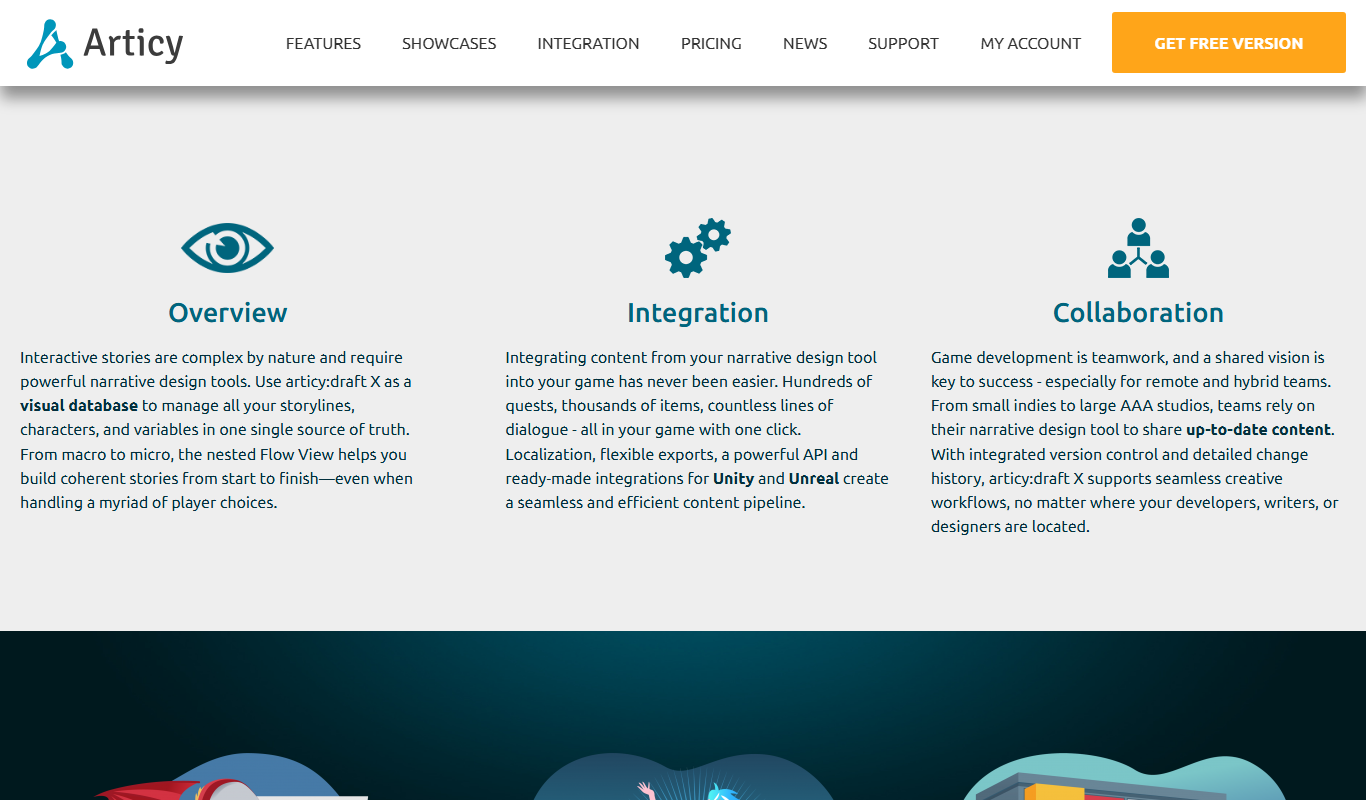
Articy Draft
Articy Draft is software for Windows and macOS for designing branching narratives, dialogues, and quests for video games, with visual flowcharts and export to game engines like Unity and Unreal.

WriterDuet
WriterDuet is a cloud-based screenwriting software that enables multiple writers to collaborate in real time with automatic script formatting and offline capabilities.

Celtx
Celtx is a cloud-based software platform designed for scriptwriting and media pre-production, providing tools for writing scripts, creating storyboards, scheduling production, and collaborating with teams.
Puppet Pals
Puppet Pals is an iOS app that enables users, especially children and educators, to create animated stories and puppet shows by selecting characters, backgrounds, and recording dialogue with a simple drag-and-drop interface.