

Collaborative Visual Mapping Tool for Structured Debate and Decision Making
DebateGraph is a collaborative online tool that enables users to visually map and analyze complex arguments and debates to improve understanding and decision making.
- Best for
- Collaborative Debate Mapping
- Key capability
- Interactive Visual Argument Mapping
Save DebateGraph, follow its updates and vote on it — everything stays in your account.
Sign in or create a free account
What is DebateGraph?
DebateGraph is a web-based platform that enables users to collaboratively create, visualize, and explore complex arguments and debates through interactive, graphical maps. It helps individuals and groups to structure discussions, analyze reasoning, and make better decisions by visually connecting ideas, evidence, and viewpoints.
Key features of DebateGraph
DebateGraph offers interactive argument mapping, real-time collaboration, embedding capabilities, extensive linking between nodes, and integration with external resources to facilitate transparent and comprehensive debate visualization.
Interactive Visual Argument Mapping
Create dynamic maps that visually represent the structure of debates and arguments.
Collaborative Editing
Multiple users can simultaneously contribute and edit maps, fostering collective reasoning.
Embedding and Linking
Embed maps into websites and link nodes to external sources for richer context.
Version Control and History
Track changes and review the evolution of argument maps over time.
Search and Navigation Tools
Easily search within maps and navigate complex argument structures.
Pros and cons of DebateGraph
Pros
- Facilitates clear visualization of complex debates
- Supports real-time collaboration and editing
- Integrates external links and resources
- Useful for education, policy, and business decision making
Cons
- Interface can be overwhelming for new users
- Limited mobile support as primarily web-based
Key use cases for DebateGraph
Collaborative Debate Mapping
Users can collaboratively build and visualize complex debates and arguments in a structured, interactive map format.
Decision Making Support
Organizations and teams use DebateGraph to clarify options, evidence, and reasoning to support transparent and informed decisions.
Educational Tool for Critical Thinking
Educators use DebateGraph to teach critical thinking, argument analysis, and structured reasoning in classrooms.
Public Policy Analysis
Policy makers and analysts map out policy debates to explore diverse viewpoints and evidence systematically.
Knowledge Management
Teams capture and organize complex knowledge and discussions visually to improve understanding and collaboration.
How DebateGraph works
- 1
Create an Account
Sign up on the DebateGraph website to start creating and saving argument maps.
- 2
Build Argument Maps
Add nodes representing claims, evidence, questions, and objections, linking them visually to represent the structure of a debate.
- 3
Collaborate and Share
Invite others to contribute, comment, and refine the map in real time or asynchronously.
- 4
Explore and Analyze
Navigate through complex debates interactively, filtering and focusing on specific branches or viewpoints.
Who is using DebateGraph
DebateGraph pricing
Free
$0/month
Free account; registration is free.
Plans and prices are as published by the vendor and can change. Check the official site before you buy. Open the pricing page (opens in a new tab)
Frequently asked questions about DebateGraph
Yes. DebateGraph offers a free account, has no announced paid features, and is described as free to use.
Yes, DebateGraph supports real-time collaborative editing by multiple users.
Users can add claims, questions, objections, evidence, and link to external resources.
Yes, it is widely used in education to teach critical thinking and structured argumentation.
It depends on your specific needs and how you plan to use the tool. The official website and documentation are the best sources for the latest details.
This tool is designed to help users accomplish its core tasks more efficiently. It is typically used by individuals or teams looking to improve productivity and workflow.
It depends on your specific needs and how you plan to use the tool. The official website and documentation are the best sources for the latest details.
Conclusion
Debates are broken into nodes: claims, evidence, questions and objections are added and linked visually to represent the structure of a debate. Multiple users can contribute to and edit the same map simultaneously or refine it asynchronously, and changes are tracked to review how a map evolves over time. Maps can be embedded into websites, with nodes linked to external sources.
Educators use it to teach critical thinking and structured reasoning, while policy makers and analysts map policy debates to explore diverse viewpoints and evidence. Organizations and teams also use it to clarify options, evidence and reasoning for decisions. Registration is free, and the platform has no announced paid features and is described as free to use.
Sources
Sign in to review this tool.
Sign In to ReviewNo reviews yet
Be the first to share how this tool worked for you.
Ask about pricing, limits, or how it compares — or answer someone else.
Sign In to AskNo questions yet
Have a question about using or paying for this tool? Be the first to ask.
Featured on TiorAI



Alternative Tools
Explore similar AI tools that might fit your needs
Kialo
Kialo is a free web-based platform that enables users to create and participate in structured debates using visual argument maps, promoting critical thinking and collaborative discussion.

MindMeister
MindMeister is an online tool that enables users to create, collaborate on, and present mind maps for brainstorming, project planning, and knowledge management.
More Business Management tools
Other tools in the same category, for when this one is not quite the fit.
Out of Milk
Out of Milk is a grocery list and pantry management app that simplifies shopping and meal planning by allowing users to create, share, and sync lists, track pantry items, and scan barcodes for quick item entry.
AnyList
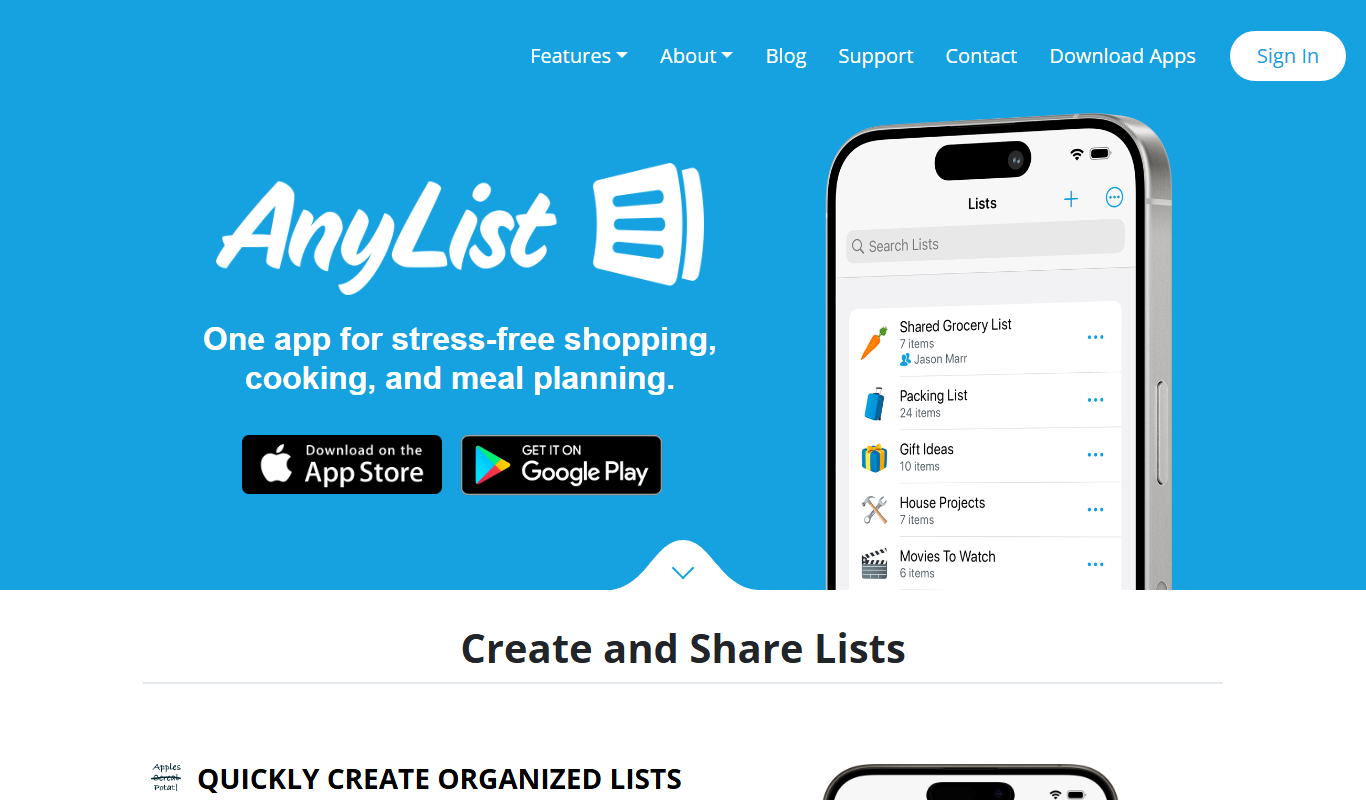
AnyList is a grocery shopping and meal planning app that helps users create organized shopping lists, save and manage recipes, plan meals on a calendar, and share lists with others for collaborative shopping.

Dropified
Dropified is a dropshipping automation platform that integrates with Shopify and WooCommerce to automate product imports, pricing updates, and order fulfillment, helping e-commerce entrepreneurs streamline their operations.
Importify
Importify is a dropshipping tool that lets Shopify, WooCommerce and Wix users import products from suppliers like AliExpress and Amazon with automated syncing and order management.

ReputationStacker
ReputationStacker is an AI-powered platform that automates sending review requests via SMS and email, monitors reviews across platforms, and helps businesses improve their online reputation and local SEO.
Teamflow
Teamflow is a virtual office platform designed to enhance remote team collaboration through spatial audio, customizable virtual spaces, and integrated video conferencing.

Draftable
Draftable is a document comparison tool that visually highlights differences between two files, supporting formats like Word and PDF, available as web and desktop applications.

Diffchecker
Diffchecker is an online and desktop tool that compares files and text to highlight differences, supporting multiple formats like code, PDFs, and images with side-by-side views and version history.