

Importify Dropshipping Product Importer for Shopify and E-commerce Stores
Importify is a dropshipping tool that lets Shopify, WooCommerce and Wix users import products from suppliers like AliExpress and Amazon with automated syncing and order management.
- Best for
- Dropshipping Product Import
- Key capability
- Multi-Supplier Support
Save Importify, follow its updates and vote on it — everything stays in your account.
Sign in or create a free accountWhat is Importify?
Importify is a dropshipping product importer designed to help e-commerce entrepreneurs import products from marketplaces such as AliExpress, Amazon and Etsy into their Shopify, WooCommerce or Wix stores. It automates data import, syncs product details and simplifies store management for dropshipping businesses.
Key features of Importify
Importify offers multi-platform product import, automated product data syncing, pricing and inventory management, order fulfillment integration, and a user-friendly interface accessible via web and Chrome extension.
Multi-Supplier Support
Import products from over 20 suppliers including AliExpress, Amazon, Etsy, Walmart, and more.
One-Click Product Import
Easily add products to your store with a single click using the Chrome extension.
Automated Product Sync
Keep product details, prices, and inventory updated automatically.
Pricing Rule Setup
Set custom pricing formulas to maintain profit margins.
Order Management Integration
Streamline order processing by linking orders to suppliers for faster fulfillment.
Pros and cons of Importify
Pros
- Supports a wide range of suppliers for diverse product sourcing
- Easy one-click product import via Chrome extension
- Automated syncing reduces manual updates
- Flexible pricing plans to suit different business sizes
Cons
- No mobile app available, only web and Chrome extension
- Some advanced features require higher-tier plans
Key use cases for Importify
Dropshipping Product Import
Importify enables e-commerce store owners to easily import products from multiple suppliers like AliExpress, Amazon, Etsy, and more directly into their Shopify or WooCommerce stores.
Product Data Automation
Automatically sync product details, images, and pricing updates from suppliers to keep your store listings accurate and up to date.
Store Management Efficiency
Simplify managing multiple product sources and streamline the dropshipping workflow with a centralized import and editing platform.
Price and Inventory Control
Set pricing rules and monitor inventory levels to avoid overselling and maintain competitive pricing.
Order Fulfillment Support
Facilitate order processing by connecting your store orders to suppliers for faster fulfillment.
How Importify works
- 1
Install Importify
Add the Importify app to your Shopify or WooCommerce store and install the Chrome extension for easy product importing.
- 2
Browse Supplier Websites
Use the Importify Chrome extension to browse supported supplier sites like AliExpress and Amazon.
- 3
Import Products
Click the Importify button on product pages to add items directly to your store’s product list.
- 4
Edit and Customize
Modify product titles, descriptions, images, and pricing before publishing to your store.
- 5
Manage Orders
Process orders through Importify’s dashboard and connect with suppliers for fulfillment.
Who is using Importify
Importify pricing
Basic
$14.95/month
Basic plan with limited product imports and features.
Premium
$27.95
Standard plan with increased import limits and access to more suppliers.
Gold
$37.95
Advanced plan with unlimited imports and priority support.
Plans and prices are as published by the vendor and can change. Check the official site before you buy. Open the pricing page (opens in a new tab)
Frequently asked questions about Importify
Importify supports Shopify, WooCommerce and Wix, where it is available on the Wix App Market.
Yes, Importify supports importing products from over 20 different suppliers.
Importify offers a free trial period to test the service before subscribing.
Importify automatically syncs product details, prices, and inventory to keep your store updated.
It depends on your specific needs and how you plan to use the tool. The official website and documentation are the best sources for the latest details.
Yes, it can help with that use case depending on how you configure it and what features are available. You’ll get the best results with clear inputs and a defined goal.
Yes, it can help with that use case depending on how you configure it and what features are available. You’ll get the best results with clear inputs and a defined goal.
Pricing depends on the plan and included features. For the most accurate and up-to-date details, check the official pricing page.
Conclusion
Supplier product pages are the entry point: with the Chrome extension installed, a click on the Importify button adds an item from sites like AliExpress and Amazon to the store’s product list. Titles, descriptions, images and pricing can be modified before publishing, and custom pricing formulas maintain profit margins. Product details, prices and inventory then stay updated automatically.
Stores on Shopify, WooCommerce and Wix are supported. Orders are processed through the dashboard and connected with suppliers for fulfillment. It is aimed at dropshipping entrepreneurs, small to medium e-commerce store owners and marketing agencies managing e-commerce clients. Plans are Basic at $14.95, Premium at $27.95 and Gold at $37.95.
Sources
Sign in to review this tool.
Sign In to ReviewNo reviews yet
Be the first to share how this tool worked for you.
Ask about pricing, limits, or how it compares — or answer someone else.
Sign In to AskNo questions yet
Have a question about using or paying for this tool? Be the first to ask.
Featured on TiorAI



Alternative Tools
Explore similar AI tools that might fit your needs

Spocket
Spocket is a dropshipping platform that helps ecommerce entrepreneurs source products from vetted US and EU suppliers, automate order fulfillment, and integrate with major online store platforms like Shopify and WooCommerce.

Dropified
Dropified is a dropshipping automation platform that integrates with Shopify and WooCommerce to automate product imports, pricing updates, and order fulfillment, helping e-commerce entrepreneurs streamline their operations.
More Business Management tools
Other tools in the same category, for when this one is not quite the fit.

Mouseflow
Mouseflow is a web analytics platform that records user interactions such as mouse movements, clicks, and scrolls, providing heatmaps and session replays to help optimize website user experience and conversions.

Sellbrite
Sellbrite is a cloud-based ecommerce platform that centralizes inventory, order, and listing management across multiple online marketplaces, helping sellers avoid overselling and streamline fulfillment.
Inventory Planner
Inventory Planner is a cloud-based software that helps businesses forecast demand, optimize inventory, and automate purchase orders by analyzing sales data and trends.

Quartile
Quartile is an AI retail media optimization platform covering Amazon, Walmart, Instacart, Criteo, Google and Meta.
Out of Milk
Out of Milk is a grocery list and pantry management app that simplifies shopping and meal planning by allowing users to create, share, and sync lists, track pantry items, and scan barcodes for quick item entry.
AnyList
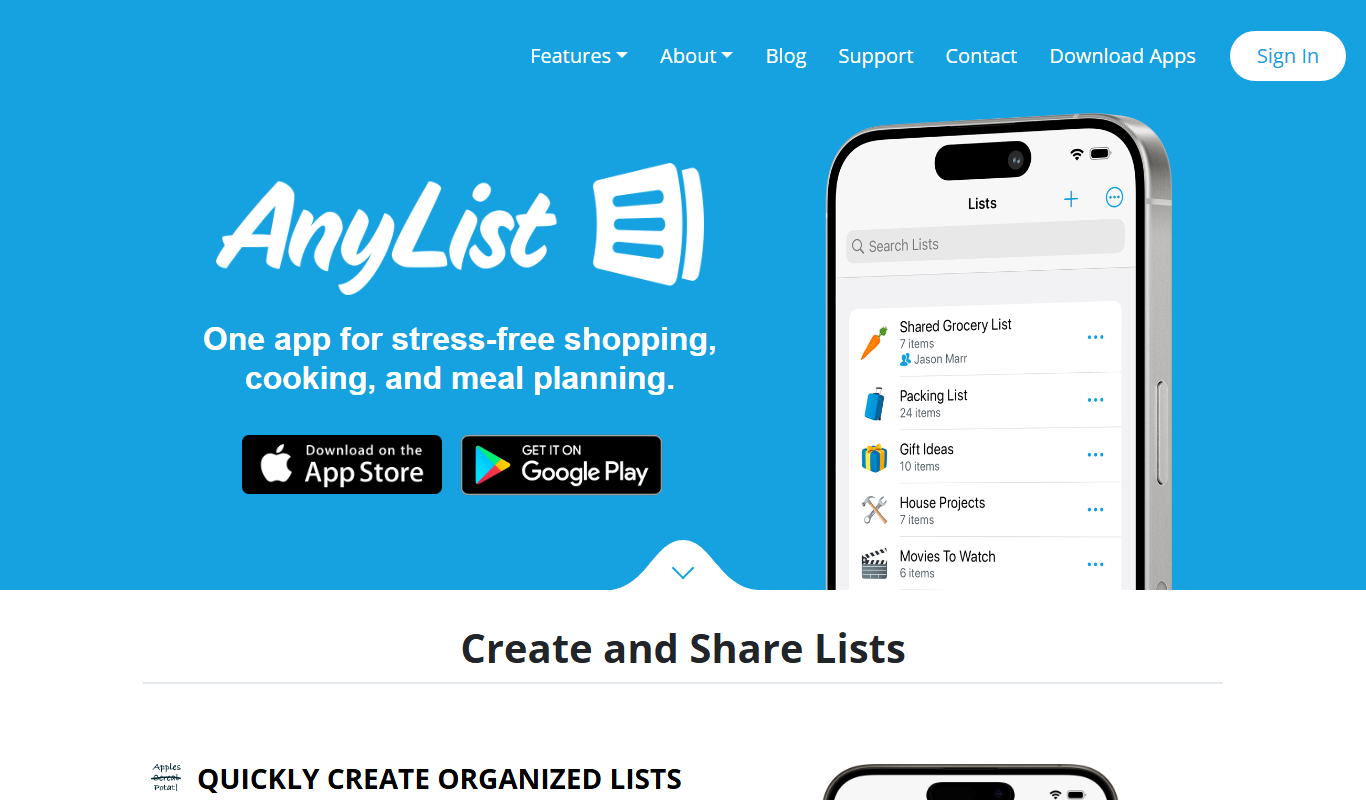
AnyList is a grocery shopping and meal planning app that helps users create organized shopping lists, save and manage recipes, plan meals on a calendar, and share lists with others for collaborative shopping.

ReputationStacker
ReputationStacker is an AI-powered platform that automates sending review requests via SMS and email, monitors reviews across platforms, and helps businesses improve their online reputation and local SEO.
Teamflow
Teamflow is a virtual office platform designed to enhance remote team collaboration through spatial audio, customizable virtual spaces, and integrated video conferencing.