

AnyList Grocery Shopping & Meal Planning App for Organized Lists
AnyList is a grocery shopping and meal planning app that helps users create organized shopping lists, save and manage recipes, plan meals on a calendar, and share lists with others for collaborative shopping.
- Best for
- Grocery List Management
- Key capability
- Smart Grocery Lists
Save AnyList, follow its updates and vote on it — everything stays in your account.
Sign in or create a free account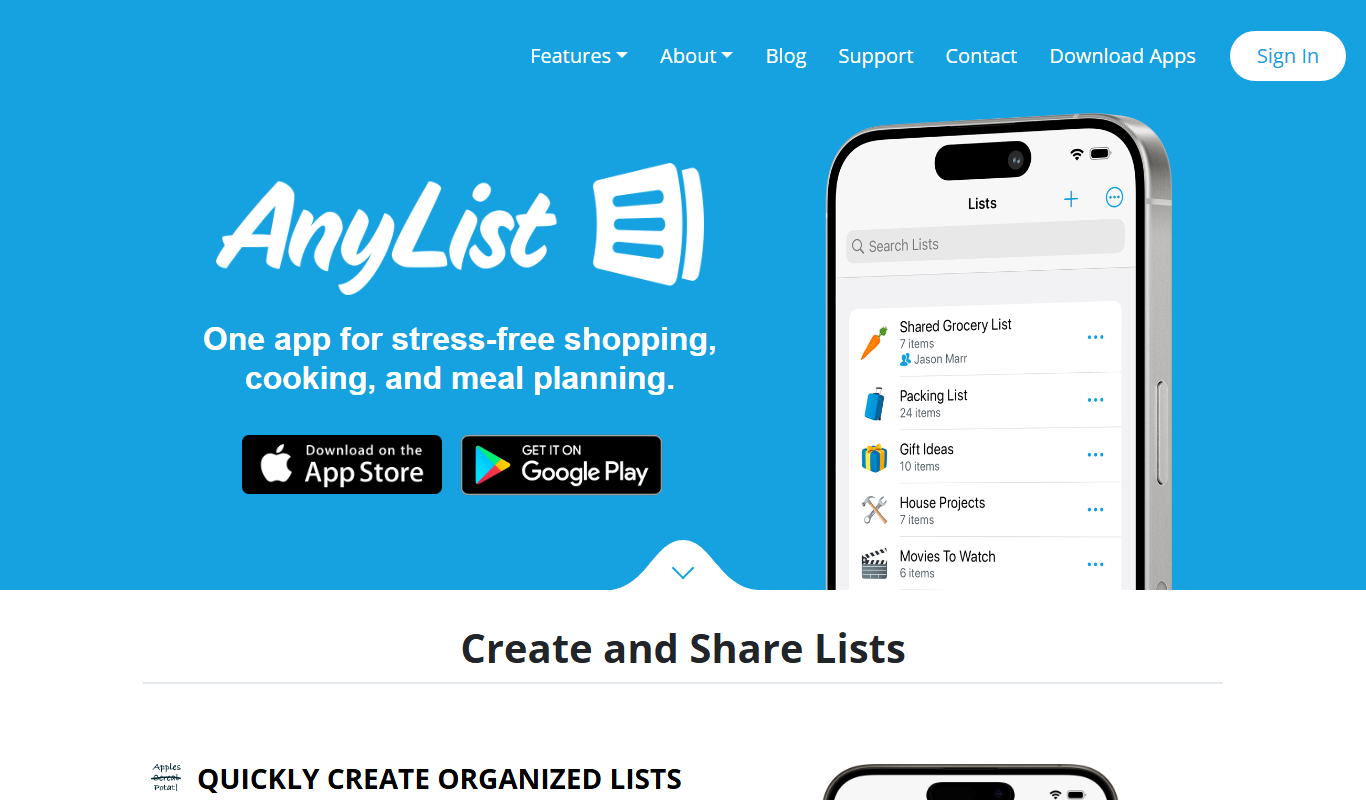
What is AnyList?
AnyList is a mobile and web application designed to simplify grocery shopping and meal planning. It helps users create and manage grocery lists, organize recipes, and plan meals efficiently. The app supports list sharing and collaboration, making it ideal for families and groups. With features like pantry tracking and meal scheduling, AnyList aims to reduce food waste and save time during shopping and cooking.
Key features of AnyList
AnyList offers intuitive grocery list creation, recipe saving and organization, meal planning calendars, list sharing capabilities, and pantry inventory management. Its user-friendly interface and cross-platform availability make it a practical tool for everyday meal and shopping organization.
Smart Grocery Lists
Automatically categorize items and sync lists across devices.
Recipe Import and Management
Save recipes from the web with a browser extension or manually add them.
Meal Planning Calendar
Visualize and schedule meals to plan ahead effectively.
List Sharing
Collaborate on lists with others in real time.
Pantry Tracking
Monitor pantry inventory to avoid unnecessary purchases.
Pros and cons of AnyList
Pros
- User-friendly interface for easy list and meal management
- Cross-platform support on iOS, Android, and web
- Robust sharing and collaboration features
- Meal planning calendar integrates with grocery lists
- Pantry tracking helps reduce food waste
Cons
- Limited features in the free version
- No Android tablet optimized app
- Recipe import can occasionally miss formatting
Key use cases for AnyList
Grocery List Management
Create, organize, and share grocery shopping lists to streamline shopping trips.
Meal Planning
Plan weekly meals by saving and organizing recipes and scheduling meals on a calendar.
Recipe Organization
Save recipes from the web or manually enter them to keep all meal ideas in one place.
List Sharing and Collaboration
Share lists with family or friends to coordinate shopping and meal preparation.
Pantry Inventory Tracking
Keep track of pantry items to avoid buying duplicates and reduce food waste.
How AnyList works
- 1
Download and Install
Get the AnyList app from the App Store or Google Play, or access it via the web.
- 2
Create Grocery Lists
Add items manually or from saved recipes to build your shopping lists.
- 3
Save and Organize Recipes
Import recipes from websites or enter your own to keep meal ideas handy.
- 4
Plan Meals
Schedule meals on the calendar to organize your weekly menu.
- 5
Share and Collaborate
Invite family or friends to view and edit lists for coordinated shopping.
Who is using AnyList
AnyList pricing
Free
$0/month
Basic grocery list and recipe features with limited sharing and no meal planning calendar.
AnyList Complete
$9.99/year for an individual, $14.99/year for a household
Full access to meal planning, list sharing, recipe import, and pantry tracking.
Plans and prices are as published by the vendor and can change. Check the official site before you buy. Open the pricing page (opens in a new tab)
Frequently asked questions about AnyList
Yes, AnyList offers a free version with basic features, and a paid subscription for full functionality.
Yes, AnyList allows you to share and collaborate on lists with family and friends.
Yes, the app includes a meal planning calendar to schedule meals and organize recipes.
Yes, AnyList provides a browser extension and in-app tools to save recipes from the web.
Yes, it can help with that use case depending on how you configure it and what features are available. You’ll get the best results with clear inputs and a defined goal.
Yes, it can help with that use case depending on how you configure it and what features are available. You’ll get the best results with clear inputs and a defined goal.
Yes, it can help with that use case depending on how you configure it and what features are available. You’ll get the best results with clear inputs and a defined goal.
Conclusion
AnyList brings grocery lists, recipes and meal planning into one mobile and web application, available from the App Store or Google Play. Items are categorized automatically and lists sync across devices, while recipes can be saved from websites with a browser extension or entered by hand. Meals are scheduled on a calendar to organize the weekly menu, and pantry tracking is meant to avoid duplicate purchases and reduce food waste.
Families managing household shopping and home cooks who plan meals are the core audience, and invited family or friends can view and edit the same lists. The free version keeps basic lists and recipes but has limited sharing and no meal planning calendar. AnyList Complete costs $9.99 per year for an individual or $14.99 per year for a household.
Sources
Sign in to review this tool.
Sign In to ReviewNo reviews yet
Be the first to share how this tool worked for you.
Ask about pricing, limits, or how it compares — or answer someone else.
Sign In to AskNo questions yet
Have a question about using or paying for this tool? Be the first to ask.
Featured on TiorAI



Alternative Tools
Explore similar AI tools that might fit your needs
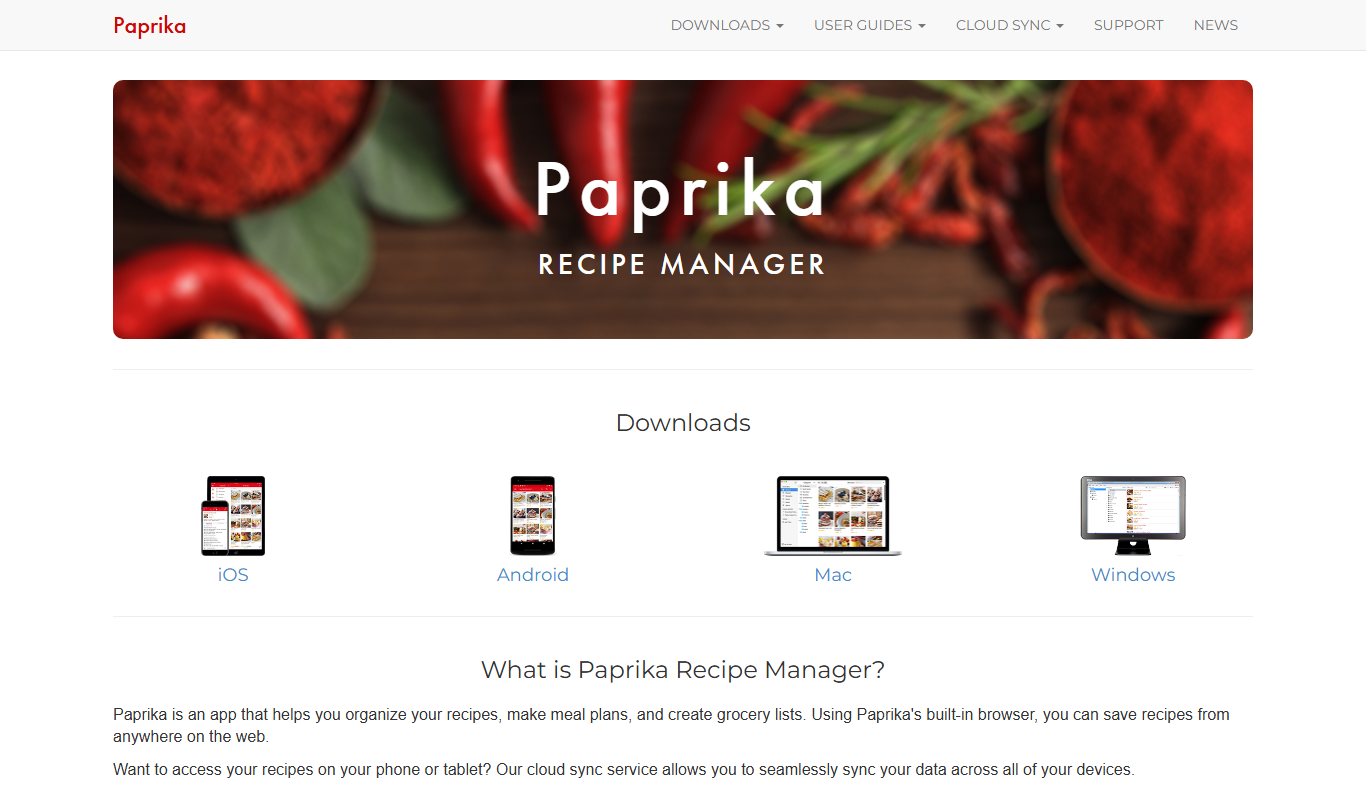
Paprika Recipe Manager
Paprika Recipe Manager is a multi-platform app that helps users collect, organize, and plan recipes and meals, featuring recipe importing, meal planning calendar, grocery list automation, and cross-device syncing.
Out of Milk
Out of Milk is a grocery list and pantry management app that simplifies shopping and meal planning by allowing users to create, share, and sync lists, track pantry items, and scan barcodes for quick item entry.
More Business Management tools
Other tools in the same category, for when this one is not quite the fit.

Percepto Autonomous Inspection
Percepto Autonomous Inspection is an AI-powered autonomous drone platform that automates industrial site inspections, providing real-time anomaly detection, 3D mapping, and remote asset monitoring to enhance safety and operational efficiency.

Intuit ProConnect
Intuit ProConnect is a cloud-based tax software designed for professional accountants and tax firms to prepare, review, and electronically file federal and state tax returns efficiently.

Visier People Analytics
Visier People Analytics is a cloud-based platform that helps organizations analyze workforce data to improve talent management, predict turnover, and support strategic HR decisions.

LogicManager
LogicManager is a cloud-based governance, risk, and compliance software platform designed to help organizations identify, assess, and mitigate risks while ensuring regulatory compliance through audit, policy, and incident management tools.
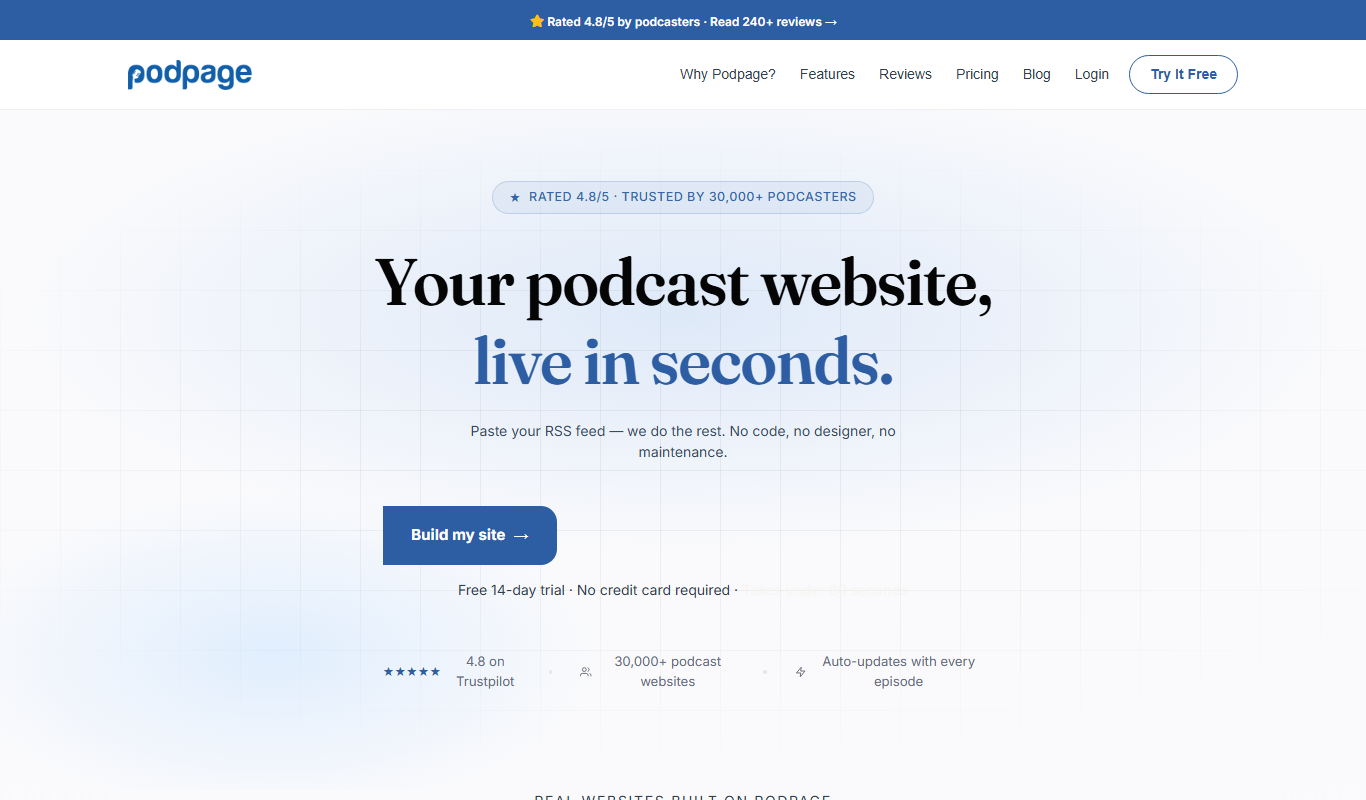
Podpage
Podpage is a web platform that automatically creates and manages podcast websites by importing episodes from your RSS feed, offering SEO optimization and customization without coding.

NewsBlur
NewsBlur is a personal RSS reader and news aggregator that collects and filters news from multiple sources, allowing users to customize their news feed and read across web and mobile platforms.
Clinked
Clinked is a secure client portal platform that enables businesses to collaborate with clients and teams through file sharing, task management, messaging, and workflow automation in a branded environment.
VinSolutions CRM
VinSolutions CRM is a specialized customer relationship management platform designed for automotive dealerships to manage leads, automate sales processes, and run targeted marketing campaigns.