

Inklewriter Interactive Story Writing Tool for Creative Writers and Educators
Inklewriter is a free web-based tool that enables writers to create interactive, branching stories without programming skills, ideal for educational and creative storytelling.
- Best for
- Interactive Story Creation
- Key capability
- Branching Storylines
Save Inklewriter, follow its updates and vote on it — everything stays in your account.
Sign in or create a free account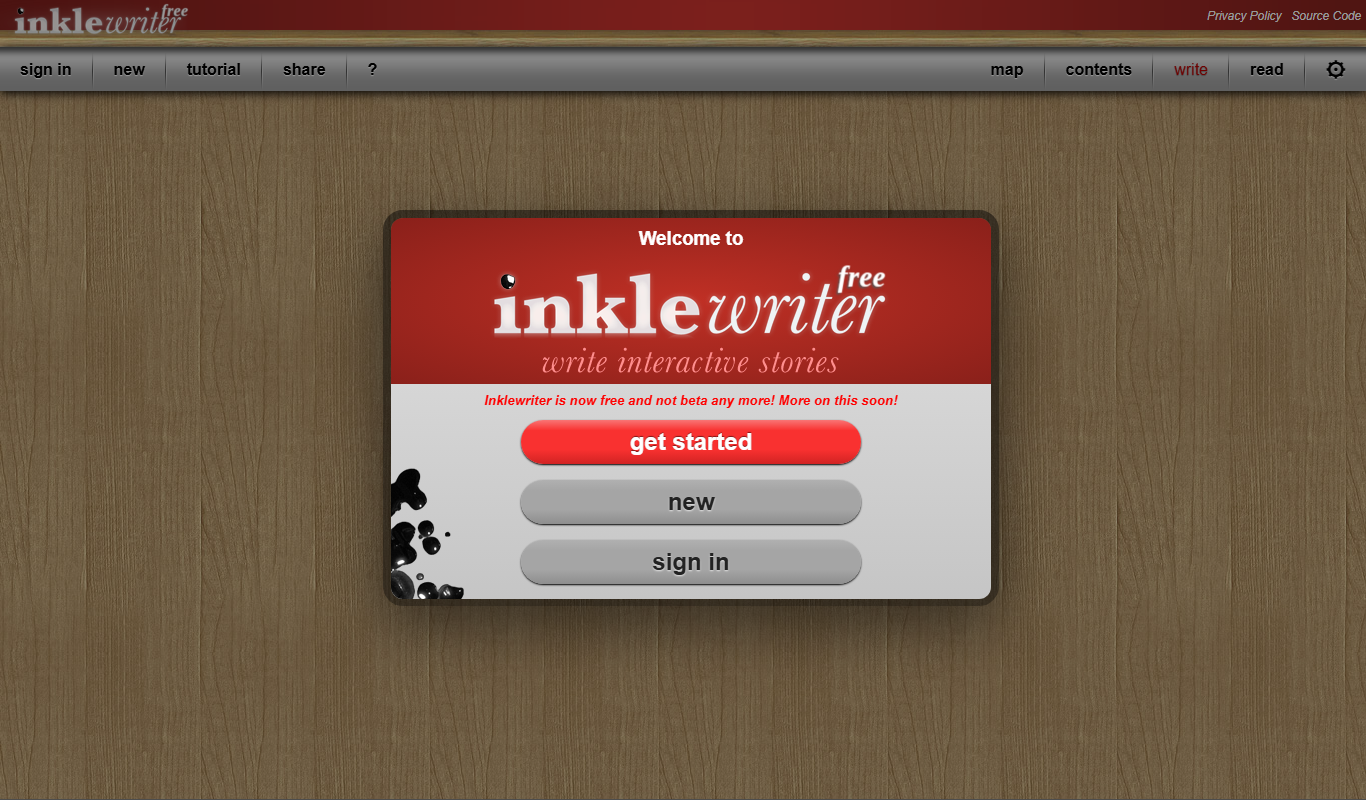
What is Inklewriter?
Inklewriter is a free, web-based tool designed to help writers create interactive stories with branching paths. It simplifies the process of writing choose-your-own-adventure style narratives without requiring programming knowledge. The platform is especially popular among educators and creative writers who want to experiment with nonlinear storytelling.
Key features of Inklewriter
Inklewriter offers an easy-to-use interface for writing and managing branching storylines, automatic tracking of story variables, and the ability to publish and share interactive stories online. It supports complex narrative structures while keeping the writing process straightforward.
Branching Storylines
Easily create complex branching narratives with multiple choices and outcomes.
Variable Tracking
Track story variables to create dynamic and personalized story experiences.
No Programming Required
Write interactive stories without needing to code, using a simple interface.
Web-Based Platform
Access and write your stories from any device with a web browser.
Free to Use
Inklewriter is completely free with no subscription fees.
Pros and cons of Inklewriter
Pros
- User-friendly interface for interactive storytelling
- No programming skills required
- Free to use with unlimited stories
- Supports complex branching and variable tracking
- Accessible via any web browser
Cons
- Limited to text-based stories without multimedia support
- No mobile app version available
- Interface can feel basic compared to commercial interactive fiction tools
Key use cases for Inklewriter
Interactive Story Creation
Create branching, choose-your-own-adventure style stories with ease using Inklewriter's intuitive interface.
Educational Storytelling
Teachers and educators can use Inklewriter to engage students by creating interactive narratives for learning.
Creative Writing Practice
Writers can experiment with nonlinear storytelling and develop complex plot structures.
Game Narrative Prototyping
Game developers can prototype interactive dialogue and story branches quickly.
How Inklewriter works
- 1
Start Writing
Begin by writing your story text in the editor, adding choices to create branches.
- 2
Create Branches
Add multiple choices at any point to direct the story flow in different directions.
- 3
Track Variables
Use built-in variable tracking to manage story states and conditions.
- 4
Publish and Share
Publish your interactive story online and share the link with readers.
Who is using Inklewriter
Inklewriter pricing
Free
$0
Full access to all features with unlimited story creation and sharing.
Plans and prices are as published by the vendor and can change. Check the official site before you buy. Open the pricing page (opens in a new tab)
Frequently asked questions about Inklewriter
Yes, Inklewriter is completely free with no paid plans.
No, Inklewriter is designed for writers without any coding knowledge.
Yes, you can publish and share your interactive stories via a web link.
Inklewriter primarily focuses on text-based interactive stories and does not support multimedia embedding.
It depends on your specific needs and how you plan to use the tool. The official website and documentation are the best sources for the latest details.
Some tools offer a free plan or trial with limited features. Availability can vary, so confirm on the official website.
Yes, it can help with that use case depending on how you configure it and what features are available. You’ll get the best results with clear inputs and a defined goal.
Yes, it can help with that use case depending on how you configure it and what features are available. You’ll get the best results with clear inputs and a defined goal.
Conclusion
A story in Inklewriter grows from the editor: the writer types a passage, then adds choices at any point to direct the story flow in different directions. Built-in variable tracking manages story states and conditions. No coding knowledge is needed, and finished stories are published online and shared with readers through a web link.
Educators use it to engage students with interactive narratives, game developers prototype dialogue and story branches, and writers experiment with nonlinear storytelling. The tool is free, its source code is open, and it runs in any web browser.
Sources
Sign in to review this tool.
Sign In to ReviewNo reviews yet
Be the first to share how this tool worked for you.
Ask about pricing, limits, or how it compares — or answer someone else.
Sign In to AskNo questions yet
Have a question about using or paying for this tool? Be the first to ask.
Featured on TiorAI



More AI Creative Writing tools
Other tools in the same category, for when this one is not quite the fit.
Crossword Solver
Crossword Solver is a free web-based tool that helps users find possible word answers for crossword puzzles and word games by entering known letters and patterns.

Seventh Sanctum Name Generator
Seventh Sanctum Name Generator is a free online tool offering a variety of random name generators for characters, places, and items to aid writers and creatives in generating unique names quickly.

Whichbook
Whichbook is a free online platform that recommends books based on user-selected mood and thematic sliders, helping readers find personalized book suggestions beyond traditional genres.

Plottr
Plottr is a visual story planning tool designed to help writers outline novels, develop characters, and organize multi-book series with drag-and-drop timelines and customizable templates.

Dabble Writer
Dabble Writer is a novel writing software designed to help authors plan, write, and organize their stories with tools like a plot grid, character profiles, and cloud syncing.

StoryJumper
StoryJumper is an online platform that enables users to create, narrate, and publish personalized children's books with an intuitive drag-and-drop editor and print-on-demand options.

Novlr
Novlr is an online writing platform designed for novelists and creative writers, featuring a distraction-free editor, goal tracking, offline writing, and multiple export options.

RoyalRoad
RoyalRoad is an online platform where users can read and publish serialized web novels and stories, with community features like comments and ratings.