

From my experience with SkinVision, I found it to be a practical and user-friendly tool for early skin cancer detection. The AI-powered analysis provides quick risk assessments that help users stay vigilant about their skin health. It’s particularly well-suited for individuals who want to monitor moles and skin spots regularly without immediate access to a dermatologist. However, it’s important to remember that SkinVision is a screening aid and not a substitute for professional medical diagnosis. Overall, if you are proactive about skin health and want an accessible way to track changes, SkinVision offers valuable support.
SkinVision AI Skin Cancer Detection App for Early Melanoma Screening
SkinVision is an AI-powered mobile app that analyzes photos of skin spots to assess the risk of skin cancer, helping users detect melanoma early and monitor skin health over time.
- Best for
- Early Skin Cancer Detection
- Key capability
- AI-Powered Skin Cancer Risk Assessment
Your actions
Save SkinVision, follow its updates and vote on it — everything stays in your account.
Sign in or create a free account
What is SkinVision?
SkinVision is a mobile and web application that uses artificial intelligence to analyze photos of skin spots and moles to assess the risk of skin cancer, including melanoma. It empowers users to perform early self-screening and monitor their skin health conveniently from home. The app provides risk assessments and guides users on when to seek professional medical advice.
Key features of SkinVision
SkinVision offers AI-powered skin lesion analysis, risk scoring, tracking of skin changes over time, personalized health advice, and educational content on skin cancer prevention and detection.
AI-Powered Skin Cancer Risk Assessment
Uses advanced machine learning models to analyze skin lesion images for cancer risk.
Spot Tracking and History
Allows users to save and monitor skin spots over time for changes.
Personalized Health Advice
Provides tailored recommendations based on analysis results.
Educational Content
Includes information about skin cancer prevention and early detection.
Multi-Language Support
Available in multiple languages to serve a broad user base.
Pros and cons of SkinVision
Pros
- Easy-to-use mobile app for early skin cancer detection
- Clinically validated AI technology
- Supports tracking of multiple skin spots over time
- Provides educational resources on skin health
- Available on major mobile platforms
Cons
- Not a replacement for professional medical diagnosis
- Subscription required for unlimited scans and advanced features
- Limited to visible skin lesions; cannot detect internal issues
Key use cases for SkinVision
Early Skin Cancer Detection
Users can take photos of skin lesions to assess the risk of skin cancer using AI-powered analysis.
Skin Health Monitoring
Track changes in moles and skin spots over time to monitor skin health and detect abnormalities early.
Dermatology Support
Provides users with actionable insights and recommendations to seek professional medical advice when needed.
Educational Resource
Educates users about skin cancer risks, prevention, and the importance of regular skin checks.
How SkinVision works
- 1
Capture Skin Spot Photo
Users take a clear photo of a skin spot or mole using the app’s camera functionality.
- 2
AI Analysis
The app uses AI algorithms to analyze the image and assess the risk level of the lesion.
- 3
Receive Risk Assessment
Users receive an immediate risk score indicating low, medium, or high risk for skin cancer.
- 4
Track and Monitor
Users can save and track multiple skin spots over time to monitor changes.
- 5
Get Recommendations
Based on the risk assessment, the app provides guidance on whether to consult a dermatologist.
Who is using SkinVision
Individuals concerned about skin cancer
People with high risk of melanoma
Dermatology patients for monitoring
Healthcare providers for patient support
Health-conscious consumers
SkinVision pricing
Free
$0/month
Basic skin spot analysis with limited scans and access to educational content.
Premium
$29.99/year
Unlimited scans, spot tracking, detailed risk reports, and priority support.
Plans and prices are as published by the vendor and can change. Check the official site before you buy. Open the pricing page (opens in a new tab)
Frequently asked questions about SkinVision
No, SkinVision is a screening tool that helps identify risk but does not replace professional medical diagnosis.
SkinVision’s AI has been clinically validated with high sensitivity and specificity but should be used as a preliminary check.
The app primarily focuses on melanoma and other common skin cancers but is not exhaustive.
Yes, SkinVision complies with data protection regulations and uses encryption to protect user data.
Yes, it can help with that use case depending on how you configure it and what features are available. You’ll get the best results with clear inputs and a defined goal.
It depends on your specific needs and how you plan to use the tool. The official website and documentation are the best sources for the latest details.
Yes, it can help with that use case depending on how you configure it and what features are available. You’ll get the best results with clear inputs and a defined goal.
Pricing depends on the plan and included features. For the most accurate and up-to-date details, check the official pricing page.
Sign in to review this tool.
Sign In to ReviewNo reviews yet
Be the first to share how this tool worked for you.
Ask about pricing, limits, or how it compares — or answer someone else.
Sign In to AskNo questions yet
Have a question about using or paying for this tool? Be the first to ask.
Featured on TiorAI



Alternative Tools
Explore similar AI tools that might fit your needs

Free
Miiskin
Miiskin is a mobile app that helps users monitor their skin for changes, especially moles, to aid early detection of skin cancer by tracking photos over time.
More AI Beauty tools
Other tools in the same category, for when this one is not quite the fit.
Freemium
Face++
Face++ is an AI platform by Megvii providing facial recognition, face detection, and image analysis APIs and SDKs for secure authentication, marketing insights, and more.

Free
FaceApp
FaceApp is an AI photo editing application that uses neural networks to apply realistic face transformations such as aging, gender swaps, and makeup filters.
Freemium
HeadshotsPro
HeadshotsPro is an AI-based online tool that converts selfies into professional-quality headshots with customizable backgrounds and styles, ideal for business and social media profiles.

Free
TheHairStyler
TheHairStyler is an online tool that lets you upload your photo and try on different hairstyles and hair colors virtually to preview new looks before making real changes.

Custom Pricing
Banuba SDK
Banuba SDK is an AI-powered augmented reality software development kit that enables developers to integrate real-time face tracking, 3D masks, beauty filters, and avatar effects into mobile and desktop applications.

Free
Proven Skincare Quiz
Proven Skincare Quiz is a free AI-powered tool that provides personalized skincare product recommendations based on your unique skin profile and lifestyle.
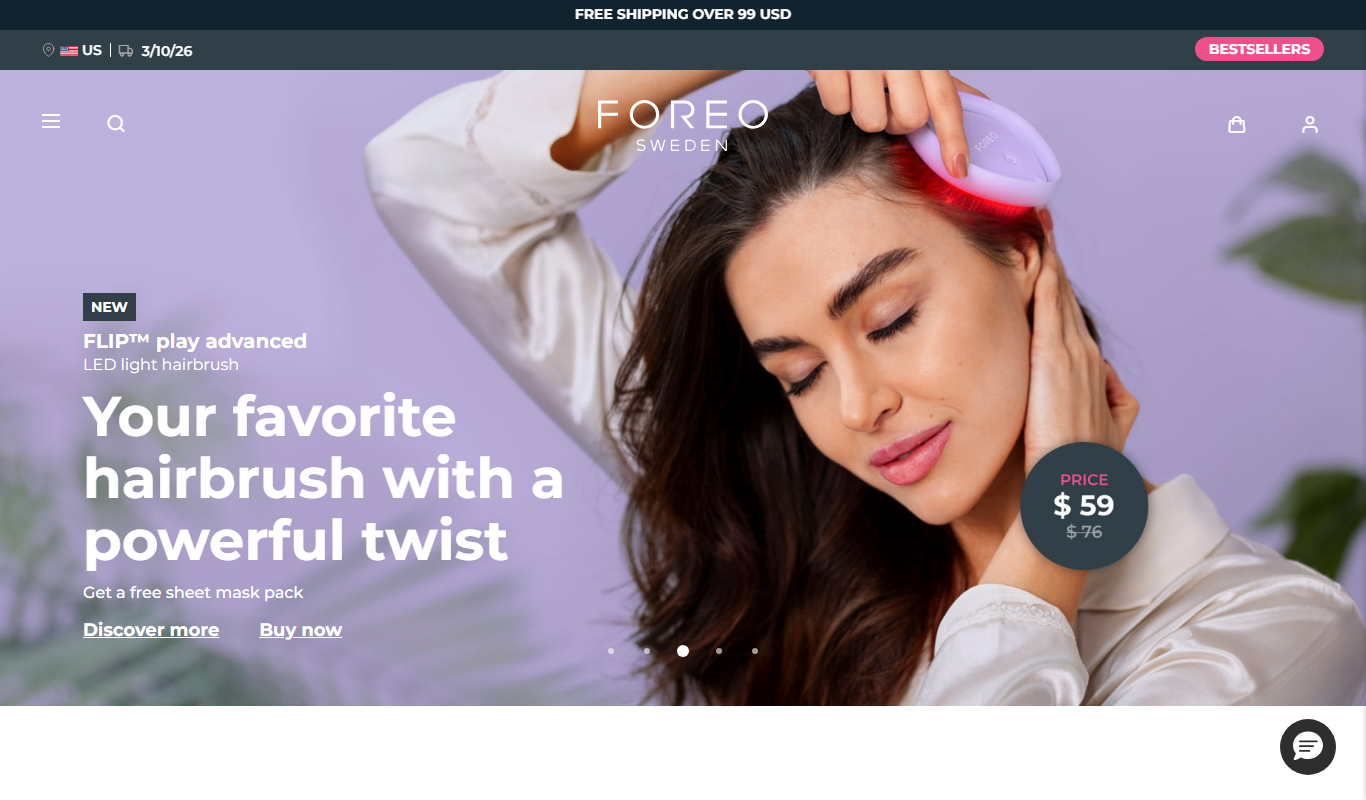
One-time purchase
Foreo UFO
Foreo UFO is a smart facial device that uses LED light therapy, sonic pulsations, and thermal technology to deliver quick, customizable skincare treatments at home.

Paid
Prose Haircare
Prose Haircare offers personalized haircare products formulated using AI-driven analysis of your hair type, scalp condition, and lifestyle, delivering natural ingredient-based custom shampoos, conditioners, and treatments via subscription or one-time purchase.