

Miiskin Skin Monitoring App for Early Detection of Skin Changes
Miiskin is a mobile app that helps users monitor their skin for changes, especially moles, to aid early detection of skin cancer by tracking photos over time.
- Best for
- Skin Mole Tracking
- Key capability
- Guided Photo Capture
Save Miiskin, follow its updates and vote on it — everything stays in your account.
Sign in or create a free account
What is Miiskin?
Miiskin is now mainly an online dermatology consultation service, priced at $59 per consultation, and its mobile app for monitoring moles and other skin changes over time is still available in the app stores.
Key features of Miiskin
Miiskin offers features such as photo-based mole tracking, side-by-side image comparison, reminders for regular skin checks, and educational resources about skin health and cancer prevention.
Guided Photo Capture
Helps users take consistent and well-lit photos for accurate tracking.
Side-by-Side Image Comparison
Enables easy visual comparison of skin photos over time to spot changes.
Personalized Reminders
Customizable alerts to remind users to perform regular skin checks.
Educational Content
Provides information about skin cancer risks and prevention tips.
Secure Data Storage
User data and photos are stored securely with privacy protection.
Pros and cons of Miiskin
Pros
- User-friendly interface for easy mole tracking
- Helps raise awareness for early skin cancer detection
- Supports multiple languages
- Provides educational resources on skin health
Cons
- Not a substitute for professional medical diagnosis
- Limited to smartphone platforms (iOS and Android)
- Some advanced features require paid subscription
Key use cases for Miiskin
Skin Mole Tracking
Users can track moles and skin changes over time by taking photos and comparing them to detect any suspicious changes.
Early Skin Cancer Detection
Helps users identify early signs of skin cancer by monitoring skin changes and encouraging medical consultation when needed.
Personal Skin Health Management
Enables individuals to maintain a personal record of their skin condition and monitor overall skin health conveniently.
Dermatology Support Tool
Supports dermatologists and healthcare professionals by providing patients’ skin change history for better diagnosis.
How Miiskin works
- 1
Download and Install
Get the Miiskin app from the App Store or Google Play and install it on your smartphone.
- 2
Create an Account
Sign up to securely save your skin photos and track changes over time.
- 3
Take Photos of Your Skin
Use the app’s guided photo capture to take clear, consistent images of your moles and skin areas.
- 4
Track and Compare
Review side-by-side comparisons of your skin photos to detect any changes or new marks.
- 5
Receive Reminders
Set up notifications to perform regular skin checks and keep your monitoring consistent.
Who is using Miiskin
Miiskin pricing
Free
$0/month
Basic mole tracking and photo comparison features with limited reminders.
Premium
$29.99/year
Includes unlimited reminders, advanced tracking features, and priority support.
Plans and prices are as published by the vendor and can change. Check the official site before you buy. Open the pricing page (opens in a new tab)
Frequently asked questions about Miiskin
No, Miiskin is not a diagnostic tool. It helps you monitor skin changes and encourages consulting a healthcare professional if you notice suspicious changes.
Miiskin is designed as a mobile app and requires a smartphone to use its features.
It is recommended to perform skin checks monthly and use the app’s reminders to maintain consistency.
Yes, Miiskin uses secure data storage and privacy measures to protect your personal information.
Yes, it can help with that use case depending on how you configure it and what features are available. You’ll get the best results with clear inputs and a defined goal.
Some tools offer a free plan or trial with limited features. Availability can vary, so confirm on the official website.
Yes, it can help with that use case depending on how you configure it and what features are available. You’ll get the best results with clear inputs and a defined goal.
Yes, it can help with that use case depending on how you configure it and what features are available. You’ll get the best results with clear inputs and a defined goal.
Conclusion
Online dermatologist consultations are now the main service, at $59 per consultation, while the mole-tracking app is still available on the App Store and Google Play. In the app, guided photo capture helps users take consistent images of moles and skin areas, which are then compared side by side over time to detect changes or new marks. Customizable alerts remind users to perform regular skin checks.
It is intended for people with many moles or skin marks and patients at risk for skin cancer, and it can give dermatologists a patient’s skin change history. Miiskin is not a diagnostic tool: it helps users monitor skin changes and encourages consulting a healthcare professional about suspicious changes.
Sources
Sign in to review this tool.
Sign In to ReviewNo reviews yet
Be the first to share how this tool worked for you.
Ask about pricing, limits, or how it compares — or answer someone else.
Sign In to AskNo questions yet
Have a question about using or paying for this tool? Be the first to ask.
Featured on TiorAI



Alternative Tools
Explore similar AI tools that might fit your needs

SkinVision
SkinVision is an AI-powered mobile app that analyzes photos of skin spots to assess the risk of skin cancer, helping users detect melanoma early and monitor skin health over time.
More AI Healthcare & Wellness Tools tools
Other tools in the same category, for when this one is not quite the fit.

Skinive AI
Skinive AI is a CE-certified artificial intelligence platform that analyzes skin images to detect and assess various dermatological conditions, supporting telemedicine and clinical workflows.
Livongo
Livongo is a digital health platform that uses connected devices and AI-driven coaching to help individuals manage chronic conditions such as diabetes and hypertension effectively.

artivatic.ai
Artivatic.ai is an AI platform specializing in automating insurance and healthcare processes like underwriting and fraud detection through machine learning.
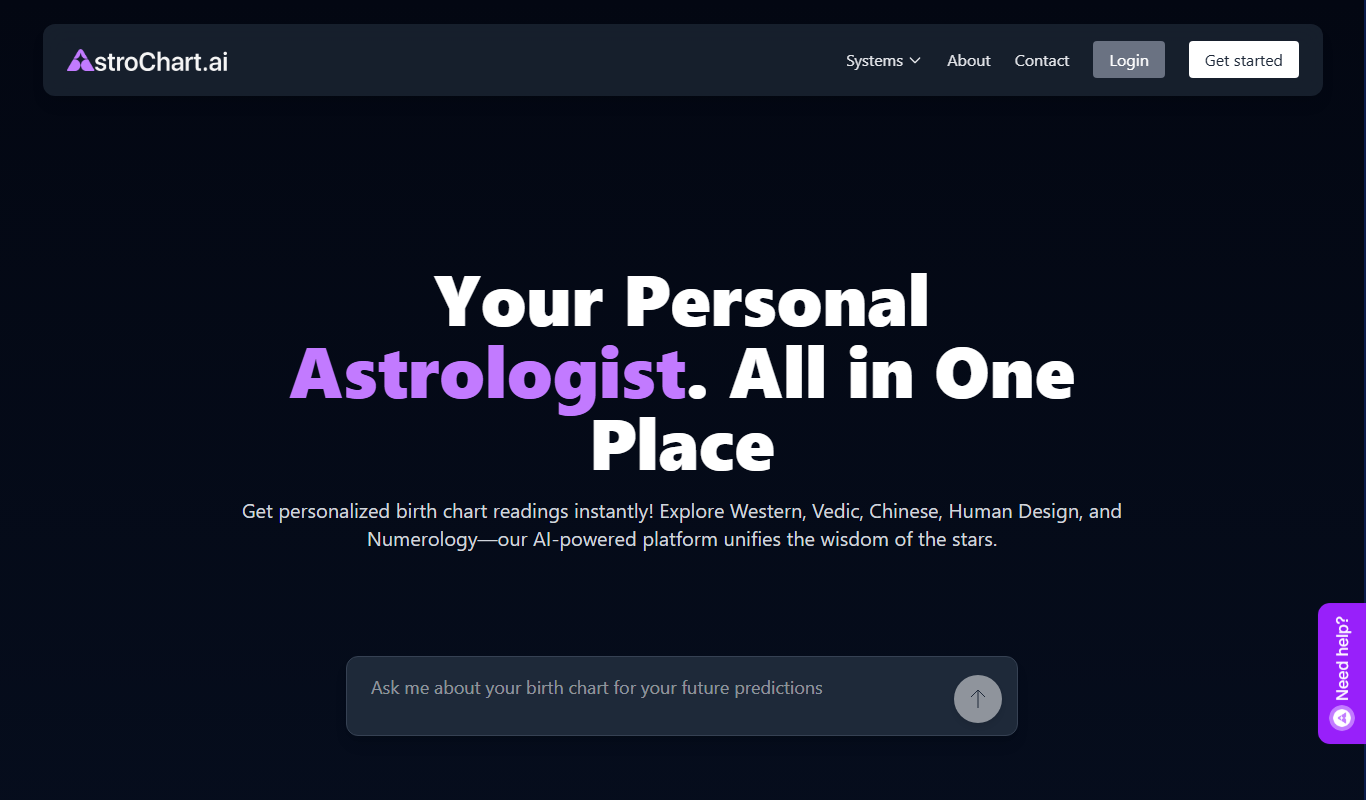
AstroChart.ai
AstroChart.ai is an AI-driven platform that creates personalized astrology birth charts and detailed interpretations based on your birth data, helping users understand their astrological profile easily online.

Dream Advisor
Dream Advisor is an app that helps users record and interpret their dreams using personalized insights to promote mental wellness and self-awareness.

Mind Tracker
Mind Tracker is an app on the App Store and Google Play.

Alya
Alya is an AI therapist app. The site lists 22 languages and more than 100 AI models, with downloads on the App Store and Google Play.

Shoorah Wellbeing
Shoorah Wellbeing is a UK-based digital platform that helps organizations support employee mental health through confidential access to resources, wellbeing program management, and HR analytics.