AI Tools Directory: 8,929 tools, compared and categorised

Every AI tool we track, with pricing, platform and category on each entry. Filter down to a shortlist, then open the ones worth a closer look.

Browse by category

All 1,487 categories

Explore all AI tools

Filter 8,929 AI tools by pricing, category, platform and language.

3,144 tools

Filtering by
Pricing: Free
Clear all
Free

MobileMonkey

MobileMonkey is an AI-powered chatbot platform that enables businesses to automate marketing, lead generation, and customer support conversations across multiple messaging channels including Facebook Messenger, Instagram, SMS, and web chat.

Screenshot of the LanguageGUI interface
Free

LanguageGUI

LanguageGUI is a free, open-source Figma UI kit and design system for LLM chat interfaces, with 100+ UI components, chat bubbles, prompt boxes and pre-built screens.

Screenshot of the Simplify Money interface
Free

Simplify Money

Simplify Money is an AI personal finance app for India to track expenses, invest, learn about money and file tax, with the Kuber.AI assistant in 22 Indian languages.

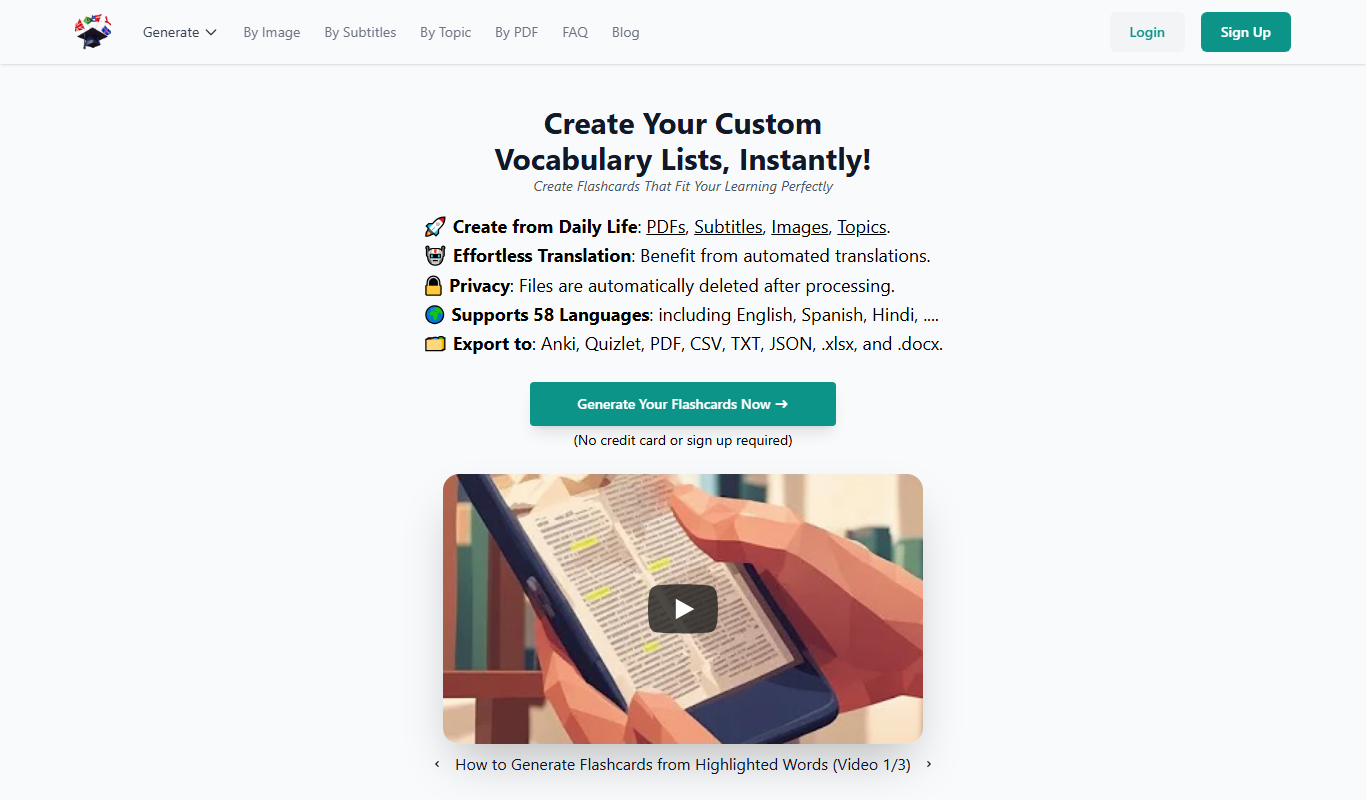
Screenshot of the VocabGenerator.com interface
Free

VocabGenerator.com

VocabGenerator.com is a free web tool that generates customized vocabulary lists based on user input or topics to help language learners expand their vocabulary efficiently.

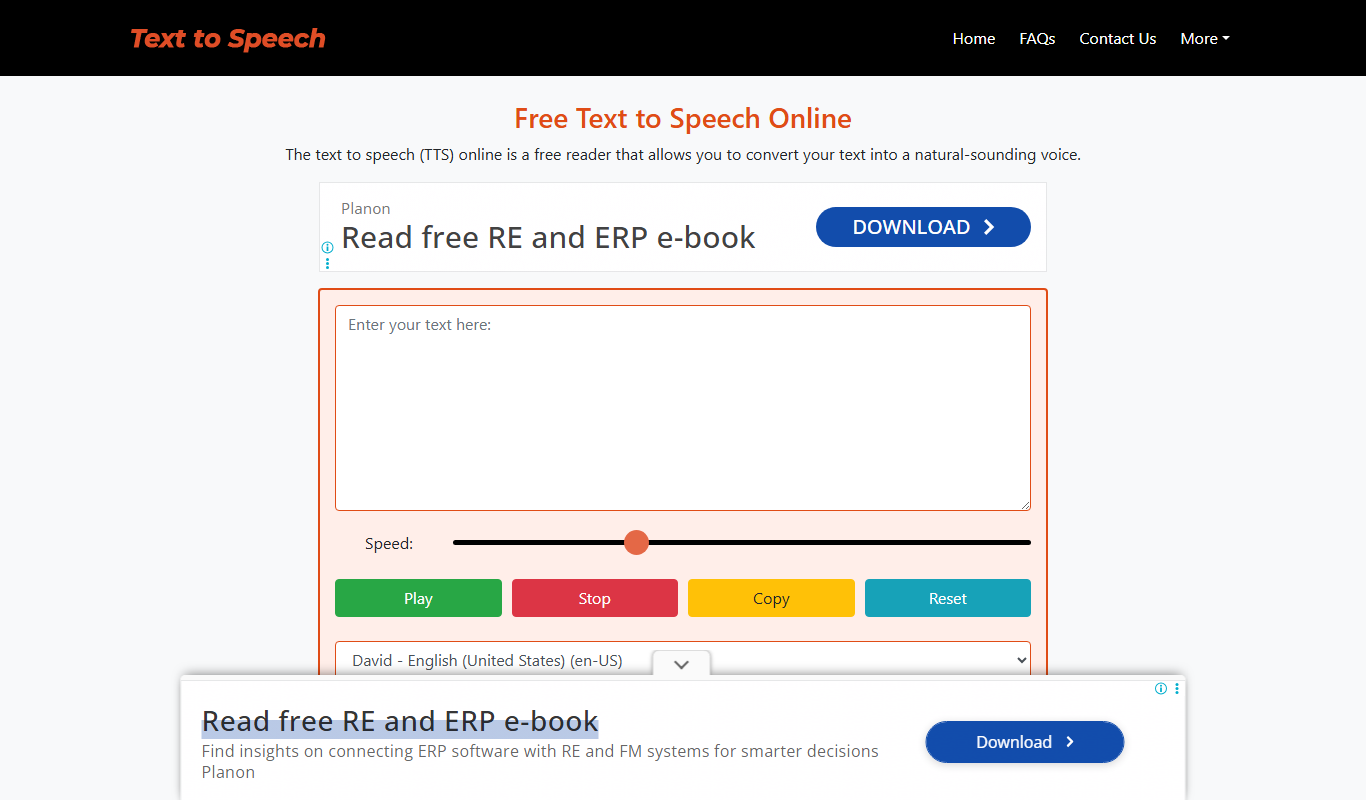
Screenshot of the text-speech.net interface
Free

text-speech.net

Text-Speech.net is a free text to speech tool that works without registration.

Screenshot of the Devath interface
Free

Devath

Devath is a no-code device publisher that gets your device featured in its AI smart home, for free.

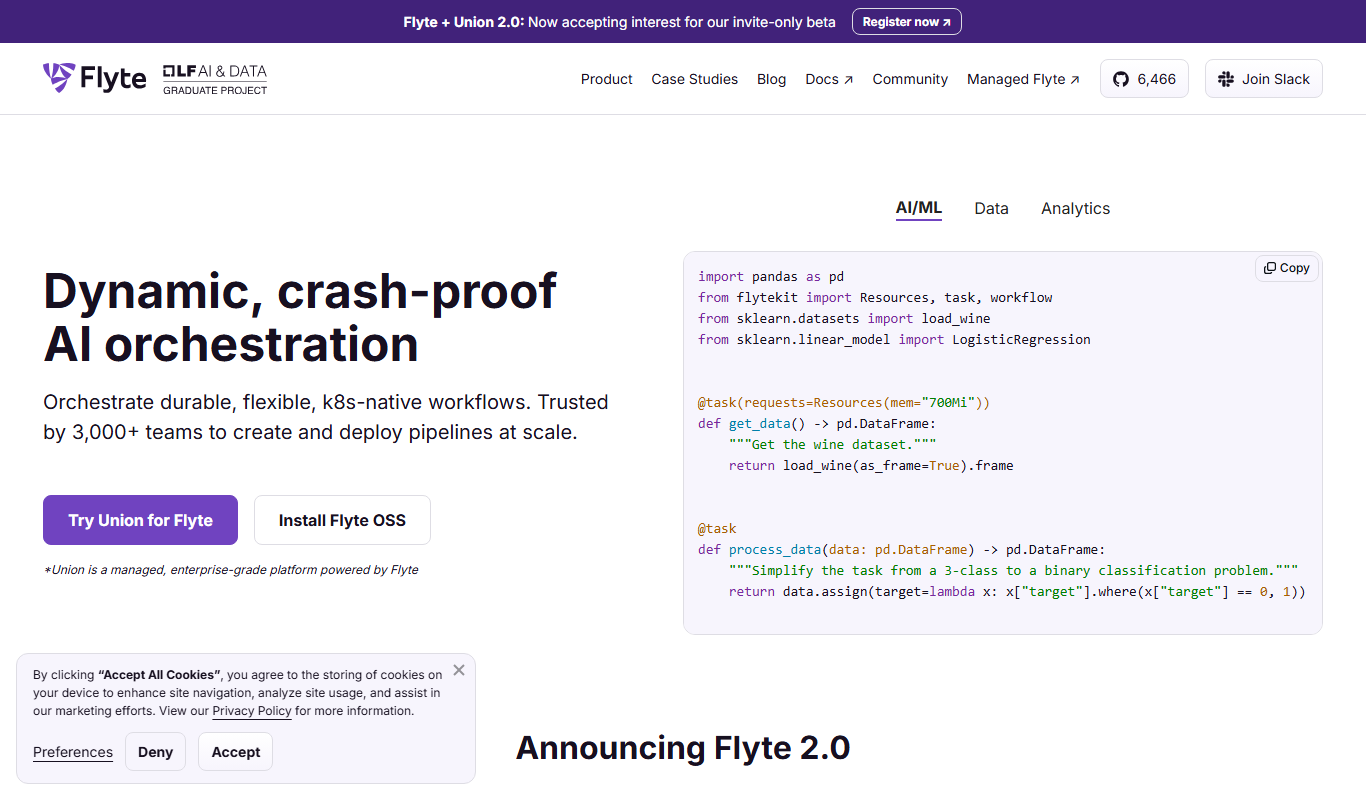
Screenshot of the Flyte interface
Free

Flyte

Flyte is an open source, Kubernetes-native workflow orchestration platform for data and machine learning workflows. The project now promotes Flyte 2 as a Durable AI Runtime, with a migration path from Flyte 1.

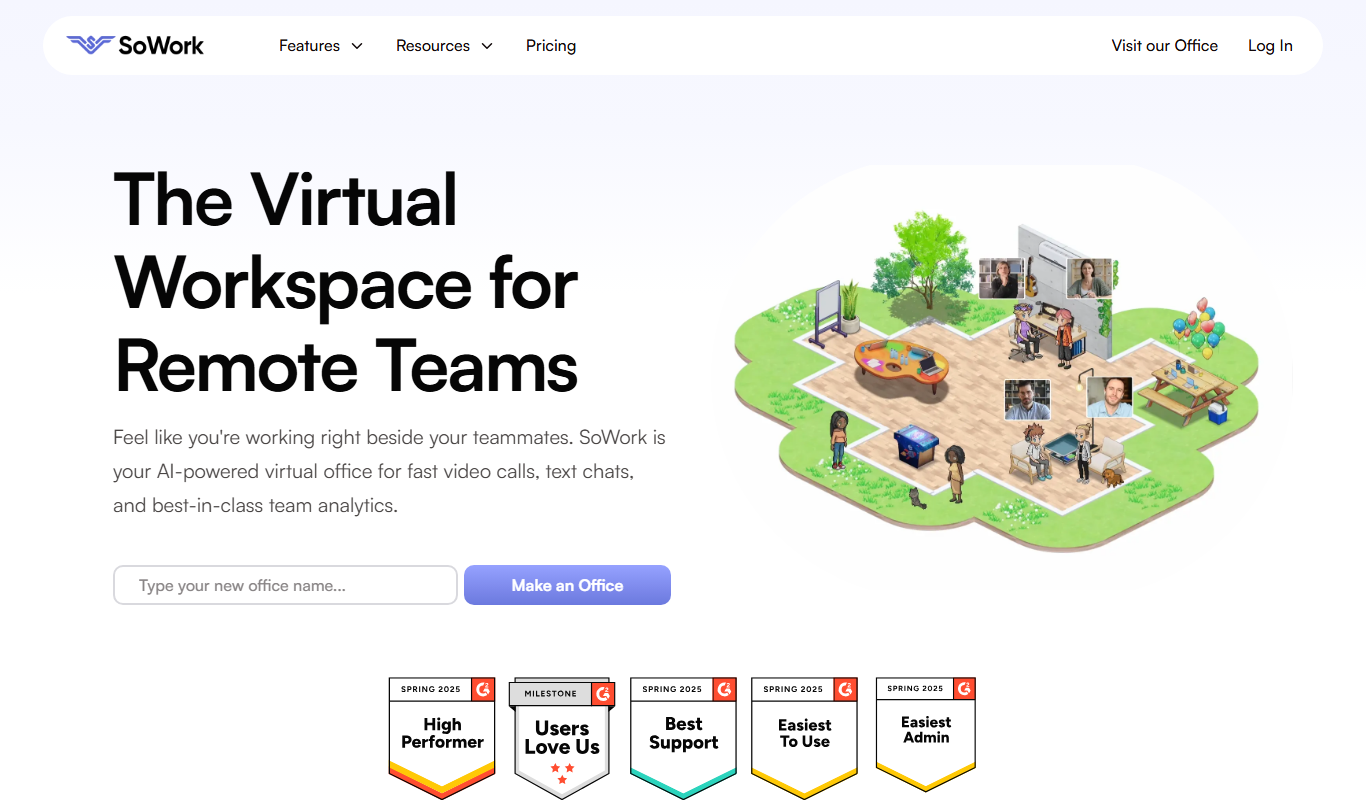
Screenshot of the SoWork interface
Free

SoWork

SoWork is a virtual office platform that enables remote teams to collaborate naturally through customizable virtual spaces, video conferencing with spatial audio, and persistent presence features.

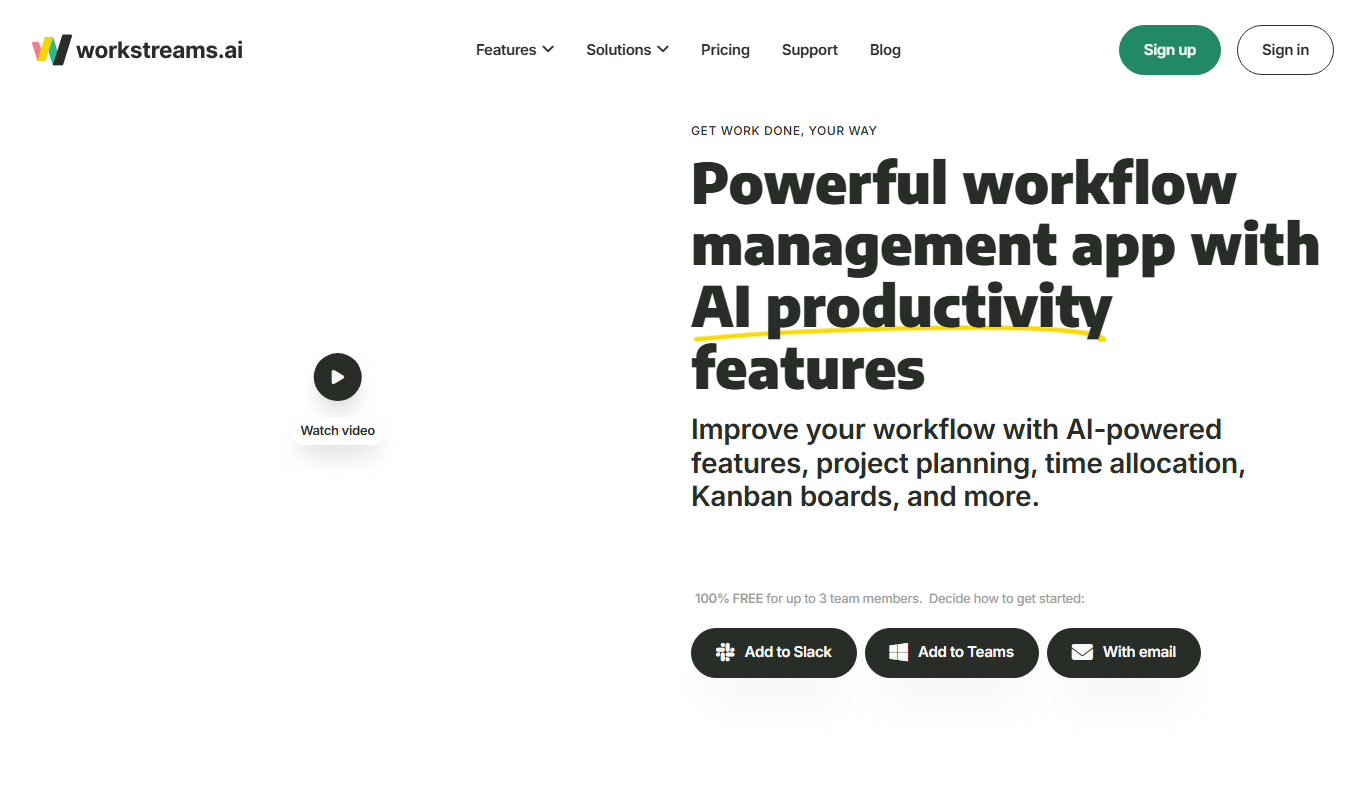
Screenshot of the workstreams.ai interface
Free

workstreams.ai

Workstreams.ai is a cloud-based task and project management platform that helps teams organize tasks, collaborate effectively, and automate workflows to improve productivity.

Screenshot of the Warestack interface
Custom Pricing

Warestack

Warestack applies rules that flag, route or block risky changes across GitHub pull requests, reviews, workflows and deployments, with a free Starter plan.

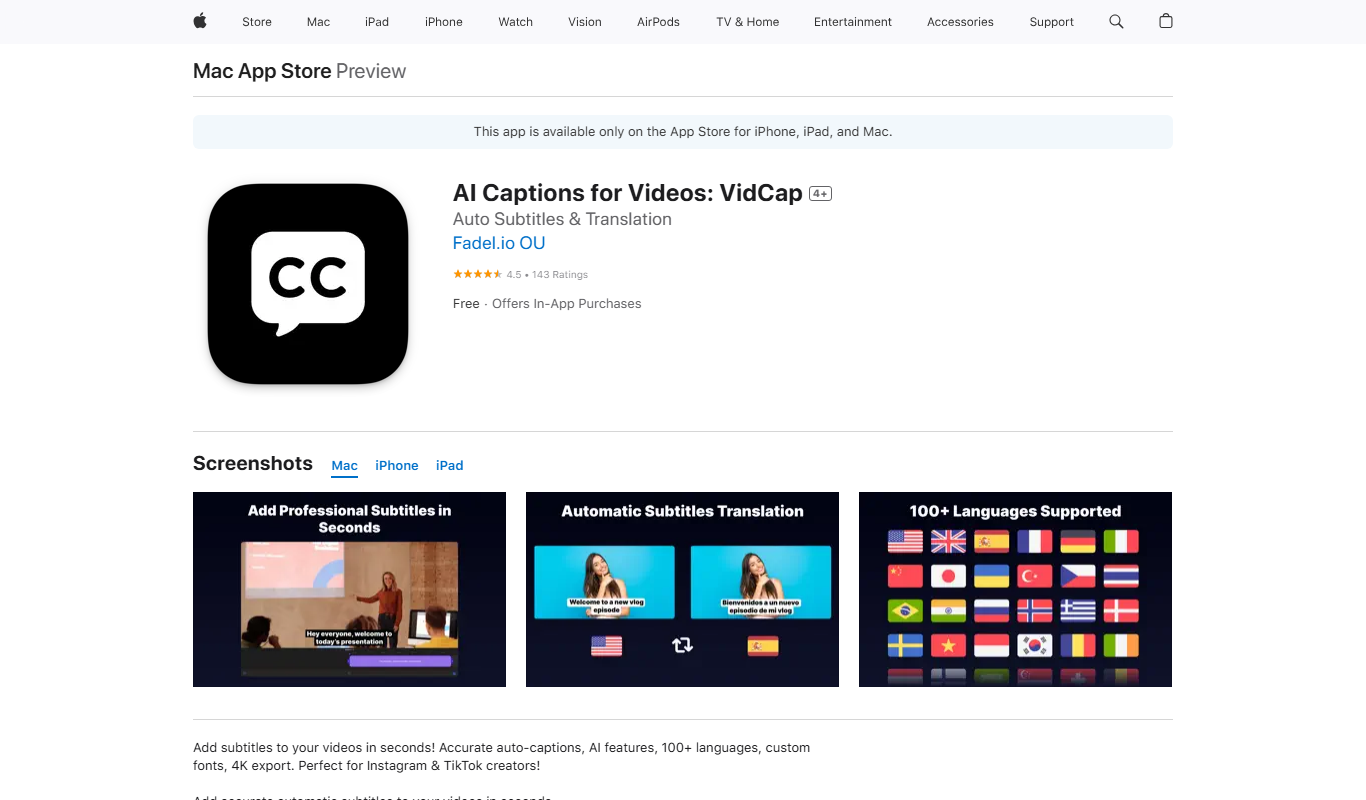
Screenshot of the VidCap interface
Free

VidCap

VidCap is a screen recording tool that captures your desktop activity with options for webcam and audio recording, plus basic editing features.

Screenshot of the HandtextAI interface
Free

HandtextAI

HandtextAI is an AI tool that transforms typed text into realistic handwritten text images, offering multiple handwriting styles and customization options for personal and commercial use.

Popular AI tool collections

Ten tools per shortlist, ranked, for when a category is still too many results.

All 486 collections

Still deciding

Compare two AI tools side by side

Pricing, supported platforms and what each one is actually good at, laid out in one table. 764 comparisons are written and ready.

Browse comparisons

About the TiorAI AI tools directory

Every one of the 8,929 entries here carries the same fields: what the tool does, what it costs, which platforms it runs on, and which categories it belongs to. That is what makes filtering across the whole catalogue possible rather than decorative.

The catalogue is not the point on its own; competitors list the same tools. What is worth your time is what sits on top of it: comparisons that commit to a recommendation, alternative sets that are genuinely comparable, and entries that get corrected when a vendor changes its pricing.

Common questions

How do I narrow 14,000 tools down to a shortlist?

Start from a category rather than the full list: the category index above jumps straight into the twelve largest ones. From there, use the pricing shortcuts to drop anything outside your budget, then open the three or four entries that look closest and compare them side by side.

What does each pricing label mean?

Free means there is a usable tier at no cost with no time limit. Freemium means a free tier exists but the useful features sit behind a paid plan. Free trial means paid-only after a fixed evaluation window. Subscription means recurring billing with no free tier. Labels come from the vendor and are re-checked when a listing is updated.

Can I combine filters?

Yes. Category, pricing, tech stack, language and platform stack together, and every combination has its own URL, so a filtered view can be bookmarked or shared. Active filters appear above the results and can be removed one at a time.

Why do some tools have no screenshot?

Around 8% of entries have no captured screenshot, usually because the tool sits behind a login or the site blocks automated capture. Those entries show the tool's initial instead. It is not a signal about the tool's quality.

How are tools ordered by default?

Newest first, so the front of the directory reflects what has recently shipped. Switch the sort to Top Rated for the highest-scoring entries, or Most Popular to order by real visitor interest across views and outbound clicks.

What is the difference between an alternative and a comparison?

An alternatives page answers "what else does this job?" and lists comparable tools for one product. A comparison page takes two named tools and works through pricing, capability and fit to reach a recommendation. Both are linked from every tool entry.