

SoWork Virtual Office Platform for Remote Team Collaboration and Meetings
SoWork is a virtual office platform that enables remote teams to collaborate naturally through customizable virtual spaces, video conferencing with spatial audio, and persistent presence features.
- Best for
- Remote Team Collaboration
- Key capability
- Customizable Virtual Office Layout
Save SoWork, follow its updates and vote on it — everything stays in your account.
Sign in or create a free account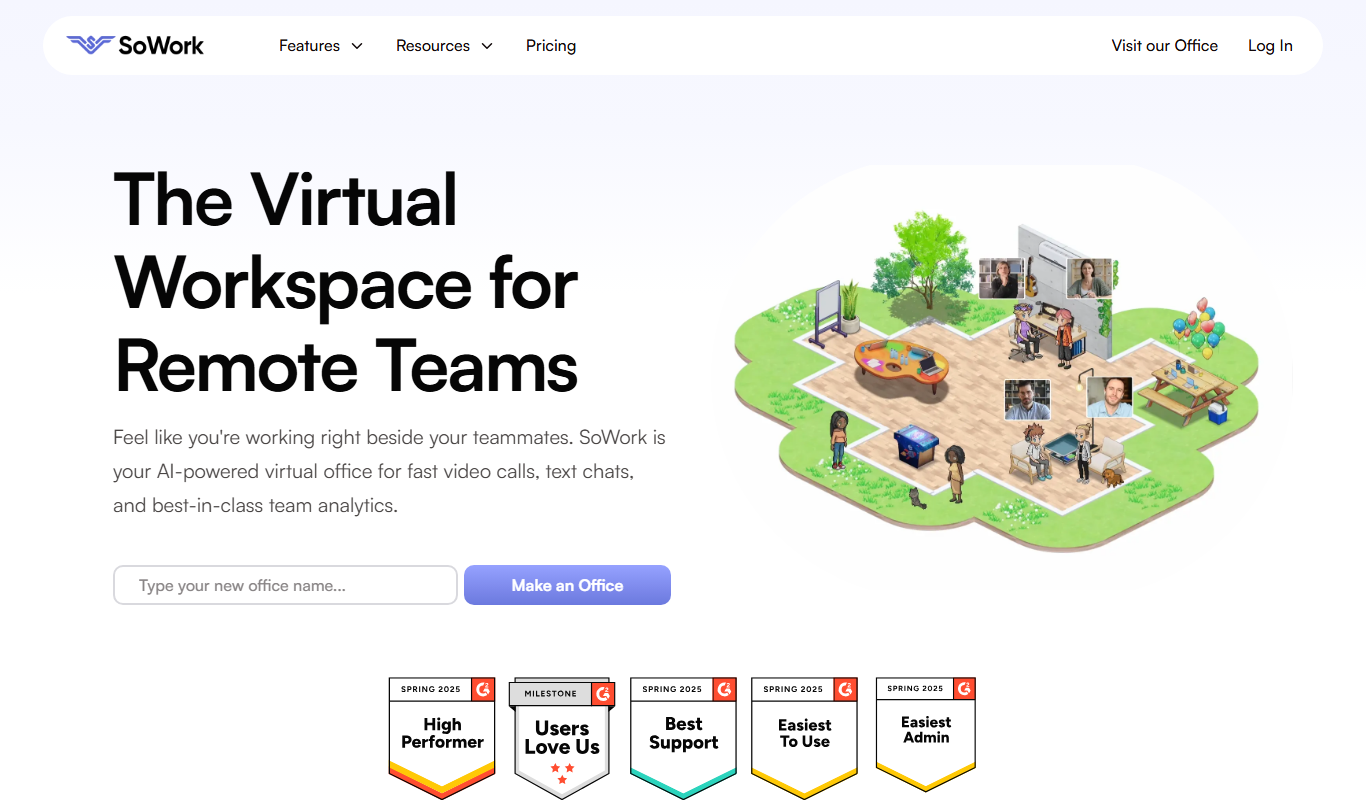

What is SoWork?
SoWork is a virtual office platform designed to recreate the dynamics of a physical office for remote teams. It offers a persistent online workspace where team members can interact via video, chat, and shared rooms, fostering collaboration and spontaneous communication despite geographical distances.
Key features of SoWork
SoWork’s main features include customizable virtual office spaces, video conferencing with spatial audio, team rooms for focused work, and social areas for informal interactions. The platform emphasizes ease of use and real-time presence to enhance remote work engagement.
Customizable Virtual Office Layout
Design your office with multiple rooms and spaces to suit different team functions.
Spatial Audio Video Conferencing
Experience natural conversations where audio volume depends on proximity within the virtual space.
Persistent Presence
Team members can see who is online and available, fostering spontaneous interactions.
Screen Sharing and Chat
Enhance meetings with screen sharing and integrated chat for seamless communication.
Pros and cons of SoWork
Pros
- Intuitive virtual office environment that mimics real-life office dynamics
- Spatial audio enhances natural conversation flow
- Customizable spaces for different team needs
- Supports spontaneous and scheduled meetings
Cons
- Limited integrations with other productivity tools
Key use cases for SoWork
Remote Team Collaboration
Facilitates seamless communication and collaboration among remote team members in a virtual office environment.
Virtual Meetings
Enables video conferencing and spontaneous meetings to replicate in-person office interactions.
Project Coordination
Supports organizing workspaces and rooms for different projects to keep teams aligned and productive.
Social Interaction
Provides virtual spaces for casual conversations and socializing to maintain team culture remotely.
How SoWork works
- 1
Create an Account
Sign up on SoWork’s website to start setting up your virtual office.
- 2
Set Up Your Virtual Office
Customize your office layout with rooms and spaces tailored to your team’s needs.
- 3
Invite Team Members
Send invitations to colleagues to join your virtual office environment.
- 4
Collaborate and Communicate
Use video, chat, and spatial audio to interact naturally and hold meetings.
Who is using SoWork
SoWork pricing
Free
$0 USD/month/member
For teams just getting started: up to 10 members, a 30-minute per-meeting limit, limited chat and customization, no analytics, recording or AI.
Basic
$5.40 USD/month/member
Basic features for small teams: unlimited video and audio calls, 2 meeting recording uses, full team chat, Google and Outlook calendar integration and unlimited chat history.
Premium
$12 USD/month/member
Unlimited meeting recordings, unlimited AI summaries, transcripts and action items, unlimited chat integrations and the team analytics suite.
Enterprise
Custom
Unlimited users, a custom team workspace, AI recordings and summaries, team analytics and reports, SSO and SCIM.
Plans and prices are as published by the vendor and can change. Check the official site before you buy. Open the pricing page (opens in a new tab)
Frequently asked questions about SoWork
Yes, SoWork offers plans that cater to small teams with features designed to enhance remote collaboration.
Yes, SoWork allows you to create and customize multiple rooms and spaces within your virtual office.
Yes, screen sharing is integrated to facilitate presentations and collaborative work.
This tool is designed to help users accomplish its core tasks more efficiently. It is typically used by individuals or teams looking to improve productivity and workflow.
It depends on your specific needs and how you plan to use the tool. The official website and documentation are the best sources for the latest details.
Yes, it can help with that use case depending on how you configure it and what features are available. You’ll get the best results with clear inputs and a defined goal.
Conclusion
Every teammate, and now every AI agent, gets a desk and a live status in the virtual office, so colleagues can see who is available, busy or in a meeting and walk over to talk without scheduling. Status switches to In a Meeting automatically when a calendar event starts, and Simple Mode or Mini Mode keeps people reachable during focused work. Offices and avatars can be customized much like building a house in The Sims.
It is aimed at remote teams, startups and distributed project teams. A free plan covers up to 10 members with a 30-minute limit per meeting, and paid plans start with a free 7-day trial. Premium adds unlimited AI summaries, transcripts and action items along with meeting recordings and a team analytics suite, while Enterprise brings SSO and SCIM. Integrations cover Google and Outlook calendars, Slack, Github, Zapier and Miro.
Sources
Sign in to review this tool.
Sign In to ReviewNo reviews yet
Be the first to share how this tool worked for you.
Ask about pricing, limits, or how it compares — or answer someone else.
Sign In to AskNo questions yet
Have a question about using or paying for this tool? Be the first to ask.
Featured on TiorAI



Alternative Tools
Explore similar AI tools that might fit your needs
Gather
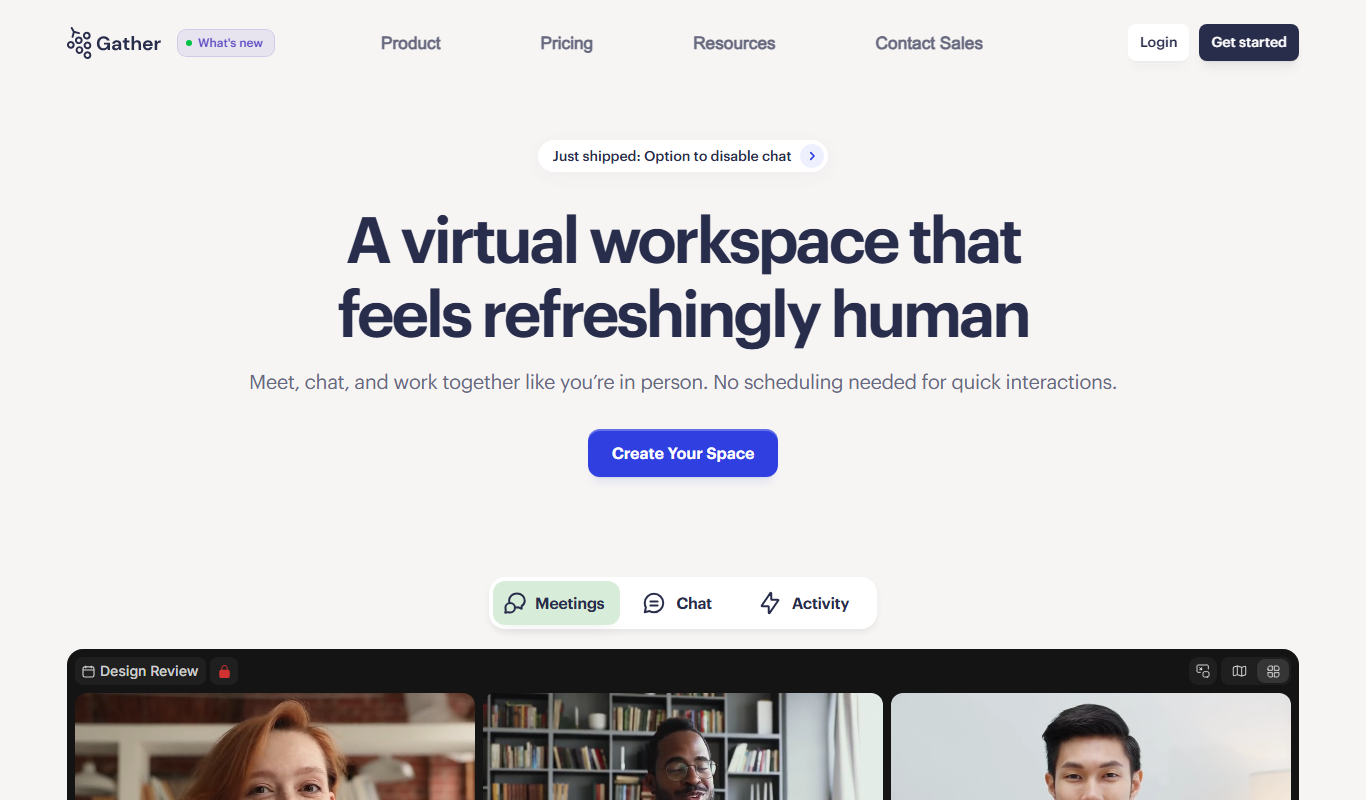
Gather Town is a web-based virtual spaces platform that enables remote teams and event organizers to create interactive environments with spatial video chat and customizable features for collaboration and socializing.
Sococo
Sococo is a virtual office platform that provides remote teams with a visual workspace to collaborate via video, voice, and chat, simulating a physical office environment.

Remo
Remo is a web-based virtual event platform that enables interactive online conferences and networking through spatial video chat and customizable event layouts.