

From my experience with Flyte v1.3.0, I found it excels at managing complex, scalable workflows in cloud native environments, especially for data engineering and machine learning tasks. Its Kubernetes-native design ensures robust execution and easy scaling, making it ideal for teams already familiar with container orchestration. However, the platform requires some Kubernetes expertise to deploy and has a steeper learning curve compared to simpler workflow tools. Overall, if you need a powerful open source solution for orchestrating data and ML pipelines with strong versioning and lineage, Flyte delivers reliable and extensible capabilities.
Flyte v1.3.0 Open Source Cloud Native Workflow Automation Platform
Flyte v1.3.0 is an open source cloud native workflow orchestration platform that automates complex data and machine learning workflows on Kubernetes, providing versioning, data lineage, and scalability.
- Best for
- Data Pipeline Orchestration
- Key capability
- Kubernetes Native
Your actions
Save Flyte v1.3.0, follow its updates and vote on it — everything stays in your account.
Sign in or create a free account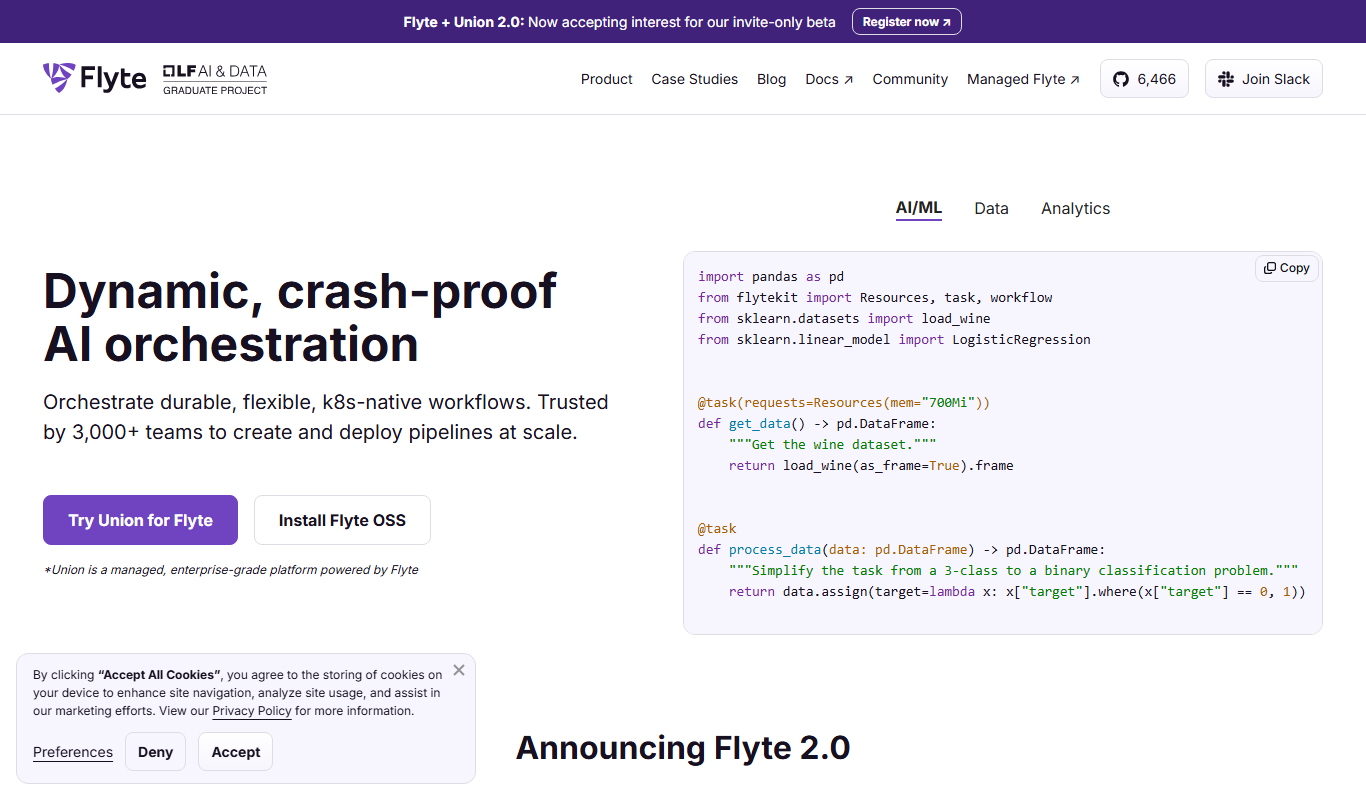
What is Flyte v1.3.0?
Flyte is an open source cloud native workflow orchestration platform designed to automate and manage complex, scalable, and repeatable data and machine learning workflows. It provides a Kubernetes-native architecture enabling users to define workflows as code, track data lineage, and handle retries and failures gracefully. Flyte supports multi-tenant environments and integrates with various data processing and ML frameworks, making it suitable for modern data engineering and ML operations.
Key features of Flyte v1.3.0
Flyte offers features such as strong data lineage tracking, versioned workflows, native Kubernetes integration, multi-language SDKs, and a pluggable architecture for extensibility. It supports complex DAGs (Directed Acyclic Graphs) with conditional branching, dynamic workflows, and scalable execution across cloud environments.
Kubernetes Native
Runs workflows on Kubernetes, leveraging container orchestration for scalability and resilience.
Strong Data Lineage and Versioning
Tracks data inputs and outputs across workflow versions for reproducibility and auditability.
Multi-language SDKs
Supports Python and Go SDKs for defining workflows and tasks.
Extensible Plugin Architecture
Allows integration with various data stores, compute engines, and ML frameworks.
Multi-tenant Support
Enables multiple teams to share the same Flyte deployment securely.
Pros and cons of Flyte v1.3.0
Pros
- Open source with active community
- Kubernetes-native for scalability
- Strong data lineage and versioning
- Supports complex and dynamic workflows
- Extensible with plugins and multi-language SDKs
Cons
- Requires Kubernetes knowledge to deploy
- Steeper learning curve for beginners
- Limited UI features compared to some commercial tools
Key use cases for Flyte v1.3.0
Data Pipeline Orchestration
Automate and manage complex data workflows with dependencies, retries, and scheduling.
Machine Learning Workflow Automation
Build, deploy, and monitor ML workflows including data preprocessing, training, and deployment.
Cloud Native Workflow Management
Leverage Kubernetes-native infrastructure to run scalable and resilient workflows.
ETL Process Automation
Design and execute Extract, Transform, Load pipelines efficiently with versioning and lineage.
Batch and Streaming Data Processing
Coordinate batch jobs and streaming data workflows with fault tolerance and scalability.
How Flyte v1.3.0 works
- 1
Define Workflows as Code
Users write workflows and tasks using Flyte’s SDKs in Python or Go, defining dependencies and inputs.
- 2
Register and Version Workflows
Workflows are registered with Flyte’s control plane, enabling versioning and reproducibility.
- 3
Schedule and Execute
Flyte schedules workflows on Kubernetes clusters, managing resource allocation and execution.
- 4
Monitor and Manage
Users monitor workflow runs, inspect logs, and handle retries or failures via Flyte’s UI or CLI.
Who is using Flyte v1.3.0
Data engineers
Machine learning engineers
DevOps teams
Data scientists
Cloud architects
Flyte v1.3.0 pricing
Open Source
$0
Free to use with community support under Apache 2.0 license.
Plans and prices are as published by the vendor and can change. Check the official site before you buy. Open the pricing page (opens in a new tab)
Frequently asked questions about Flyte v1.3.0
Yes, Flyte is an open source project licensed under Apache 2.0 and free to use.
Flyte primarily supports Python and Go SDKs for defining workflows and tasks.
Yes, Flyte is designed to run on any standard Kubernetes cluster.
Yes, Flyte is widely used for automating ML workflows including training and deployment.
This tool is designed to help users accomplish its core tasks more efficiently. It is typically used by individuals or teams looking to improve productivity and workflow.
Some tools offer a free plan or trial with limited features. Availability can vary, so confirm on the official website.
The best alternative depends on your workflow, features you need, and budget. Compare plans, integrations, and output quality to choose the closest fit.
Yes, it can help with that use case depending on how you configure it and what features are available. You’ll get the best results with clear inputs and a defined goal.
Sign in to review this tool.
Sign In to ReviewNo reviews yet
Be the first to share how this tool worked for you.
Ask about pricing, limits, or how it compares — or answer someone else.
Sign In to AskNo questions yet
Have a question about using or paying for this tool? Be the first to ask.
Featured on TiorAI



Alternative Tools
Explore similar AI tools that might fit your needs

Enterprise
Prefect
Prefect is a Python-native workflow orchestration tool that helps data teams automate, monitor, and manage complex data pipelines with hybrid execution and robust error handling.
More Machine Learning tools
Other tools in the same category, for when this one is not quite the fit.

Contact for pricing
Neural Wave
Neural Wave is an AI platform specializing in speech recognition, audio enhancement, and voice biometrics, offering APIs for real-time and custom audio processing.

Free
enaiblr
enaiblr is an open source AI platform that provides tools and frameworks to develop ethical, transparent, and fair machine learning models.
Custom Pricing
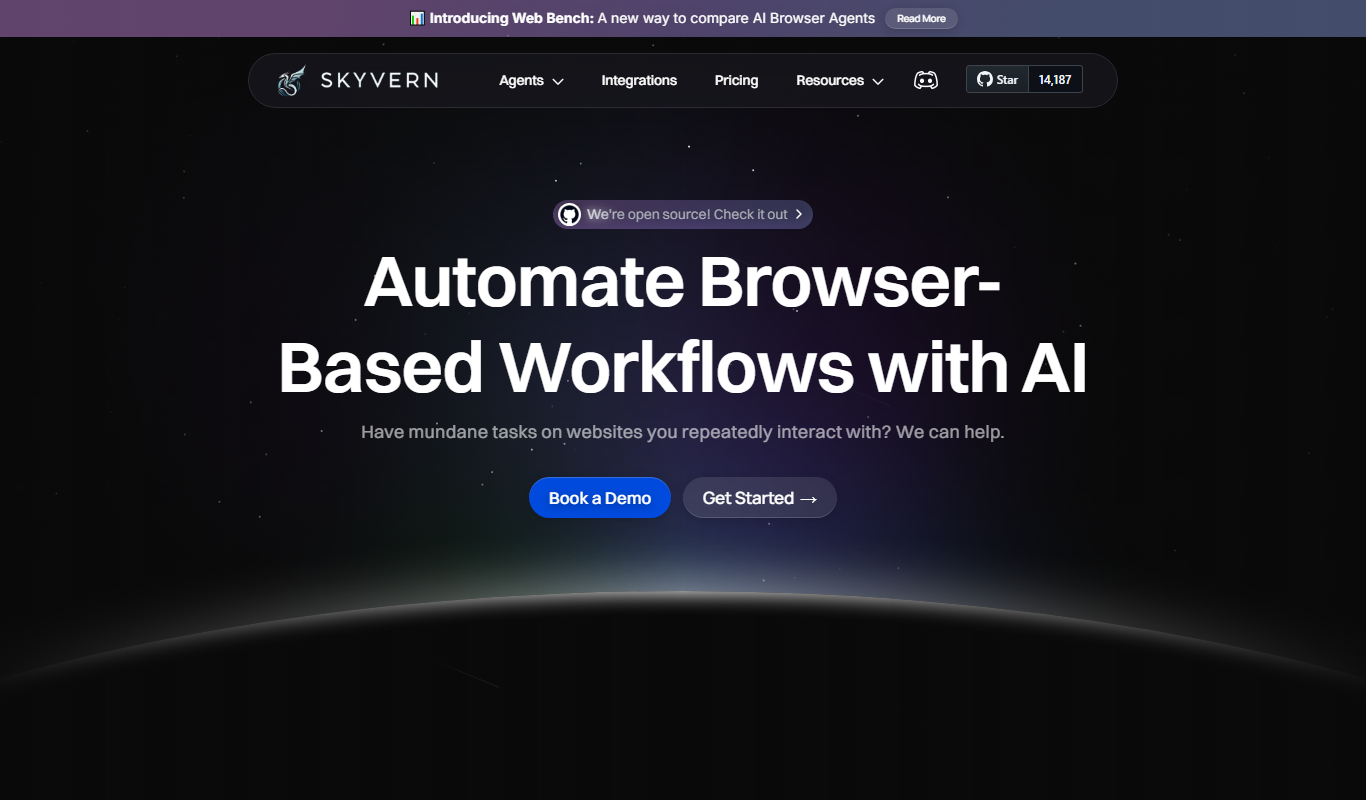
Skyvern
Skyvern is an AI-driven data annotation platform providing high-quality labeled datasets for machine learning projects across various industries.

Free
liteLLM
liteLLM is a platform that enables efficient deployment and API-based serving of lightweight large language models, optimized for reduced resource usage and fast inference.