

From my experience with Workstreams.ai, I found it excels at simplifying task management while integrating collaboration and automation in one platform. After spending time with the tool, I can say it’s particularly well-suited for small to medium-sized teams and remote workers who need a straightforward yet powerful way to organize projects and communicate. However, there is a trade-off: some advanced reporting and mobile app features are less comprehensive compared to larger competitors. Overall, if you need an affordable, user-friendly solution to streamline team workflows and boost productivity, Workstreams.ai delivers solid results.
Workstreams.ai Task Management Software for Team Collaboration and Productivity
Workstreams.ai is a cloud-based task and project management platform that helps teams organize tasks, collaborate effectively, and automate workflows to improve productivity.
- Best for
- Task and Project Management
- Key capability
- Task Management
Do you recommend this tool?
What is workstreams.ai?
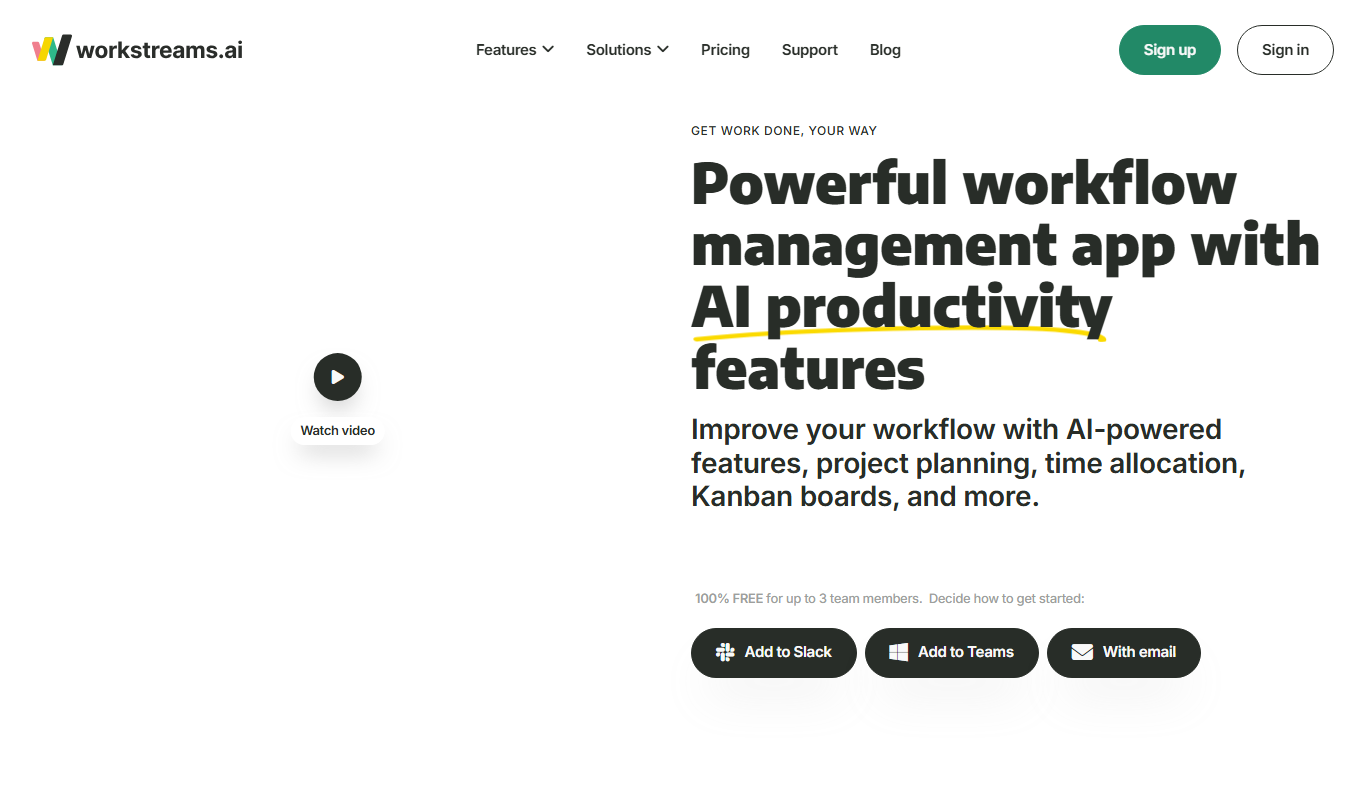
Workstreams.ai is a cloud-based task and project management platform designed to help teams collaborate efficiently and manage workflows seamlessly. It combines task tracking, communication, and automation features into a single interface to boost productivity and ensure timely project delivery.
Key features of workstreams.ai
The platform offers task assignment, real-time collaboration, workflow automation, progress dashboards, and integrations with popular tools, enabling teams to streamline their work and maintain clear visibility over projects.
Task Management
Create, assign, prioritize, and track tasks with deadlines and status updates.
Team Collaboration
Facilitate communication through comments, mentions, and shared workspaces.
Workflow Automation
Automate routine processes such as task assignments and status changes.
Progress Dashboards
Visualize project progress with customizable dashboards and metrics.
Integrations
Connect with tools like Slack, Google Drive, and calendar apps for seamless workflow.
Pros and cons of workstreams.ai
Pros
- User-friendly interface with intuitive task management
- Built-in collaboration tools reduce the need for external apps
- Workflow automation saves time on repetitive tasks
- Affordable pricing with a free tier for small teams
- Supports integrations with common productivity tools
Cons
- Limited advanced reporting features compared to some competitors
- Mobile app functionality may be less comprehensive than desktop
- No publicly disclosed extensive API for custom integrations
Key use cases for workstreams.ai
Task and Project Management
Organize, assign, and track tasks across teams to ensure projects are completed on time.
Team Collaboration
Facilitate communication and coordination among team members through shared workspaces and messaging.
Workflow Automation
Automate repetitive processes and task flows to increase efficiency and reduce manual work.
Progress Tracking and Reporting
Monitor project progress with dashboards and generate reports to keep stakeholders informed.
Remote Work Management
Support distributed teams by providing a centralized platform for task coordination and updates.
How workstreams.ai works
- 1
Sign Up and Create Workspace
Register an account and set up your team workspace to start managing projects.
- 2
Add Projects and Tasks
Create projects and break them down into tasks, assigning them to team members.
- 3
Collaborate and Communicate
Use built-in messaging and comments to discuss tasks and share updates.
- 4
Automate Workflows
Set up automation rules to streamline repetitive tasks and notifications.
- 5
Track Progress and Generate Reports
Monitor project status with dashboards and export reports for stakeholders.
Who is using workstreams.ai
Small to medium-sized businesses
Remote and distributed teams
Project managers and team leads
Marketing and creative agencies
Startups seeking streamlined task workflows
workstreams.ai pricing
Free
$0/month
Basic task management and collaboration features for small teams.
Pro
$10/month per user
Advanced features including workflow automation, integrations, and priority support.
Plans and prices are as published by the vendor and can change. Check the official site before you buy. Open the pricing page (opens in a new tab)
Frequently asked questions about workstreams.ai
Yes, Workstreams.ai offers a free plan with essential task management and collaboration features.
Yes, it supports integrations with popular apps like Slack, Google Drive, and calendar services.
Yes, Workstreams.ai is accessible via web and mobile platforms for on-the-go task management.
Yes, the platform includes workflow automation to streamline repetitive tasks and notifications.
It depends on your specific needs and how you plan to use the tool. The official website and documentation are the best sources for the latest details.
It depends on your specific needs and how you plan to use the tool. The official website and documentation are the best sources for the latest details.
It depends on your specific needs and how you plan to use the tool. The official website and documentation are the best sources for the latest details.
Sign in to review this tool.
Sign In to ReviewNo reviews yet
Be the first to share how this tool worked for you.
Ask about pricing, limits, or how it compares — or answer someone else.
Sign In to AskNo questions yet
Have a question about using or paying for this tool? Be the first to ask.
Featured on TiorAI



Alternative Tools
Explore similar AI tools that might fit your needs

Business
Asana
Asana is a cloud-based project management platform that enables teams to organize tasks, track progress, automate workflows, and collaborate effectively across projects.

Free
Trello
Trello is a visual project management tool that helps teams organize tasks and workflows using boards, lists, and cards, with automation and integrations to enhance productivity.

Free Trial
Monday.com
Monday.com is a cloud-based project management and collaboration tool that helps teams plan, track, and automate workflows with customizable boards and integrations.