

Free Trial
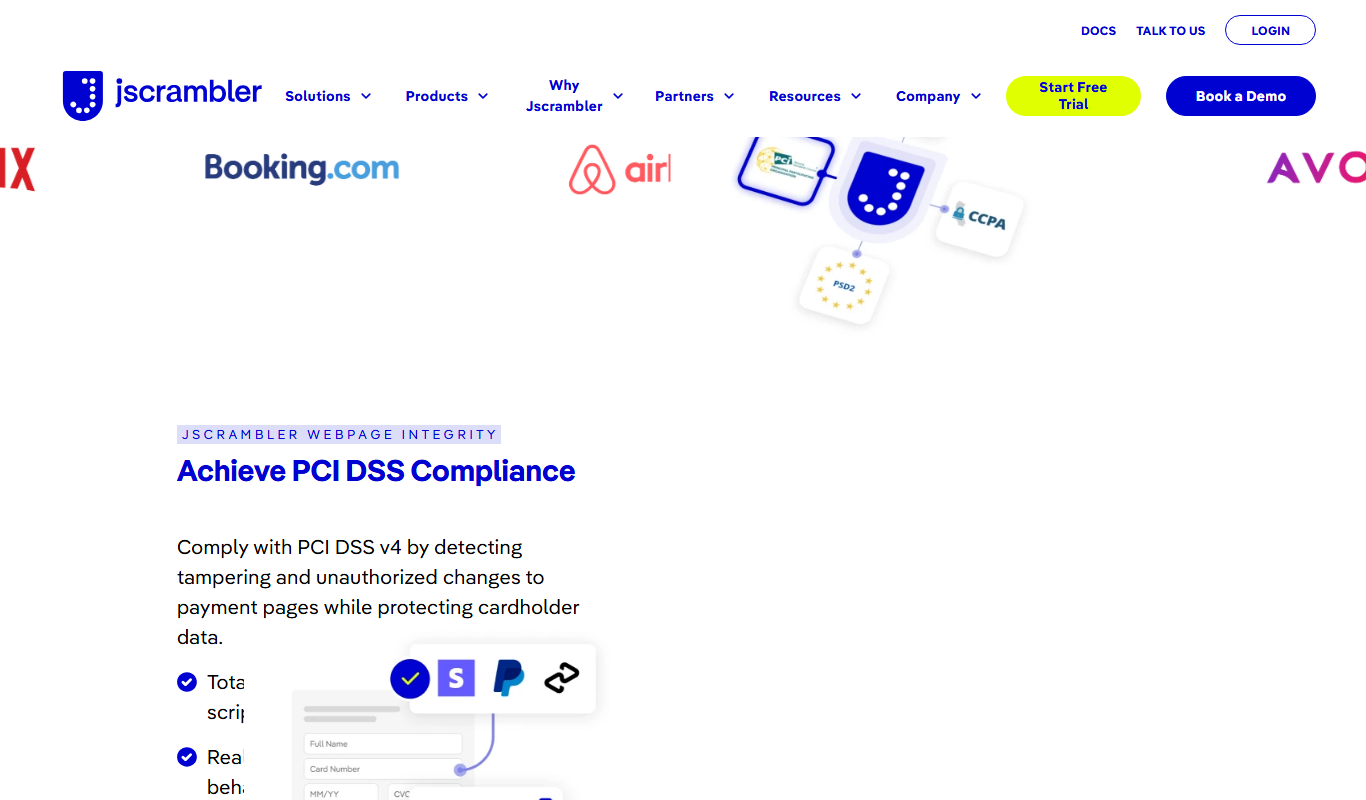
JScrambler
JScrambler is a JavaScript security platform that protects client-side code through obfuscation, self-defending techniques, and runtime protection to prevent tampering and reverse engineering.
Every AI tool we track, with pricing, platform and category on each entry. Filter down to a shortlist, then open the ones worth a closer look.
Filter 8,929 AI tools by pricing, category, platform and language.
JScrambler is a JavaScript security platform that protects client-side code through obfuscation, self-defending techniques, and runtime protection to prevent tampering and reverse engineering.
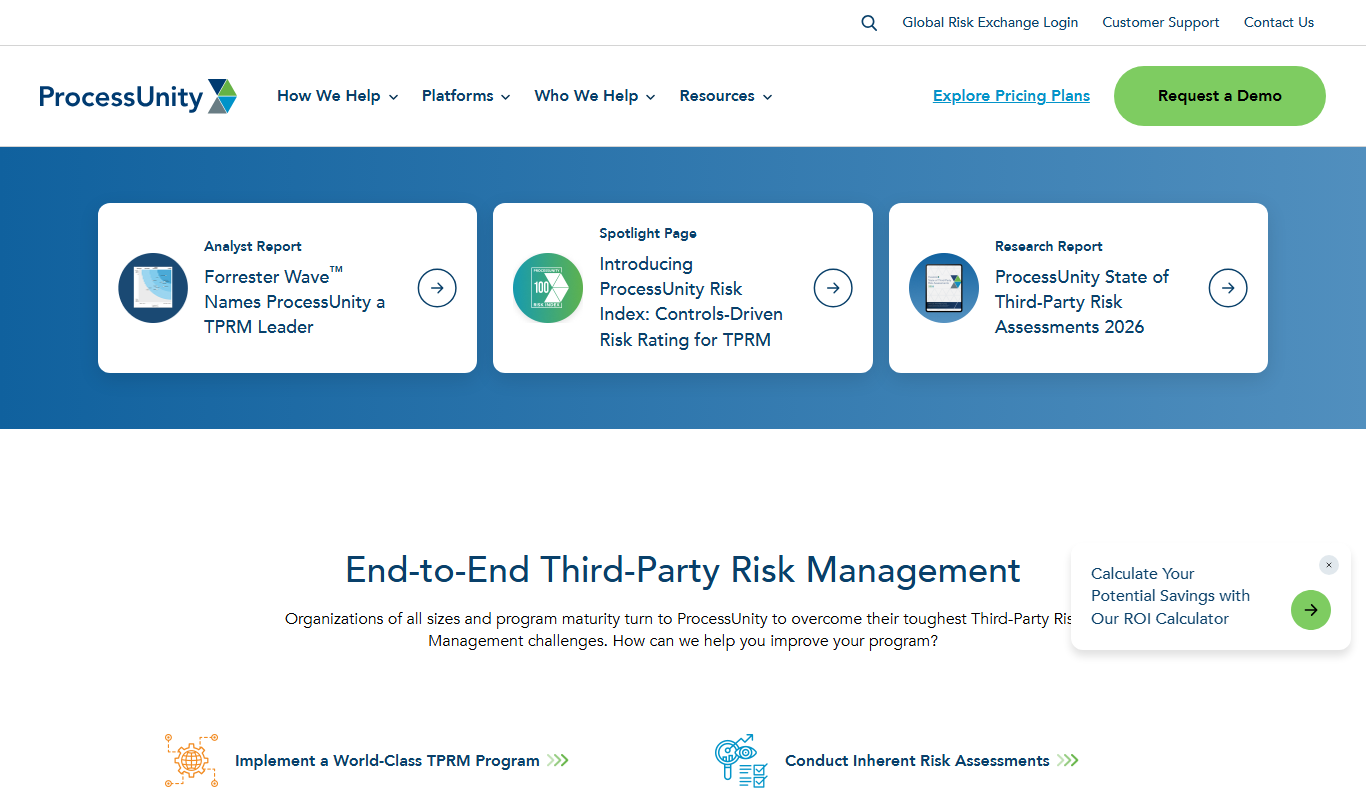
ProcessUnity is a cloud-based Governance, Risk, and Compliance platform that automates third-party risk management, compliance workflows, and audit processes for enterprises.
TrafficJunky is a digital advertising platform that enables marketers to run targeted campaigns on adult and mainstream websites, offering real-time analytics and flexible pay-as-you-go pricing.

TuneIn Radio is a streaming platform providing access to live radio stations, podcasts, music, and news globally, available on web, mobile, and smart devices with free and premium options.
Pluto TV is a free, ad-supported streaming service providing live TV channels and on-demand movies without requiring a subscription.

VeChain is a blockchain platform focused on supply chain management and enterprise solutions, integrating IoT devices and smart contracts to provide transparent, secure, and efficient business processes.

Meltwater is a media intelligence platform that provides real-time monitoring and AI-powered analytics of news and social media to help businesses manage brand reputation and marketing strategies.

Ethereum.org is the official platform providing resources and tools for developing decentralized applications and smart contracts on the Ethereum blockchain.

Addepar is a financial technology platform that aggregates and analyzes complex investment portfolios, providing wealth managers and advisors with customizable reporting and client communication tools.

Datumbox is the official name of this machine learning platform, which provides REST APIs for text analysis such as sentiment analysis, topic detection, language detection and spam filtering.
Awesome Screenshot is a tool for capturing screenshots and screen recordings with annotation features, available as browser extensions and desktop apps, suitable for collaboration and content creation.

PhotoFeeler is a web-based platform that provides crowd-sourced, context-specific feedback on photos to help users select the best images for business, social, or dating purposes.
Page 110 of 745
Ten tools per shortlist, ranked, for when a category is still too many results.
Still deciding
Pricing, supported platforms and what each one is actually good at, laid out in one table. 764 comparisons are written and ready.
Browse comparisonsComparable tools for the products people already use.
Every one of the 8,929 entries here carries the same fields: what the tool does, what it costs, which platforms it runs on, and which categories it belongs to. That is what makes filtering across the whole catalogue possible rather than decorative.
The catalogue is not the point on its own; competitors list the same tools. What is worth your time is what sits on top of it: comparisons that commit to a recommendation, alternative sets that are genuinely comparable, and entries that get corrected when a vendor changes its pricing.
Start from a category rather than the full list: the category index above jumps straight into the twelve largest ones. From there, use the pricing shortcuts to drop anything outside your budget, then open the three or four entries that look closest and compare them side by side.
Free means there is a usable tier at no cost with no time limit. Freemium means a free tier exists but the useful features sit behind a paid plan. Free trial means paid-only after a fixed evaluation window. Subscription means recurring billing with no free tier. Labels come from the vendor and are re-checked when a listing is updated.
Yes. Category, pricing, tech stack, language and platform stack together, and every combination has its own URL, so a filtered view can be bookmarked or shared. Active filters appear above the results and can be removed one at a time.
Around 8% of entries have no captured screenshot, usually because the tool sits behind a login or the site blocks automated capture. Those entries show the tool's initial instead. It is not a signal about the tool's quality.
Newest first, so the front of the directory reflects what has recently shipped. Switch the sort to Top Rated for the highest-scoring entries, or Most Popular to order by real visitor interest across views and outbound clicks.
An alternatives page answers "what else does this job?" and lists comparable tools for one product. A comparison page takes two named tools and works through pricing, capability and fit to reach a recommendation. Both are linked from every tool entry.