

From my experience with JScrambler, it stands out as a robust solution for protecting JavaScript code against reverse engineering and tampering. Its multi-layered approach combining obfuscation and self-defending techniques provides strong security without breaking functionality, which is crucial for web developers safeguarding intellectual property. The integration options with CI/CD pipelines make it practical for modern development workflows. However, the pricing transparency could be improved, and some advanced configurations may require a learning curve. Overall, for teams needing to secure client-side JavaScript, JScrambler delivers reliable and comprehensive protection.
Advanced JavaScript Protection and Code Obfuscation Tool for Developers
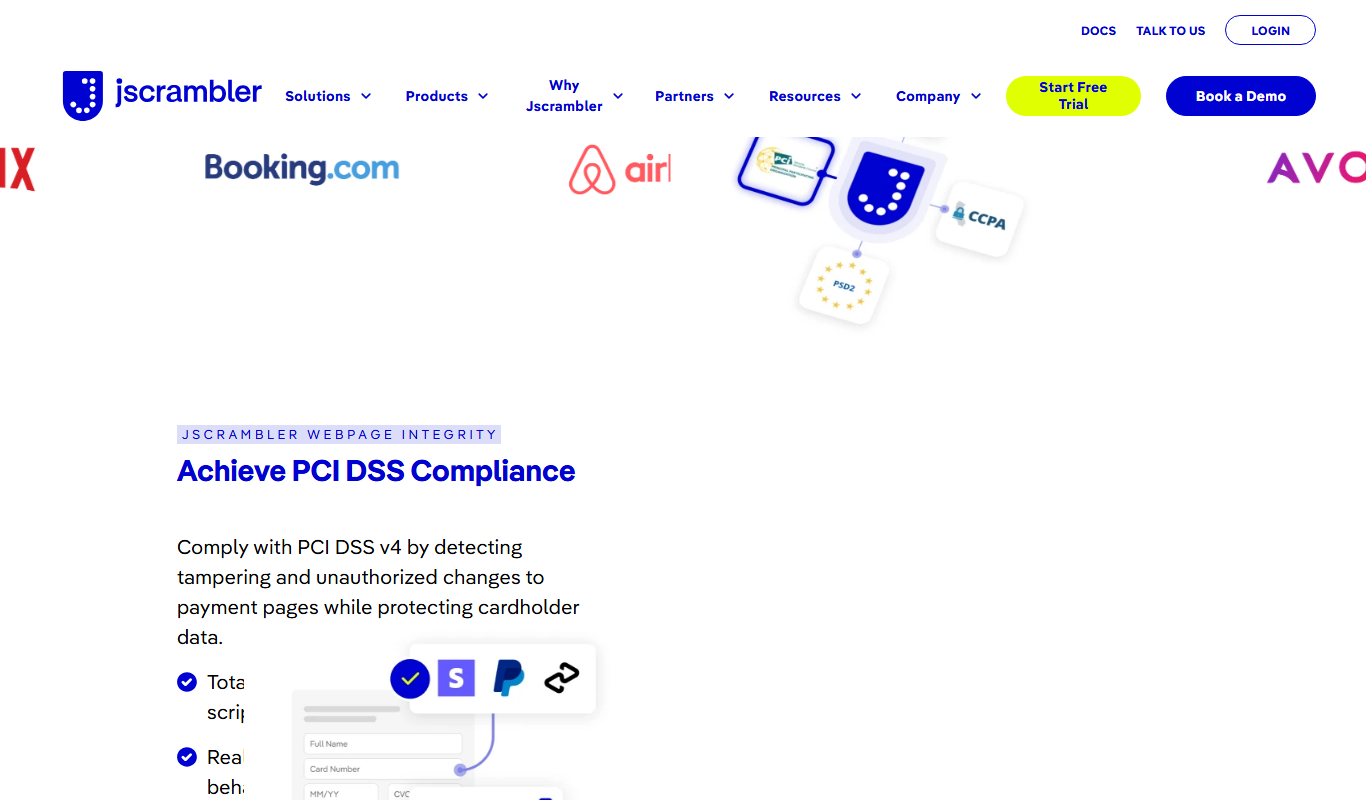
JScrambler is a JavaScript security platform that protects client-side code through obfuscation, self-defending techniques, and runtime protection to prevent tampering and reverse engineering.
- Best for
- JavaScript Code Protection
- Key capability
- Advanced Code Obfuscation
Do you recommend this tool?
What is JScrambler?
JScrambler is a comprehensive JavaScript application security platform that protects client-side code through advanced obfuscation, self-defending, and runtime protection techniques. It helps developers safeguard their web applications against reverse engineering, tampering, and unauthorized access by transforming JavaScript code into a secure, hard-to-analyze format while maintaining functionality.
Key features of JScrambler
JScrambler offers features such as code obfuscation, self-defending code, real-time monitoring, automated code transformations, and integration with CI/CD pipelines. It supports multiple protection layers including code locks, environment checks, and anti-debugging to ensure robust security for JavaScript applications.
Advanced Code Obfuscation
Transforms JavaScript code into a complex, unreadable format to prevent reverse engineering.
Self-Defending Code
Includes runtime checks that detect and respond to tampering or debugging attempts.
Real-Time Monitoring
Provides insights into protection status and potential attacks through a centralized dashboard.
CI/CD Integration
Seamlessly integrates with continuous integration and deployment pipelines for automated protection.
Multi-Layered Protection
Combines obfuscation, code locks, environment checks, and anti-debugging for comprehensive security.
Pros and cons of JScrambler
Pros
- Robust multi-layered JavaScript protection
- Easy integration with existing development workflows
- Real-time monitoring and analytics
- Supports automated CI/CD pipeline integration
Cons
- Pricing details are not fully transparent without contacting sales
- Advanced features may require technical expertise to configure optimally
Key use cases for JScrambler
JavaScript Code Protection
Protect JavaScript code from reverse engineering, tampering, and theft by applying advanced obfuscation and self-defending techniques.
Web Application Security
Enhance the security of web applications by preventing client-side attacks and unauthorized code modifications.
Anti-Tampering and Integrity Checks
Implement runtime protection mechanisms that detect and prevent code tampering or debugging attempts.
Compliance and Intellectual Property Protection
Safeguard proprietary algorithms and business logic embedded in JavaScript to comply with intellectual property requirements.
API Security Enhancement
Secure frontend code that interacts with backend APIs to reduce attack surface and data leakage.
How JScrambler works
- 1
Upload or Integrate Code
Developers upload their JavaScript code or integrate JScrambler into their build process via API or CLI.
- 2
Configure Protection Settings
Select desired protection techniques such as obfuscation, self-defending, and code locks tailored to the application’s needs.
- 3
Apply Transformations
JScrambler processes the code, applying multiple layers of protection while preserving functionality.
- 4
Deploy Protected Code
The secured JavaScript code is deployed to production, reducing risk of tampering and intellectual property theft.
- 5
Monitor and Update
Use JScrambler’s dashboard to monitor protection status and update configurations as needed.
Who is using JScrambler
Web developers
Software security engineers
Enterprises protecting intellectual property
SaaS companies
Development teams using JavaScript frameworks
JScrambler pricing
Free
$0/month
Basic protection with limited transformations and usage suitable for evaluation and small projects.
Professional
Custom pricing
Advanced protection features, higher usage limits, and priority support for professional developers and teams.
Plans and prices are as published by the vendor and can change. Check the official site before you buy. Open the pricing page (opens in a new tab)
Frequently asked questions about JScrambler
JScrambler primarily supports JavaScript and related web technologies including HTML5 and WebAssembly.
Yes, JScrambler applies transformations that preserve the original behavior of the code while making it difficult to analyze or tamper with.
Yes, JScrambler offers APIs and CLI tools to integrate protection into CI/CD workflows.
Yes, it provides a dashboard for monitoring protection status and detecting tampering attempts.
It depends on your specific needs and how you plan to use the tool. The official website and documentation are the best sources for the latest details.
Integration support depends on the tool and its available connectors or API. Check the official documentation or integrations page to confirm what is supported.
It depends on your specific needs and how you plan to use the tool. The official website and documentation are the best sources for the latest details.
Sign in to review this tool.
Sign In to ReviewNo reviews yet
Be the first to share how this tool worked for you.
Ask about pricing, limits, or how it compares — or answer someone else.
Sign In to AskNo questions yet
Have a question about using or paying for this tool? Be the first to ask.
Featured on TiorAI



More AI Code Refactoring tools
Other tools in the same category, for when this one is not quite the fit.

Free Trial
KawniX
KawniX is an AI chatbot platform that helps businesses automate customer interactions on their websites using customizable conversational agents.

Refraction
Refraction AI provides autonomous delivery robots and fleet management solutions to automate last-mile delivery of food and groceries in urban areas.
Free
Second
Second.dev is an AI-driven platform that helps developers generate code snippets, automate coding tasks, and improve productivity through API integration and real-time suggestions.

Freemium
StudyRecon
StudyRecon is an AI-powered study planner that creates personalized study schedules, tracks progress, and optimizes learning for students preparing for exams.

Free
CREV
CREV is an open-source command-line tool that automates code reviews by integrating review comments and approvals directly into Git repositories, enabling asynchronous collaboration among developers.

Free Trial
Interviewforce
Interviewforce is a web-based recruitment platform that enables organizations to conduct live and asynchronous video interviews, automate scheduling, and assess candidates through integrated tools, streamlining the remote hiring process.

Free Trial
Pine Script Wizard AI
Pine Script Wizard AI is a web tool that uses AI to generate Pine Script code for TradingView, enabling traders to create custom indicators and strategies without coding skills.
Free
RoboCoder
RoboCoder is an AI-driven platform that generates code snippets from natural language prompts, helping developers speed up coding and reduce errors.