

From my experience with CREV, I found it excels at integrating code review directly into Git workflows through a command-line interface. This approach is particularly well-suited for developers and teams comfortable with CLI tools who want to keep reviews transparent and version-controlled without relying on web-based platforms. However, the lack of a graphical interface may pose a learning curve for less technical users or those preferring visual tools. Overall, if you prioritize open-source, Git-native, and asynchronous code review, CREV delivers a robust and developer-friendly solution.
CREV CLI Tool for Code Review Automation and Developer Collaboration
CREV is an open-source command-line tool that automates code reviews by integrating review comments and approvals directly into Git repositories, enabling asynchronous collaboration among developers.
- Best for
- Automated Code Review
- Key capability
- Command-Line Interface
Your actions
Save CREV, follow its updates and vote on it — everything stays in your account.
Sign in or create a free account
What is CREV?
CREV is an open-source command-line tool designed to streamline and automate the code review process. It enables developers to leave review comments, approvals, and feedback directly in the code repository, tracked through Git commits. By integrating code reviews into the version control system, CREV promotes transparency, accountability, and asynchronous collaboration among development teams.
Key features of CREV
CREV offers features such as structured code review comments, approval tracking, integration with Git workflows, and the ability to automate review processes via CLI commands. It supports collaborative code quality assurance without relying on external web-based tools.
Command-Line Interface
Operate entirely from the terminal without needing a web UI, fitting naturally into developer workflows.
Git-Integrated Reviews
Review comments and approvals are stored as Git commits, ensuring traceability and versioning.
Asynchronous Collaboration
Supports asynchronous code review, allowing team members to review and respond on their own schedules.
Open Source and Extensible
CREV is open source, allowing customization and integration with other tools or CI/CD pipelines.
Pros and cons of CREV
Pros
- Fully open source and free
- Integrates directly with Git for traceable reviews
- No need for web-based tools or services
- Supports asynchronous, flexible collaboration
Cons
- Requires familiarity with command-line tools
- No graphical user interface for non-technical users
- Limited to English language support
Key use cases for CREV
Automated Code Review
CREV automates the process of code review by allowing developers to leave structured comments and approvals directly in the codebase using a command-line interface.
Developer Collaboration
Facilitates asynchronous collaboration among developers by tracking code reviews and approvals in a transparent, version-controlled manner.
Code Quality Assurance
Helps maintain high code quality by enforcing peer reviews and making review comments part of the code history.
Integration with Git Workflows
Seamlessly integrates with Git workflows, enabling developers to manage reviews alongside their version control operations.
How CREV works
- 1
Install CREV
Download and install the CREV CLI tool from the official repository or package manager.
- 2
Run Reviews Locally
Use CREV commands to review code changes locally, adding comments and approvals as needed.
- 3
Commit Review Data
CREV stores review comments and approvals as Git commits, making them part of the repository history.
- 4
Collaborate Asynchronously
Team members can pull the latest reviews, respond, and update their feedback asynchronously through Git.
Who is using CREV
Software developers
Open source project maintainers
DevOps engineers
Development teams using Git
Technical leads managing code quality
CREV pricing
Free
$0
Open-source tool available for free with full features.
Plans and prices are as published by the vendor and can change. Check the official site before you buy. Open the pricing page (opens in a new tab)
Frequently asked questions about CREV
Yes, CREV is an open-source tool and is free to use.
No, CREV operates entirely via the command line and integrates with Git.
Yes, CREV is designed to work seamlessly with Git workflows.
Yes, CREV supports asynchronous collaboration which scales well for teams of various sizes.
Integration support depends on the tool and its available connectors or API. Check the official documentation or integrations page to confirm what is supported.
It depends on your specific needs and how you plan to use the tool. The official website and documentation are the best sources for the latest details.
It depends on your specific needs and how you plan to use the tool. The official website and documentation are the best sources for the latest details.
Sign in to review this tool.
Sign In to ReviewNo reviews yet
Be the first to share how this tool worked for you.
Ask about pricing, limits, or how it compares — or answer someone else.
Sign In to AskNo questions yet
Have a question about using or paying for this tool? Be the first to ask.
Featured on TiorAI



Alternative Tools
Explore similar AI tools that might fit your needs

Free
Gerrit
Gerrit is an open-source web-based code review tool that integrates with Git to enable collaborative software development by managing code reviews, approvals, and merges.
More AI Code Refactoring tools
Other tools in the same category, for when this one is not quite the fit.

Free Trial
JScrambler
JScrambler is a JavaScript security platform that protects client-side code through obfuscation, self-defending techniques, and runtime protection to prevent tampering and reverse engineering.

Free Trial
KawniX
KawniX is an AI chatbot platform that helps businesses automate customer interactions on their websites using customizable conversational agents.

Refraction
Refraction AI provides autonomous delivery robots and fleet management solutions to automate last-mile delivery of food and groceries in urban areas.

Free Trial
Interviewforce
Interviewforce is a web-based recruitment platform that enables organizations to conduct live and asynchronous video interviews, automate scheduling, and assess candidates through integrated tools, streamlining the remote hiring process.

Free Trial
Pine Script Wizard AI
Pine Script Wizard AI is a web tool that uses AI to generate Pine Script code for TradingView, enabling traders to create custom indicators and strategies without coding skills.
Free
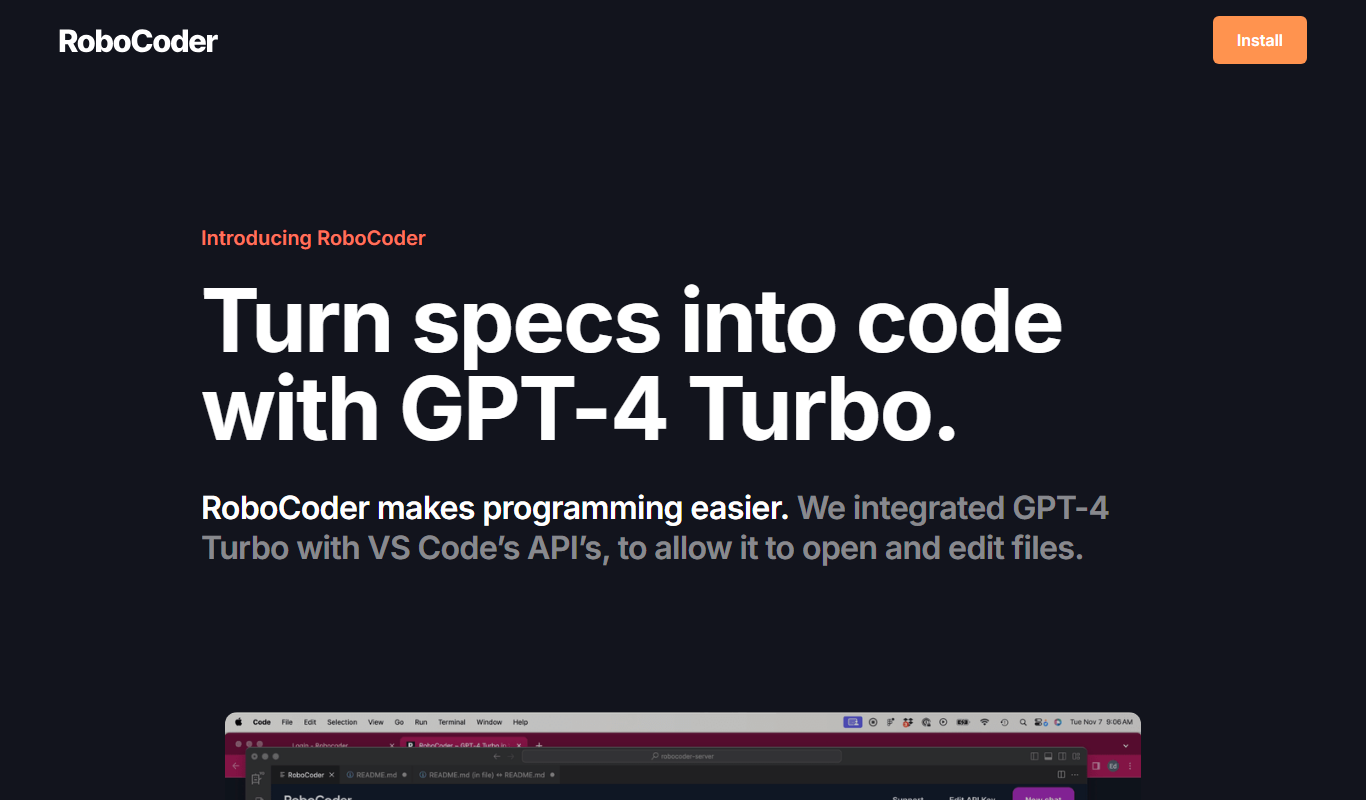
RoboCoder
RoboCoder is an AI-driven platform that generates code snippets from natural language prompts, helping developers speed up coding and reduce errors.
Freemium
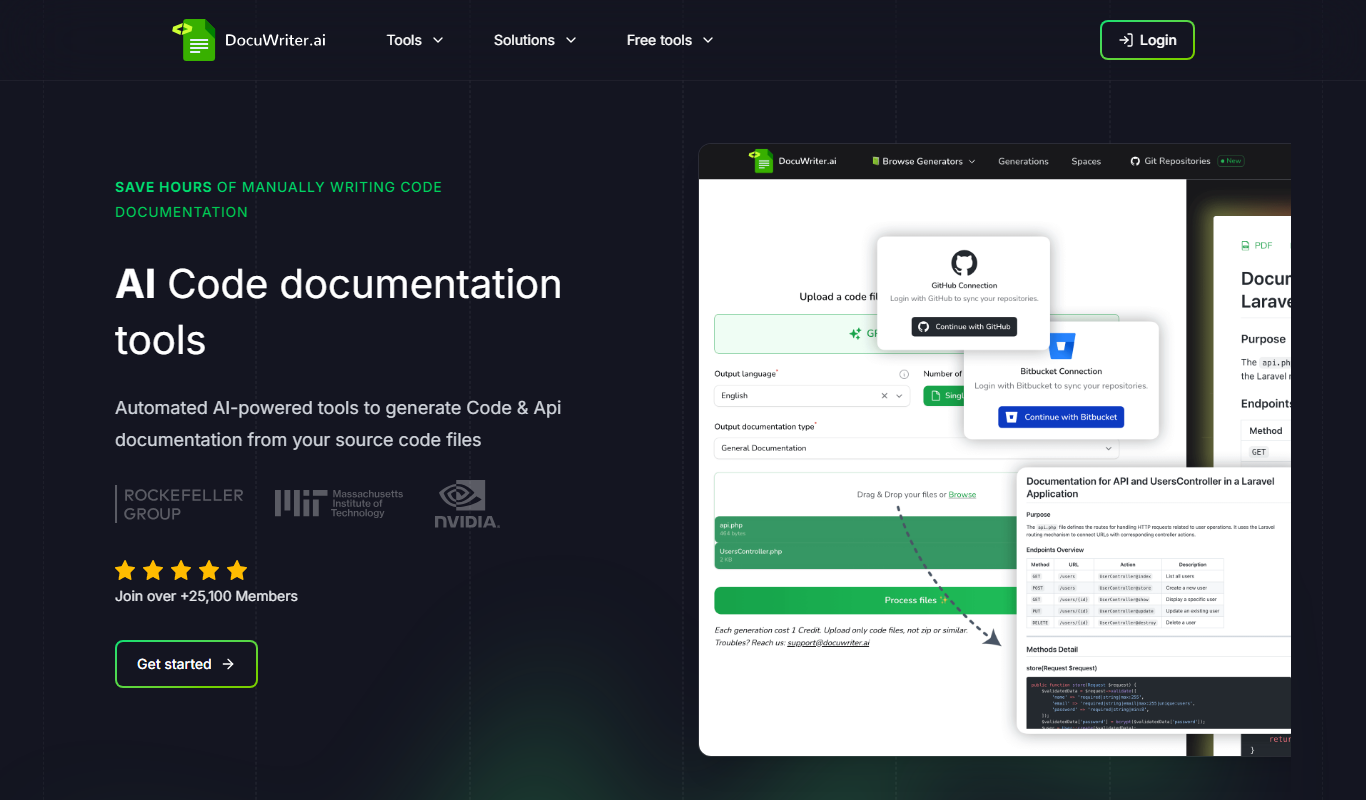
DocuWriter.ai
DocuWriter.ai is an AI-driven writing assistant designed to help users create, edit, and enhance various types of documents efficiently using natural language processing technology.

Free Trial
Rewritify: Undetectable AI Rewriter
Rewritify is an AI-powered rewriting tool that generates undetectable, human-like paraphrased content to avoid plagiarism and duplicate content issues.