

From my experience with DocuWriter.ai, I found it excels at simplifying the document creation process by providing clear AI-generated content suggestions and real-time editing assistance. After spending time with the platform, I can say it’s particularly well-suited for business professionals and content creators who need to produce polished documents quickly. However, the tool currently supports only English and lacks mobile apps, which might limit flexibility for some users. Overall, if you want an efficient AI writing assistant focused on document creation and editing, DocuWriter.ai delivers solid results.
AI-Powered Document Writing Assistant for Efficient Content Creation
DocuWriter.ai is an AI-driven writing assistant designed to help users create, edit, and enhance various types of documents efficiently using natural language processing technology.
- Best for
- Business Document Creation
- Key capability
- AI Content Generation
Your actions
Save DocuWriter.ai, follow its updates and vote on it — everything stays in your account.
Sign in or create a free account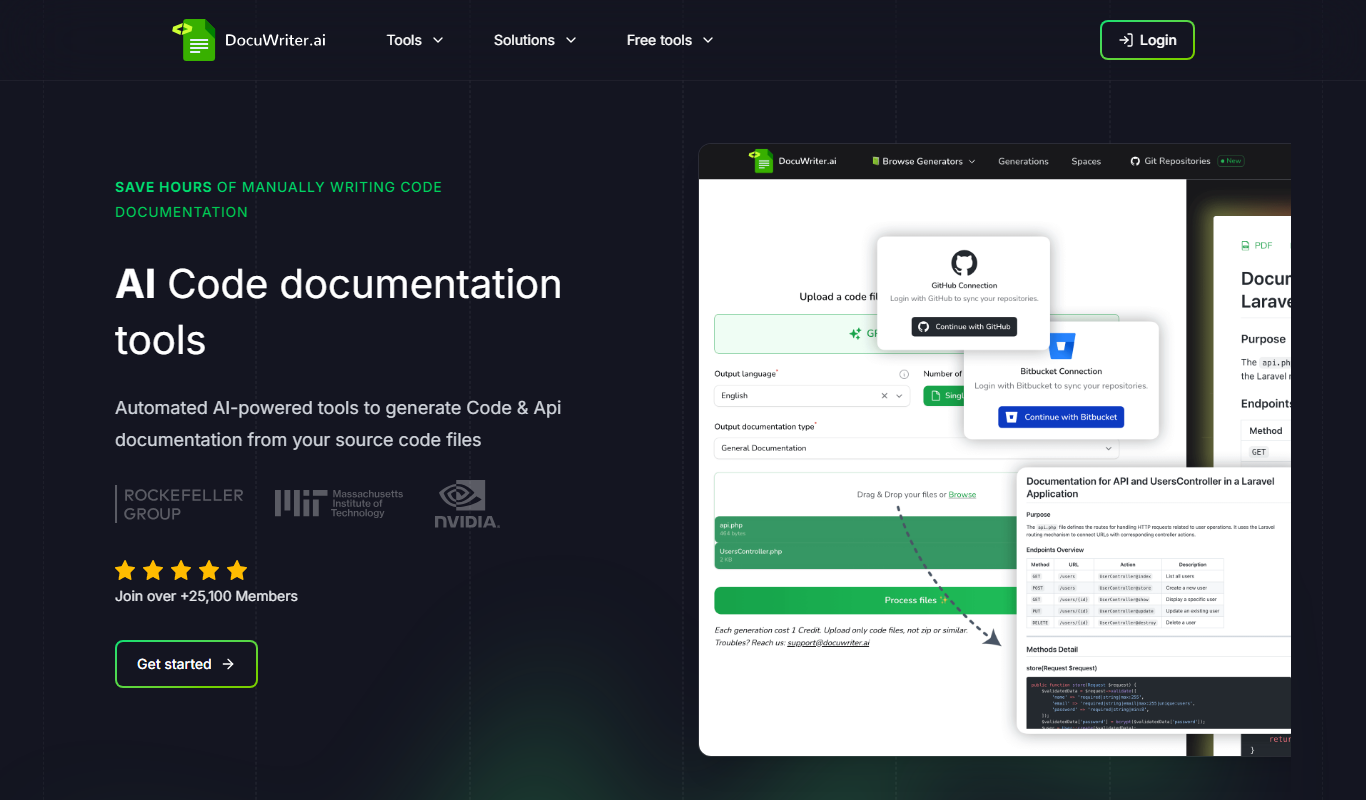
What is DocuWriter.ai?
DocuWriter.ai is an AI-powered writing assistant designed to streamline the creation of various types of documents. It leverages advanced natural language processing to help users generate, edit, and improve written content efficiently. The tool is aimed at professionals, students, and content creators who want to save time and enhance the quality of their documents.
Key features of DocuWriter.ai
DocuWriter.ai offers features such as AI-driven content generation, grammar and style suggestions, customizable templates, and real-time editing assistance. It supports multiple document types and helps users maintain clarity and professionalism in their writing.
AI Content Generation
Automatically generate coherent and contextually relevant text based on user prompts.
Grammar and Style Checking
Identify and correct grammar mistakes and improve writing style for clarity and professionalism.
Customizable Templates
Access a variety of templates tailored for different document types to speed up writing.
Real-Time Editing Assistance
Receive instant suggestions and corrections as you write.
User-Friendly Interface
Intuitive design that makes document creation straightforward for all skill levels.
Pros and cons of DocuWriter.ai
Pros
- Easy to use with intuitive interface
- Effective AI-generated content suggestions
- Supports multiple document types
- Real-time grammar and style improvements
- Affordable pricing with a free tier
Cons
- Supports English language only
- Limited integrations with other platforms
- No mobile app available
Key use cases for DocuWriter.ai
Business Document Creation
Generate professional business documents such as reports, proposals, and letters quickly and accurately.
Content Writing
Assist content creators in drafting articles, blog posts, and marketing materials with AI-powered suggestions.
Academic Writing Support
Help students and researchers draft essays, papers, and summaries with structured and coherent content.
Email Drafting
Create clear and effective email drafts to improve communication efficiency.
Editing and Proofreading
Enhance existing documents by suggesting improvements in grammar, style, and clarity.
How DocuWriter.ai works
- 1
Sign Up
Create a free account on the DocuWriter.ai website to access the platform.
- 2
Select Document Type
Choose the type of document you want to create or edit, such as a report, email, or essay.
- 3
Input or Upload Content
Start writing from scratch or upload an existing document to improve.
- 4
Use AI Suggestions
Leverage AI-generated content ideas, grammar corrections, and style enhancements.
- 5
Download or Share
Export your finished document or share it directly from the platform.
Who is using DocuWriter.ai
Business professionals
Content creators and marketers
Students and academics
Small business owners
Freelance writers
DocuWriter.ai pricing
Free
$0/month
Basic access with limited AI generations and features.
Pro
$19/month
Unlimited AI content generation, priority support, and access to premium templates.
Plans and prices are as published by the vendor and can change. Check the official site before you buy. Open the pricing page (opens in a new tab)
Frequently asked questions about DocuWriter.ai
Yes, it helps draft and improve academic papers, essays, and summaries with clear and structured content.
Yes, there is a free plan with limited features and usage.
Currently, DocuWriter.ai supports English only.
Yes, you can download your documents in common formats or share them directly.
It depends on your specific needs and how you plan to use the tool. The official website and documentation are the best sources for the latest details.
Some tools offer a free plan or trial with limited features. Availability can vary, so confirm on the official website.
Yes, it can help with that use case depending on how you configure it and what features are available. You’ll get the best results with clear inputs and a defined goal.
Sign in to review this tool.
Sign In to ReviewNo reviews yet
Be the first to share how this tool worked for you.
Ask about pricing, limits, or how it compares — or answer someone else.
Sign In to AskNo questions yet
Have a question about using or paying for this tool? Be the first to ask.
Featured on TiorAI



More AI Code Refactoring tools
Other tools in the same category, for when this one is not quite the fit.
Free Trial
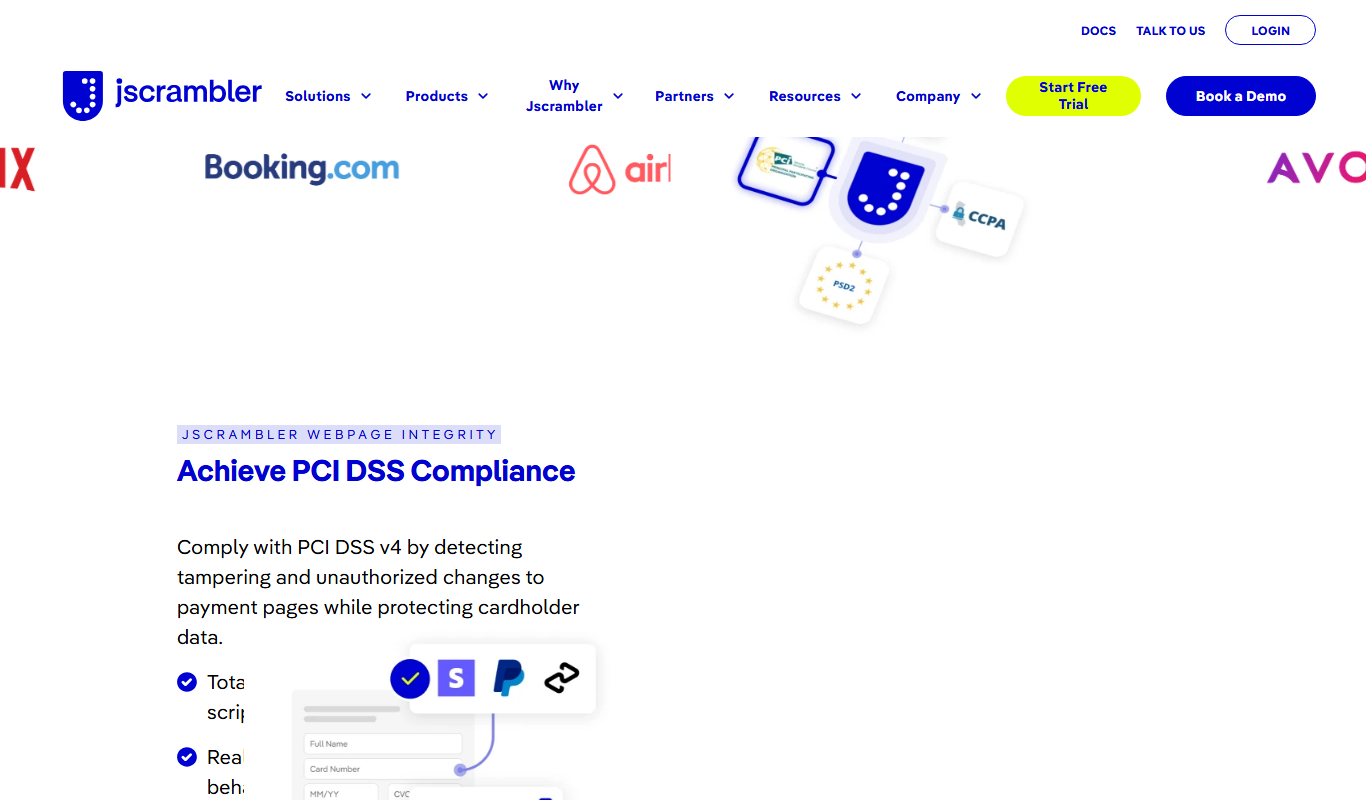
JScrambler
JScrambler is a JavaScript security platform that protects client-side code through obfuscation, self-defending techniques, and runtime protection to prevent tampering and reverse engineering.

Free Trial
KawniX
KawniX is an AI chatbot platform that helps businesses automate customer interactions on their websites using customizable conversational agents.

Refraction
Refraction AI provides autonomous delivery robots and fleet management solutions to automate last-mile delivery of food and groceries in urban areas.

Free
CREV
CREV is an open-source command-line tool that automates code reviews by integrating review comments and approvals directly into Git repositories, enabling asynchronous collaboration among developers.
Free Trial
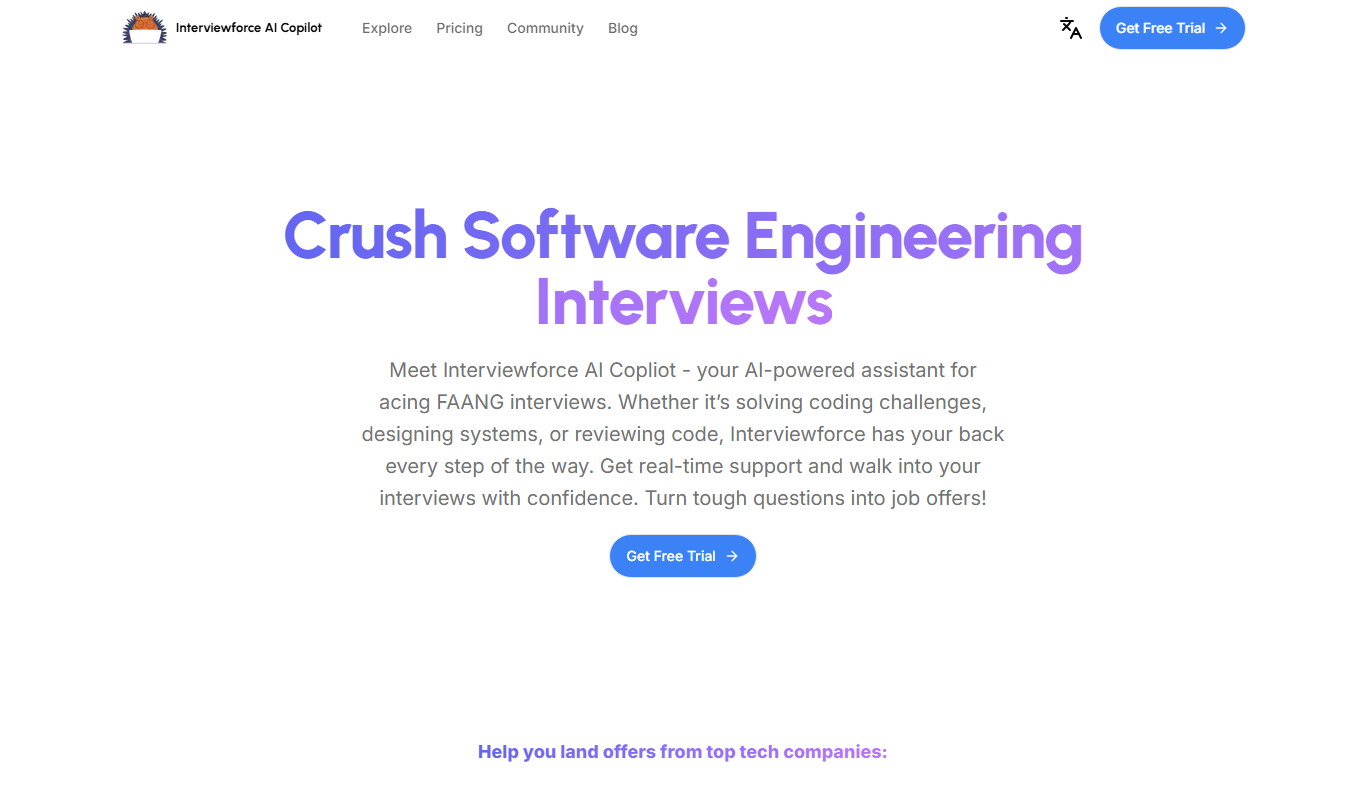
Interviewforce
Interviewforce is a web-based recruitment platform that enables organizations to conduct live and asynchronous video interviews, automate scheduling, and assess candidates through integrated tools, streamlining the remote hiring process.

Free Trial
Pine Script Wizard AI
Pine Script Wizard AI is a web tool that uses AI to generate Pine Script code for TradingView, enabling traders to create custom indicators and strategies without coding skills.
Free
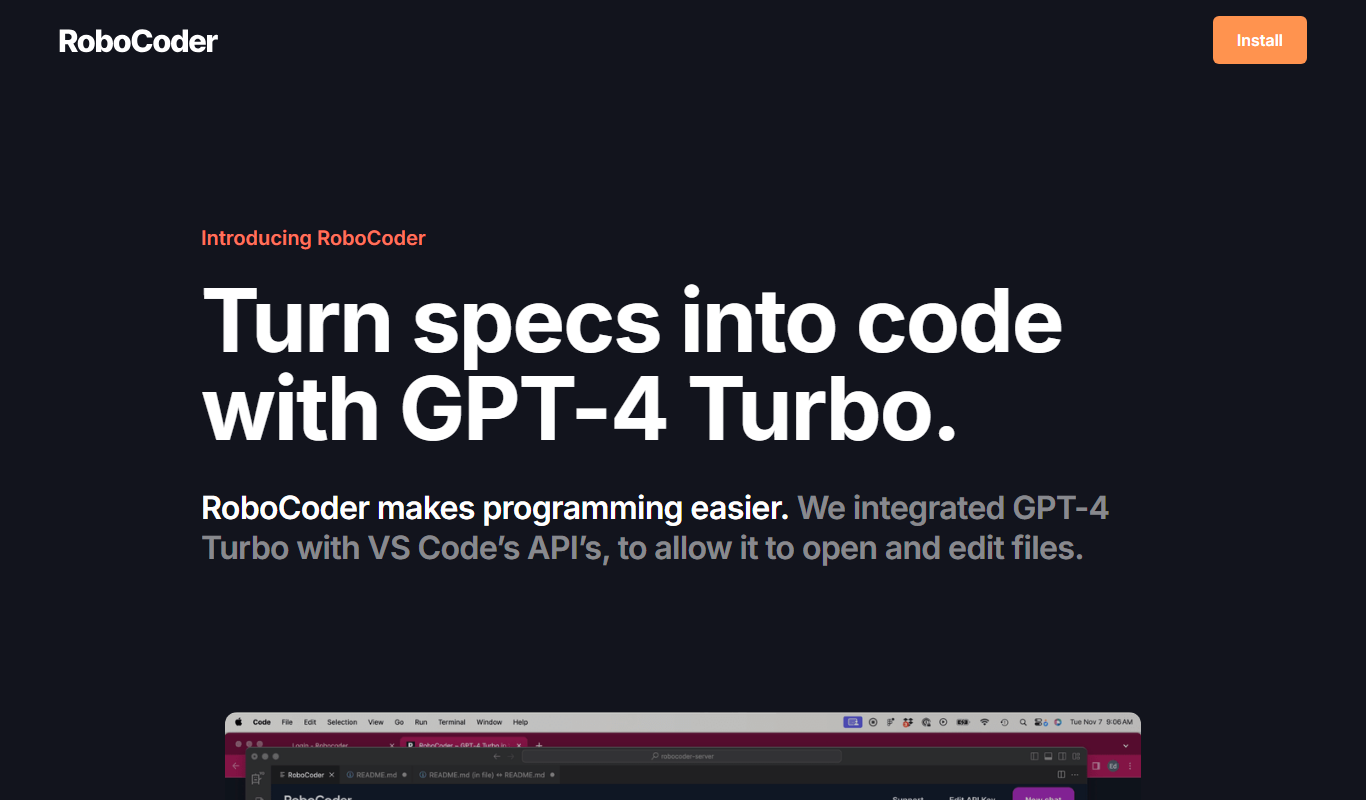
RoboCoder
RoboCoder is an AI-driven platform that generates code snippets from natural language prompts, helping developers speed up coding and reduce errors.

Free Trial
Rewritify: Undetectable AI Rewriter
Rewritify is an AI-powered rewriting tool that generates undetectable, human-like paraphrased content to avoid plagiarism and duplicate content issues.