AI Tools Directory: 8,929 tools, compared and categorised

Every AI tool we track, with pricing, platform and category on each entry. Filter down to a shortlist, then open the ones worth a closer look.

Browse by category

All 1,495 categories

Explore all AI tools

Filter 8,929 AI tools by pricing, category, platform and language.

8,929 tools

Screenshot of the Unitag QR Code Generator interface
Subscription

Unitag QR Code Generator

Unitag QR Code Generator is a web-based tool that allows users to create customizable QR codes with options for colors, logos, and shapes, supporting multiple QR code types and offering scan analytics in paid plans.

Screenshot of the Bio.fm interface
Free

Bio.fm

Bio.fm is a web-based link in bio tool that helps users create a personalized landing page to aggregate multiple links, social media profiles, and content blocks for easy sharing on social media.

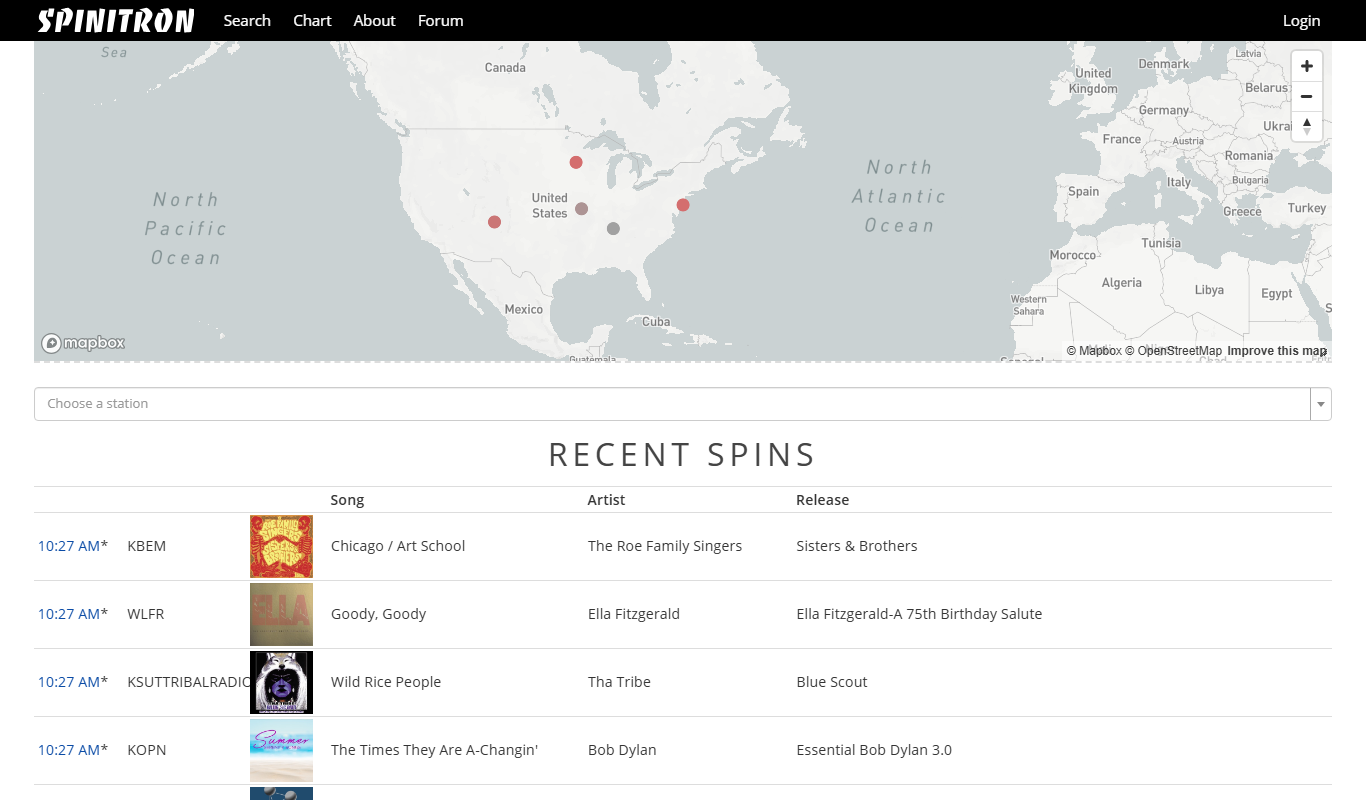
Screenshot of the Spinitron interface
Subscription

Spinitron

Spinitron is a web-based playlist logging and reporting platform for radio stations that integrates with automation systems.

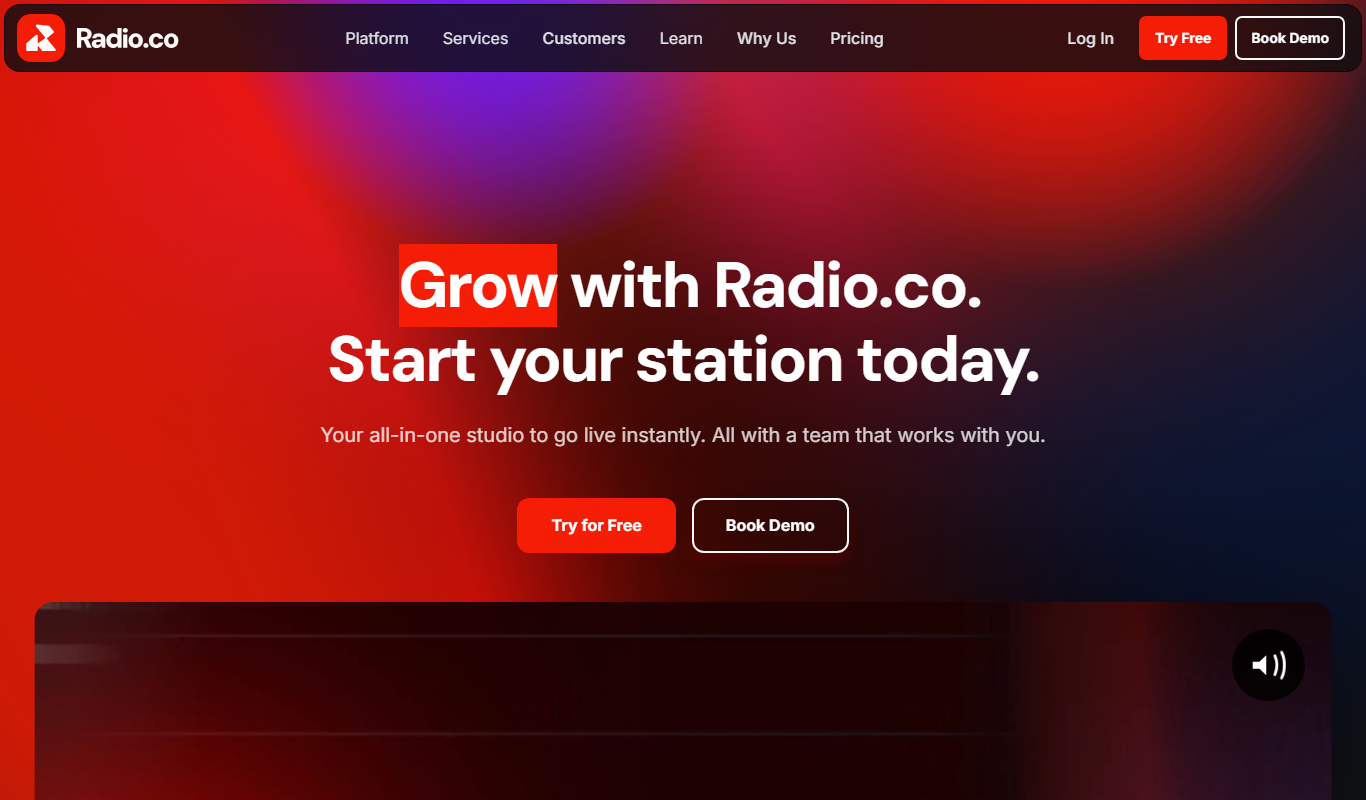
Screenshot of the Radio.co interface
Free Trial

Radio.co

Radio.co is an online platform that allows users to create, manage, and broadcast internet radio stations and podcasts with live streaming, automated scheduling, and monetization features.

Screenshot of the OpenFaaS interface
Free

OpenFaaS

OpenFaaS is an open-source serverless framework that enables developers to deploy, manage, and scale functions on Kubernetes and other container platforms easily.

Screenshot of the Node-RED interface
Free

Node-RED

Node-RED is an open-source, flow-based low-code development tool that enables users to visually wire together devices, APIs, and services for IoT and automation projects.

Screenshot of the TouchBistro interface
Subscription

TouchBistro

TouchBistro is an iPad-based point of sale system tailored for restaurants, offering order management, payment processing, inventory tracking, and staff scheduling to streamline restaurant operations.

Screenshot of the Noted interface
Free

Noted

Noted is an AI-powered note-taking app that records audio and provides synchronized transcription and note organization, available on iOS and macOS.

Screenshot of the TickTick interface
Free

TickTick

TickTick is a cross-platform task management app that helps users organize tasks, set reminders, track habits, and collaborate with others to improve productivity.

Screenshot of the Speakly interface
Free Trial

Speakly

Speakly is an AI-powered language learning app that personalizes vocabulary and speaking practice to help users learn new languages efficiently through real-life conversation simulations and speech recognition feedback.

Screenshot of the TTSReader interface
Free

TTSReader

TTSReader is a free online text-to-speech tool that converts written text into natural sounding speech with multi-language support and audio export options.

Screenshot of the Rewordify interface
Free

Rewordify

Rewordify is an online tool that simplifies difficult English text by replacing complex words with easier alternatives, helping users improve reading comprehension and vocabulary.

Popular AI tool collections

Ten tools per shortlist, ranked, for when a category is still too many results.

All 486 collections

Still deciding

Compare two AI tools side by side

Pricing, supported platforms and what each one is actually good at, laid out in one table. 764 comparisons are written and ready.

Browse comparisons

About the TiorAI AI tools directory

Every one of the 8,929 entries here carries the same fields: what the tool does, what it costs, which platforms it runs on, and which categories it belongs to. That is what makes filtering across the whole catalogue possible rather than decorative.

The catalogue is not the point on its own; competitors list the same tools. What is worth your time is what sits on top of it: comparisons that commit to a recommendation, alternative sets that are genuinely comparable, and entries that get corrected when a vendor changes its pricing.

Common questions

How do I narrow 14,000 tools down to a shortlist?

Start from a category rather than the full list: the category index above jumps straight into the twelve largest ones. From there, use the pricing shortcuts to drop anything outside your budget, then open the three or four entries that look closest and compare them side by side.

What does each pricing label mean?

Free means there is a usable tier at no cost with no time limit. Freemium means a free tier exists but the useful features sit behind a paid plan. Free trial means paid-only after a fixed evaluation window. Subscription means recurring billing with no free tier. Labels come from the vendor and are re-checked when a listing is updated.

Can I combine filters?

Yes. Category, pricing, tech stack, language and platform stack together, and every combination has its own URL, so a filtered view can be bookmarked or shared. Active filters appear above the results and can be removed one at a time.

Why do some tools have no screenshot?

Around 8% of entries have no captured screenshot, usually because the tool sits behind a login or the site blocks automated capture. Those entries show the tool's initial instead. It is not a signal about the tool's quality.

How are tools ordered by default?

Newest first, so the front of the directory reflects what has recently shipped. Switch the sort to Top Rated for the highest-scoring entries, or Most Popular to order by real visitor interest across views and outbound clicks.

What is the difference between an alternative and a comparison?

An alternatives page answers "what else does this job?" and lists comparable tools for one product. A comparison page takes two named tools and works through pricing, capability and fit to reach a recommendation. Both are linked from every tool entry.