

TickTick Task Manager and To-Do List App for Productivity and Time Management
TickTick is a cross-platform task management app that helps users organize tasks, set reminders, track habits, and collaborate with others to improve productivity.
- Best for
- Task Management
- Key capability
- Task and Subtask Management
Save TickTick, follow its updates and vote on it — everything stays in your account.
Sign in or create a free account
What is TickTick?
TickTick is a versatile task management and to-do list application designed to help individuals and teams organize their work and personal life efficiently. It combines task scheduling, reminders, habit tracking, and calendar integration into a single platform accessible across multiple devices.
Key features of TickTick
TickTick offers task creation with priorities and deadlines, calendar views, habit tracking, collaboration tools, and integrations with other calendars and apps to streamline productivity.
Task and Subtask Management
Create tasks with subtasks, set priorities, deadlines, and add notes.
Multiple Views
Switch between list, calendar, and Kanban board views for flexible task management.
Habit Tracker
Track daily habits with visual progress to encourage consistency.
Collaboration Tools
Share task lists and assign tasks to team members or family.
Cross-Platform Sync
Access and update tasks on web, mobile, desktop, and browser extensions.
Pros and cons of TickTick
Pros
- Intuitive and clean user interface
- Cross-platform availability with seamless sync
- Comprehensive features including habit tracking
- Affordable premium plan with useful extras
Cons
- Limited task count on free plan
- No native Linux desktop app
- Some advanced features require premium subscription
Key use cases for TickTick
Task Management
Organize daily tasks with customizable to-do lists, priorities, and deadlines.
Time Management
Use built-in calendar and reminders to schedule and track appointments and deadlines.
Habit Tracking
Monitor and build habits with a dedicated habit tracker to improve productivity.
Collaboration
Share task lists and projects with team members or family for coordinated work.
Note Taking
Capture ideas and notes linked to tasks for better context and organization.
How TickTick works
- 1
Create an Account
Sign up on TickTick via the website or mobile app to start managing tasks.
- 2
Add Tasks and Lists
Input tasks, assign due dates, priorities, and organize them into lists or projects.
- 3
Set Reminders and Recurring Tasks
Configure alerts and repeat schedules to stay on top of deadlines and habits.
- 4
Use Calendar and Habit Tracker
Visualize tasks on calendar views and track habits to build productive routines.
- 5
Collaborate and Sync
Share lists with others and sync data across devices for seamless productivity.
Who is using TickTick
TickTick pricing
Free
$0/month
Basic task management with limited features and up to 99 tasks per list.
Premium
$49.99/year
Unlimited tasks, advanced features like calendar subscriptions, custom smart lists, and more.
Plans and prices are as published by the vendor and can change. Check the official site before you buy. Open the pricing page (opens in a new tab)
Frequently asked questions about TickTick
Yes, TickTick offers a free plan with essential task management features and limits on task numbers.
Yes, TickTick allows sharing task lists and assigning tasks for team collaboration.
Yes, you can access and edit tasks offline; changes sync when you reconnect.
TickTick is available on Web, iOS, Android, Windows, Mac, Linux, and as a Chrome extension.
This tool is designed to help users accomplish its core tasks more efficiently. It is typically used by individuals or teams looking to improve productivity and workflow.
Some tools offer a free plan or trial with limited features. Availability can vary, so confirm on the official website.
Yes, it can help with that use case depending on how you configure it and what features are available. You’ll get the best results with clear inputs and a defined goal.
It depends on your specific needs and how you plan to use the tool. The official website and documentation are the best sources for the latest details.
Conclusion
Tasks go into lists or projects with due dates, priorities and repeat schedules, and can be viewed as a list, a calendar or a Kanban board. A habit tracker shows visual progress on daily habits next to the to-do lists. Task lists can be shared, and tasks assigned to team members or family.
The service targets individuals, students managing assignments and small teams needing simple collaboration. Desktop apps for Windows, Mac and Linux join the web version, iOS and Android apps and a Chrome extension. The free plan is limited to 9 lists and 99 tasks, while Premium costs $49.99 per year.
Sources
Sign in to review this tool.
Sign In to ReviewNo reviews yet
Be the first to share how this tool worked for you.
Ask about pricing, limits, or how it compares — or answer someone else.
Sign In to AskNo questions yet
Have a question about using or paying for this tool? Be the first to ask.
Featured on TiorAI



Alternative Tools
Explore similar AI tools that might fit your needs

Todoist
Todoist is a cross-platform task management app designed to help users organize tasks, set priorities, collaborate on projects, and track productivity efficiently.
Any.do
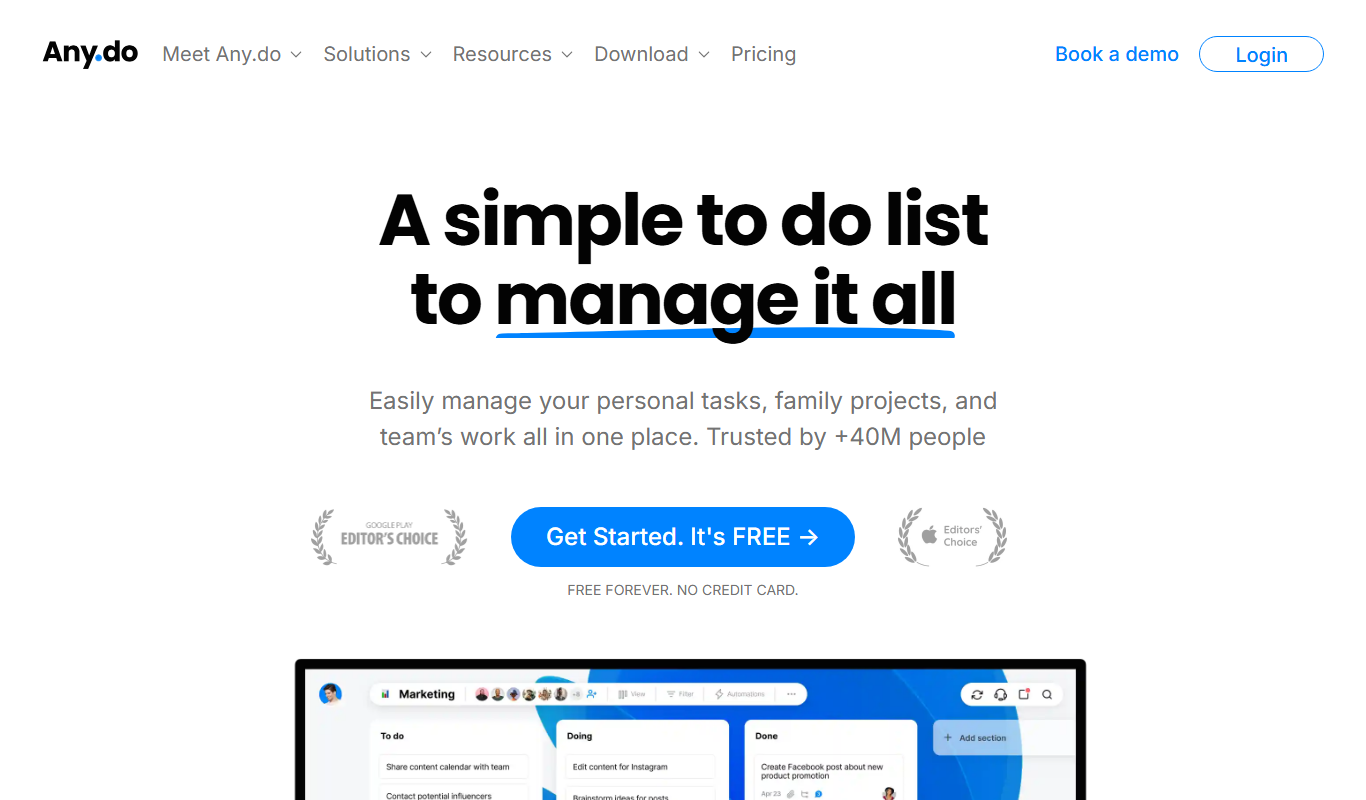
Any.do is a task management and to-do list app that helps users organize tasks, set reminders, sync calendars, and collaborate with others across multiple platforms.
More AI Workflow tools
Other tools in the same category, for when this one is not quite the fit.
Kizeo Forms
Kizeo Forms is a no-code mobile form builder that enables offline data collection with multimedia support and workflow automation for businesses.
Immuta
Immuta is a data governance platform that automates and enforces data access policies to ensure security and compliance across cloud data platforms.

Skydio Autonomy
Skydio Autonomy is an AI-driven flight control system that enables drones to fly fully autonomously by using real-time computer vision to navigate and avoid obstacles, designed for industrial, safety, and creative use cases.

TripSpark NEMT
TripSpark NEMT is a specialized software platform designed to streamline scheduling, dispatch, billing, and compliance for non-emergency medical transportation providers.

Onfleet
Onfleet is a delivery management software that optimizes last mile logistics by providing route planning, real-time driver tracking, automated customer notifications, and analytics to improve delivery efficiency.
iObeya
iObeya is a digital visual management software that enables agile and lean teams to collaborate remotely using customizable digital boards and real-time interaction.

KaiNexus
KaiNexus is a cloud-based continuous improvement platform that helps organizations capture ideas, automate workflows, and track improvement projects to enhance operational efficiency.

Tata Consultancy Services
Tata Consultancy Services (TCS) is a global IT services and consulting company offering digital transformation, AI automation, cloud migration, and enterprise software solutions tailored for large businesses.