

Kizeo Forms - Mobile Data Collection & Custom Form Builder Software
Kizeo Forms is a no-code mobile form builder that enables offline data collection with multimedia support and workflow automation for businesses.
- Best for
- Field Data Collection
- Key capability
- Drag-and-Drop Form Builder
Save Kizeo Forms, follow its updates and vote on it — everything stays in your account.
Sign in or create a free accountWhat is Kizeo Forms?
Kizeo Forms is a mobile data collection and custom form builder platform designed to digitize and simplify field data capture. It enables users to create personalized forms without coding, collect data offline or online via smartphones and tablets, and automate workflows by integrating collected data into reports and business processes.
Key features of Kizeo Forms
The platform offers drag-and-drop form creation, offline data capture, GPS and photo integration, real-time data synchronization, customizable reporting, and workflow automation capabilities to streamline data collection and processing.
Drag-and-Drop Form Builder
Easily create complex forms with multiple field types without any coding.
Offline Data Collection
Capture data without internet access and sync later when connected.
Multimedia Integration
Include photos, signatures, barcodes, and GPS data within forms.
Customizable Reporting
Generate PDF, Excel, or Word reports automatically from collected data.
Workflow Automation
Automate notifications, data exports, and integrations with other business tools.
Pros and cons of Kizeo Forms
Pros
- User-friendly drag-and-drop form creation
- Robust offline data collection capabilities
- Supports multimedia inputs like photos and GPS
- Customizable automated reporting
- Flexible workflow automation options
Cons
- Advanced integrations may require technical setup
Key use cases for Kizeo Forms
Field Data Collection
Capture data directly from the field using customizable mobile forms, even offline.
Inspection and Audits
Conduct inspections and audits with tailored forms that include photos, signatures, and GPS.
Work Order Management
Create and manage work orders digitally to streamline operational workflows.
Surveys and Feedback
Collect customer or employee feedback through easy-to-build survey forms.
Inventory and Asset Management
Track inventory and assets with forms that support barcode scanning and detailed data entry.
How Kizeo Forms works
- 1
Create Custom Forms
Use the drag-and-drop interface on the web platform to design forms tailored to your data collection needs.
- 2
Deploy to Mobile Devices
Publish forms to the Kizeo Forms mobile app available on iOS and Android for field use.
- 3
Collect Data Offline or Online
Field agents fill out forms on their devices, capturing photos, signatures, GPS coordinates, and more, even without internet.
- 4
Sync and Automate
Data automatically syncs to the cloud when online, triggering automated reports and workflow actions.
Who is using Kizeo Forms
Kizeo Forms pricing
Starter
Contact for pricing
Basic features suitable for small teams with limited form usage.
Business
$28/user/month billed annually
Advanced features including workflow automation and integrations.
Enterprise
Contact for pricing
Custom solutions with dedicated support and enhanced security.
Plans and prices are as published by the vendor and can change. Check the official site before you buy. Open the pricing page (opens in a new tab)
Frequently asked questions about Kizeo Forms
Yes, the mobile app allows data collection offline and syncs automatically when internet is available.
No, Kizeo Forms provides a drag-and-drop form builder that requires no programming skills.
It supports web browsers and mobile apps on iOS and Android devices.
Yes, it offers integrations and API access to connect with various business tools.
It depends on your specific needs and how you plan to use the tool. The official website and documentation are the best sources for the latest details.
Yes, it can help with that use case depending on how you configure it and what features are available. You’ll get the best results with clear inputs and a defined goal.
Data handling and security practices vary by provider. Review the official privacy policy to understand how your data is stored and used.
Conclusion
Forms are designed with the drag-and-drop interface on the web platform, then published to the mobile app on iOS and Android for field use. Field agents fill them out on their devices even without internet, capturing photos, signatures, barcodes and GPS data. Once online, data syncs to the cloud and can generate PDF, Excel or Word reports automatically.
Inspections and audits and digital work orders are typical uses for field service teams and construction companies. Two plans are published, Smart at $18 and Business at $28 per user per month billed annually, and a free trial is available.
Sources
Sign in to review this tool.
Sign In to ReviewNo reviews yet
Be the first to share how this tool worked for you.
Ask about pricing, limits, or how it compares — or answer someone else.
Sign In to AskNo questions yet
Have a question about using or paying for this tool? Be the first to ask.
Featured on TiorAI



More AI Workflow tools
Other tools in the same category, for when this one is not quite the fit.

Guesty
Guesty is a property management software designed for vacation rental hosts to automate bookings, guest messaging, task management, and financial reporting across multiple platforms.
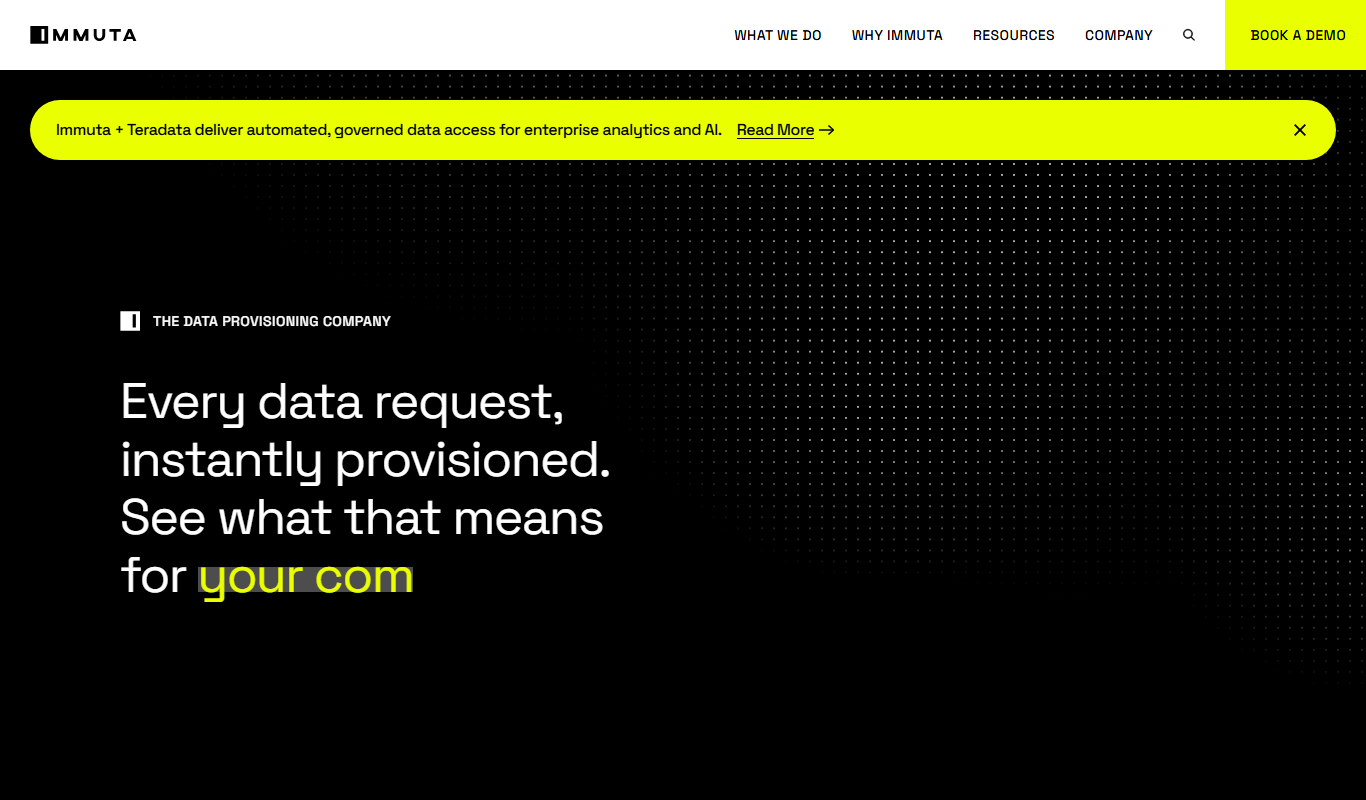
Immuta
Immuta is a data governance platform that automates and enforces data access policies to ensure security and compliance across cloud data platforms.

Skydio Autonomy
Skydio Autonomy is an AI-driven flight control system that enables drones to fly fully autonomously by using real-time computer vision to navigate and avoid obstacles, designed for industrial, safety, and creative use cases.

TripSpark NEMT
TripSpark NEMT is a specialized software platform designed to streamline scheduling, dispatch, billing, and compliance for non-emergency medical transportation providers.

Onfleet
Onfleet is a delivery management software that optimizes last mile logistics by providing route planning, real-time driver tracking, automated customer notifications, and analytics to improve delivery efficiency.
iObeya
iObeya is a digital visual management software that enables agile and lean teams to collaborate remotely using customizable digital boards and real-time interaction.

KaiNexus
KaiNexus is a cloud-based continuous improvement platform that helps organizations capture ideas, automate workflows, and track improvement projects to enhance operational efficiency.

Tata Consultancy Services
Tata Consultancy Services (TCS) is a global IT services and consulting company offering digital transformation, AI automation, cloud migration, and enterprise software solutions tailored for large businesses.