

Onfleet Delivery Management Software for Efficient Last Mile Logistics
Onfleet is a delivery management software that optimizes last mile logistics by providing route planning, real-time driver tracking, automated customer notifications, and analytics to improve delivery efficiency.
- Best for
- Last Mile Delivery Optimization
- Key capability
- Route Optimization
Save Onfleet, follow its updates and vote on it — everything stays in your account.
Sign in or create a free account
What is Onfleet?
Onfleet is a comprehensive delivery management software designed to streamline last mile logistics for businesses. It provides tools for route optimization, real-time driver tracking, customer communication, and analytics to improve delivery efficiency and customer satisfaction.
Key features of Onfleet
Onfleet’s main features include intelligent route optimization, live driver tracking with ETA updates, automated customer notifications, task assignment and management, and detailed analytics dashboards.
Route Optimization
Automatically generate the most efficient routes for multiple drivers and stops.
Real-Time Driver Tracking
Track drivers’ locations live and update ETAs dynamically.
Automated Customer Notifications
Send SMS or email alerts to customers about delivery progress and arrival times.
Task Management
Assign, edit, and monitor delivery tasks from a centralized interface.
Analytics Dashboard
Access detailed reports on delivery times, driver performance, and operational efficiency.
API Integration
Integrate Onfleet with existing systems for seamless data exchange and automation.
Pros and cons of Onfleet
Pros
- Intuitive and user-friendly interface
- Powerful route optimization reduces delivery times
- Real-time tracking improves operational transparency
- Automated customer notifications enhance communication
- Robust analytics for performance insights
Cons
- Pricing may be high for very small businesses
- Limited customization in lower-tier plans
- Some advanced features require technical integration
Key use cases for Onfleet
Last Mile Delivery Optimization
Optimize routes and dispatch drivers efficiently to reduce delivery times and costs.
Real-Time Driver Tracking
Monitor driver locations and delivery status in real time to improve transparency and customer communication.
Customer Notifications
Send automated SMS or email notifications to customers about delivery status and estimated arrival times.
Analytics and Reporting
Access detailed reports on delivery performance, driver efficiency, and operational metrics.
Task and Driver Management
Assign, manage, and track delivery tasks and driver schedules from a centralized platform.
How Onfleet works
- 1
Sign Up and Set Up
Create an account and configure your delivery settings, including driver profiles and service areas.
- 2
Import or Create Tasks
Add delivery tasks manually or import them in bulk via CSV or API.
- 3
Optimize Routes
Use Onfleet’s route optimization engine to assign tasks efficiently to drivers.
- 4
Dispatch and Track
Dispatch tasks to drivers and monitor their progress in real time through the dashboard.
- 5
Communicate with Customers
Send automated notifications to customers with delivery status and driver ETAs.
- 6
Analyze Performance
Review delivery metrics and generate reports to improve operations.
Who is using Onfleet
Onfleet pricing
Launch
From $619/month
Includes 2,500 tasks; pricing is based on tasks, not on the number of drivers.
Scale
From $1,349/month
Scale plan, priced by tasks.
Enterprise
From $3,099/month
Enterprise plan, priced by tasks.
Plans and prices are as published by the vendor and can change. Check the official site before you buy. Open the pricing page (opens in a new tab)
Frequently asked questions about Onfleet
Yes, Onfleet provides a free trial period to test the platform before purchasing.
Yes, Onfleet offers API access and integrations with popular e-commerce and CRM platforms.
Yes, Onfleet offers plans tailored for small teams and scales up for larger enterprises.
Onfleet is available on web browsers as well as iOS and Android mobile apps.
This tool is designed to help users accomplish its core tasks more efficiently. It is typically used by individuals or teams looking to improve productivity and workflow.
It depends on your specific needs and how you plan to use the tool. The official website and documentation are the best sources for the latest details.
Yes, it can help with that use case depending on how you configure it and what features are available. You’ll get the best results with clear inputs and a defined goal.
Integration support depends on the tool and its available connectors or API. Check the official documentation or integrations page to confirm what is supported.
Conclusion
Delivery tasks are added manually or imported in bulk via CSV or API, and a route optimization engine then assigns them to drivers. From the dashboard, dispatchers monitor progress in real time while driver locations and ETAs update live. On the receiving end, customers get SMS or email alerts about delivery progress and arrival times.
The software is built for last mile logistics, with logistics companies, e-commerce businesses and food and beverage delivery services among its users. Pricing is based on tasks rather than drivers: Launch starts from $619 per month with 2,500 tasks, Scale from $1,349 and Enterprise from $3,099.
Sources
Sign in to review this tool.
Sign In to ReviewNo reviews yet
Be the first to share how this tool worked for you.
Ask about pricing, limits, or how it compares — or answer someone else.
Sign In to AskNo questions yet
Have a question about using or paying for this tool? Be the first to ask.
Featured on TiorAI



Alternative Tools
Explore similar AI tools that might fit your needs

Route4Me
Route4Me is a route planning and optimization software that helps businesses efficiently plan multi-stop routes, track drivers in real-time, and manage fleet operations to reduce costs and improve delivery speed.
More AI CRM tools
Other tools in the same category, for when this one is not quite the fit.

CamCard
CamCard is a business card scanning app that uses OCR technology to digitize and manage contacts, supporting multiple languages and CRM integration.
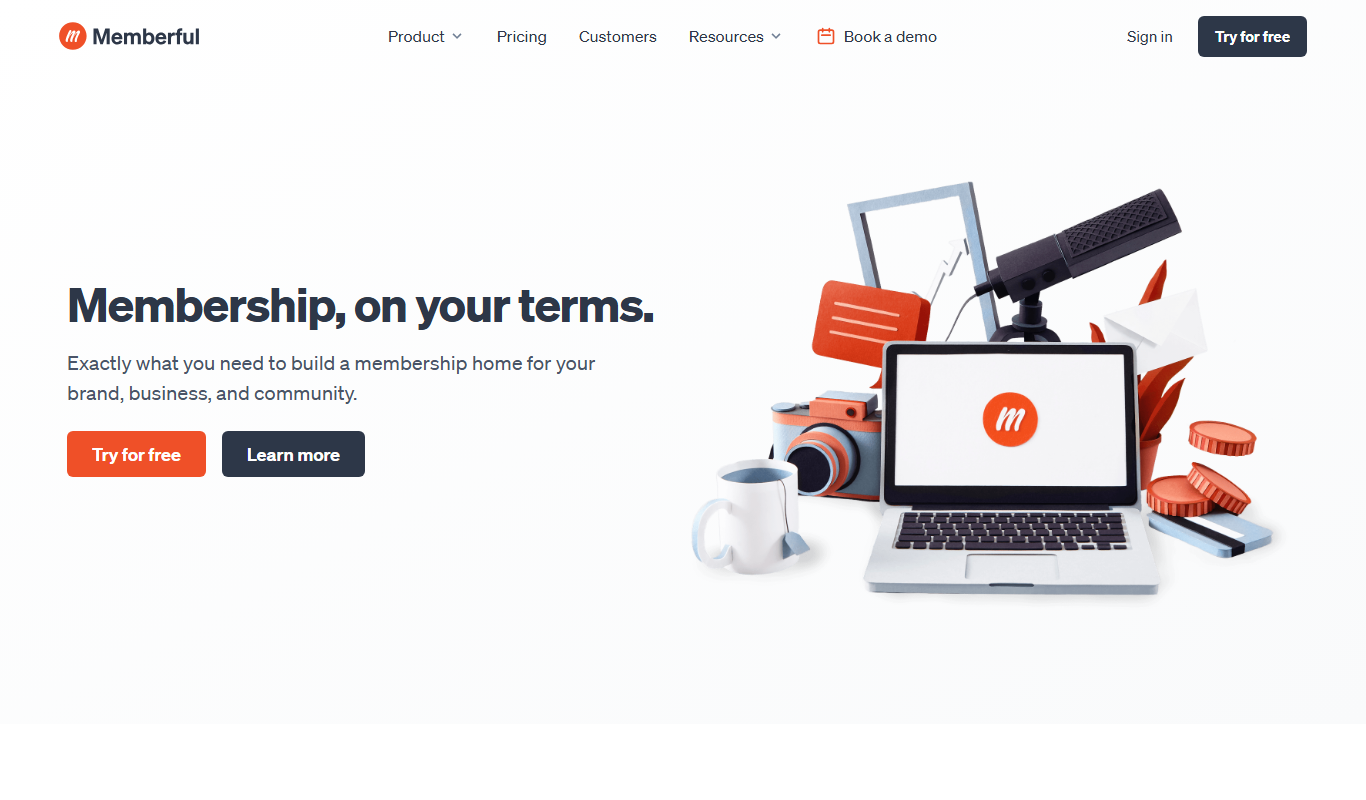
Memberful
Memberful is a membership software platform that enables creators and businesses to sell subscriptions, manage recurring payments, and monetize content through seamless website integration.

Revaluate
Revaluate is an AI-powered lead scoring platform that analyzes data to predict which leads are most likely to convert, helping sales and marketing teams prioritize outreach effectively.

Gmelius
Gmelius is a Gmail-integrated platform that enables teams to collaborate on emails, automate workflows, track email engagement, and manage customer relationships directly within their inbox.
CropIn
CropIn is an AI-driven farm management platform that digitizes farms, monitors crop health using satellite imagery, predicts yields, and ensures supply chain traceability to optimize agricultural productivity.

RealScout
RealScout is a lead nurture platform for real estate agents that also connects home buyers and agents through collaborative search tools.
AMCS Waste Management Software
AMCS Waste Management Software is a comprehensive platform for waste and recycling companies offering fleet management, route optimization, customer service, and compliance reporting to streamline operations.

Mindbody
Mindbody is a comprehensive software platform designed for wellness businesses to manage scheduling, client relationships, payments, and marketing in one place.