

CamCard Business Card Scanner App for Contact Management & Networking
CamCard is a business card scanning app that uses OCR technology to digitize and manage contacts, supporting multiple languages and CRM integration.
- Best for
- Business Card Digitization
- Key capability
- Accurate OCR Scanning
Save CamCard, follow its updates and vote on it — everything stays in your account.
Sign in or create a free account
What is CamCard?
CamCard is a mobile and web application designed to scan, digitize, and manage business cards. It uses Optical Character Recognition (OCR) technology to extract contact information from physical cards, converting them into organized digital contacts. The tool helps professionals streamline networking by eliminating manual data entry and enabling easy sharing and syncing of contacts.
Key features of CamCard
CamCard offers fast and accurate business card scanning, multi-language OCR support, contact management features, cloud backup, and CRM integration capabilities. It supports syncing across devices and sharing contacts seamlessly.
Accurate OCR Scanning
High-precision text recognition from business cards in multiple languages.
Multi-language Support
Supports English, Chinese, Japanese, Korean, French, German, Spanish, and more.
Cloud Backup & Sync
Securely back up contacts and sync across devices for easy access.
Contact Sharing
Easily share digital business cards via email or QR code.
CRM Integration
Export contacts to popular CRM platforms to streamline business workflows.
Pros and cons of CamCard
Pros
- Fast and accurate OCR scanning
- Supports multiple languages
- Cloud backup and multi-device sync
- Easy contact sharing and CRM integration
- User-friendly interface
Cons
- Free version has limited monthly scans
- Some advanced features require paid subscription
- OCR accuracy may vary with poor card quality
Key use cases for CamCard
Business Card Digitization
Scan physical business cards to convert contact information into digital format instantly.
Contact Management
Organize, edit, and manage contacts efficiently within the app and sync with phone or cloud.
Networking and CRM Integration
Easily share contacts and integrate scanned data with CRM systems to streamline business networking.
Multi-language OCR Recognition
Recognize and extract text from business cards in multiple languages including English, Chinese, Japanese, and more.
Cloud Backup and Sync
Securely back up scanned contacts to the cloud and sync across multiple devices.
How CamCard works
- 1
Download and Install
Get CamCard from the App Store or Google Play and install it on your device.
- 2
Scan Business Cards
Use your device camera to capture business cards; the app automatically extracts contact details.
- 3
Review and Edit
Verify and edit the extracted information to ensure accuracy.
- 4
Save and Organize
Save contacts in the app, organize them into groups, and sync with your phone or cloud.
- 5
Share and Integrate
Share contacts with colleagues or export to CRM systems for enhanced networking.
Who is using CamCard
CamCard pricing
Free
$0/month
Basic scanning and contact management with limited scans per month.
Premium
$9.99/month or $49.99/year
Premium for individuals at $9.99/month or $49.99/year.
Team plans (CCB/CCD)
Request Pricing
Team plans CCB and CCD include a 10-day trial, with pricing on request.
Plans and prices are as published by the vendor and can change. Check the official site before you buy. Open the pricing page (opens in a new tab)
Frequently asked questions about CamCard
Yes, CamCard supports OCR recognition in multiple languages including English, Chinese, Japanese, Korean, French, German, and Spanish.
The free plan has a monthly scan limit, while premium and business plans offer unlimited scans.
Yes, CamCard offers cloud backup and synchronization across multiple devices.
Yes, it supports exporting contacts to popular CRM platforms to help manage business relationships.
Yes, it can help with that use case depending on how you configure it and what features are available. You’ll get the best results with clear inputs and a defined goal.
Yes, it can help with that use case depending on how you configure it and what features are available. You’ll get the best results with clear inputs and a defined goal.
Yes, it can help with that use case depending on how you configure it and what features are available. You’ll get the best results with clear inputs and a defined goal.
Conclusion
Pointing the device camera at a business card is enough for the app to extract the contact details, which can then be verified and edited for accuracy. OCR recognition works in multiple languages, including English, Chinese, Japanese and Korean. Saved contacts can be organized into groups, synced with the phone or cloud, and exported to CRM systems.
It is built for sales professionals, business executives and networking event attendees, and digital business cards can be shared via email or QR code. OCR accuracy may vary with poor card quality.
Premium for individuals costs $9.99/month or $49.99/year, while team plans come with a 10-day trial and pricing on request.
Sources
Sign in to review this tool.
Sign In to ReviewNo reviews yet
Be the first to share how this tool worked for you.
Ask about pricing, limits, or how it compares — or answer someone else.
Sign In to AskNo questions yet
Have a question about using or paying for this tool? Be the first to ask.
Featured on TiorAI



More AI CRM tools
Other tools in the same category, for when this one is not quite the fit.

Market Leader
Market Leader is a real estate CRM and marketing platform that helps agents generate leads, manage contacts, and automate marketing campaigns with customizable IDX websites and integrated tools.

Branch Metrics
Branch Metrics is a platform that provides mobile app attribution and deep linking technology to help marketers track user acquisition and engagement across channels, improving app growth and user experience.

Appsflyer
Appsflyer is a mobile attribution and marketing analytics platform that helps app marketers track installs, measure campaign performance, prevent ad fraud, and optimize user acquisition.

Keap
Keap is a CRM and marketing automation software designed for small businesses to manage contacts, automate marketing campaigns, track sales pipelines, schedule appointments, and process payments all in one platform.

Airship
Airship is a customer engagement platform that enables businesses to send personalized push notifications, in-app messages, SMS, and emails to mobile and web users, helping improve retention and conversions through automation and segmentation.
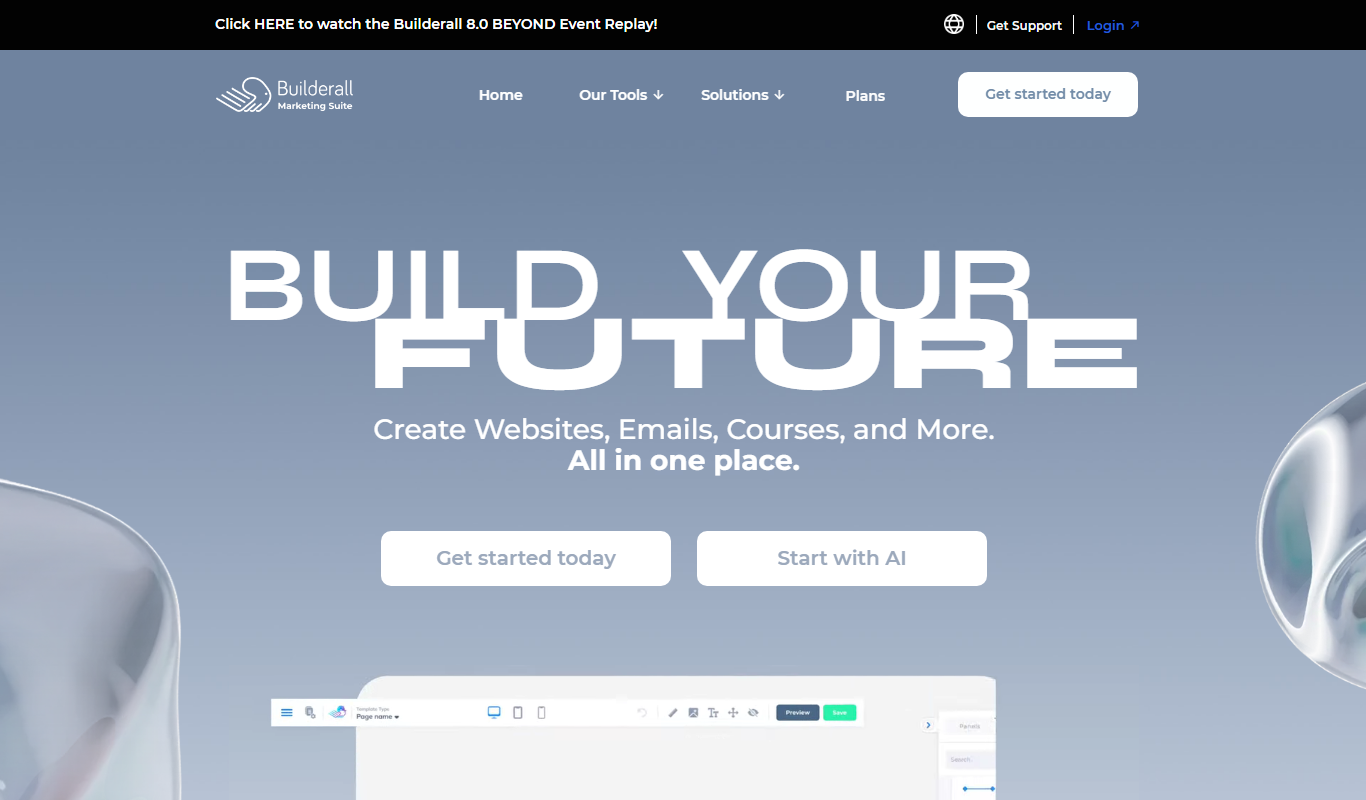
Builderall
Builderall is a comprehensive digital marketing platform that provides tools for website and funnel building, email marketing automation, CRM, e-commerce, webinars, and affiliate marketing, designed for businesses seeking an all-in-one solution without coding.

Caspio
Caspio is a cloud-based no-code platform that allows users to build custom database-driven applications without programming, featuring a visual app builder, secure cloud hosting, and API integrations.

JobDiva
JobDiva is an AI-powered applicant tracking system and CRM platform designed to help staffing agencies manage candidate sourcing, job orders, and client relationships efficiently.