

Caspio No-Code Platform for Building Custom Database Apps Without Coding
Caspio is a cloud-based no-code platform that allows users to build custom database-driven applications without programming, featuring a visual app builder, secure cloud hosting, and API integrations.
- Best for
- Custom Business Applications
- Key capability
- Visual App Builder
Save Caspio, follow its updates and vote on it — everything stays in your account.
Sign in or create a free account
What is Caspio?
Caspio is a cloud-based no-code platform that enables users to build custom database applications without programming. It provides a visual application builder, database backend, and deployment environment, allowing business users and developers to create web apps, forms, and workflows quickly and securely.
Key features of Caspio
Caspio offers a drag-and-drop app builder, secure cloud database hosting, role-based access control, API integration, and reporting tools. It supports building scalable, data-driven applications for various industries without writing code.
Visual App Builder
Intuitive drag-and-drop interface to create apps without coding.
Cloud Database Hosting
Secure, scalable cloud storage for your application data.
Role-Based Access Control
Manage user permissions and data security easily.
API Integration
Connect your apps with external services and systems.
Reporting and Analytics
Build custom reports and dashboards to analyze your data.
Pros and cons of Caspio
Pros
- No coding required to build complex apps
- Secure cloud hosting with compliance certifications
- Flexible integration options via APIs
- Scalable for small to enterprise use
- Comprehensive support and documentation
Cons
- Pricing can be high for small businesses scaling up
- Learning curve for advanced features and database design
- Limited offline capabilities as a cloud platform
Key use cases for Caspio
Custom Business Applications
Build tailored database-driven applications for business processes without coding.
Data Collection and Management
Create forms and databases to collect, store, and manage data securely in the cloud.
Workflow Automation
Automate business workflows and processes with integrated logic and triggers.
Customer Relationship Management (CRM)
Develop custom CRM solutions to track and manage customer interactions and data.
Reporting and Analytics
Generate reports and dashboards from your data to gain actionable insights.
How Caspio works
- 1
Sign Up
Create a Caspio account to access the platform.
- 2
Design Your Database
Use the visual interface to create tables and define relationships.
- 3
Build Applications
Drag and drop components to build forms, reports, and workflows.
- 4
Configure Security
Set user roles and permissions to control access.
- 5
Deploy and Integrate
Publish your app on the web and connect with other systems via APIs.
Who is using Caspio
Caspio pricing
Team
$300/month
There is no free plan; a free trial is available.
Business
$600/month
Supports high-volume, multi-team applications. Aimed at growing businesses.
Enterprise
Custom pricing
Full governance, security and guaranteed performance. Aimed at enterprises.
Compliance Edition
$500
HIPAA/Compliance account with separate compliant infrastructure, a signed BAA, database encryption at rest, an audit trail and backups retained for 21 days instead of 14.
Plans and prices are as published by the vendor and can change. Check the official site before you buy. Open the pricing page (opens in a new tab)
Frequently asked questions about Caspio
No, Caspio is designed for users without programming knowledge using a visual builder.
Yes, Caspio supports REST APIs and integration with various third-party services.
Caspio uses enterprise-grade security measures including encryption and compliance certifications.
Yes, Caspio allows customization of UI elements and branding to match your needs.
This tool is designed to help users accomplish its core tasks more efficiently. It is typically used by individuals or teams looking to improve productivity and workflow.
It depends on your specific needs and how you plan to use the tool. The official website and documentation are the best sources for the latest details.
Data handling and security practices vary by provider. Review the official privacy policy to understand how your data is stored and used.
Integration support depends on the tool and its available connectors or API. Check the official documentation or integrations page to confirm what is supported.
Conclusion
Building starts with the data model: tables and their relationships are created in a visual interface. Forms, reports and workflows are then assembled by dragging and dropping components, and user roles and permissions control access. The finished app is published on the web and can connect with other systems via APIs.
Business analysts, IT professionals without coding skills and consultants building client solutions are among its users. Custom CRM solutions are one documented use. A free trial is available, but no free plan. Team costs $300 per month and Business $600 per month, with Enterprise custom and a Compliance Edition at $500.
Sources
Sign in to review this tool.
Sign In to ReviewNo reviews yet
Be the first to share how this tool worked for you.
Ask about pricing, limits, or how it compares — or answer someone else.
Sign In to AskNo questions yet
Have a question about using or paying for this tool? Be the first to ask.
Featured on TiorAI



Alternative Tools
Explore similar AI tools that might fit your needs

Airtable
Airtable is a no-code platform that lets users create custom databases, automate workflows, and collaborate in real time without programming skills.
More AI CRM tools
Other tools in the same category, for when this one is not quite the fit.
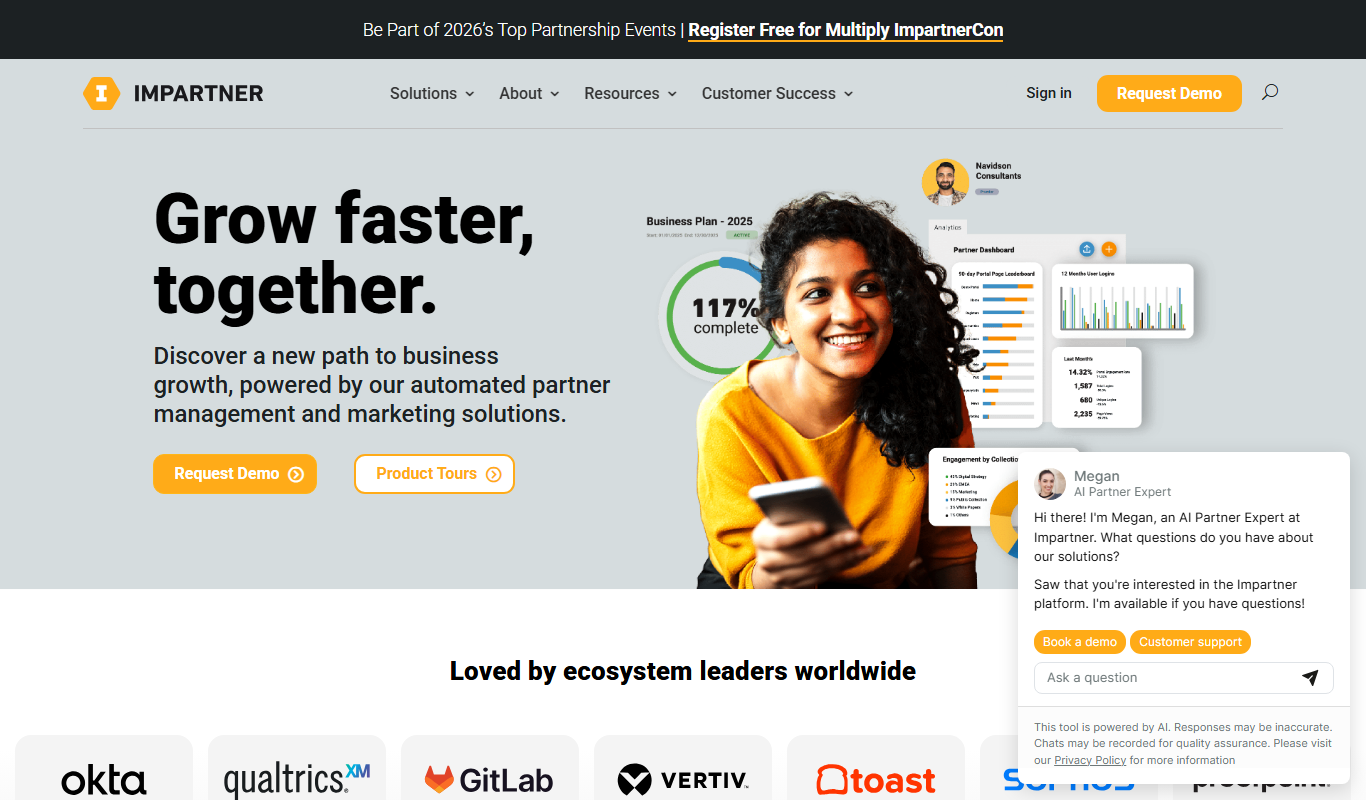
Impartner PRM
Impartner PRM is a partner relationship management platform that helps businesses manage channel partners, streamline onboarding, enable sales and marketing collaboration, and track partner performance.

Route4Me
Route4Me is a route planning and optimization software that helps businesses efficiently plan multi-stop routes, track drivers in real-time, and manage fleet operations to reduce costs and improve delivery speed.

Meet Alfred
Meet Alfred is a LinkedIn automation platform that enables sales and marketing professionals to automate outreach campaigns across LinkedIn, email, and Twitter, helping generate leads and manage multi-channel prospecting efficiently.
Glofox
Glofox is a gym management software designed to help fitness studios manage memberships, class schedules, payments, and member engagement through web and mobile apps.

Albacross
Albacross is a B2B lead generation platform that identifies anonymous website visitors, provides detailed company insights, and integrates with CRM systems to help businesses convert visitors into qualified leads.

Market Leader
Market Leader is a real estate CRM and marketing platform that helps agents generate leads, manage contacts, and automate marketing campaigns with customizable IDX websites and integrated tools.

Branch Metrics
Branch Metrics is a platform that provides mobile app attribution and deep linking technology to help marketers track user acquisition and engagement across channels, improving app growth and user experience.

Appsflyer
Appsflyer is a mobile attribution and marketing analytics platform that helps app marketers track installs, measure campaign performance, prevent ad fraud, and optimize user acquisition.