

From my experience with OpenPilot, I found it excels at providing a robust, open source platform for semi-autonomous driving that balances advanced features with user control. The software’s adaptability to multiple vehicle models and active community support make it a valuable tool for developers and tech-savvy drivers interested in autonomous vehicle technology. However, it requires compatible hardware installation and technical know-how, which may be a barrier for casual users. Overall, if you want to experiment with or enhance your vehicle’s driver assistance capabilities, OpenPilot offers a powerful and customizable solution.
OpenPilot AI Driving Software for Autonomous Vehicle Control and Safety
OpenPilot is an open source advanced driver-assistance system that enables semi-autonomous driving features like adaptive cruise control and lane keeping on compatible vehicles, requiring driver supervision.
- Best for
- Autonomous Driving Assistance
- Key capability
- Adaptive Cruise Control
Your actions
Save OpenPilot, follow its updates and vote on it — everything stays in your account.
Sign in or create a free account
What is OpenPilot?
OpenPilot is an open source advanced driver-assistance system (ADAS) developed by comma.ai that transforms compatible vehicles into semi-autonomous cars. It provides features like adaptive cruise control, lane centering, and driver monitoring by integrating with the vehicle’s existing controls. OpenPilot runs on custom hardware and software, enabling users to experience and contribute to autonomous driving technology.
Key features of OpenPilot
OpenPilot offers real-time vehicle control, lane keeping, adaptive cruise control, driver monitoring, and over-the-air updates. Its open source nature allows customization and community-driven improvements, making it a unique solution in the autonomous driving space.
Adaptive Cruise Control
Maintains a safe following distance by automatically adjusting vehicle speed.
Lane Centering
Keeps the vehicle centered within its lane using camera and sensor data.
Driver Monitoring
Uses cameras to ensure the driver remains attentive and ready to take control.
Open Source Platform
Allows developers to access, modify, and improve the software freely.
Over-the-Air Updates
Delivers continuous improvements and new features without physical intervention.
Pros and cons of OpenPilot
Pros
- Open source with active community support
- Supports multiple vehicle brands and models
- Regular software updates improve functionality
- Enhances driving safety with driver monitoring
- Customizable for developers and enthusiasts
Cons
- Requires compatible hardware installation
- Not a fully autonomous driving system
- Installation and setup can be complex for non-technical users
- Legal restrictions may limit use in some areas
Key use cases for OpenPilot
Autonomous Driving Assistance
Provides advanced driver assistance features such as adaptive cruise control and lane keeping for supported vehicles.
Open Source Vehicle Automation
Enables developers and hobbyists to implement and customize self-driving capabilities on compatible cars.
Safety Monitoring
Monitors driver attention and vehicle surroundings to enhance safety during semi-autonomous driving.
Research and Development
Serves as a platform for automotive AI research and experimentation in autonomous vehicle technologies.
How OpenPilot works
- 1
Install Hardware
Install the OpenPilot hardware device in a compatible vehicle to interface with its control systems.
- 2
Connect Software
Load the OpenPilot software onto the device, which processes sensor data and controls driving functions.
- 3
Activate Driving Assistance
Enable OpenPilot features such as adaptive cruise control and lane keeping while driving.
- 4
Monitor and Update
Continuously monitor driver attention and vehicle status; receive software updates over the air.
Who is using OpenPilot
Automotive developers and researchers
Tech-savvy vehicle owners
Self-driving car enthusiasts
Open source software contributors
Safety-conscious drivers
OpenPilot pricing
Open Source
Free
Full access to OpenPilot software and community support at no cost.
Hardware Kit
Varies (~$999)
Optional purchase of compatible hardware device required for vehicle integration.
Plans and prices are as published by the vendor and can change. Check the official site before you buy. Open the pricing page (opens in a new tab)
Frequently asked questions about OpenPilot
OpenPilot supports a range of vehicles from manufacturers like Honda, Toyota, Hyundai, and others. Compatibility depends on vehicle model and year.
No, OpenPilot is a Level 2 driver assistance system requiring driver supervision at all times.
Yes, with technical knowledge, users can install the hardware and software themselves following official guides.
Legal status varies by region; users should verify local laws before using OpenPilot.
This tool is designed to help users accomplish its core tasks more efficiently. It is typically used by individuals or teams looking to improve productivity and workflow.
Yes, it can help with that use case depending on how you configure it and what features are available. You’ll get the best results with clear inputs and a defined goal.
It depends on your specific needs and how you plan to use the tool. The official website and documentation are the best sources for the latest details.
Yes, it can help with that use case depending on how you configure it and what features are available. You’ll get the best results with clear inputs and a defined goal.
Sign in to review this tool.
Sign In to ReviewNo reviews yet
Be the first to share how this tool worked for you.
Ask about pricing, limits, or how it compares — or answer someone else.
Sign In to AskNo questions yet
Have a question about using or paying for this tool? Be the first to ask.
Featured on TiorAI



More AI Developer Tools tools
Other tools in the same category, for when this one is not quite the fit.
Enterprise License
Ranorex
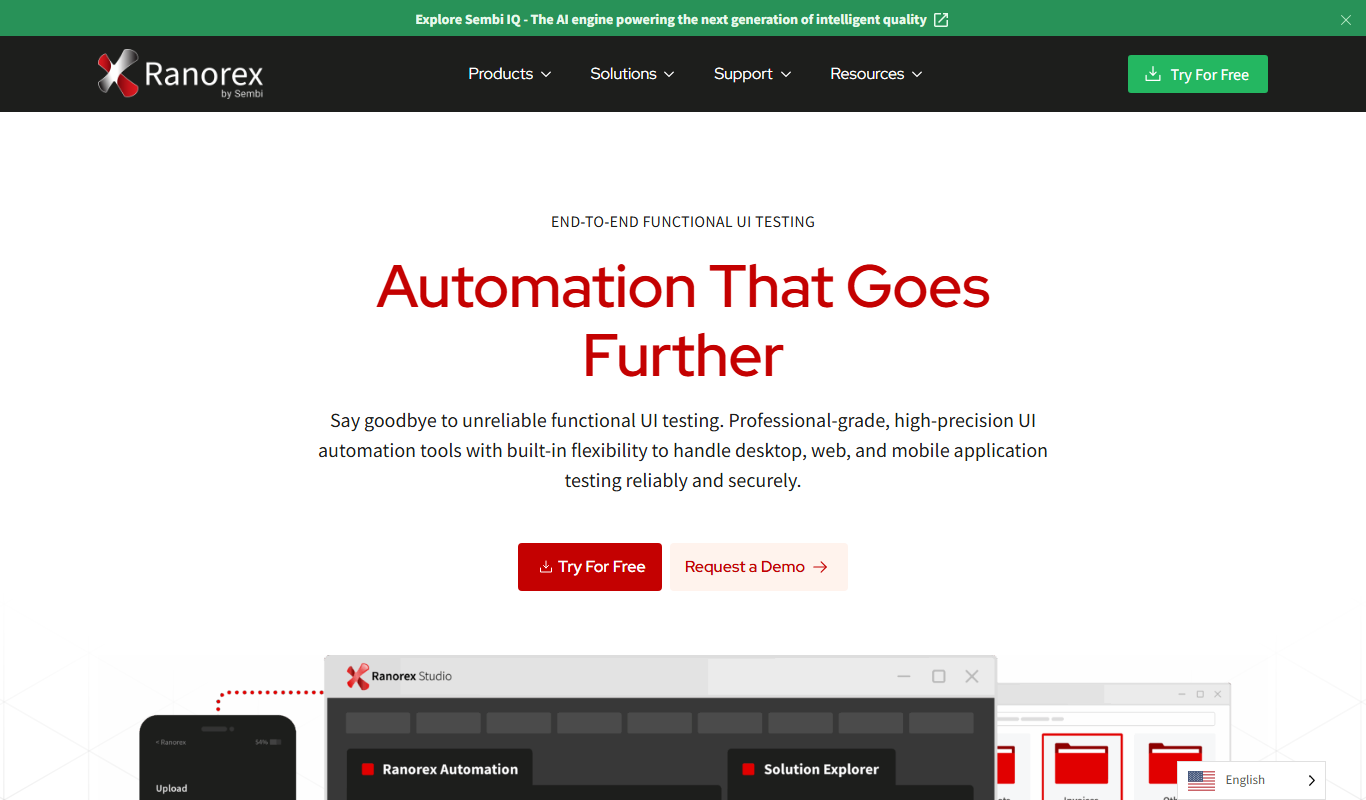
Ranorex is a comprehensive test automation tool that supports GUI testing for desktop, web, and mobile apps, offering both codeless and code-based test creation with strong CI/CD integration.

Free
Donkey Car
Donkey Car is an open source platform that lets users build and program small-scale autonomous vehicles using affordable hardware and AI models for self-driving capabilities.
Free
Golden Cheetah
Golden Cheetah is a free, open source software for cyclists and triathletes to analyze performance data, create training plans, and visualize workouts using power, heart rate, and GPS metrics.

Custom Pricing
Insilico Medicine
Insilico Medicine is an AI biotechnology platform that accelerates drug discovery and biomarker development using deep learning and generative chemistry.

Free
Numerai
Numerai is an AI-powered hedge fund platform that hosts weekly data science competitions using encrypted financial data, allowing data scientists to submit machine learning models anonymously and earn cryptocurrency rewards.
Pay As You Go
Vultr
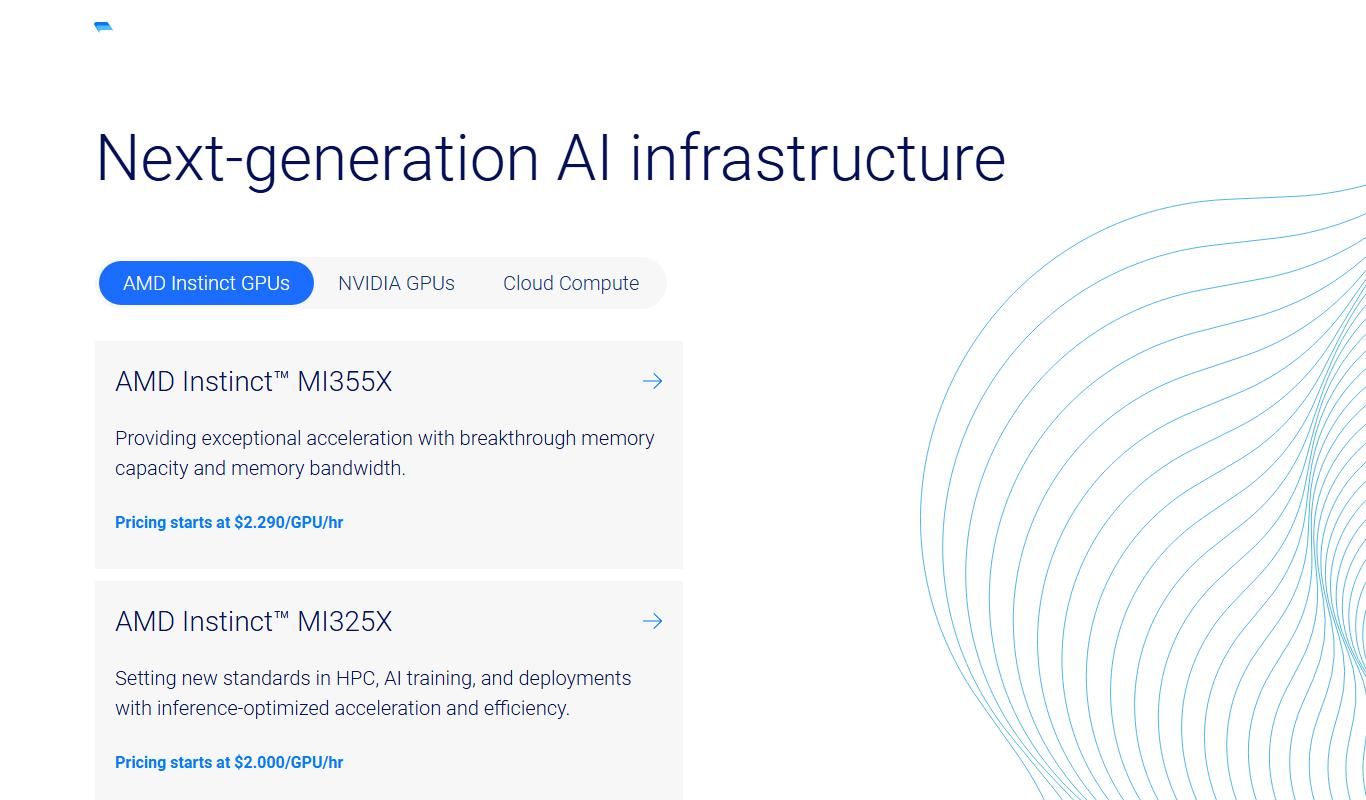
Vultr is a cloud infrastructure provider offering scalable virtual servers, bare metal, and block storage with global data centers and a robust API for developers.

Pay As You Go
DigitalOcean
DigitalOcean is a cloud infrastructure provider offering scalable virtual servers, managed Kubernetes, and databases designed for developers to deploy and manage applications efficiently.

Free
JetProfiler
JetProfiler is a desktop application designed to monitor MySQL database performance in real time, providing query profiling and detailed metrics to help developers and DBAs optimize their databases.