

From my experience with Nero Software, it stands out as a versatile multimedia suite that effectively combines video editing, media management, and disc burning in one package. Its modular design makes it approachable for both beginners and more advanced users, especially those focused on Windows platforms. While the lack of a permanent free version means you need to invest to unlock full capabilities, the suite’s reliability and broad feature set justify the cost for many users. If you require a dependable tool for managing and creating multimedia content with integrated backup and streaming, Nero Software delivers solid performance.
Nero Software Suite for Multimedia Management and Video Editing Tools
Nero Software is a multimedia suite by Nero AG offering video editing, media management, disc burning, photo editing, backup, and streaming tools primarily for Windows users.
- Best for
- Video Editing
- Key capability
- Video Editor
Your actions
Save Nero Software, follow its updates and vote on it — everything stays in your account.
Sign in or create a free account
What is Nero Software?
Nero Software is a comprehensive multimedia suite developed by Nero AG, designed to handle a wide range of digital media tasks. It includes tools for video editing, media management, disc burning, photo editing, backup, and streaming. The software caters to both casual users and professionals who need reliable multimedia solutions on Windows and mobile platforms.
Key features of Nero Software
Nero offers an integrated environment combining video editing, media organization, disc burning, and backup functionalities. Its user-friendly interface supports efficient workflows for creating, managing, and sharing multimedia content.
Video Editor
Multi-track timeline editor with effects, transitions, and export presets for different devices.
MediaHome
Centralized media management platform for organizing and streaming photos, videos, and music.
Disc Burning
Supports burning and copying CDs, DVDs, and Blu-ray discs with customizable menus and formats.
Backup and Restore
Automated backup solutions with encryption and recovery options to protect important data.
Photo Editor
Basic photo enhancement tools including cropping, color correction, and filters.
Media Streaming
Stream media content wirelessly to compatible devices on the same network.
Pros and cons of Nero Software
Pros
- Comprehensive multimedia suite covering multiple needs
- User-friendly interface with modular design
- Supports a wide range of disc formats including Blu-ray
- Reliable backup and recovery features
- Mobile apps extend functionality beyond desktop
Cons
- Full features require paid license, no permanent free tier
- Windows-centric, limited macOS support
- Some advanced features have a learning curve
Key use cases for Nero Software
Video Editing
Create and edit videos with a variety of tools including timeline editing, effects, transitions, and export options.
Media Management
Organize photos, videos, and music files efficiently with tagging, sorting, and searching capabilities.
Disc Burning and Copying
Burn data, audio, and video discs including CDs, DVDs, and Blu-ray discs with customizable options.
Backup and Recovery
Securely back up important files and system data with scheduled backups and recovery options.
Photo Editing
Enhance and retouch photos with built-in editing tools and filters.
Media Streaming
Stream media content from PC to smart TVs and other devices within the home network.
How Nero Software works
- 1
Download and Install
Download Nero software from the official website and install it on your Windows PC or mobile device.
- 2
Choose a Module
Select the desired module such as video editing, disc burning, or backup from the Nero Start interface.
- 3
Import Media
Import your photos, videos, or audio files into the chosen module for editing or management.
- 4
Edit or Organize
Use the available tools to edit videos/photos, organize media libraries, or prepare discs for burning.
- 5
Export or Burn
Export your finished projects in various formats or burn them directly to discs.
Who is using Nero Software
Home users managing personal media collections
Video content creators and hobbyists
Small businesses needing media production tools
Users requiring reliable disc burning and backup
Photographers seeking basic photo editing
Nero Software pricing
Free Trial
$0
Limited-time access to full features for evaluation purposes.
Nero Platinum Suite
$99.95 (one-time purchase)
Full-featured multimedia suite with lifetime license for Windows.
Nero Standard
$59.95 (one-time purchase)
Core multimedia tools including video editing and disc burning.
Nero Video
$49.95 (one-time purchase)
Focused video editing software with essential features.
Plans and prices are as published by the vendor and can change. Check the official site before you buy. Open the pricing page (opens in a new tab)
Frequently asked questions about Nero Software
Yes, Nero Software is fully compatible with Windows 11 and earlier versions.
Yes, Nero supports burning and copying Blu-ray discs along with CDs and DVDs.
Yes, Nero provides companion apps for Android and iOS devices for media management and streaming.
Nero offers free trials but does not have a permanently free version; paid licenses are required for full features.
It depends on your specific needs and how you plan to use the tool. The official website and documentation are the best sources for the latest details.
Some tools offer a free plan or trial with limited features. Availability can vary, so confirm on the official website.
Yes, it can help with that use case depending on how you configure it and what features are available. You’ll get the best results with clear inputs and a defined goal.
It depends on your specific needs and how you plan to use the tool. The official website and documentation are the best sources for the latest details.
Sign in to review this tool.
Sign In to ReviewNo reviews yet
Be the first to share how this tool worked for you.
Ask about pricing, limits, or how it compares — or answer someone else.
Sign In to AskNo questions yet
Have a question about using or paying for this tool? Be the first to ask.
Featured on TiorAI



Alternative Tools
Explore similar AI tools that might fit your needs
Free
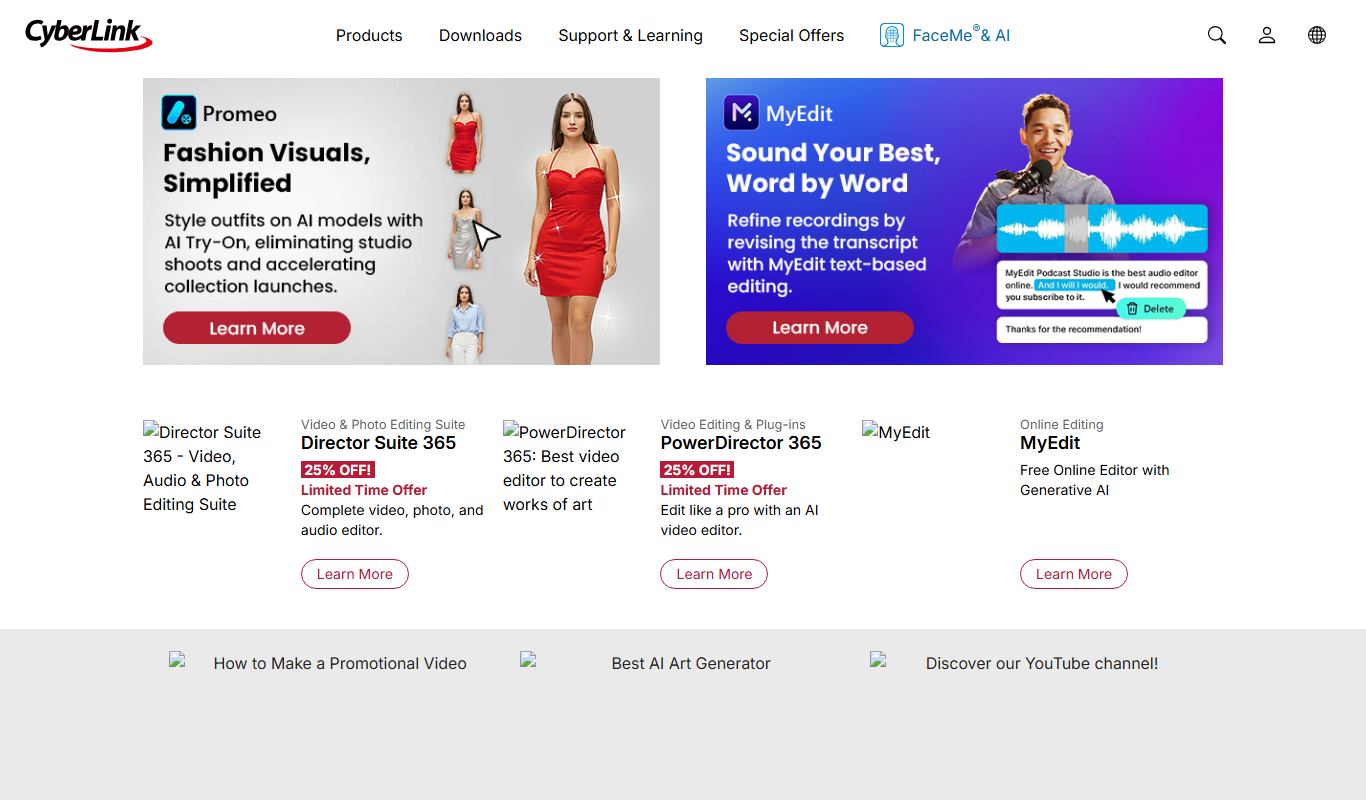
CyberLink PowerDirector
CyberLink PowerDirector is a versatile video editing software offering AI-powered tools, 4K and 8K support, and user-friendly features for both beginners and professionals.
One-time purchase
Corel VideoStudio
Corel VideoStudio is a Windows-only video editing software designed for beginners and professionals, featuring 4K editing, motion tracking, and a user-friendly timeline interface.
More AI Video Creation Tools tools
Other tools in the same category, for when this one is not quite the fit.

Freemium
VideoFaceSwap
VideoFaceSwap is a web-based AI tool that allows users to swap faces in videos realistically by uploading a video and a face image, then processing them with deep learning algorithms to produce natural-looking face replacements.

Contact Sales
deephow.com
DeepHow captures expert knowledge, guides workers and verifies task execution in real time.

Freemium
FaceMagic
FaceMagic is an AI face swap app that swaps a face from one selfie into videos, photos and GIFs, with credits and a Pro subscription.

Free
TikTok Symphony Creative Studio
TikTok Symphony Creative Studio is a free web platform by TikTok that enables advertisers to create, edit, collaborate on, and publish video ads directly to TikTok campaigns with built-in templates and editing tools.

Freemium
Sub Translate Ai
Sub Translate AI is a web-based tool that automatically generates and translates subtitles for videos into multiple languages using AI technology.

Pay As You Go
SubtitlesDog-AI subtitle translator
SubtitlesDog is an AI-powered web tool that automatically translates video subtitles into multiple languages, preserving timing and allowing manual edits for accuracy.
Subscription
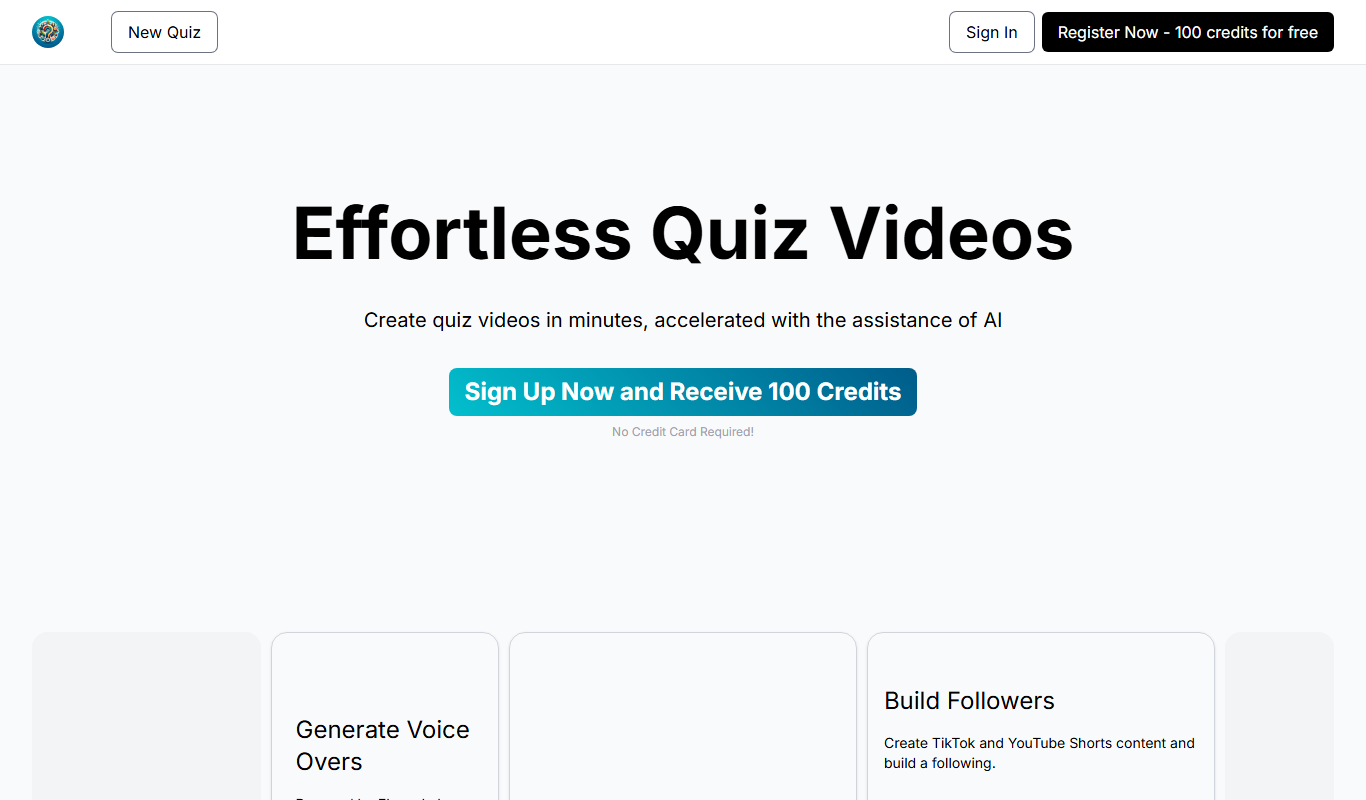
QuizTok – AI Generated Quiz Videos for TikTok
QuizTok is an AI-powered platform that generates interactive quiz videos optimized for TikTok, enabling users to create engaging content quickly without video editing skills.

Freemium
Elai.io
Elai.io is an AI-powered platform that converts text scripts into professional videos using realistic AI avatars, supporting multiple languages and scalable personalized video creation.