

Interactive Lesson Platform Nearpod for Engaging Virtual and In-Person Learning
Nearpod is an interactive educational platform that allows teachers to create and deliver engaging lessons with real-time assessments, multimedia content, and virtual reality experiences for both in-person and remote learning.
- Best for
- K-12 Classroom Engagement
- Key capability
- Interactive Slides
Save Nearpod, follow its updates and vote on it — everything stays in your account.
Sign in or create a free account
What is Nearpod?
Nearpod is an interactive learning platform designed to enhance student engagement through real-time assessments, multimedia lessons, and collaborative activities. It enables educators to create, share, and deliver interactive lessons that work seamlessly in both in-person and virtual classrooms.
Key features of Nearpod
Nearpod offers features such as interactive slides, quizzes, polls, virtual reality experiences, and real-time student feedback to create dynamic and immersive learning experiences.
Interactive Slides
Create lessons with embedded quizzes, polls, and open-ended questions.
Virtual Reality Integration
Incorporate 3D VR field trips to provide immersive learning experiences.
Real-Time Student Feedback
Monitor student progress and understanding during lessons.
Content Library
Access thousands of ready-to-use lessons across various subjects.
Cross-Platform Accessibility
Use Nearpod on web browsers, iOS, and Android devices.
Pros and cons of Nearpod
Pros
- User-friendly interface for educators and students
- Robust interactive features to boost engagement
- Cross-platform support for diverse learning environments
- Extensive library of ready-made lessons
- Real-time analytics for immediate feedback
Cons
- Advanced features require paid subscription
- Limited offline functionality
- Some users report occasional performance lag with large classes
Key use cases for Nearpod
K-12 Classroom Engagement
Teachers can create interactive lessons that include quizzes, polls, and collaborative activities to increase student participation.
Remote and Hybrid Learning
Nearpod supports synchronous and asynchronous learning, making it ideal for virtual classrooms and blended learning environments.
Professional Development
Organizations can use Nearpod to deliver engaging training sessions and workshops with real-time feedback.
Student Assessment
The platform offers formative assessment tools that help educators gauge student understanding instantly.
Content Sharing and Collaboration
Educators can share lessons and collaborate with peers to enhance curriculum development.
How Nearpod works
- 1
Sign Up
Create a free account on Nearpod’s website or app to access the platform.
- 2
Create or Choose a Lesson
Build your own interactive lesson or select from a library of pre-made lessons.
- 3
Launch the Lesson
Start the lesson live with students or assign it for self-paced learning.
- 4
Engage Students
Use interactive tools like quizzes, polls, and VR to keep students involved.
- 5
Review Results
Analyze student responses and participation data to inform instruction.
Who is using Nearpod
Nearpod pricing
Silver
$0
300 MB storage, 40 student joins per lesson and Nearpod core features and functionality.
Gold
$159/year
All Silver features plus AI Create Question Generator, 1 GB storage and 75 student joins per lesson.
Platinum
$397/year
All Gold features plus 5 GB storage, 90 student joins per lesson and student notes.
School or District license
Request a quote
Unlimited storage and 250 student joins per lesson.
Plans and prices are as published by the vendor and can change. Check the official site before you buy. Open the pricing page (opens in a new tab)
Frequently asked questions about Nearpod
Yes, Nearpod supports both synchronous and asynchronous remote learning with interactive lessons.
Yes, Nearpod offers a free plan with basic features suitable for individual educators.
Nearpod is accessible via web browsers, iOS, and Android apps.
Yes, educators can upload their own files and create custom interactive lessons.
It depends on your specific needs and how you plan to use the tool. The official website and documentation are the best sources for the latest details.
Some tools offer a free plan or trial with limited features. Availability can vary, so confirm on the official website.
Conclusion
Teachers either build their own interactive lesson or pick one from a library of pre-made lessons, then launch it live or assign it for self-paced learning. Quizzes, polls and open-ended questions are embedded in the slides, and 3D VR field trips can be added for immersive lessons. Educators can also upload their own files and turn them into custom interactive lessons. Student progress is monitored during the lesson, and responses and participation data can be analyzed afterwards.
Beyond K-12 classrooms, organizations can run training sessions and workshops on it with real-time feedback. Individual educators start on the free Silver plan, which has 300 MB of storage and 40 student joins per lesson. Gold and Platinum licenses raise those limits, while a School or District license is sold by quote with unlimited storage and LMS, LTI and rostering integrations.
Sources
Sign in to review this tool.
Sign In to ReviewNo reviews yet
Be the first to share how this tool worked for you.
Ask about pricing, limits, or how it compares — or answer someone else.
Sign In to AskNo questions yet
Have a question about using or paying for this tool? Be the first to ask.
Featured on TiorAI



Alternative Tools
Explore similar AI tools that might fit your needs
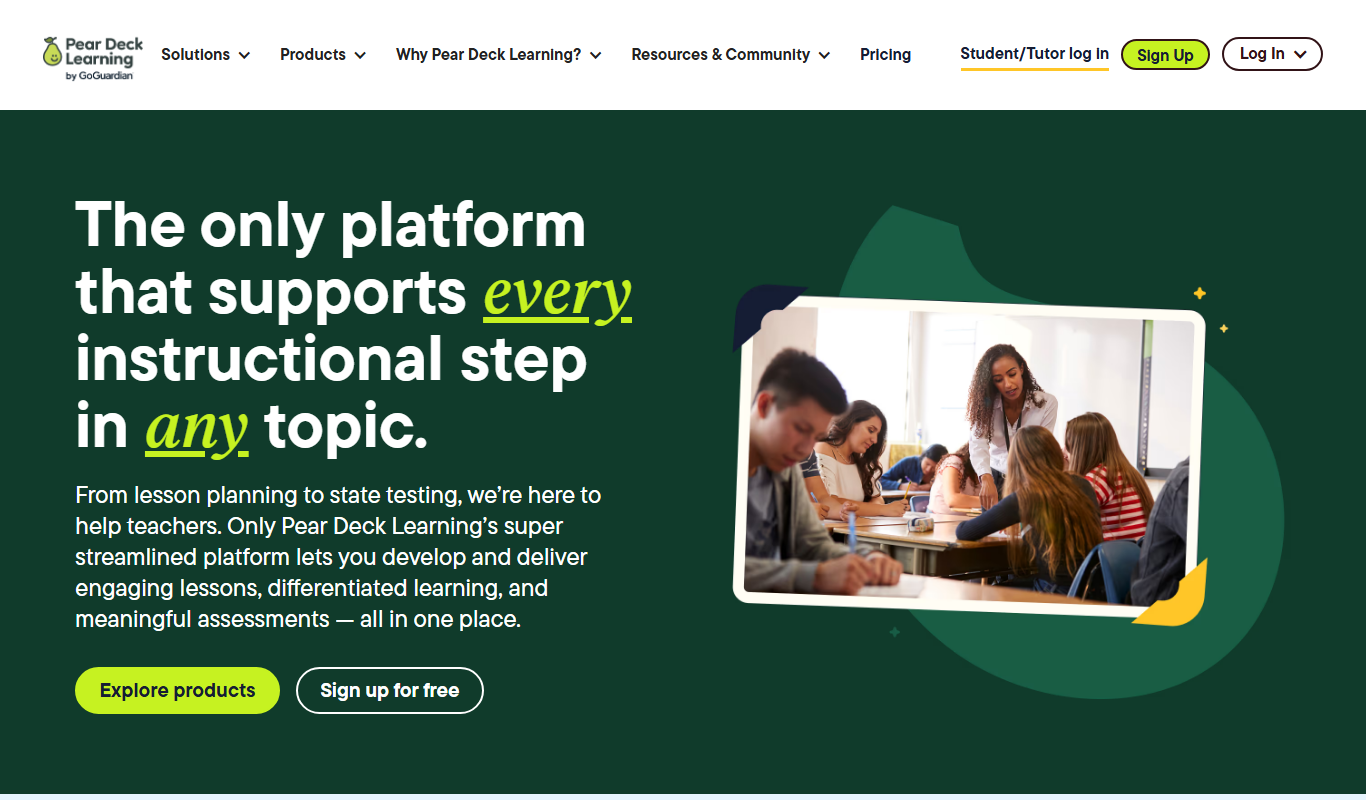
Pear Deck
Pear Deck is an interactive presentation tool that helps educators engage students through real-time questions and activities integrated into Google Slides and PowerPoint.
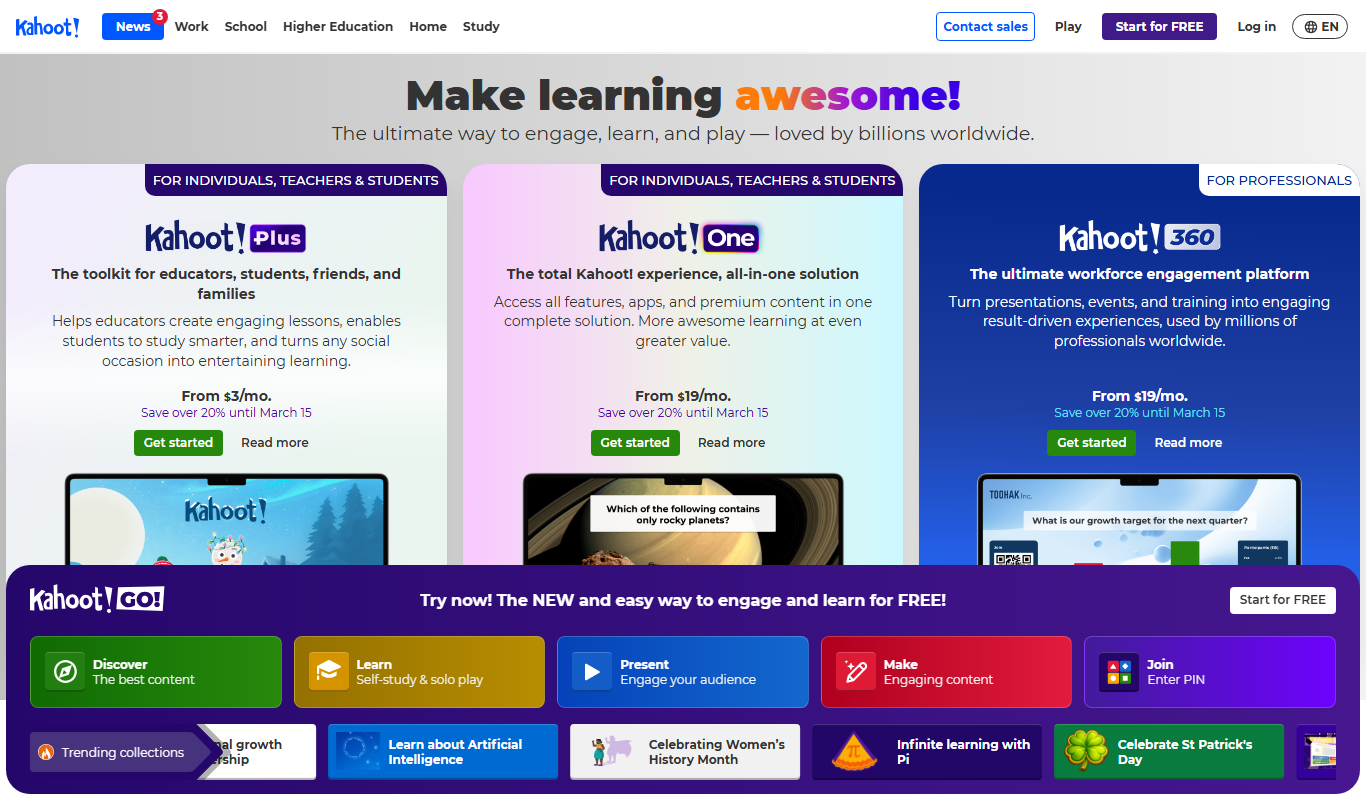
Kahoot
Kahoot is a game-based learning platform that enables users to create and play interactive quizzes and games to boost engagement in education, training, and events.
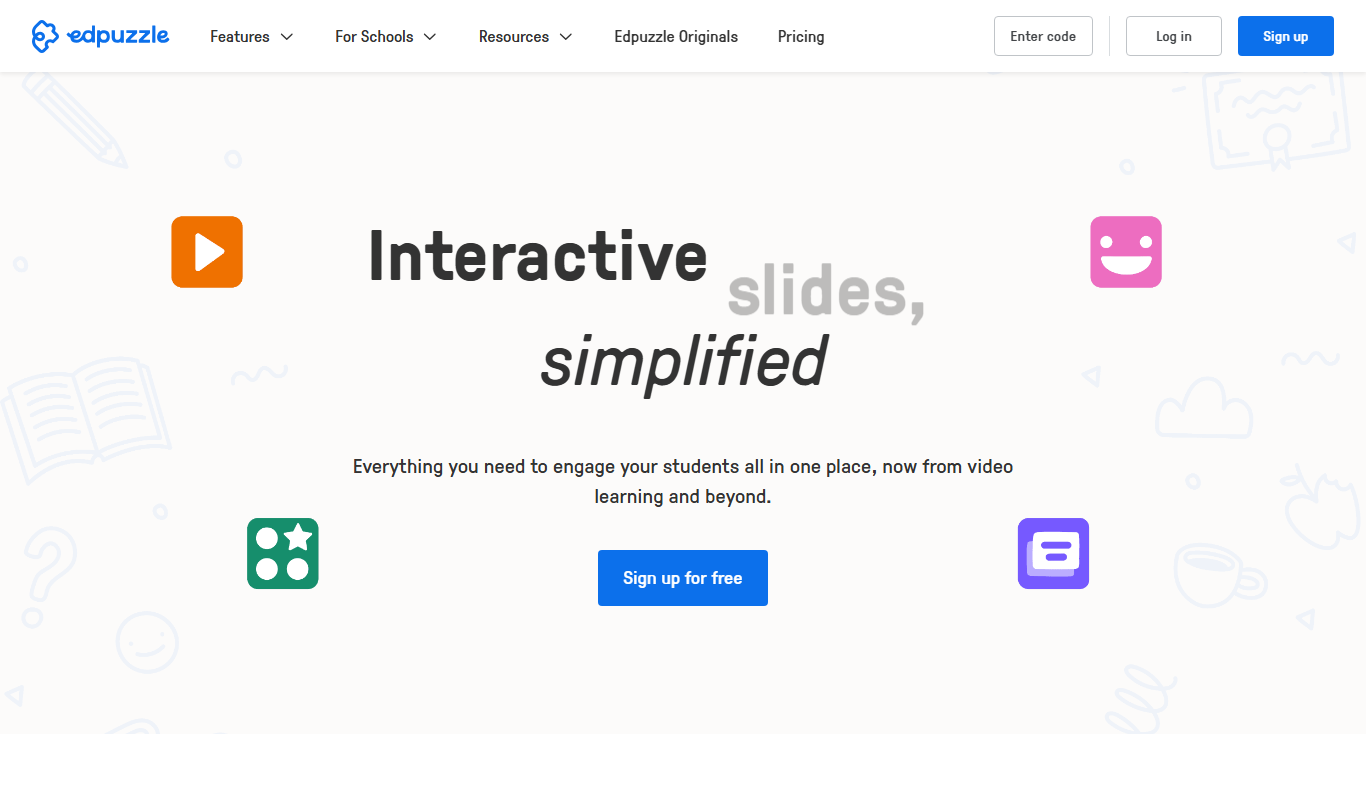
Edpuzzle
Edpuzzle is an interactive video platform that allows educators to create engaging video lessons by embedding questions and quizzes, track student progress, and integrate with learning management systems.
More AI Content Generator tools
Other tools in the same category, for when this one is not quite the fit.

LitCharts
LitCharts is an online platform providing detailed literature summaries, analyses, and educational resources to help students and educators understand and teach literary works effectively.

PDF2XL
PDF2XL is a software tool that converts PDF documents, especially tables, into editable Excel spreadsheets with features like OCR and batch processing.

Dictionary.com
Dictionary.com is a comprehensive online platform offering English word definitions, synonyms, antonyms, pronunciation guides, and grammar tips to help users improve their language skills.
Wordnik
Wordnik is a free online English dictionary that provides detailed definitions, example sentences, synonyms, and related word information to help users understand and use English words effectively.

Merriam-Webster Dictionary
Merriam-Webster Dictionary is a trusted online English dictionary offering definitions, synonyms, audio pronunciations, and language learning resources.

Sumizeit
Sumizeit is an AI-powered platform that generates concise summaries of nonfiction books to help users quickly understand key concepts without reading the full text.

Keyword Tool
Keyword Tool is an online platform that generates keyword suggestions and long-tail phrases from multiple search engines to help improve SEO and content marketing strategies.

TasteDive
TasteDive is a free online recommendation engine that suggests movies, TV shows, music, books, and more based on your favorites.