

From my experience with Edpuzzle, I found it excels at transforming traditional video content into interactive lessons that actively engage students. The platform’s intuitive interface makes it easy for educators to embed questions and track progress, which is invaluable for remote and hybrid learning environments. However, the free plan’s limited storage and features mean that serious users will likely need to upgrade to access the full potential. Overall, if you want to enhance student participation and assessment through video, Edpuzzle offers a practical and effective solution.
Edpuzzle Video Lesson Platform for Interactive Learning and Teaching Tools
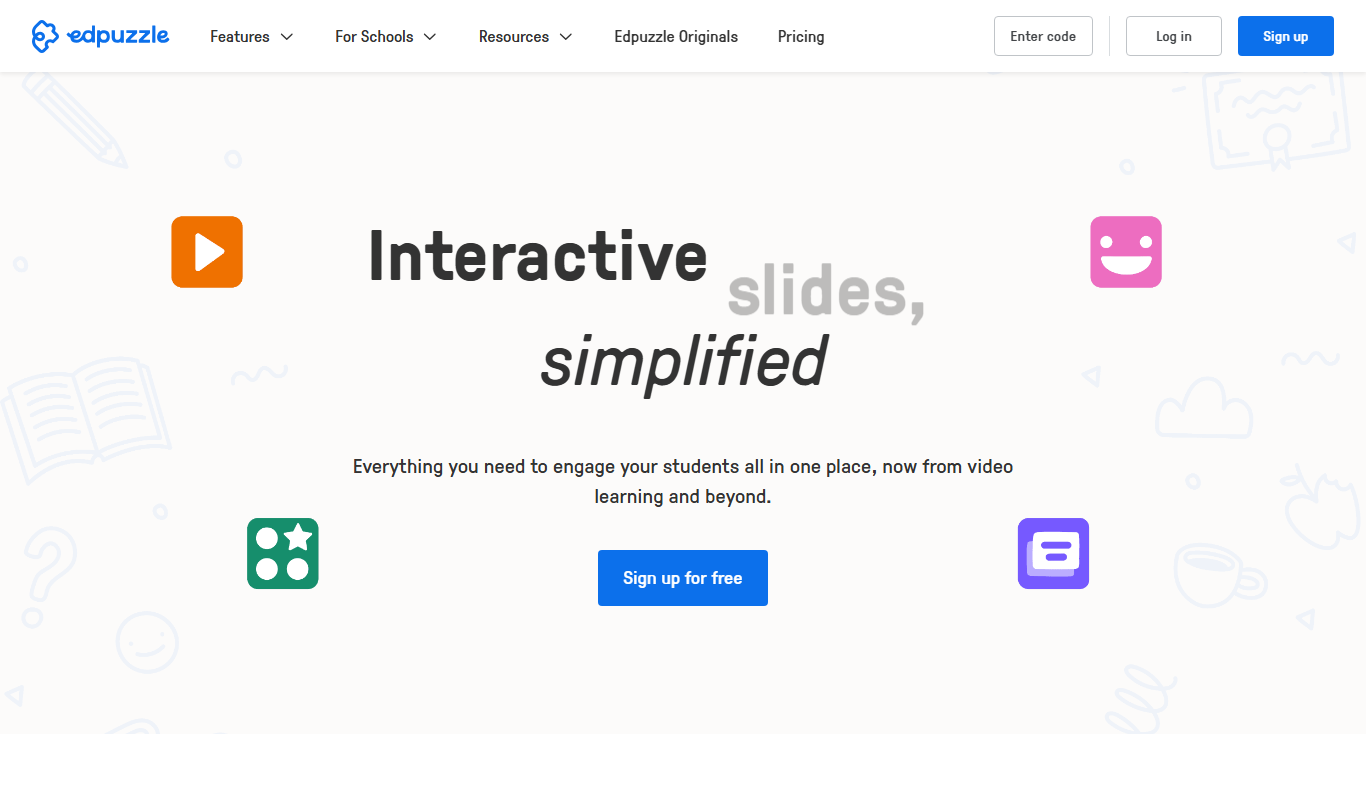
Edpuzzle is an interactive video platform that allows educators to create engaging video lessons by embedding questions and quizzes, track student progress, and integrate with learning management systems.
- Best for
- Interactive Video Lessons
- Key capability
- Interactive Video Editing
Do you recommend this tool?
What is Edpuzzle?
Edpuzzle is an interactive video platform designed primarily for educators to create engaging video lessons by embedding questions, audio notes, and quizzes directly into videos. It transforms passive video watching into an active learning experience, allowing teachers to monitor student engagement and comprehension in real time.
Key features of Edpuzzle
Key features include video editing tools to add interactive elements, a large library of educational videos, student progress tracking dashboards, integration with popular learning management systems, and multi-device accessibility.
Interactive Video Editing
Add multiple choice, open-ended questions, and audio notes within videos.
Extensive Video Library
Access thousands of pre-made educational videos across various subjects.
Real-Time Analytics
Track student engagement, completion rates, and quiz results instantly.
LMS Integration
Seamlessly integrates with platforms like Google Classroom, Canvas, and Schoology.
Multi-Platform Access
Use Edpuzzle on web browsers, iOS, and Android devices for flexible learning.
Pros and cons of Edpuzzle
Pros
- Engages students actively with interactive video content
- Easy to use interface for teachers and students
- Supports multiple languages and platforms
- Detailed analytics for monitoring student progress
- Integrates well with popular LMS systems
Cons
- Free plan has limited video storage and features
- Some advanced features require paid subscription
- Video editing tools are basic compared to dedicated video editors
Key use cases for Edpuzzle
Interactive Video Lessons
Teachers can create video lessons with embedded questions to engage students actively.
Student Assessment
Educators can assess student understanding through quizzes integrated directly into videos.
Flipped Classroom
Supports flipped classroom models by allowing students to watch and interact with lessons at home.
Remote Learning
Facilitates remote and hybrid learning environments with accessible video content.
Progress Tracking
Teachers can track student progress and responses in real-time for personalized feedback.
How Edpuzzle works
- 1
Sign Up
Create a free account as a teacher or student on the Edpuzzle platform.
- 2
Create or Select Video
Choose a video from Edpuzzle’s library or upload your own to customize.
- 3
Add Interactive Elements
Embed questions, audio notes, and quizzes at specific points in the video.
- 4
Assign to Students
Share the interactive video lesson with your class or individual students.
- 5
Track Progress
Monitor student responses and engagement through detailed analytics.
Who is using Edpuzzle
K-12 teachers
Higher education instructors
Educational institutions
Remote and hybrid learning facilitators
Instructional designers
Edpuzzle pricing
Basic
$0/month
Free plan with limited video storage and basic features.
Pro Teacher
$11.50/month
Expanded video storage, advanced analytics, and premium support.
School & District
Custom pricing
Enterprise-level features, integrations, and dedicated account management.
Plans and prices are as published by the vendor and can change. Check the official site before you buy. Open the pricing page (opens in a new tab)
Frequently asked questions about Edpuzzle
Yes, teachers can upload their own videos to customize lessons with interactive elements.
Edpuzzle offers a free Basic plan with limited features and paid plans for more advanced options.
Yes, it integrates with popular LMS platforms like Google Classroom, Canvas, and Schoology.
Yes, Edpuzzle has apps for both iOS and Android devices.
It depends on your specific needs and how you plan to use the tool. The official website and documentation are the best sources for the latest details.
Yes, it can help with that use case depending on how you configure it and what features are available. You’ll get the best results with clear inputs and a defined goal.
Sign in to review this tool.
Sign In to ReviewNo reviews yet
Be the first to share how this tool worked for you.
Ask about pricing, limits, or how it compares — or answer someone else.
Sign In to AskNo questions yet
Have a question about using or paying for this tool? Be the first to ask.
Featured on TiorAI



Alternative Tools
Explore similar AI tools that might fit your needs

Free
Nearpod
Nearpod is an interactive educational platform that allows teachers to create and deliver engaging lessons with real-time assessments, multimedia content, and virtual reality experiences for both in-person and remote learning.
Free
Kahoot
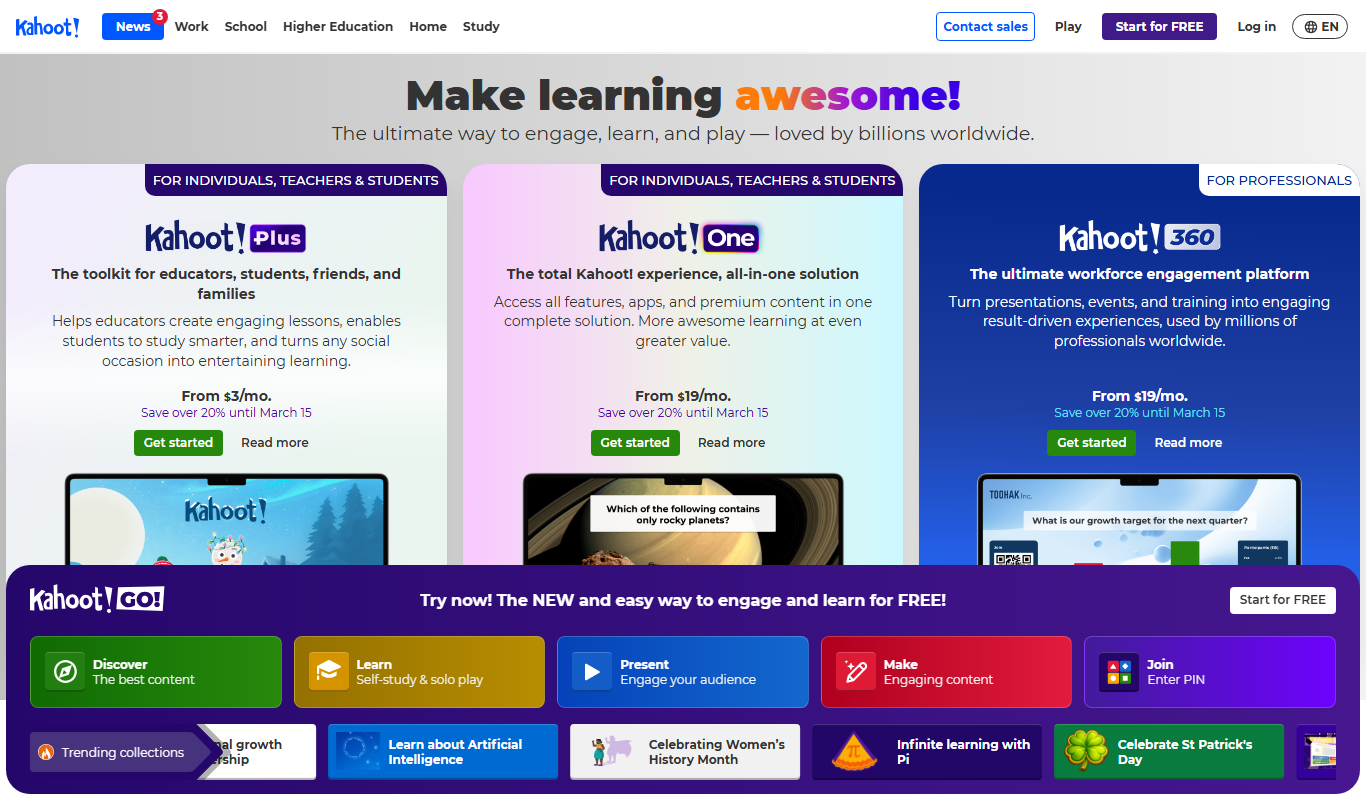
Kahoot is a game-based learning platform that enables users to create and play interactive quizzes and games to boost engagement in education, training, and events.
More Education tools
Other tools in the same category, for when this one is not quite the fit.

Free
Flashcard Machine
Flashcard Machine is a web-based tool for creating and studying custom flashcards with multiple study modes and sharing capabilities.

Free
Keybr
Keybr is a free web-based typing tutor that uses adaptive algorithms to help users learn touch typing by focusing on their weak keys and tracking progress.

Free
Typing.com
Typing.com is a free online platform offering typing lessons, games, and tests to help users learn and improve typing skills with additional classroom management features for educators.
Freemium
Newsela
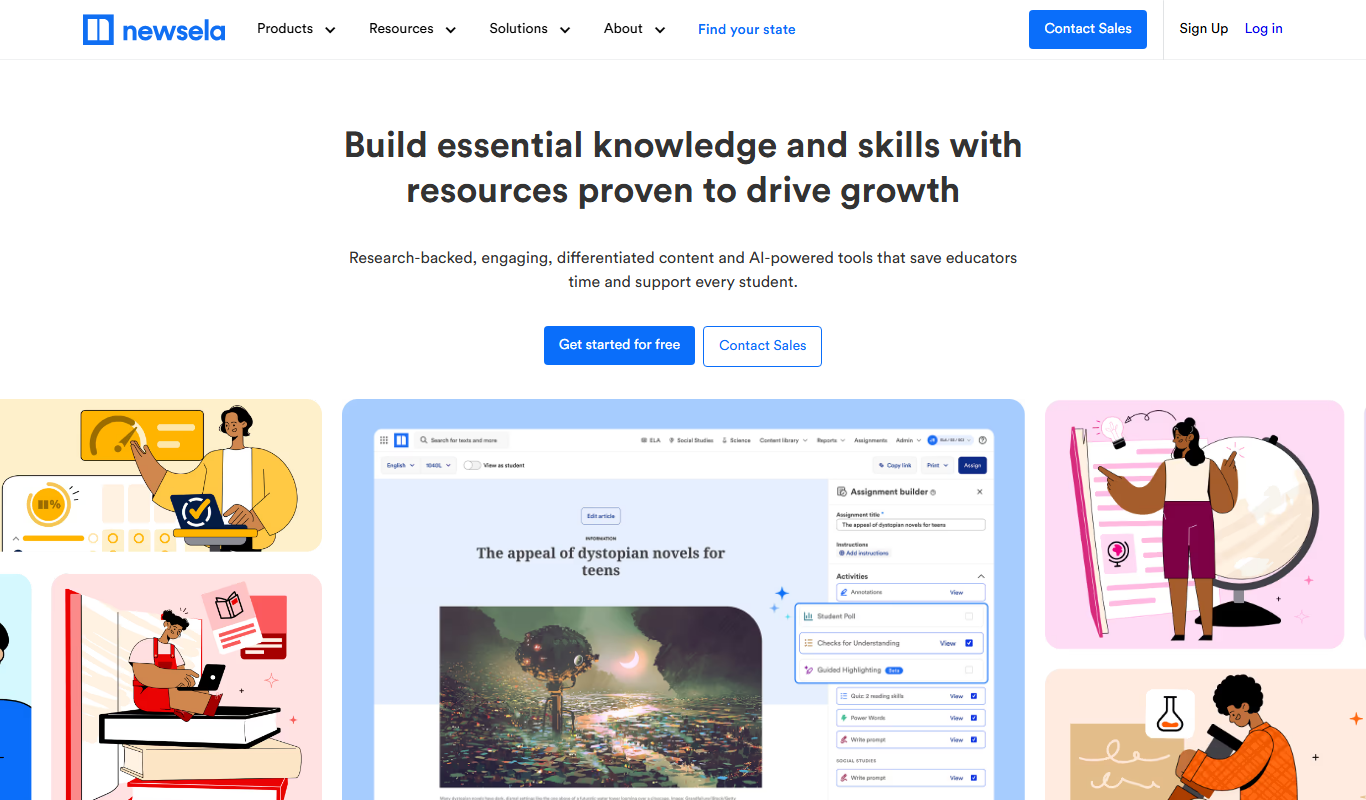
Newsela is an educational platform providing leveled reading content and instructional tools to personalize learning and improve literacy for K-12 students.

Free
GoConqr
GoConqr is an online learning platform that enables users to create and share interactive study materials such as mind maps, quizzes, and flashcards to improve learning and collaboration.

Subscription
GCSEPod
GCSEPod is an online platform providing curriculum-aligned video lessons and quizzes to support GCSE students in their exam revision and study.

Freemium
LessonUp
LessonUp is a web-based platform that enables educators to create interactive, multimedia-rich lessons with quizzes and real-time feedback, ideal for remote and hybrid teaching.

Free
Common Curriculum
Common Curriculum is a web-based platform that helps educators create, organize, and share lesson plans aligned with educational standards, supporting collaboration and curriculum mapping.