

From my experience with GCSEPod, I found it excels at delivering concise, curriculum-focused video lessons that make GCSE revision manageable and engaging. The platform’s combination of videos and quizzes supports active learning and helps students identify knowledge gaps effectively. It’s particularly well-suited for secondary school students and teachers looking for a structured digital resource aligned with UK GCSE standards. However, the subscription cost might be a barrier for some individual users, and the content is limited to the GCSE curriculum in English. Overall, if you need a reliable, curriculum-aligned study aid for GCSEs, GCSEPod offers solid, practical support.
GCSEPod Online Learning Platform for GCSE Revision and Study Support
GCSEPod is an online platform providing curriculum-aligned video lessons and quizzes to support GCSE students in their exam revision and study.
- Best for
- GCSE Exam Revision
- Key capability
- Curriculum-Aligned Video Lessons
Your actions
Save GCSEPod, follow its updates and vote on it — everything stays in your account.
Sign in or create a free account
What is GCSEPod?
GCSEPod is an online learning platform designed to support students studying for their GCSEs in the UK. It provides thousands of short, curriculum-focused video lessons called ‘pods’ across a wide range of subjects. The platform combines video content with quizzes and progress tracking to help students learn efficiently and prepare for exams.
Key features of GCSEPod
GCSEPod’s main features include curriculum-aligned video lessons, interactive quizzes, personalized learning pathways, progress tracking for students and teachers, and mobile access via apps. It integrates audio and visual learning to enhance retention and engagement.
Curriculum-Aligned Video Lessons
Thousands of concise videos mapped to GCSE specifications for effective revision.
Interactive Quizzes
Engaging quizzes after each video to test knowledge and reinforce learning.
Personalized Learning Pods
Customizable learning pathways tailored to individual student needs.
Progress Tracking Dashboard
Detailed analytics for students and teachers to monitor performance.
Mobile App Access
Study on the go with apps available for iOS and Android devices.
Pros and cons of GCSEPod
Pros
- Curriculum-aligned content tailored for GCSE exams
- Short, focused video lessons improve engagement
- Interactive quizzes reinforce learning
- Accessible on multiple devices including mobile
- Useful progress tracking for students and teachers
Cons
- Subscription pricing may be costly for some individuals
- Limited to GCSE curriculum, not suitable for other qualifications
- Primarily English language content only
Key use cases for GCSEPod
GCSE Exam Revision
Students use GCSEPod to revise GCSE subjects through concise, curriculum-aligned video lessons and quizzes.
Homework Support
GCSEPod provides resources and explanations to help students complete homework assignments effectively.
Teacher Resource
Teachers use GCSEPod to assign content, track student progress, and supplement classroom teaching.
Independent Study
Learners can study independently at their own pace using GCSEPod’s structured learning pods.
Exam Preparation
GCSEPod offers targeted revision materials and practice questions to prepare students for final exams.
How GCSEPod works
- 1
Sign Up
Schools or individuals create an account on GCSEPod’s platform.
- 2
Select Subjects
Users choose the GCSE subjects they want to study or teach.
- 3
Access Video Pods
Students watch short, focused video lessons covering key topics.
- 4
Complete Quizzes
Interactive quizzes follow each pod to reinforce learning and assess understanding.
- 5
Track Progress
Teachers and students monitor progress and identify areas needing improvement.
Who is using GCSEPod
Secondary school students preparing for GCSEs
Teachers seeking digital teaching resources
Parents supporting their children’s revision
Tutors providing GCSE exam preparation
Schools implementing blended learning
GCSEPod pricing
School Subscription
Varies
Custom pricing based on school size and number of users.
Individual Subscription
Approximately £10/month
Access for individual learners with full platform features.
Plans and prices are as published by the vendor and can change. Check the official site before you buy. Open the pricing page (opens in a new tab)
Frequently asked questions about GCSEPod
GCSEPod covers a wide range of GCSE subjects including English, Maths, Science, History, Geography, and more.
Yes, GCSEPod offers apps for both iOS and Android devices for learning on the go.
Absolutely, teachers can assign pods, track student progress, and use the platform as a teaching aid.
GCSEPod occasionally offers free trials or demo access; check their website for current offers.
Yes, it can help with that use case depending on how you configure it and what features are available. You’ll get the best results with clear inputs and a defined goal.
Some tools offer a free plan or trial with limited features. Availability can vary, so confirm on the official website.
Yes, it can help with that use case depending on how you configure it and what features are available. You’ll get the best results with clear inputs and a defined goal.
Yes, it can help with that use case depending on how you configure it and what features are available. You’ll get the best results with clear inputs and a defined goal.
Sign in to review this tool.
Sign In to ReviewNo reviews yet
Be the first to share how this tool worked for you.
Ask about pricing, limits, or how it compares — or answer someone else.
Sign In to AskNo questions yet
Have a question about using or paying for this tool? Be the first to ask.
Featured on TiorAI



Alternative Tools
Explore similar AI tools that might fit your needs

Free
Seneca Learning
Seneca Learning is an AI-powered online platform that helps students revise school subjects through interactive quizzes, summaries, and personalized learning paths aligned with UK curricula.

Free
Khan Academy
Khan Academy is a free online educational platform providing video lessons, interactive exercises, and personalized learning tools for students, teachers, and parents worldwide.
More AI Audio Enhancer tools
Other tools in the same category, for when this one is not quite the fit.

Free Trial
Acon Digital DeNoise
Acon Digital DeNoise is a professional audio noise reduction tool that removes unwanted background noise from recordings using adaptive algorithms, available as standalone software and plugins for Windows and macOS.
One-time purchase
Waves X-Noise
Waves X-Noise is a professional audio plugin that uses advanced algorithms to reduce background noise such as hiss and hum in music and audio recordings, improving clarity and quality.
Freemium
Izotope RX
Izotope RX is a professional audio repair software that uses AI-driven tools to remove noise, clicks, hum, and other audio imperfections, widely used in music production, podcast editing, and post-production.
Free
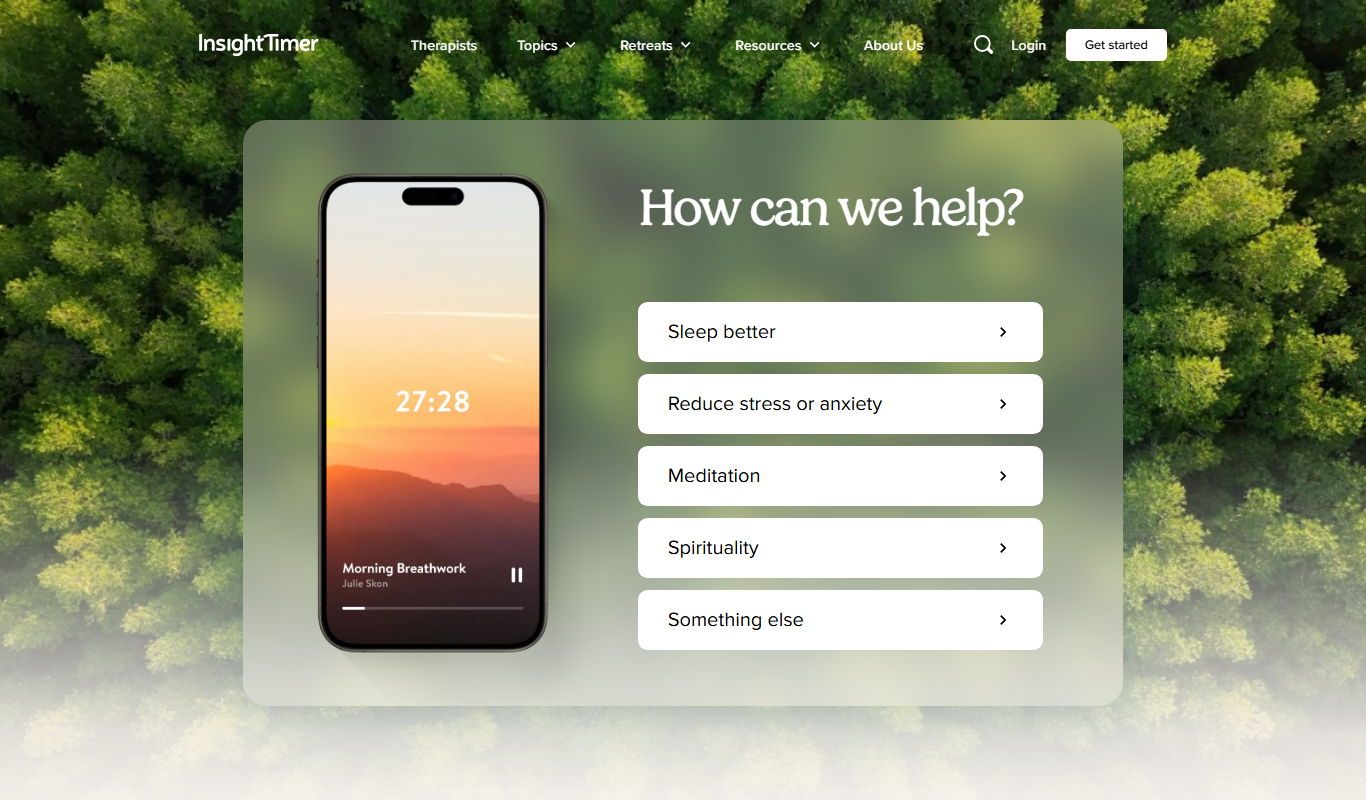
Insight Timer
Insight Timer is a meditation app providing thousands of free guided meditations, sleep music, and mindfulness tools accessible on mobile and web platforms.
Free
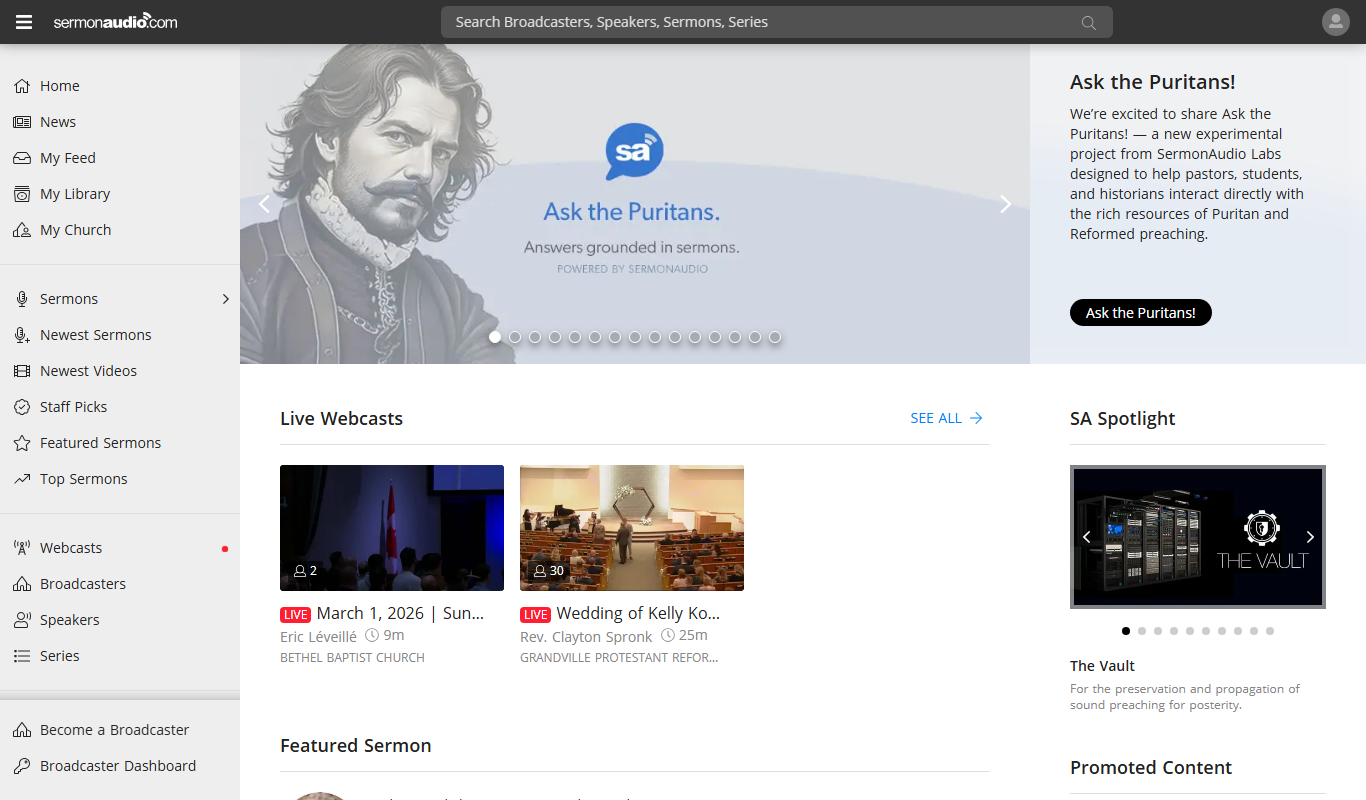
SermonAudio
SermonAudio is an online platform that allows users to stream, upload, and share Christian sermons and religious audio content, including live broadcasts and podcasts.

Free
Ayat – Al Quran
Ayat Al Quran is a free digital Quran application providing Arabic text, multiple translations, synchronized audio recitations, and tafsir to support Quran reading, listening, and study.

Freemium
Soundly
Soundly is a cloud-based sound effects library and audio editing tool that provides instant access to thousands of high-quality sounds, integrated editing features, and cloud syncing for creative professionals.
One-time purchase
Boom Library
BOOM Library is a professional provider of high-quality, royalty-free sound effects used in film, TV, games, and music production, offering extensive libraries with detailed metadata and high-resolution audio files.