

From my experience with Keybr, I found it excels at providing an adaptive and personalized approach to learning touch typing. The way it focuses on your weak keys by generating natural letter combinations makes practice more effective than repetitive drills. After spending time with the platform, I can say it’s particularly well-suited for beginners and intermediate users who want to improve typing speed and accuracy without distractions or cost. However, there’s a trade-off: it lacks mobile apps and gamification features that some learners might find motivating. Overall, if you need a straightforward, free, and adaptive typing tutor accessible from any browser, Keybr delivers solid results.
Keybr Typing Tutor - Learn Touch Typing with Adaptive Practice Online
Keybr is a free web-based typing tutor that uses adaptive algorithms to help users learn touch typing by focusing on their weak keys and tracking progress.
- Best for
- Learn Touch Typing
- Key capability
- Adaptive Algorithm
Your actions
Save Keybr, follow its updates and vote on it — everything stays in your account.
Sign in or create a free account
What is Keybr?
Keybr is an online typing tutor designed to teach and improve touch typing skills through adaptive, randomized exercises. It generates unique letter combinations that mimic natural language patterns to help users develop muscle memory and typing fluency without looking at the keyboard.
Key features of Keybr
Keybr offers adaptive typing lessons, real-time error tracking, detailed progress statistics, multiple language support, and a clean, distraction-free interface accessible via web browsers.
Adaptive Algorithm
Automatically adjusts exercises based on user errors to target weak points.
Randomized Letter Combinations
Generates natural-looking letter sequences to simulate real typing scenarios.
Progress Tracking
Detailed statistics on typing speed, accuracy, and error types.
Multi-language Support
Supports typing practice in several languages including English, Spanish, French, German, Portuguese, and Italian.
Clean Web Interface
Minimalistic design focused on distraction-free typing practice.
Pros and cons of Keybr
Pros
- Adaptive learning focuses on individual weaknesses
- Completely free with no hidden costs
- Supports multiple languages
- Clean and user-friendly interface
- No installation required, accessible via web
Cons
- Limited to web platform only
- No mobile app available
- Lacks gamification elements to motivate some users
Key use cases for Keybr
Learn Touch Typing
Keybr helps users learn touch typing by generating random but pronounceable letter combinations to practice typing without looking at the keyboard.
Improve Typing Speed and Accuracy
Users can track their progress in typing speed and accuracy through detailed statistics and adapt their practice sessions accordingly.
Personalized Typing Practice
The tool adapts the difficulty and letter combinations based on the user's mistakes to focus on weak areas.
Typing Skill Assessment
Keybr provides tests and exercises to assess typing skills and monitor improvement over time.
How Keybr works
- 1
Start Typing Practice
Users begin by typing the generated letter combinations displayed on screen.
- 2
Adaptive Learning
The system analyzes typing errors and adjusts the difficulty by focusing on problematic letters and sequences.
- 3
Track Progress
Users can view detailed statistics on speed, accuracy, and error patterns to monitor improvement.
- 4
Repeat and Improve
Regular practice sessions help reinforce muscle memory and increase typing proficiency.
Who is using Keybr
Students learning to type
Professionals seeking to improve typing speed
Educators teaching keyboarding skills
Remote workers needing efficient typing
Anyone wanting to improve typing accuracy
Keybr pricing
Free
$0
Full access to all typing lessons and features without any cost.
Plans and prices are as published by the vendor and can change. Check the official site before you buy. Open the pricing page (opens in a new tab)
Frequently asked questions about Keybr
Yes, Keybr offers all its typing lessons and features completely free of charge.
Yes, Keybr supports multiple languages including Spanish, French, German, Portuguese, and Italian.
Yes, Keybr provides detailed statistics on your typing speed, accuracy, and error patterns.
No, Keybr is a web-based application accessible through any modern browser.
It depends on your specific needs and how you plan to use the tool. The official website and documentation are the best sources for the latest details.
It depends on your specific needs and how you plan to use the tool. The official website and documentation are the best sources for the latest details.
Yes, it can help with that use case depending on how you configure it and what features are available. You’ll get the best results with clear inputs and a defined goal.
Yes, it can help with that use case depending on how you configure it and what features are available. You’ll get the best results with clear inputs and a defined goal.
Sign in to review this tool.
Sign In to ReviewNo reviews yet
Be the first to share how this tool worked for you.
Ask about pricing, limits, or how it compares — or answer someone else.
Sign In to AskNo questions yet
Have a question about using or paying for this tool? Be the first to ask.
Featured on TiorAI



Alternative Tools
Explore similar AI tools that might fit your needs

Free
10FastFingers
10FastFingers is a free online typing test platform that helps users measure and improve their typing speed and accuracy through practice and competitions.
More AI Content Generator tools
Other tools in the same category, for when this one is not quite the fit.

Free Trial
Sermonary
Sermonary is an AI-based sermon writing software that helps pastors and church leaders create, organize, and collaborate on sermons with integrated Bible references and templates.

Subscription
Bayyinah TV
Bayyinah TV is an online educational platform by Bayyinah Institute providing comprehensive Quranic Arabic and Islamic studies courses through video lessons and interactive content.
Free
CK-12 Foundation
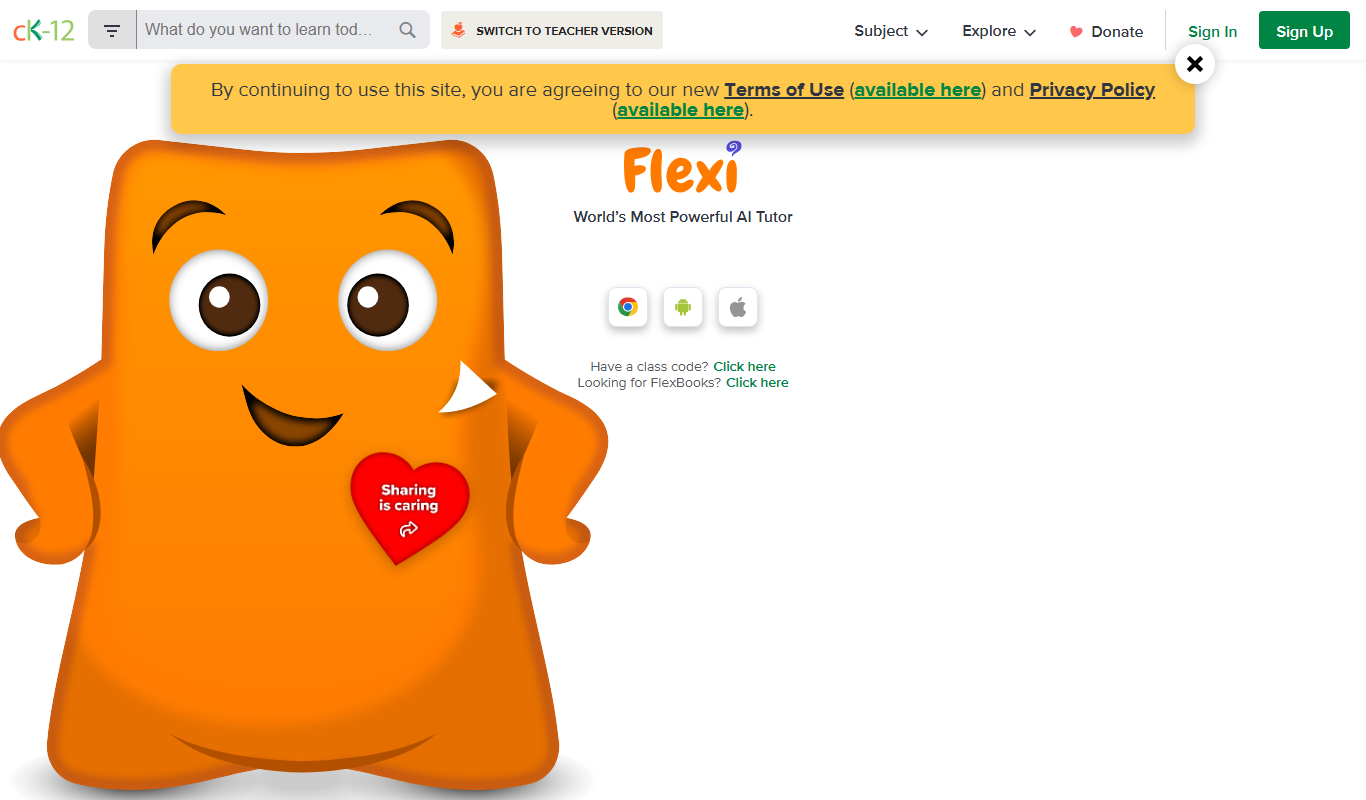
CK-12 Foundation is a free online platform providing customizable STEM educational resources, including digital textbooks, interactive simulations, and adaptive exercises for K-12 students and teachers.

Free
Zotero
Zotero is a free, open-source reference management tool that helps researchers collect, organize, cite, and share research materials with browser integration and citation style support.

Free
Mendeley
Mendeley is a reference management software and academic social network that helps researchers organize PDFs, generate citations, and collaborate with peers.

Freemium
PaperPal
PaperPal is an AI writing assistant that improves grammar, style, and originality of academic and professional texts through real-time feedback and plagiarism detection.

Free
Litmaps
Litmaps is a web-based tool that helps researchers discover and visualize academic literature through interactive citation networks, enabling efficient literature reviews and research trend analysis.

Free
Chunkbase
Chunkbase is a free web tool that helps Minecraft players find seeds, explore biomes, and locate structures using interactive maps.